
 By Emma Carter · October 24, 2026
This ableton sampler guide is built for EDM producers who need usable sounds, not a tour of every button. The ableton sampler guide workflow below is simple: choose the right source, map it cleanly, shape the envelope, resample when needed, then process it so it survives a loud drop and a phone speaker.
Sampler is not just a bigger Simpler. It handles multisamples, velocity layers, loop points, modulation, zones, FM-style tone shaping and proper key tracking. That matters when you want a vocal chop to play like an instrument, a bass resample to stay tight under a kick, or a drum one-shot to hit the same every time. The aim here is practical EDM output: cleaner drops, faster edits, fewer mystery clicks, and samples you can actually release.
Ableton Sampler Guide Setup: Start With the Right Source
Bad samples make Sampler feel worse than it is. Start with a clean file, set gain before modulation, and save the patch before you start smashing effects onto it.
Drag a sample into Sampler, not Simpler, when you need key zones, loop controls, velocity mapping, or a playable instrument. For a one-shot riser or quick stab, Simpler is fine. For an EDM hook that must work across two octaves, use Sampler and tune it properly.
Ableton sampler guide Gain Staging
Keep the raw sample peaking around -12 dBFS before compression. Use Sampler’s Volume control first, then track gain. Leave roughly -6 dB of headroom on the channel if the part will hit a bus limiter later.
- Set Root Key by ear, then confirm with Ableton Tuner.
- Use Warp before bouncing if timing matters.
- Trim silence so MIDI timing stays tight.
- Fade the start by 1 to 5 ms if you hear clicks.
- Use 24-bit WAV or AIFF when possible.
- Avoid stereo samples with heavy chorus for bass patches.
- Normalise only if the source is extremely quiet.
- Name patches by key, BPM and job, not random mood words.

Turn Vocal Chops Into a Playable Hook
A vocal chop works when the consonants stay sharp and the vowels carry the melody. Load a short phrase, slice the best syllables manually, then map them across adjacent MIDI notes.
For modern EDM, avoid random chopping first. Find three or four syllables with different vowel shapes, such as ah, eh, oh and ee. Put each onto its own key zone. If the hook feels stiff, shift one chop 10 to 20 ms late instead of adding more swing to the whole track.
Make the Chop Stay Tight
Set Attack to 0.5 to 3 ms, Decay around 250 ms, Sustain at -6 dB, and Release between 60 and 140 ms. Shorter release sounds more festival-pop. Longer release can smear into future bass territory.
Use Filter 1 as a gentle high-pass at 120 Hz, then add a band-pass automation sweep before the drop. A 12 dB/oct filter slope usually keeps the vocal present without making it nasal.
- Use one clean phrase, not ten mediocre ones.
- Transpose formant-heavy chops by no more than 5 semitones before artefacts become obvious.
- Layer a breath or noise tail quietly under the hook for movement.
- Sidechain the vocal bus 2 to 4 dB against the kick.
Resample Bass Without Losing the Low End
Bass resampling is not about making a mess, it is about printing movement and choosing the best 500 ms. Record a synth bass phrase to audio, cut one strong note, then rebuild it inside Sampler.
This is where an ableton sampler guide earns its keep. A resampled bass can carry distortion, filter motion and phase quirks from the original patch while still behaving like a stable instrument. Keep the sub separate if the source has wild stereo effects.
Split Sub and Mid Bass
Duplicate the MIDI. Use a clean sine or triangle sub below 90 Hz, then let Sampler handle the mid layer. High-pass the Sampler bass at 85 to 110 Hz with EQ Eight. Keep everything below 120 Hz mono.
For aggressive drops, loop a 1-cycle or 2-cycle section in Sampler and enable crossfade around 10 to 30 percent. If the loop clicks, move the loop start to a zero crossing and shorten the release.
- Bounce bass at the project sample rate before loading it.
- Check phase against the kick after every resample pass.
- Use Saturator before Sampler for printed grit, not after every time.
- Low-pass harsh mid bass around 8 to 12 kHz if it fights the vocal.
Build Multisampled Instruments That Do Not Feel Fake
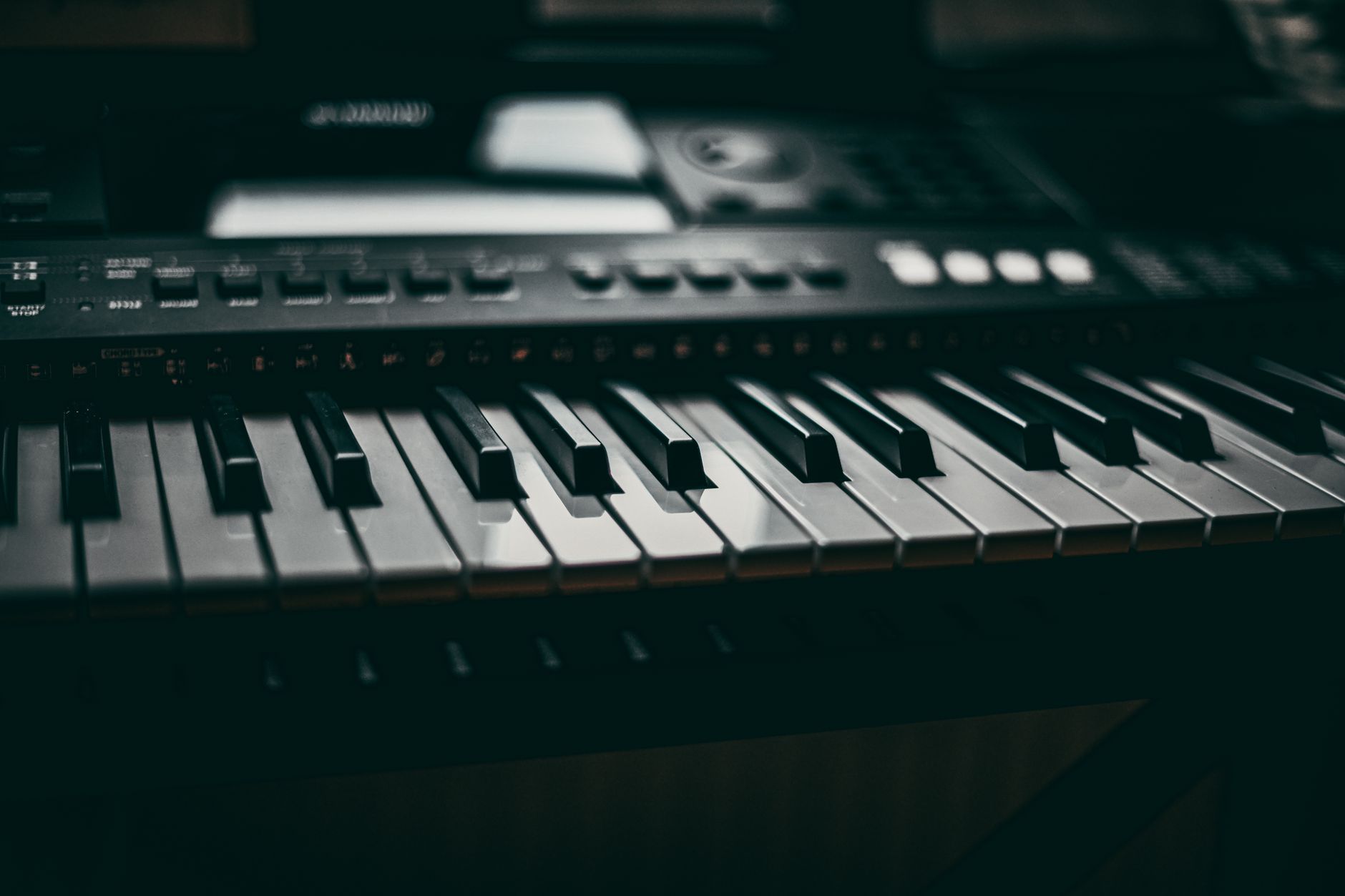
One sample stretched across five octaves sounds cheap fast. Use zones, root keys and velocity layers if you want pianos, plucks, vocal pads or found-sound instruments to sit like real parts.
Record or collect notes every minor third as a minimum. For a lead vocal pad, C, D#, F#, A across two octaves is enough to avoid obvious chipmunking. Set each sample’s root key, then drag zone edges until every note has a nearby source.
Zone Mapping That Feels Musical
Use crossfades between zones if the tone changes sharply. Keep crossfades narrow, around 2 to 4 semitones, so the patch does not phase weirdly. Velocity layers help more than random pitch modulation for believable instruments.
For EDM plucks, assign velocity to filter cutoff by 10 to 25 percent. Low velocities get darker. Hard hits open up. That gives you movement without drawing automation on every note.
- Tune each source before mapping, not after.
- Loop sustained samples after the transient, never through it.
- Use 5 to 20 ms loop crossfade for pads.
- Save the instrument before adding reverb or delay.

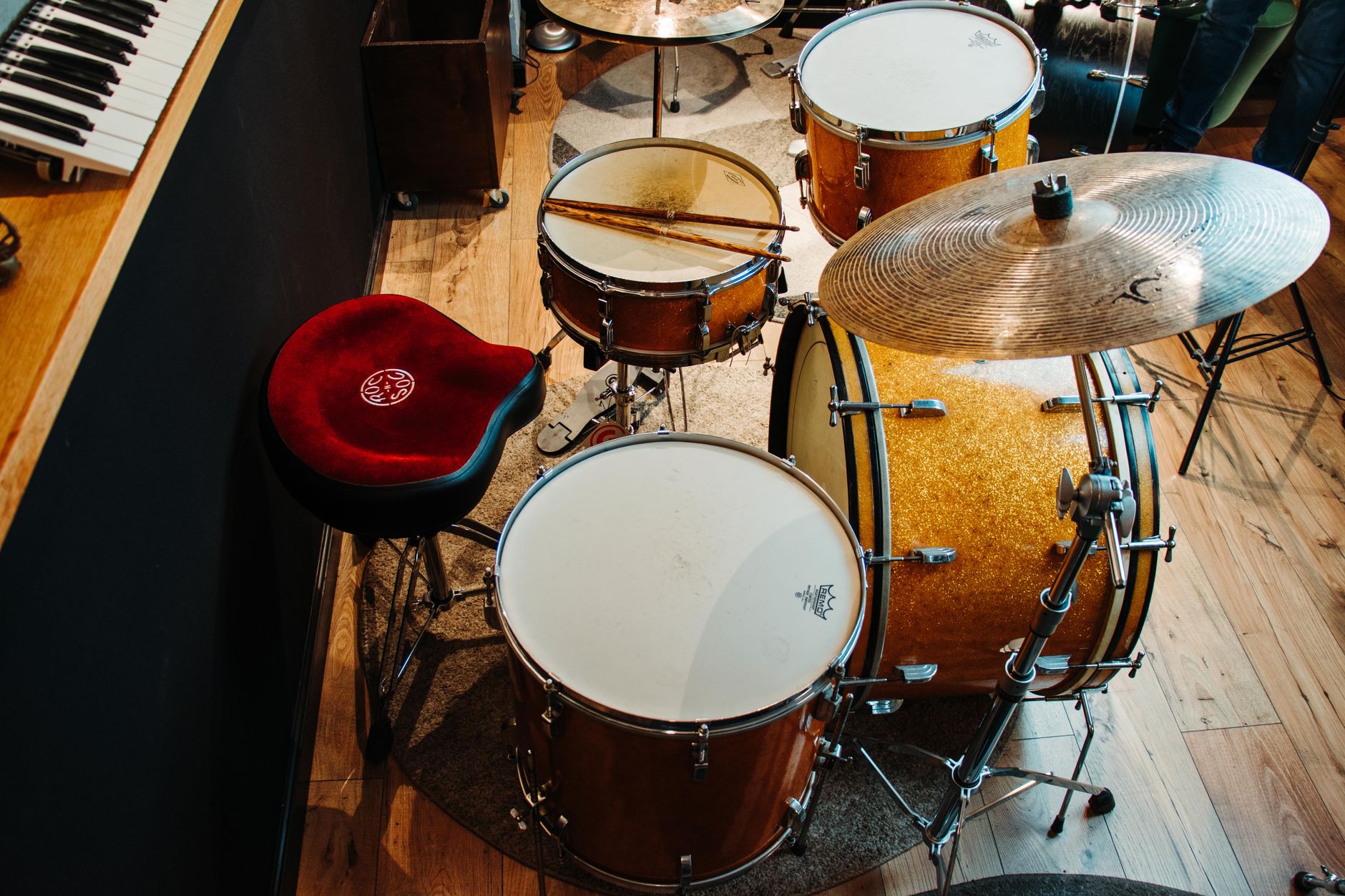
Make Drum One-Shots Hit the Same Every Time
Sampler is brutal in a good way for consistent drums. Load kicks, claps, snares or foley hits when you want fixed tuning, clean envelopes and velocity control without Drum Rack clutter.
For kicks, turn off anything that changes pitch unless you mean it. Set Sustain to full if it is a complete one-shot, or use Decay to shorten the tail for busy drops. A 5 ms fade-in can ruin punch, so keep kick attack at 0 ms unless there is a click problem.
Velocity and Pitch Control
Map velocity to volume lightly, around 10 to 20 percent, for claps and percussion. For main kicks in EDM, keep velocity response at 0 percent unless the groove needs dynamics. Club drums usually need repeatability.
Transpose snares by 1 to 3 semitones to match the key centre. Tune toms and tonal percussion more carefully. If a snare fundamental sits at 220 Hz and the track is in A, either tune it or notch the ring.
- Use shorter release for fast 16th-note percussion.
- Keep kick samples mono unless the top layer is separate.
- Layer transient and body on different chains for control.
- Bounce layered drums into a fresh one-shot once they work.
Source Samples You Can Release Without Drama
A sick sample is useless if you cannot legally put it on Spotify, Beatport or a client delivery. Use royalty-free libraries, cleared sample platforms, original recordings or licensed collaborations.
Splice, Loopcloud and Tracklib solve different problems. Splice and Loopcloud are strong for royalty-free loops and one-shots. Tracklib is built around sampling existing records with a clearance path. Read the licence for each platform instead of assuming every download is safe in every context.
Practical Clearance Checks
Keep a folder note with source, date, licence type and project name. If a vocalist sent you stems, get written permission for usage, splits and release territory before you build the drop around their hook.
Watch out for sample pack demo songs. A loop may be royalty-free, but the full demo track usually is not yours to sample. Also avoid ripping acapellas from YouTube. The waveform is not the problem. The rights are.
- Save receipts or licence screenshots with the project archive.
- Do not sample commercial vocals without clearance.
- Check whether client work allows transfer of sample licences.
- When in doubt, replay or re-record the idea.
Use Mix-Ready Chains Instead of Endless Tweaking
Sampler patches should hit the mix bus with a job already done. Build small chains for each sample type: corrective EQ, tone shaping, control, space and sidechain.
For vocal chops, start with EQ Eight high-pass at 120 Hz, a 2 to 4 dB cut around 300 Hz if boxy, then De-Esser if the sample spits around 6 to 9 kHz. Add Glue Compressor doing 1 to 3 dB of gain reduction. Use send reverb instead of drowning the channel insert.
Chains for Common EDM Samples
Bass resamples usually need less compression than producers think. Clip or saturate the mid layer, then control peaks. Ableton Saturator with Soft Clip on, Drive around 2 to 6 dB, can be enough.
For drums, use Drum Buss sparingly. Boom at 0 to 10 percent, Transients around +5 to +20, Damp above 10 kHz if cymbals get brittle. Sidechain melodic samples from the kick with 2 to 5 dB ducking and a release timed to the groove, often 90 to 160 ms at 128 BPM.
- Correct before character processing.
- Use sends for shared rooms and delays.
- Check mono after widening any sampled hook.
- Print complicated effect moves once they are right.
Save Patches Like Finished Assets
The fastest producers treat good Sampler patches like reusable session assets. Save the instrument, freeze the source audio, and label what the patch does in plain language.
This matters when a track moves from loop idea to release plan. We see this constantly when helping producers improve track presentation, pricing and release strategy: messy sessions slow decisions down. A clean Sampler rack with labelled macros makes the track easier to finish, revise and hand over.
A Clean Naming System
Use names like VocalChop_Amin_128, BassResample_F_150_DirtyMid or PluckPad_Cmaj_124. Put the key and BPM in the name if timing or pitch matters. Add macro names such as Brightness, Body, Pump and Width instead of Macro 1, Macro 2.
Collect All and Save before archiving. If the sample lives on an external drive and the project cannot find it later, the clever patch is gone.
- Save the raw sample beside the processed patch.
- Map only four to eight useful macros.
- Render a short audio preview for important patches.
- Keep legal notes in the same project folder.
| Sampler Job | Best Source | Useful Settings | Watch Out |
|---|---|---|---|
| Vocal chops | Clean dry phrase or royalty-free acapella | Attack 0.5 to 3 ms, release 60 to 140 ms, high-pass 120 Hz | Over-transposing formants and messy consonants |
| Bass resampling | Printed synth bass note or phrase | Loop crossfade 10 to 30 percent, mono below 120 Hz | Phase issues with kick and sub |
| Multisampled instruments | Notes recorded every minor third | Root keys set per sample, narrow zone crossfades | Stretching one note across too many octaves |
| Drum one-shots | Tight kick, snare, clap or percussion hit | Attack 0 ms for punch, velocity off for main kicks | Random dynamics on drums that need consistency |
Worth a deeper read on this: Working with Samples in Ableton Live's Simpler and How To: Multisampling with Sampler.
Questions producers actually ask
What is the best ableton sampler guide workflow for EDM?
Start with a clean sample, set root key and gain, trim clicks, map zones only where needed, then process by role. Vocal chops need envelope control and timing. Bass resamples need sub separation. Drums need repeatability. Save the patch with key, BPM and source notes.
Is Ableton Sampler better than Simpler?
Sampler is better when you need multisampling, velocity layers, key zones, loop control and deeper modulation. Simpler is faster for basic one-shots, quick chops and sketching. For serious EDM hooks, bass instruments and playable sampled patches, Sampler gives you more control.
How do I stop vocal chops clicking in Sampler?
Add a tiny attack fade, usually 0.5 to 3 ms, and move the sample start away from harsh zero-crossing problems. Shorten the release if tails overlap. If the click is part of the recorded consonant, edit the audio before loading it into Sampler.
Can I use Splice samples in tracks I release?
Splice samples are generally supplied for royalty-free use under its licence, but you should still read the current terms and keep records of what you used. Do not assume a vocal, demo song or third-party pack has the same rights in every release situation.
How many samples do I need for a multisampled instrument?
For EDM, recording every minor third is a solid minimum. That means four samples per octave. For expressive instruments, add velocity layers. For simple plucks and pads, fewer samples can work if the source is tuned well and loop points are clean.
Should I process samples before or after Sampler?
Do both, but with intent. Print sound design moves before Sampler when the movement defines the tone. Use processing after Sampler for mix jobs like EQ, compression, sidechain ducking and shared reverb. Do not stack five corrective effects on every patch by habit.
What to remember
- Sampler is strongest when you need zones, loop points, velocity layers and playable instruments.
- Vocal chops need clean consonants, controlled release times and light sidechain ducking.
- Bass resampling works best when the sub is separated from the stereo mid layer.
- Drum one-shots should stay consistent, especially kicks in club-focused EDM.
- Legal sample notes belong inside the project archive, not in your memory.
- Mix-ready chains save time when every sampled part has a clear job.
Wrapping up
This ableton sampler guide comes down to one habit: make the sample serve the track before you decorate it. Tune it. Trim it. Map it only as far as the part needs. Keep bass phase clean, vocal chops readable, drums repeatable and licences documented.
Sampler can feel oversized if you treat it like a random sample bin. It gets fast when you build patches by role: hook, bass, instrument, drum or transition. Try one section in your next session. Build a vocal chop rack, resample one bass note, or turn three found sounds into a playable patch, then save it properly for the next track.
My Career makes videos from your own track and posts them for you, pitches your release to 34,000+ labels, playlists, radio stations, YouTube channels and blogs, puts it in every store and briefs you every morning. Free plan, no card, two minutes to set up.


