

 By Emma Carter · October 6, 2026
TL;DR
- Clean edits matter more than the sampler brand.
- Tune the full phrase before fixing individual slices.
- Use short fades and clip gain before compression.
- FL Studio Slicex is fast, but manual marker cleanup is still required.
- Free sample packs need clear licenses before commercial release.
- Space effects should support the hook, not hide bad timing.
Clean vocal chops come from boring work: source selection, zero-crossing edits, tuned slices, and level control before any wide reverb is allowed near the channel. Most bad chops are not creative failures. They are clips cut 12 ms late, pitched against the key, then drowned in delay to hide the mess.
For vocal chops, I usually start with one dry phrase at 24-bit, 44.1 or 48 kHz, then build a 4-bar part before touching mix effects. Ableton Simpler, FL Studio Slicex, Serato Sample, Logic Quick Sampler, and plain audio clips all work. The tool matters less than the edit discipline. We see this constantly when reviewing stems, MIDI files, project files and release-ready audio packages: the strong ones have controlled gain and clean timing before the fancy processing starts.
Vocal Chops Tools That Do the Job
The textbook answer is to load a vocal into a sampler, slice to transients, play the slices on MIDI, and print the result. Fine. In practice, transient slicing misses breath noise, consonants, and vowel starts. Manual edits still win when the hook has to sit in a drop.
Pick the tool based on the failure you can tolerate. Slicex is fast but needs cleanup. Simpler is stable and dull in the best way. Serato Sample is good when pitch and key decisions need to happen quickly.
Vocal Chops Source Rules
Start with one phrase, not a folder of maybes. Look for steady vowels, clean consonants, and minimal room tone. A phrase like “I need you” gives three useful attacks and one held vowel. A phrase with heavy vibrato gives you pitch wobble you will fight for the next hour.
- Use dry or lightly compressed vocals where possible.
- Avoid printed slap delay unless the tempo already matches.
- Leave at least -6 dB peak headroom before slicing.
- Cut breaths separately, then decide if they stay.
- Ableton Simpler: reliable slicing, good warping, low fuss.
- FL Studio Slicex: fast keyboard mapping, detailed marker control.
- Serato Sample: quick key detection and pitch experiments.
- Logic Quick Sampler: clean one-shot and slice modes.
- Plain audio clips: best for surgical grid edits.

Cut the Sample Before You Process It
Bad edits do not become good edits after saturation. Cut first. Process later. The aim is to remove clicks, dead air, and timing drift before the sampler adds pitch, envelopes, or filters.
Work at the session tempo. If the track is 128 BPM, set the grid to 1/16, then zoom until individual waveform cycles are visible. Most useful cuts land at consonants, vowel starts, or rhythmic breaths. Zero-crossing cuts reduce clicks, but do not worship them. A 3 ms fade beats a perfect zero crossing in the wrong musical spot.
Edit Numbers That Usually Hold
Use fades of 2 to 8 ms on slice starts and 8 to 25 ms on slice ends. Shorter can click. Longer can smear the groove. For plucked pop-style chops, set sampler release around 40 to 90 ms. For smoother house phrases, 120 to 220 ms works until the tail starts masking the snare.
Normalize nothing at this stage. Clip gain each slice by ear and meter. A loud “ah” and a soft “ee” do not hit a compressor the same way, even if the waveform view suggests they are close.
- Cut on 1/16 notes for EDM drops, then nudge by ear.
- Use 2-8 ms fade-ins to kill clicks without softening attacks.
- Trim room noise between slices before adding delay.
- Keep the dry channel peaking around -10 to -6 dBFS.
- Print a backup before destructive edits.
How to Make Vocal Chops in FL Studio
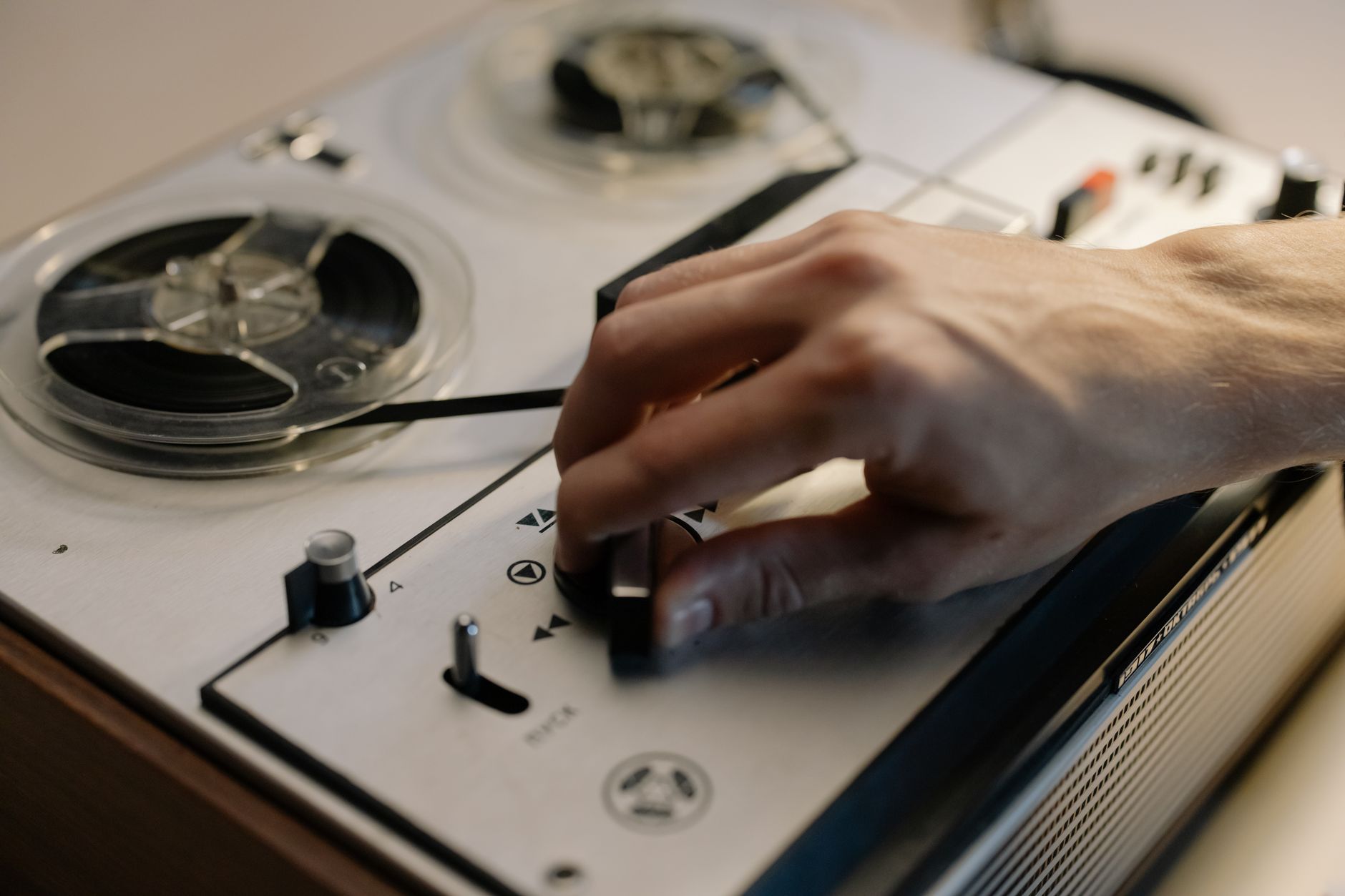
FL Studio gives you three sane routes: Edison for cleanup, Slicex for playable slices, and Fruity Slicer for basic chops. Use Slicex if the part needs MIDI control. Use audio clips if the rhythm is fixed and the timing needs to be exact.
For how to make vocal chops in FL Studio without creating a mess, clean the phrase in Edison first. Remove DC offset if needed, trim silence, then drag the sample into Slicex. Auto-slicing is only a starting point. Move markers manually until consonants trigger cleanly.
Slicex Setup That Does Not Fight You
Set time stretching off while you choose slices. Tune the root note after the markers are correct. If the project is in F minor and the sample sits around G, pitch it down 2 semitones before writing the MIDI. Do not pitch random slices independently unless you want the phrase to sound like a demo preset.
- Marker cleanup first.
- Pitch correction second.
- MIDI rhythm third.
- Effects last.
When Fruity Slicer Is Enough
Fruity Slicer is acceptable for short, percussive hooks. It is not ideal for legato phrases, because the envelope and marker workflow gets crude fast. If you only need a 2-bar stab pattern, it saves time. If the lead hook carries the chorus, use Slicex or audio clips.
- Use Edison to remove clicks, hum and long silence.
- Drag the cleaned file into Slicex, then correct markers manually.
- Pitch the whole phrase to the song key before writing MIDI.
- Route Slicex to its own mixer track for EQ and compression.
- Bounce the MIDI part to audio once the rhythm is approved.

Pitch, Formant and Timing Choices
Pitch is where many chops become novelty sounds. The common mistake is to tune every slice hard to scale notes, then wonder why the part has no human movement. Lead hooks need contour. Leave small pitch bends if they support the phrase.
Use formant control carefully. Little AlterBoy, Melodyne, FL Pitcher, and Ableton Warp modes can all change tone fast. A formant shift of -1 to -3 can thicken a thin source. Push to -7 and the vocal starts sounding like a character effect. Sometimes that is the brief. Usually it is not.
The Textbook Answer Is Wrong on Timing
Quantizing every slice to 100 percent grid is clean on paper and stiff on speakers. For house and future bass, leave some front-edge push. A consonant 5 to 15 ms before the beat often feels tighter than one placed exactly on the grid, because the vowel lands with the drum.
If the kick masks the first 30 ms of the chop, sidechain ducking may fix more than editing. Start with 2 to 4 dB gain reduction, 5 ms attack, 80 to 140 ms release. Listen in mono before calling it wide.
- Tune the phrase globally before correcting individual slices.
- Keep natural bends when they support the melody.
- Use formant shifts under 3 semitones for transparent work.
- Place consonants slightly early if the vowel needs to hit the beat.
- Check mono before widening with chorus or microshift.
EQ, Compression and Space
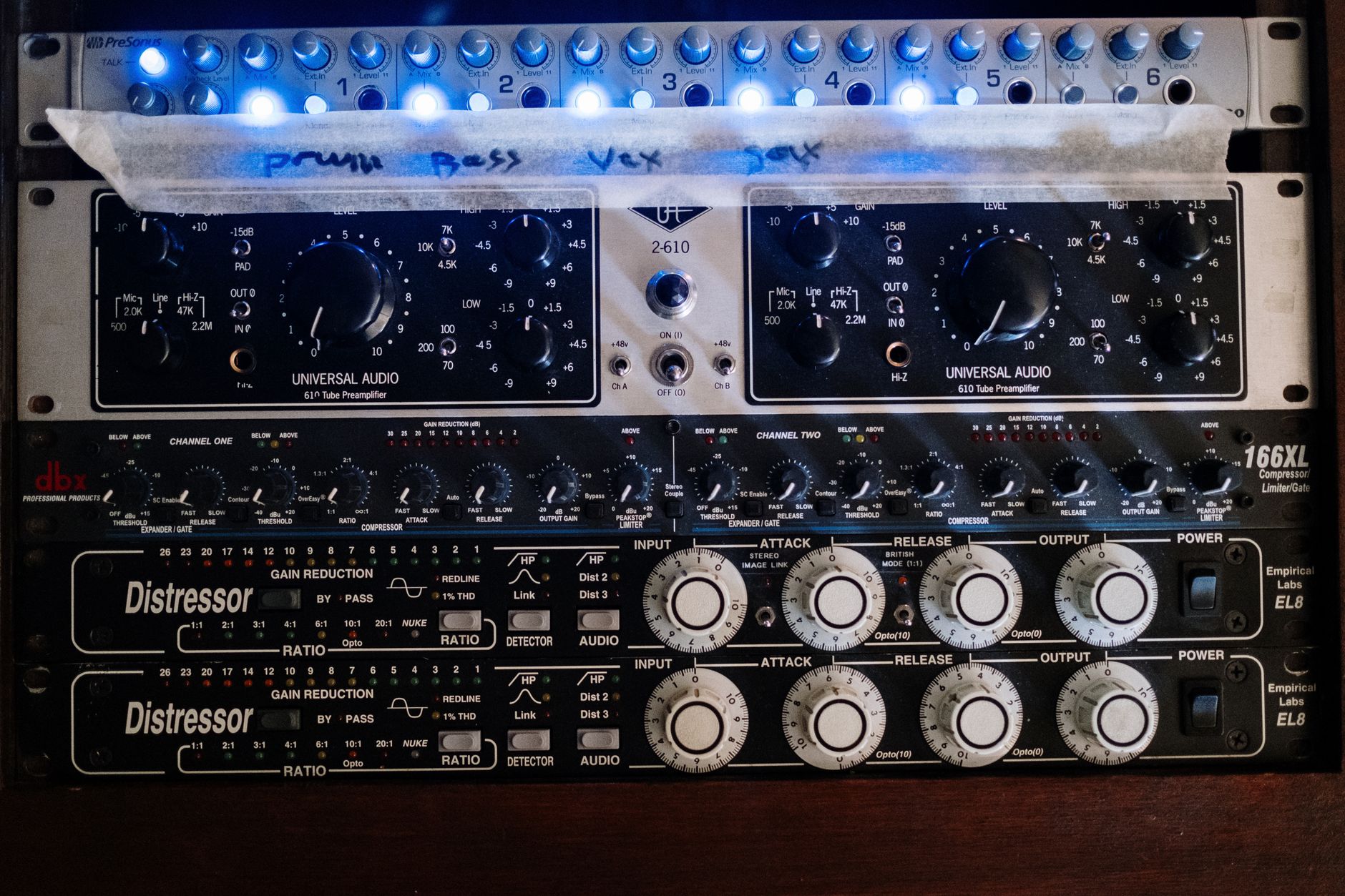
The mix chain should solve specific problems. Do not stack five processors because a tutorial did. Most chopped vocals need high-pass filtering, resonance control, light compression, and tempo-locked space. That is enough.
Start with a high-pass around 90 to 140 Hz. If the source has chest mud, cut 180 to 300 Hz by 2 to 4 dB with a medium Q. Harsh vowels often sit from 2.5 to 5 kHz. Sibilant slices can spike at 6 to 9 kHz, especially after pitch shifting.
A Chain That Survives Loud Playback
A practical chain is EQ, fast compressor, de-esser if needed, saturation, delay, reverb. Put modulation after tuning, not before. FabFilter Pro-L 2 belongs on the master or stem bus, not as a repair tool for chopped syllables.
For compression, aim for 2 to 5 dB gain reduction. Attack around 10 to 25 ms keeps some bite. Release around 50 to 120 ms keeps the phrase moving. If the compressor pumps between syllables, fix clip gain first.
Space Without Washing Out the Hook
Use a short room or plate under 1.2 seconds for body, then a 1/4 or dotted 1/8 delay for movement. Filter the delay return at 200 Hz high-pass and 6 to 8 kHz low-pass. Wide reverb sounds expensive alone and vague in a drop. That trade-off has not changed.
- High-pass most chopped vocals between 90 and 140 Hz.
- Cut 180-300 Hz if the part clouds the bass.
- De-ess after pitch shifting, not before.
- Filter delay returns so they do not fight hats.
- Use sidechain ducking on reverb returns if the drop is dense.

Free Samples, Kits and Copyright Reality
A vocal chop sample pack can be useful for sketching, but it creates two problems: sameness and licensing. Free folders from forum threads often have unclear rights. If a pack says “royalty free,” read the license anyway. Some allow releases but ban isolated redistribution. That matters if you deliver stems.
Search terms like vocal chops free, vocal chops kit, and vocal chops sample pack reddit will bring up material fast. Speed is not the same as clearance. For commercial records, use properly licensed vocals, record your own, or work from a contract that states usage rights clearly.
Vocal Chops Example Choices
A good vocal chops example is not just a random syllable pattern. Listen for a clear call-and-response shape over 4 bars: short chop, held vowel, rhythmic answer, gap. The gap matters. If every 1/16 note is filled, the hook has nowhere to breathe and the drums lose authority.
Build one version from a full phrase and one version from single vowels. The phrase version usually carries emotion. The vowel version usually cuts better in a club mix. Print both, then mute one.
- Avoid free packs with no visible license terms.
- Keep a copy of the license with the project folder.
- Do not deliver uncleared isolated vocal stems to a client.
- Record one dry phrase if the pack sounds overused.
- Leave space in the pattern so the hook can breathe.
| Tool | Best Use | Starting Settings | Trade-Off |
|---|---|---|---|
| FL Studio Slicex | Playable slices from one vocal phrase | Manual markers, no stretch during slicing, mixer route per patch | Fast workflow, but auto markers need checking |
| Ableton Simpler | Clean slice mode and stable MIDI triggering | Slice by transient, then adjust starts; release 60-140 ms | Less flashy, very dependable |
| Serato Sample | Quick key changes and pitched hook sketches | Find key, pitch whole sample, commit before detailed mix | Excellent speed, limited surgical editing |
| Logic Quick Sampler | One-shot phrases and simple slice instruments | Classic mode for stabs, Slice mode for rhythmic hooks | Clean sound, fewer deep marker tools |
| Audio Clips | Final timing and arrangement edits | 2-8 ms fade-ins, 8-25 ms fade-outs, clip gain matched | Slowest method, most precise result |
Go deeper
- Image-Line Slicex manual — Direct documentation for FL Studio's slice-based sampler, including marker and playback behaviour.
- Ableton Simpler slicing — Authoritative reference for Simpler's slicing, playback modes and sampler controls used in chopped vocal workflows.
FAQ
How do you make good vocal chops?
Start with a dry phrase, cut clean slices, tune the phrase to the song key, then write a simple 2 or 4-bar rhythm. Use short fades, clip gain before compression, and leave gaps. Most good results come from editing and timing, not from heavy reverb.
What are examples of vocal chops?
Common examples include a chopped “ah” vowel used as a lead melody, a sliced phrase answering the main vocal, or a rhythmic hook built from single syllables. In EDM, the chop often replaces a synth lead during the drop while still sounding connected to the singer.
How do I create vocal chops in FL Studio?
Clean the vocal in Edison, drag it into Slicex, correct the slice markers manually, then play the slices with MIDI. Route Slicex to a mixer channel, tune the phrase to the track key, and bounce the part to audio once the rhythm is locked.
Why do vocal chops sound so good?
They combine human tone with sampler precision. A chopped vocal keeps breath, vowel shape, and tiny pitch movement, but the producer controls rhythm, tuning, and repetition. That balance makes the part feel familiar without needing a full lyrical line.
Which vocal chop plugin should I use first?
Use the sampler already inside your DAW first. FL Studio Slicex, Ableton Simpler, and Logic Quick Sampler are enough for serious work. Buy a dedicated vocal chop plugin only if it saves time on key detection, formant control, or fast idea sketching.
The bottom line
Vocal chops are a technical edit before they are a production trick. Choose one usable phrase, cut it properly, tune it to the record, then build a short pattern that leaves room for drums and bass. The best tool is the one that lets you hear bad timing quickly. Slicex, Simpler, Serato Sample, Quick Sampler, or plain audio clips can all get there.
Keep the chain restrained: EQ, compression, de-essing where needed, filtered delay, and controlled reverb. Print the part, listen in mono, then check it against the drop at full arrangement density. Try that workflow in your next session before downloading another folder of mystery samples.
My Career makes videos from your own track and posts them for you, pitches your release to 34,000+ labels, playlists, radio stations, YouTube channels and blogs, puts it in every store and briefs you every morning. Free plan, no card, two minutes to set up.


