
See your mix.
SEER sits on your master bus and draws the music while you work. 42 audio-reactive visuals drawn in light, six of them driven by the meters themselves, and 14 real meters for when you need numbers: true peak, LUFS, correlation, tonal balance. Your audio passes through untouched. Free, for good.
42 ways to watch a track.
Every visual listens to the spectrum, the transients and the beat of whatever is on the bus. Six of them go further and draw the meters: horizon paints your tonal balance as a landscape, target is your loudness goal as a ring the mix has to sit on, trail is true peak as a comet, river is loudness over time as water, breath is stereo correlation as a breathing shape and headroom is the room left to your ceiling. Nothing else draws those.
 mesa
mesa halo
halo skyline
 coil
coil eclipse
 ripple
 tide
tide glyph
glyph shower
 spiral
 layers
 flare
flareseabed · flare · skyline · corona · trace · scatter · mesa · vortex · wings · coil · satellite · shower · ripple · pendulum · mesh · topo · layers · streak · columns · bloom · weave · pulse · nebula · dune · constellation · spiral · ribbon · cardio · halo · rose · tide · prism · static · eclipse · loom · glyph · horizon · target · trail · river · breath · headroom
Real numbers, not decoration.
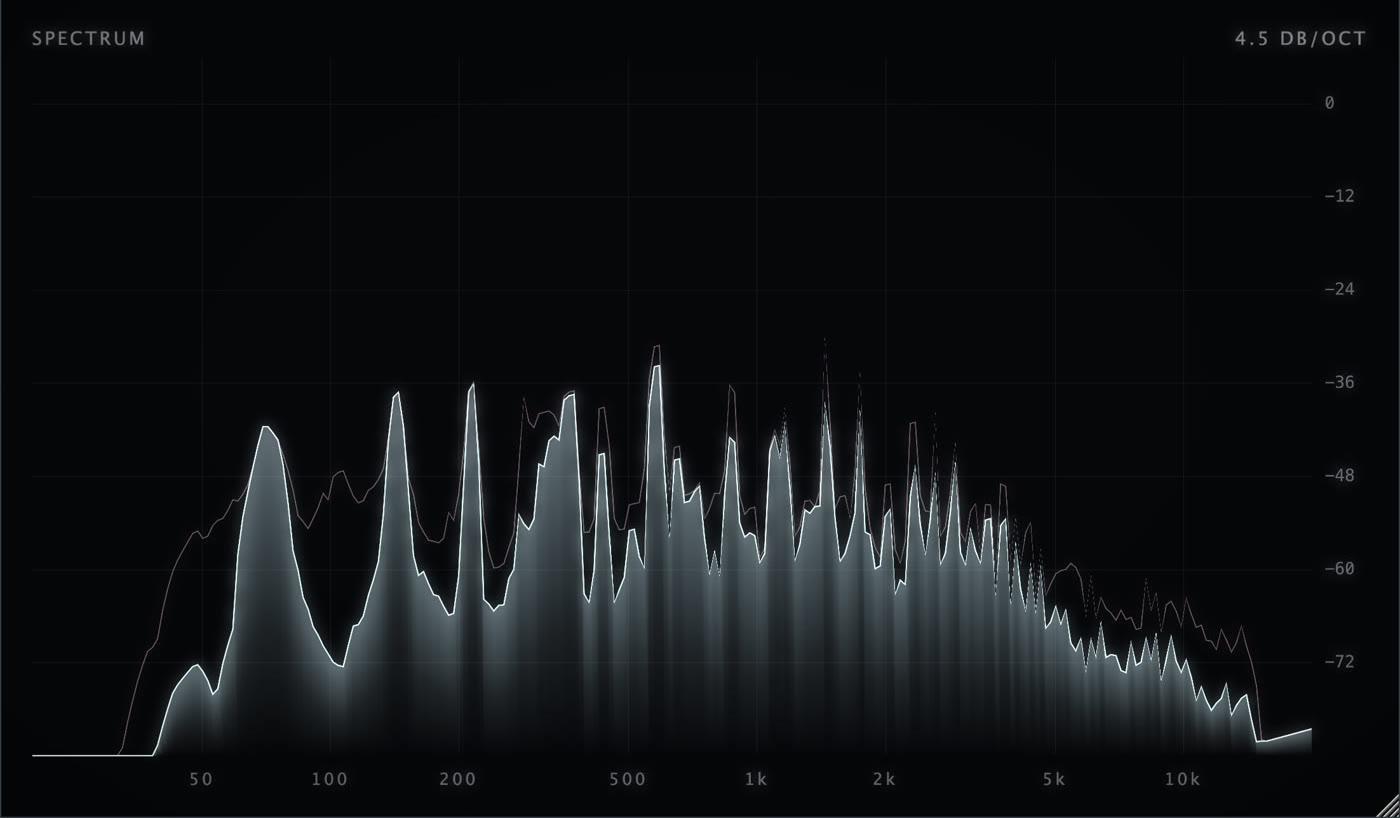
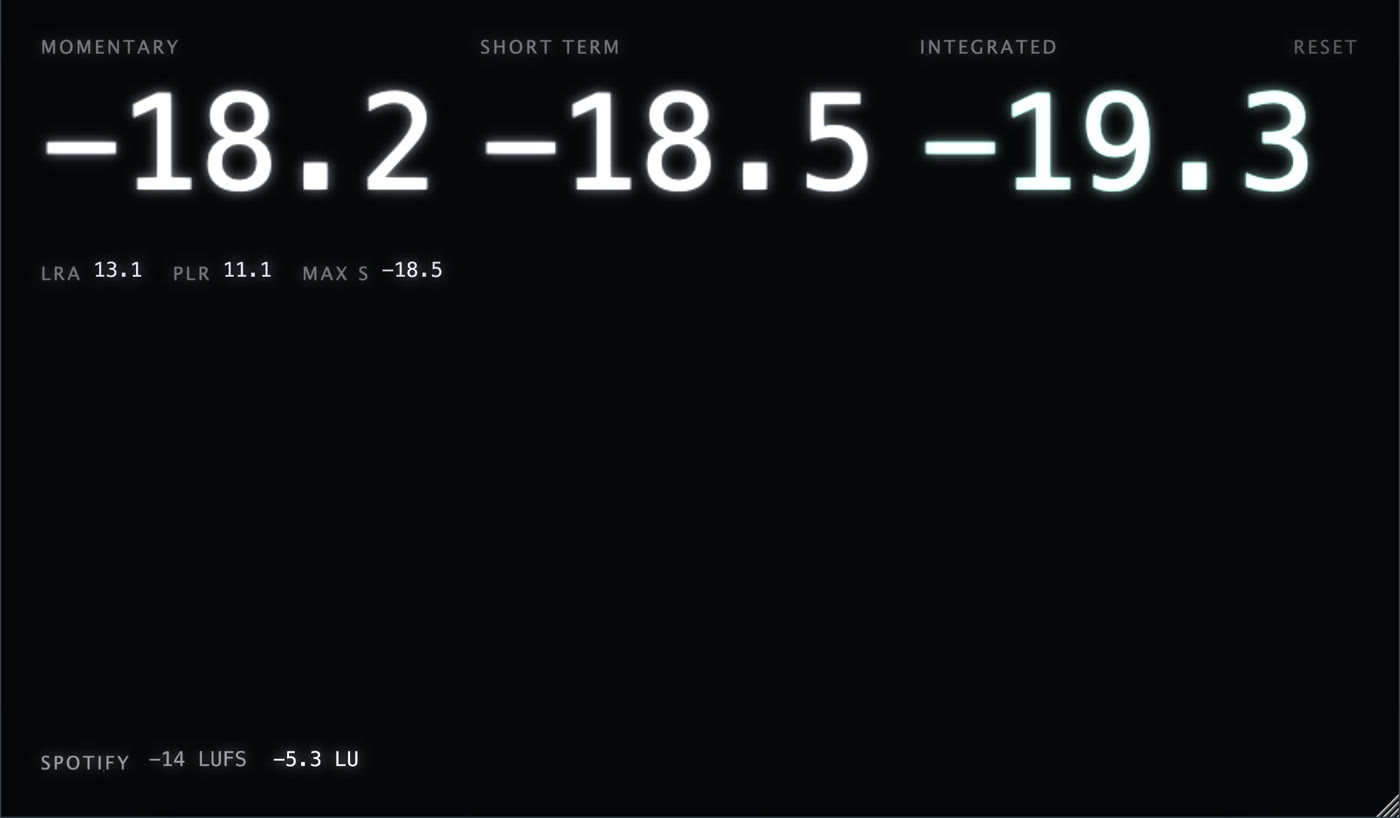
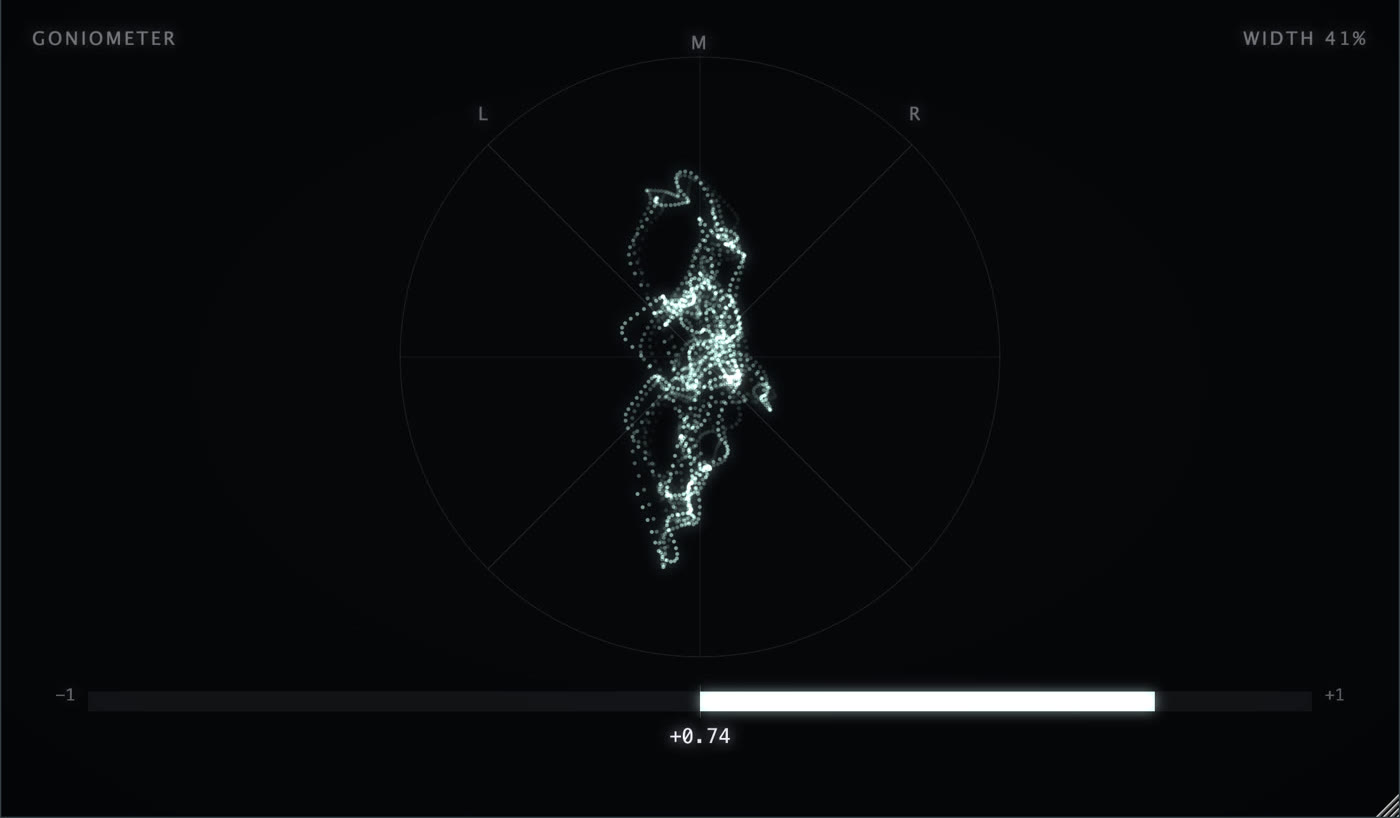
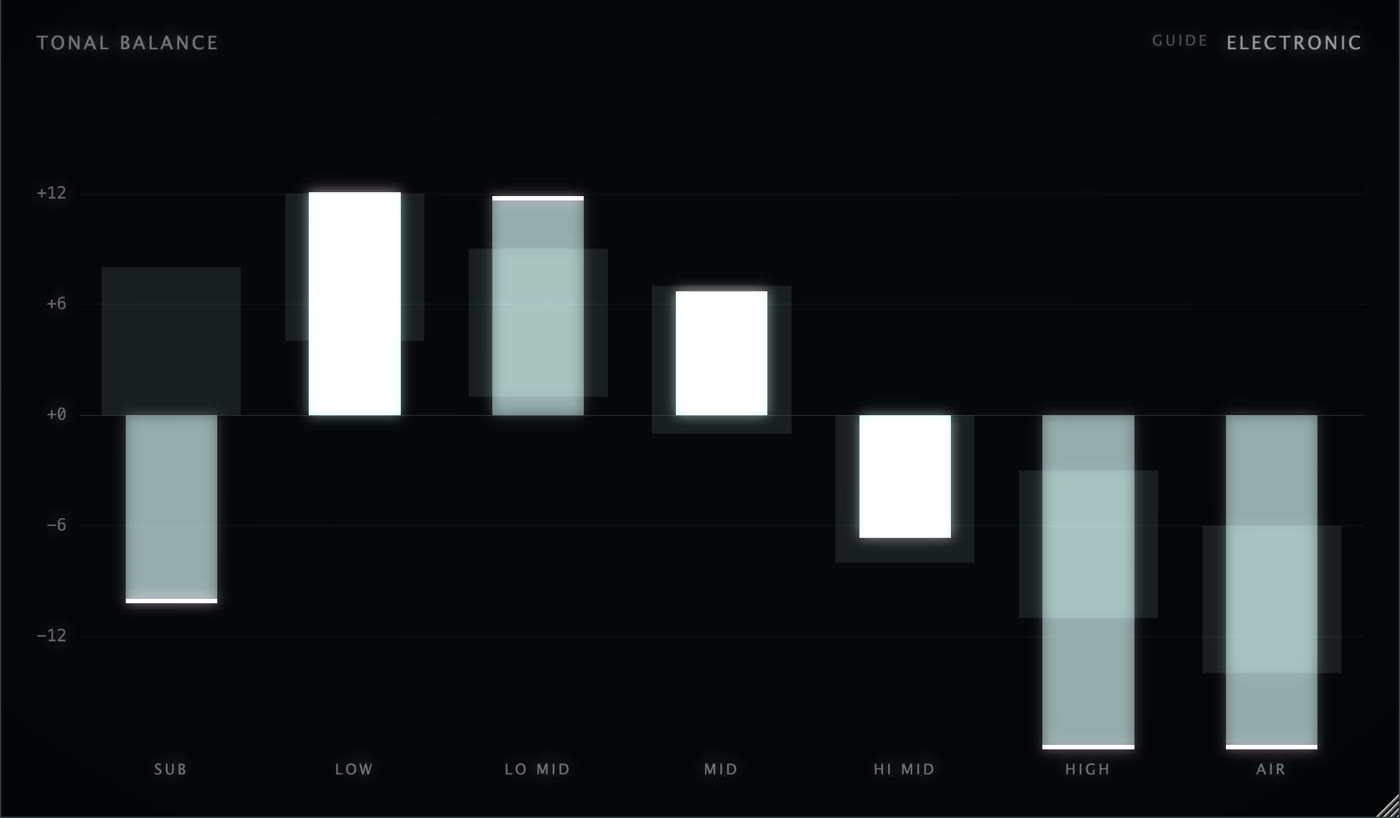
Loudness is measured to ITU BS.1770 and EBU R128 and checked against ffmpeg's ebur128 to the decimal. True peak is 4x oversampled. Everything else is what a mastering engineer expects, drawn cleanly enough to leave open all day.
Your beat, as a video, in one click.
Press FILM and SEER renders whatever is on screen at 1080p with the audio from your DAW baked in. No screen recorder, no export chain, no watermark.
Fourteen palettes. Forty-six starting points.
Every visual and meter takes its colour from the palette you pick. Combinations are ready-made tile layouts: most put a visual and the meters you actually watch in one window, the rest are pure visuals or a full metering desk. Step through them with the arrows in the bar, save your own and they follow your key.
Key, install, paste. Done.
The key is free and permanent. It unlocks SEER on three machines at a time; free a slot from the plugin or from My Account whenever you change computers.
Signed and notarised installer with Audio Unit, VST3 and the standalone app.
macOS 13 or later. Apple Silicon and Intel, one download.SEER-1.1.2-mac.pkg
Setup wizard with VST3 and the standalone app, 64-bit.
Windows 10 or later. FILM export included from 1.0.2.SEER-1.1.2-win-setup.exe
Current version 1.1.2. See what is new
Every update, in plain words.
SEER updates are free. When a new version is out, an UPDATE button appears in the plugin's top bar with the notes and a download link.
- FixedFILM templates: the artwork and title were missing or nearly transparent in the video. They now render at full strength, and the live preview shows them while you film.
- NewArtwork opacity in the FILM menu: 100, 75, 50 or 25 percent, so the visuals can show through the cover.
- FixedMenus that closed by themselves in some DAWs now stay open.
- NewPIN in the standalone app: a small window that stays on top in the corner of your screen, like a hardware meter on the desk. UNPIN puts it back.
- FixedOn Windows the standalone window can now be maximized.
- NewSYSTEM source in the standalone app: SEER draws whatever the computer plays, no driver needed. macOS 14.2 or later, and Windows.
- NewSix meter-driven visuals: horizon, target, trail, river, breath and headroom draw your tonal balance, loudness target, true peak, loudness history, correlation and headroom.
- NewFILM templates: a cover card, a bottom strip or a title, with your artwork, track title and artist baked into the video.
- ImprovedA brighter default look with the glow and the starfield on.
Show 6 earlier versions
- ImprovedPolish across the tile picker, the palette menu and the combinations menu.
- FixedFILM videos recorded on Windows no longer have short audio dropouts. Sound and picture stay in sync for the whole take.
- ImprovedOn Windows, every FILM take writes a small diagnostics log, so support can see exactly what happened if a recording sounds wrong.
- ImprovedFILM on macOS keeps a much larger audio safety buffer.
- FixedClicking a Level or True peak tile opens the picker again. Resetting peaks now happens on the counter in the top right corner of the tile.
- NewRight-click any tile to change what it shows.
- NewFILM export on Windows: an .mp4 with H.264 video and your audio.
- FixedIn some DAWs with two monitors the window could stretch across both screens or get stuck at a small size. SEER now always fits the screen it is on.
- NewUpdate notices: an UPDATE button appears in the bar when a new version is out, with the notes and a download link.
- NewStandalone app: drag and drop any track to play it, with a waveform timeline you can click or drag to seek.
- NewChoose where films are saved and open the films folder from the FILM menu.
- FixedFILM takes that failed on Bluetooth headsets now record, and a failed take tells you why.
- ImprovedNew app icon.
- NewFirst release: 36 visuals, 14 meters, 14 palettes and 46 ready-made combinations.
- NewFILM export on macOS in 9:16, 1:1 and 16:9 with your audio baked in.
- NewAUTO switches visuals every 2, 4, 8 or 16 bars. Audio Unit, VST3 and a standalone app. Free key for three machines.
Made by producers who needed it.
The Ghost Production is a marketplace where working producers sell finished tracks, remixes and custom production to DJs and artists. It has been running since 2017 and every tool we release starts as something our own producers use in their sessions.
SEER is the first of them and it is free, with no catch. We wanted one plugin that could sit on the master all day: honest loudness and true peak for delivery, a goniometer for the mix, and visuals good enough to film for a release post without opening another app. Nothing we tried did all three, so we built it.
Why do I need a key if it is free?
The key ties the plugin to your account so you can manage machines, get update emails and keep your saved combinations. Getting it is a one-minute checkout with nothing to pay and no card asked.
Does it change my sound?
No. SEER passes audio straight through, sample for sample, and adds no latency. Analysis happens on a copy of the signal.
How many computers can I use it on?
Three at once. Free a slot from inside the plugin or from My Account › Plugins when you change machines.
Which DAWs work?
Anything that loads Audio Units or VST3: Logic Pro, Ableton Live, FL Studio, Cubase, Studio One, Bitwig, Reaper, GarageBand. There is also a standalone app: drop any audio file on it to play and visualise it, or let it listen to your audio input.
Can SEER show what my computer is playing, Spotify or YouTube?
Yes. In the standalone app click INPUT in the bar and it turns into SYSTEM: SEER then listens to everything the computer plays, with no virtual audio driver to install. On macOS this needs 14.2 or later and asks once for permission; on Windows it works out of the box.
Can I put my artwork and track title on the films?
Yes. In the FILM menu pick a template: a cover card with the artwork and title over the visuals, a bottom strip with a small cover and the title, or title only. Set the title and artist once and choose an artwork file; the standalone app takes the title from the file you dropped. No watermark, and a small "made with SEER" mark only if you switch it on.
How do I use the standalone app?
Open SEER.app and drag a track anywhere onto the window. It plays on loop with a small transport in the bar: PLAY, PAUSE, EJECT, a progress strip you can click to seek, and the space bar. Press O to open a file with a dialog. With no file loaded, SEER analyses whatever comes in on your audio input (set it under Options) but never sends that input to your speakers, so there is no feedback.
How accurate are the meters?
Loudness follows ITU BS.1770-4 and EBU R128 with proper gating; we check it against ffmpeg's ebur128 reference and it matches to a tenth of an LU. True peak is 4x oversampled. The tonal balance guides are measured from finished masters and marked as guides, not rules.
Can I post the films?
Yes. What SEER renders is yours. There is no watermark and no credit required, though we love seeing them.