

 By TGP DJ Desk · July 27, 2026
Arabic maqam workflows get messy fast if you start by dragging random quarter-tone notes into a piano roll. Keep the session practical. Pick one maqam, load one tuning system, write one phrase, then build the track around that phrase instead of forcing the melody over a normal minor-scale beat.
We are going to work like a producer, not a musicology lecturer. You will use free and open-source tools where they actually help: Scala for tuning files, Surge XT for microtuned synths, Leimma for ear-checking intervals, and a normal DAW workflow for arrangement and mix. If you use Ableton Live, FL Studio, Logic, Ardour, or Bitwig, the same thinking still applies. The point is simple: make maqam music ideas survive contact with drums, bass, club loudness and a final bounce.
Start arabic maqam workflows With References, Not Presets
Do not open a synth preset pack first. Open your ears first. A maqam is not just a scale map. It is phrasing, gravity, ornament, register, and tension. If you skip that, the track sounds like a Western EDM lead with a few bent notes glued on top.
Pick one reference recording and one modern production reference. Keep them separate. The first teaches melodic behaviour. The second teaches low end, drum density, loudness and arrangement length.
Arabic maqam workflows start with a small listening brief
For a first session, use Maqam Bayati or Hijaz. Bayati gives you that low second-degree colour without turning every phrase into a film trailer. Hijaz is more obvious, but it gets cheesy fast if you run it over supersaw chords. Take a side here: start with Bayati if you want a track that still feels playable in a DJ set.
Write three notes in your notebook: tonic, main emotional colour, and one phrase shape. Example: D Bayati, soft pull on the second degree, answer phrases landing on D after 4 bars. That is enough. Do not collect 40 maqam examples before writing a loop.
Use a Maqam website like a tuning check, not a chord pack
A good Maqam website gives you audio examples, jins relationships and common modulations. Treat it like a reference deck. Listen, sing the contour badly if you have to, then program. Do not screenshot a scale diagram and call the job done.
When the line feels fake, the issue is usually movement, not tuning. Shorten the phrase. Repeat the tonic. Add one slide into the characteristic note. Listen again.
- Choose one maqam for the whole sketch.
- Save one traditional reference and one club reference.
- Write the tonic and phrase shape before touching MIDI.
- Avoid full chord stacks until the melody is believable.

Build a Free Open-Source Maqam Folder You Can Reuse
Your folder matters. A messy download pile kills sessions. Put the tuning files, PDFs, reference clips and project templates in one place before you write the hook. That sounds boring. It saves the track.
For open-source Arabic maqam workflows for producers free setups, I like a core stack: Scala, Surge XT, Leimma, MuseScore for notation sketches, and Ardour if you want a full open-source DAW. If you already produce in Ableton Live or FL Studio, keep them. Use the open tools for the maqam-specific work.
What to download before the session
Create a folder called Maqam_Workflow. Inside it, make subfolders for SCL, KBM, References, PDF, and Exports. Keep file names plain: D_Bayati_24tet.scl, Bayati_reference_01.wav, Hijaz_notes.pdf. Future you will thank you at 1:30 a.m.
If you search for an Arabic Maqam PDF, do not hoard ten documents. Keep one clear PDF for theory notes and one Maqam website bookmarked for audio. The sound matters more than the diagram.
GitHub is useful, but verify by ear
Search terms like open source arabic maqam workflows for producers github can lead you to tuning collections, scripts and synth patches. Good. Still, audition every file. Some .scl files are equal-tempered approximations. Some are historical tunings that will fight your bass line.
Load the tuning. Play tonic, second, third, fourth. If the characteristic note does not make you react, reject the file. No guilt. The track needs a working tuning, not a museum shelf.
- Scala for creating and checking .scl tuning files.
- Surge XT for open-source synth parts with microtuning support.
- Leimma for browser-based interval listening and tuning experiments.
- MuseScore for quick melody notation if piano roll shapes confuse you.
- A reference folder with short WAV clips, not a hundred browser tabs.
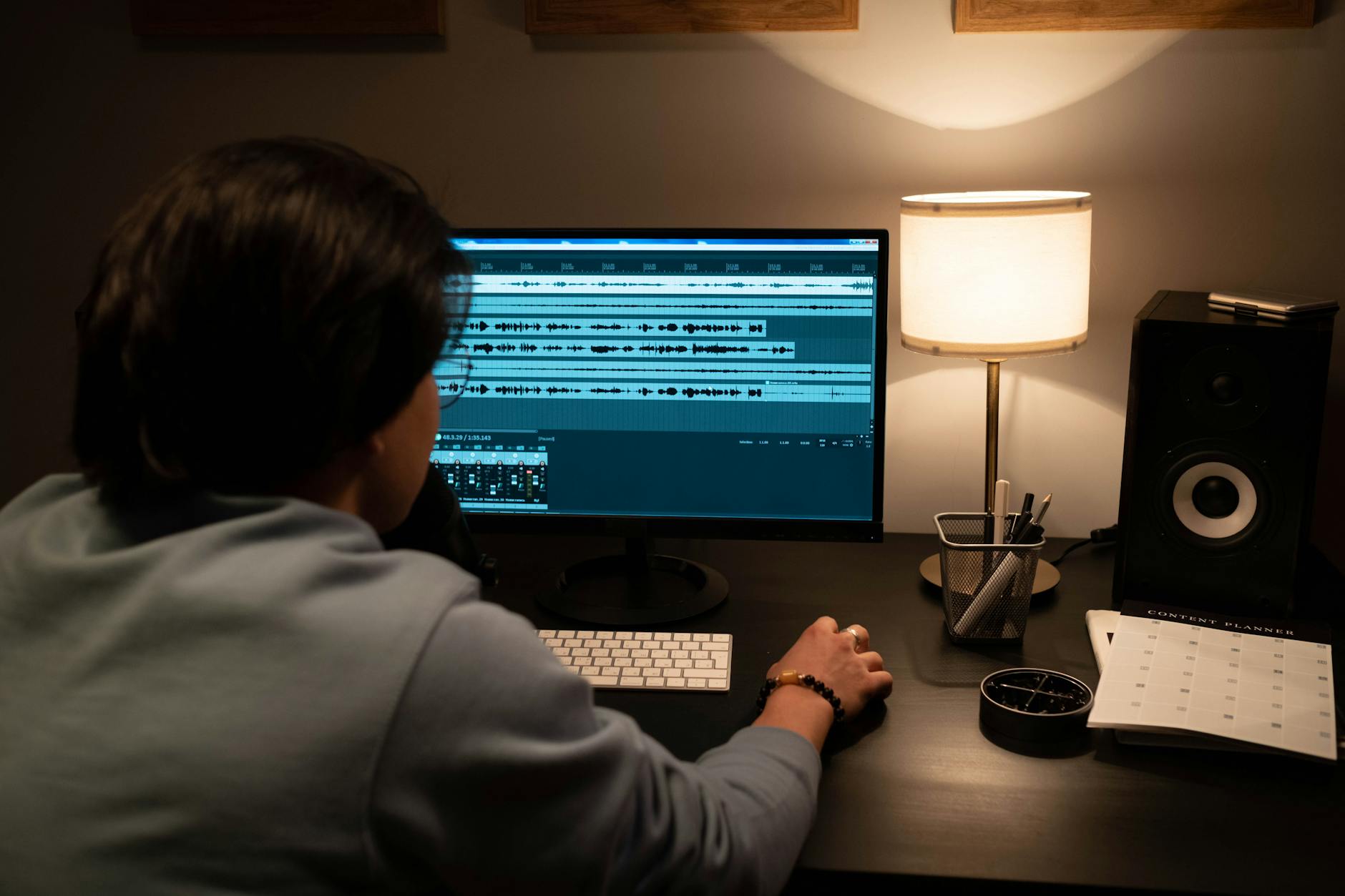
Tune Surge XT to Bayati and Write the First Loop
Now work. We will build a Bayati-style lead line in Surge XT, then make it sit over a simple drum groove. Keep the sound dry at first. Reverb hides bad phrasing. Delay flatters timing mistakes. Earn the effects later.
This is the literal walkthrough. Follow it once, then adjust the maqam, tempo and sound design to suit your own track.
Arabic maqam workflows: Bayati loop walkthrough
- Open Surge XT on a blank MIDI track. Choose a simple saw or sine-based patch. Turn off huge unison.
- Load your Bayati .scl file. If you are using 24-TET as a practical sketch, set the tonic clearly and label the track D Bayati Lead.
- Set tempo to 124 BPM for house, 100 BPM for downtempo, or 140 BPM for a halftime bass track. Pick one. Do not tempo-browse for 20 minutes.
- Program a 4-bar phrase. Use D as the home note. Touch the lowered second degree early, then answer back to D.
- Add pitch bend only for ornaments, not for the main tuning. Keep bend range at 2 semitones unless your controller demands more.
- Quantise to 1/16, then pull two notes late by 10 to 18 ms. Mechanical maqam lines feel dead.
- Loop it against a kick and one frame drum or rim. No chords yet.
Set the synth so the tuning stays audible
Use fewer voices. A mono or legato patch makes the interval colour obvious. Open the filter around 3.2 kHz if the phrase feels buried. Add 80 to 120 ms portamento for slides, but do not smear every note. One slide per bar is plenty.
Open the EQ. High-pass at 140 Hz. Cut 3 dB at 350 Hz if the lead sounds boxy. Add a narrow 2 dB lift around 2.4 kHz only if the ornament disappears in the drums. Listen. Then bypass. Keep the move only if the phrase speaks louder.
- Use mono mode before stacking harmonies.
- Keep the tonic labelled in the track name.
- Treat pitch bend as ornament, not the tuning system.
- Delay effects can wait until the phrase works dry.
Write Maqam Phrases That Do Not Sound Like MIDI Tourism
The fastest way to ruin maqam music inside a DAW is to treat the scale as a note pool. Do not spray the whole octave. Build small phrases with direction. Repeat them. Change one thing at a time.
Think like a vocalist or ney player for ten minutes. Breath matters. Space matters. Your piano roll can do that if you stop filling every 1/16 gap.
Use ajnas as phrase zones
A maqam often works through smaller tetrachord-like units called ajnas. For production, translate that into zones. Spend bars 1 and 2 near the tonic. Let bars 3 and 4 climb. Return home before the drums change. That shape tells the listener where the emotional centre is.
For a Bayati sketch, keep your first phrase inside the lower jins. D, the coloured second, F, G. Repeat. Add A later if the section needs lift. Big range too early makes the hook feel ungrounded.
Do not harmonise every note
Western triads can flatten the maqam colour. Use drones, fifths, pedal tones and sparse answers first. If you want chords, build them around stable notes, not every melodic turn. A low D drone with a muted offbeat stab can carry more weight than four bars of clever harmony.
For dance tracks, I prefer a bass pedal and a short call-and-response synth over full chords. It leaves space for percussion and keeps the microtonal note from getting dragged toward equal temperament.
- Write 2-bar questions and 2-bar answers.
- Leave one full beat of silence before a hook repeat.
- Use grace notes into the characteristic degree.
- Try drones before chord progressions.
- Record a hummed guide melody if the piano roll feels stiff.
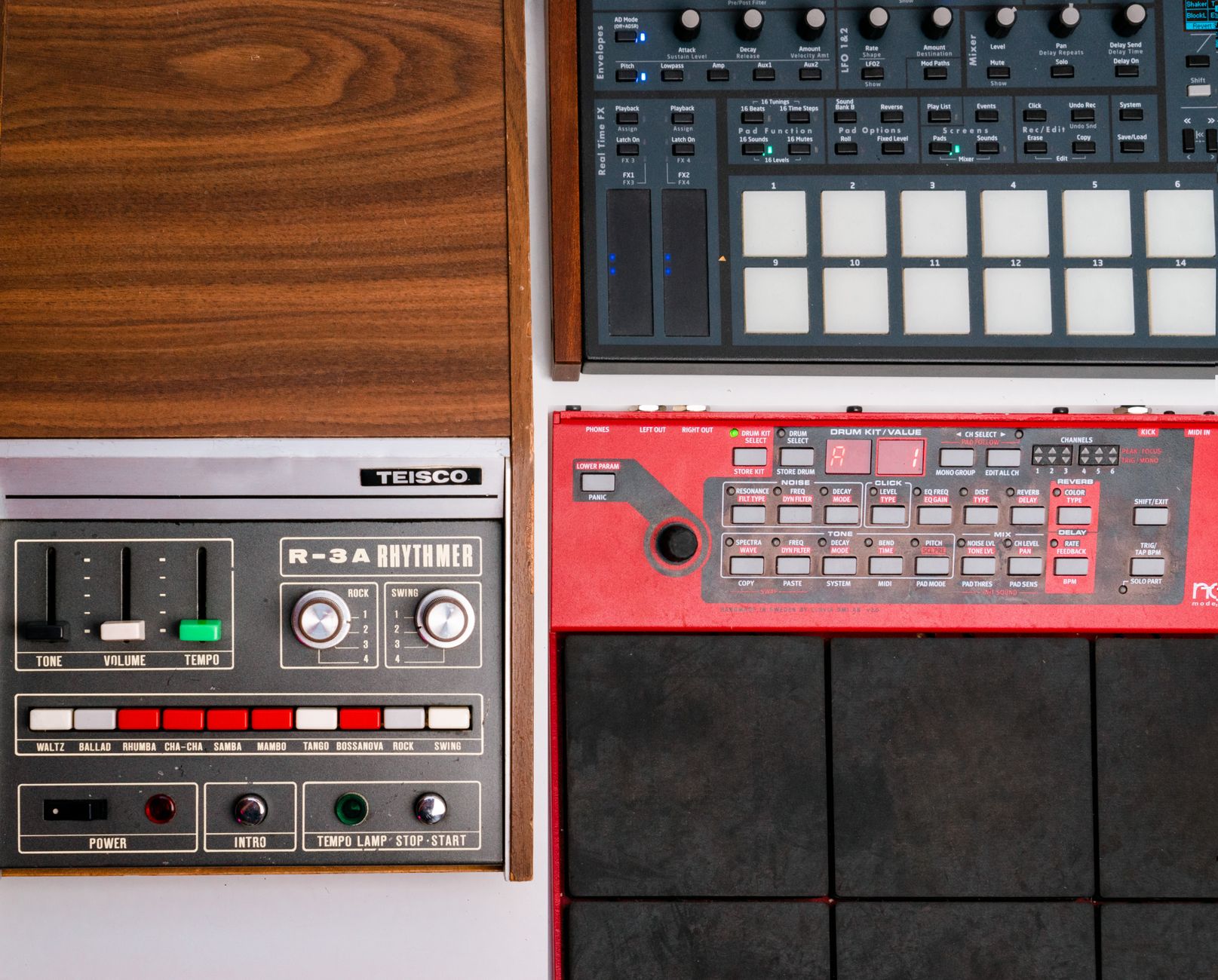
Mix the Beat Around the Microtonal Line
Once the melody works, the mix has one job: protect the interval colour. Big drums are fine. Heavy bass is fine. But if the low midrange masks the lead, your maqam detail turns into vague flavour.
Build the beat around the melody, not the other way round. That is uncomfortable for producers who start every track with drums. Do it anyway for this style.
Make room with EQ before adding effects
Put FabFilter Pro-Q 4 or your stock EQ on the lead. High-pass at 120 to 160 Hz. If the instrument is nasal, cut 2 to 4 dB around 700 Hz with a medium Q. If the transient is sharp, dip 3.5 kHz by 1.5 dB instead of burying the whole sound.
Now check the bass. If it fights the tonic, simplify it. Root, octave, fifth. Cut 8 dB at 240 Hz on a muddy bass bus if the frame drum and lead both vanish there. Listen on small speakers. The melody should survive at low volume.
Sidechain without pumping the ornaments away
Sidechain ducking helps the kick, but aggressive release times can swallow grace notes. Start with 3 dB of gain reduction, 10 ms attack, 120 ms release. If the line has fast turns, shorten the release to 70 ms. Watch the return of the note after the kick.
Use parallel compression on percussion, not on the maqam lead at first. Smash the darbuka or rim layer, blend it under the dry hit, and leave the lead dynamic. Soothe2 can tame harsh resonances, but use it lightly. If it removes the bite of the characteristic note, you paid to make the part blander.
- Keep at least -6 dB headroom before the mix bus chain.
- Use mid/side EQ to clear wide pads away from the lead.
- Sidechain the bass harder than the melody.
- Check the hook on earbuds before adding more layers.

Move the Open-Source Core Into a Club-Ready Session
You can keep the maqam research open-source and still finish in the DAW you know. That is the sensible route for most bedroom producers. Do the tuning and phrase design in free tools. Arrange, automate and mix where you are fastest.
For arabic maqam workflows that need to land in DJ sets, export stems early. A perfect microtonal patch is useless if the drop has no clean 16-bar intro for mixing.
Ableton, FL Studio and Bitwig handoff
Print the tuned lead to audio before you start heavy arrangement. Keep the MIDI and .scl file archived, but commit a WAV. That protects the sound if a plugin update changes tuning behaviour. Name it clearly: D_Bayati_lead_124bpm_print_01.wav.
In Ableton, throw the audio into Simpler if you want chops. On Push 3, map start point, filter cutoff and pitch envelope, but avoid repitching the whole line unless you know where the tonic moved. In FL Studio, bounce a dry stem and an effects stem. It keeps revisions painless.
DJ arrangement checks
Set markers at 16-bar sections. Make the first 32 bars mixable if the track aims at house, Afro house or melodic techno sets. Give the CDJ-3000 something clean to analyse: steady kick, clear downbeat, no free-time intro unless the edit demands it.
If you use Rekordbox, check the grid manually. Microtonal melody does not confuse the grid, but loose percussion can. Tap the downbeat. Fix the first marker. Export a test WAV and play it next to a reference on your Pioneer DDJ-FLX10 or whatever controller is on your desk.
- Print tuned MIDI to audio before serious arrangement.
- Archive the .scl and project file together.
- Leave 16 or 32 clean bars for DJ mixing.
- Check the tonic after any sampler repitching.
- Export dry and wet lead stems for revision flexibility.

Export, Review and Fix the Usual Maqam Production Mistakes
The last pass is where the fake stuff shows up. Bad tuning choices, over-busy percussion, and pads that drag the melody toward equal temperament become obvious once the arrangement is full.
At The Ghost Production, we manually review every track before it is published to maintain consistent quality standards, and we see this constantly with melodic tracks: the idea is strong, but the hook loses identity after the producer adds too many layers. Strip first. Polish second.
Run a three-pass review
Pass one: mute drums and bass. Does the maqam phrase still feel intentional? Pass two: mute the lead. Do the drums and bass still form a track, or are they just wallpaper under the melody? Pass three: play everything at low volume. If the hook disappears, fix arrangement before mastering.
Use a limiter only for rough level. Leave -6 dB peak headroom for premaster exports. If you are sending the track for custom music production feedback or a ghost producer handoff, include the tuning file, tonic, BPM, reference track and one sentence about the intended mood.
Common fixes that actually work
If the maqam colour feels weak, remove the chords for eight bars and let the drone carry it. If the lead feels out of tune against the bass, check whether the bass is playing a third that contradicts the tuning. If the drop feels small, automate percussion density instead of adding another synth lead.
Export a 24-bit WAV and a 320 kbps MP3 reference. Test both. The MP3 will tell you if the ornament gets smeared by cymbals and bright delays. Fix that before you send the track anywhere serious.
- Mute the rhythm section and judge the melody alone.
- Remove chord layers before rewriting the hook.
- Check bass notes against the tonic and characteristic degree.
- Export WAV and MP3 references before final delivery.
- Send tuning files with stems when collaborating.
| Tool | Best Use | Why I Pick It | Watch-out |
|---|---|---|---|
| Scala | Creating and checking .scl tuning files | It is still the practical standard for microtonal tuning exchange. | The interface feels old, so keep your folder naming clean. |
| Surge XT | Microtuned synth leads, drones and bass sketches | Open-source, flexible, and reliable with imported tuning files. | Huge unison patches can blur maqam intervals. |
| Leimma | Auditioning intervals and tuning ideas in the browser | Fast ear checks before committing to a DAW session. | Do not mistake a browser sketch for a finished sound. |
| MuseScore | Writing simple melodic notation and phrase reminders | Useful when piano-roll shapes make the phrase feel too grid-based. | Playback is only a guide, not a production reference. |
| Ardour | Open-source audio recording and arrangement | Good for producers who want a fully open production chain. | Plugin setup takes more patience than mainstream DAWs. |
Sources worth your time
- A Guide to the Maqam Tuning Presets for Ableton Live 12 — tuning.ableton.com
- Experiencing Maqam: An Introduction to Arabic Music — soundcloud.com
FAQ
What are arabic maqam workflows for producers?
They are repeatable production routines for using maqam concepts inside a DAW: reference listening, tuning file setup, phrase writing, sound design, arrangement and mix checks. The goal is not just quarter-tone notes. The goal is a track where the maqam identity survives drums, bass and mastering.
Can I make maqam music with free open-source tools?
Yes. Scala, Surge XT, Leimma, MuseScore and Ardour can cover tuning, synthesis, ear checks, notation and arrangement. Many producers still finish in Ableton, FL Studio or Logic, which is fine. Keep the maqam-specific core open and portable with .scl files and printed audio stems.
Where can I find Arabic maqam examples?
Use a dedicated maqam reference site with audio examples first, then compare those phrases with modern club tracks in your target style. Do not rely only on scale diagrams. Listen for where phrases start, where they rest, and which note carries the emotional colour.
Do I need quarter-tone MIDI for every maqam?
No. Some sketches can start with 24-TET approximations, but not every maqam behaves neatly on a quarter-tone grid. Use the approximation to write quickly, then verify by ear. If the characteristic note feels wrong, change the tuning file rather than forcing the melody to accept it.
Should I use pitch bend or Scala tuning files?
Use Scala tuning files for the main tuning. Use pitch bend for ornaments, slides and expressive turns. Pitch-bend-only workflows become painful when you change tempo, edit MIDI, layer synths or send stems to another producer. A tuning file keeps the session cleaner.
How do I send a maqam-based track to a ghost producer?
Send the BPM, tonic, maqam name, tuning file, a dry lead stem, a wet lead stem and two references. Add one sentence about the intended mood and club context. That prevents the collaborator from rebuilding your melody with the wrong tuning or over-harmonising it.
arabic maqam workflows are easier when you stop treating maqam as a preset category. Start with the reference. Load one tuning. Write a dry 4-bar phrase. Build drums and bass around that phrase, then print the tuned parts before the session gets complicated.
The open-source part is not a badge. It is a safety system: readable tuning files, portable stems, and tools that let you check the musical idea before the mix gets loud. Try the Bayati loop routine in your next session. Keep it small, bounce early, and judge the melody before you add another layer.
My Career makes videos from your own track and posts them for you, pitches your release to 34,000+ labels, playlists, radio stations, YouTube channels and blogs, puts it in every store and briefs you every morning. Free plan, no card, two minutes to set up.


