 By Alex Mercer · November 1, 2026
Key takeaways
- The RX3 is a two-channel standalone system, not a true four-channel mixer.
- Used units can be worth it, but only after a full physical and USB test.
- Install the correct driver if you plan to use rekordbox or Serato DJ Pro from a laptop.
- A 32-bar phrase mix exposes timing, EQ, and gain problems fast.
- Buy it for consistent home booth practice, not because forum hype says so.
Pioneer rx3 is the all-in-one you buy when you want club-style USB practice without building a full CDJ setup at home. Treat the pioneer rx3 like a small booth, not a toy controller. Export properly. Set your gains properly. Practice phrase mixing until your hands stop guessing.
The real question is not whether the XDJ-RX3 looks close to a club setup. It does. The question is whether it fits your room, your budget, and your weekly practice routine. We see this constantly with artists: consistent schedules beat sporadic bursts. Same applies here. A reliable home rig is only useful if it gets you doing clean reps, week after week.
What the pioneer rx3 Is Actually Built For
The unit is a two-channel standalone system with a 10.1-inch touchscreen, club-style layout, USB playback through rekordbox analysis, Beat FX, Sound Color FX, and support for laptop control. Think compact booth trainer. Not wedding rig. Not four-deck war machine.
Pioneer rx3 Signal Flow: Two Decks, Not Four Channels
If you searched Pioneer RX3 4 channel, slow down. The RX3 has two physical mixer channels. You can load and mix two decks at once. That is enough for learning phrasing, EQ swaps, hot cue timing, looping, and transitions that survive on a club system.
Set channel trim so your loudest track peaks around 0 dB on the channel meter, then keep the master out of the red. Leave around 6 dB of headroom if you are recording a practice set into a laptop. Red meters do not make the room bigger. They make the recording ugly.
- Best for two-deck USB practice and home booth muscle memory.
- Not a true four-channel mixer, despite the common search term.
- Closer in feel to CDJ-style prep than a tiny entry-level controller.
- Strong choice if you already organize music in rekordbox.
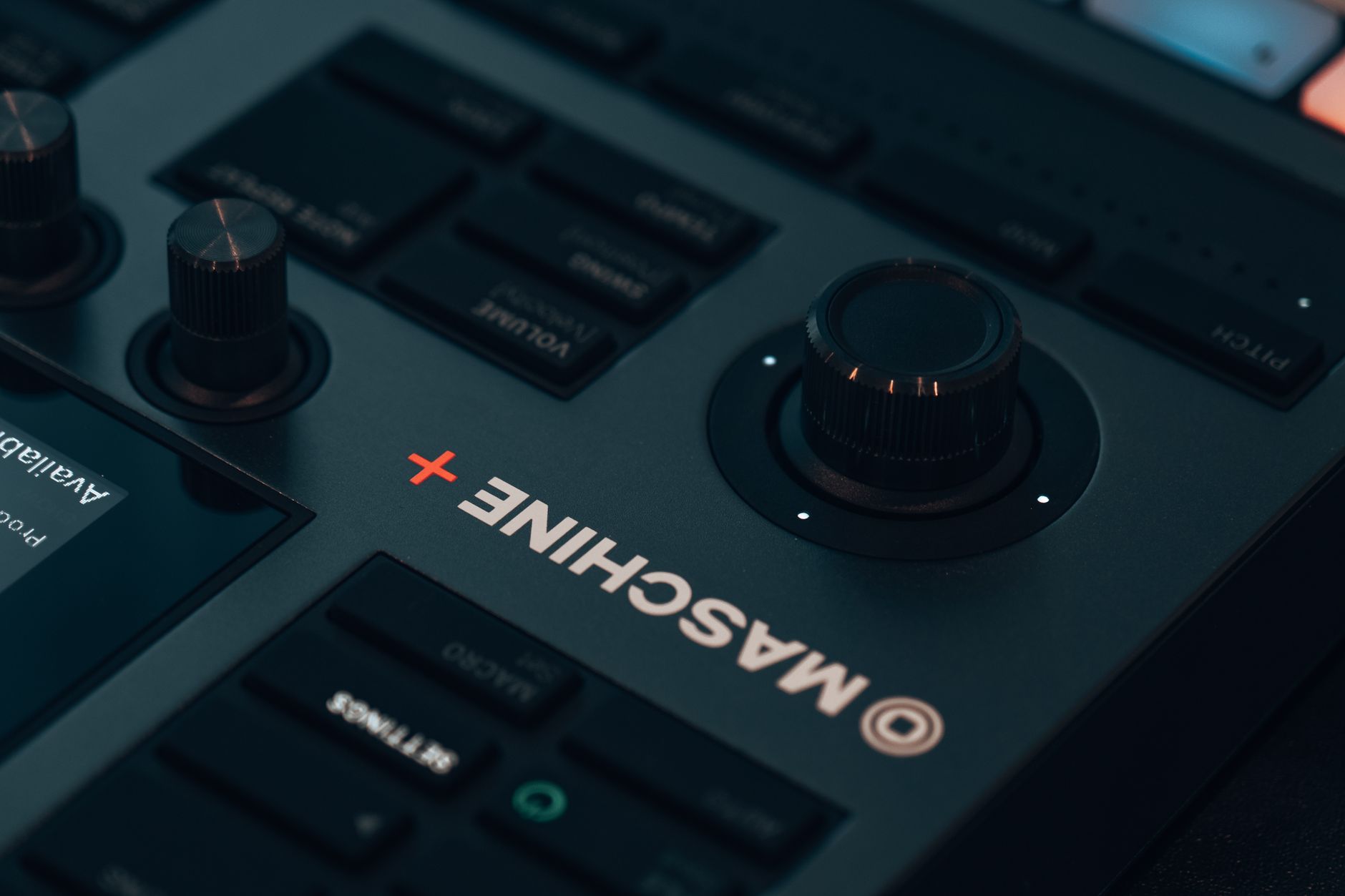
Price Check: New, Used, And For Sale Listings
New pricing moves by region and stock, but the RX3 usually sits around the premium home-DJ bracket. In the US, expect roughly $2,099 new when available. In the UK, street prices commonly sit around £1,699 to £1,899. Do not buy from memory. Check live stock before you move money.
Used Listings Need A Fault Checklist
A Pioneer rx3 used listing can be a good buy, but only if you test it like a working tool. Bring a rekordbox USB. Load two tracks. Try both jog wheels, all performance pads, both USB ports, headphone cue, booth output, master XLRs, mic inputs, and touchscreen browsing.
Used price often lands around $1,500 to $1,850 depending on condition, warranty, flight case, and local demand. A cheap unit with a sticky cue button is not cheap. It is a repair queue.
- Ask for close photos of jog edges, faders, screen, rear ports, and power socket.
- Reject listings with vague phrases like “untested” or “worked last time.”
- Check whether the seller includes the original power cable and packaging.
- Pay less if there is no proof of purchase or no transferable warranty.

Setup: Rekordbox, USBs, And The Pioneer RX3 Driver
Do the boring setup once. You will save hours later. Update firmware, install the correct audio driver if you use a computer, and format your USB sticks properly before exporting playlists.
Build USBs That Do Not Embarrass You
Use rekordbox to analyse BPM, beatgrid, key, waveform, and hot cues. Keep USB drives formatted as FAT32 or exFAT depending on your workflow and device support. Avoid mystery promo folders with 400 files dumped loose. Make crates with intent: warm-up, peak, vocals, tools, closers.
For laptop use, install the official Pioneer RX3 driver from AlphaTheta/Pioneer DJ support, then select the RX3 as your audio device in rekordbox or Serato DJ Pro. Test at home with headphones and master out before any gig. Simple rule: never update firmware on gig day.
- Export two USB sticks, not one.
- Set hot cues on phrase starts: 1, 9, 17, and 33 where useful.
- Color-code energy levels instead of relying only on genre names.
- Keep a small emergency folder of 20 tracks you know cold.
Step-By-Step: Build A Clean 32-Bar Practice Mix
Use this drill before judging any Pioneer rx3 review. A good unit should make the basics feel repeatable. Pick two house, techno, garage, or drum and bass tracks with clean intros. Similar BPM. Similar energy. No heroic rescue work yet.
The 32-Bar Blend Drill
Load Track A on deck 1. Load Track B on deck 2. Set both gains so the channel meters match. Start Track B on the first beat of a 32-bar phrase while Track A still has drums and groove.
Open the EQ. Cut Track B low EQ fully. Leave mids at 12 o’clock. Bring its channel fader up slowly over 8 bars. Listen. If hats fight, trim the high EQ down 1 to 2 dB. At bar 17, start swapping bass. Track A low down over 4 bars, Track B low up over 4 bars. Do not slam it unless the arrangement asks for it.
At bar 33, Track B should be the main record. Pull Track A with the filter or channel fader. Record the pass. Listen back. If the kick wobbles, your phrase or low-end swap was late.
- Match phrase first, BPM second.
- Cut the incoming low EQ before raising the fader.
- Swap bass over 4 bars, not half a beat.
- Record three takes and keep the least bad one.
- Write down the cue point that made the cleanest entry.

Performance Controls That Matter On This Unit
The touchscreen gets attention, but the physical controls decide whether your set feels calm. Practice with the pads, loop controls, and effects at low drama settings first. Big effects hide timing problems until they do not.
Use Effects Like A Mixer, Not A Fire Alarm
Start with Echo at 1/2 or 3/4 beat, wet/dry around 10 to 20 percent. Use it to exit a vocal tail or percussion loop. For Sound Color FX, Filter is the workhorse. Sweep slowly and return to center before the next drop. Noise and Sweep can work, but they punish bad gain staging fast.
Hot cues should mark musical jobs: intro start, first bass entry, vocal hook, breakdown, final mix-out. Pads are not decorations. If every cue is random, the screen becomes cluttered and your hands hesitate.
- Keep Echo wet/dry below 20 percent while learning.
- Use 4-beat loops to extend short intros without panic.
- Set memory cues for mix-out points on tracks with awkward endings.
- Turn Quantize on for practice, then test without it later.

Should You Buy It, Rent It, Or Skip It?
Buy the RX3 if you want standalone USB practice, a club-adjacent layout, and fewer laptop distractions. Rent it first if you are unsure about jog size, screen workflow, or whether two channels are enough for your sets.
The Reddit And Mini Search Traps
Pioneer RX3 Reddit threads are useful for fault patterns and ownership gripes, but do not let forum noise choose your gear. Look for repeated issues across many owners, not one angry post after a bad delivery.
There is no official Pioneer RX3 mini. People usually mean a smaller all-in-one, a cheaper controller, or a compact standalone setup. If your room is tiny, measure desk depth and cable clearance first. The unit is not huge, but it still wants a stable surface and space for headphones, USBs, and monitors.
- Buy if you practice from USB and want club-style habits.
- Rent if you only need it for one livestream or house party.
- Skip if you need four physical channels every weekend.
- Skip if your whole workflow depends on a tiny backpack controller.
| Unit | Channels And Playback | Best Use | Typical Used Price |
|---|---|---|---|
| Pioneer DJ XDJ-RX3 | 2 channels, standalone USB, rekordbox and Serato DJ Pro control | Home booth practice, livestreams, small private events | $1,500 to $1,850 |
| Pioneer DJ XDJ-RX2 | 2 channels, older screen and workflow | Lower-budget USB practice if condition is clean | $950 to $1,300 |
| Pioneer DJ XDJ-XZ | 4-channel mixer section, standalone two-deck USB playback | DJs needing more inputs, larger booth feel | $1,800 to $2,300 |
Further reading
- XDJ — pioneerdj.com
Frequently asked questions
How much does a used pioneer rx3 cost?
A used RX3 usually costs around $1,500 to $1,850 in the US, depending on condition, warranty, accessories, and local demand. Pay less for worn jogs, missing proof of purchase, sticky pads, or no flight case. Always test both USB ports, audio outputs, faders, pads, and touchscreen before paying.
How much does a RX3 cost new?
New RX3 pricing is commonly around $2,099 in the US, with UK and EU prices varying by tax, stock, and retailer. Treat that as a live-market figure, not a fixed law. Check authorized dealers, then compare against used listings with warranty left before deciding.
Is XDJ-RX3 good for learning to DJ?
Yes, the XDJ-RX3 is good if you want two-deck USB practice with a layout that feels close to larger Pioneer DJ booth gear. It is strongest for phrasing, beatmatching, hot cues, loops, EQ transitions, and recording home sets. It is not the right pick if you need four physical channels.
When did the Pioneer RX3 come out?
Pioneer DJ announced the XDJ-RX3 in November 2021. That release date matters because used units now vary a lot in condition. Early units can still be solid, but check firmware, screen response, ports, jog feel, and whether the seller has treated it as home gear or rental stock.
Conclusion
pioneer rx3 makes sense when you treat it as a serious practice booth: clean USB exports, measured gain staging, phrase-aware transitions, and recorded reps. The touchscreen and club-style layout are useful, but they will not fix messy prep or lazy timing.
If you are shopping used, test the hardware before the price seduces you. If you already own one, run the 32-bar blend drill tonight with three pairs of tracks. Record every take. Mark where the bass swap lands cleanest, then repeat until the move feels boring. Boring is good. Boring means your hands are ready when the room gets loud.
My Career makes videos from your own track and posts them for you, pitches your release to 34,000+ labels, playlists, radio stations, YouTube channels and blogs, puts it in every store and briefs you every morning. Free plan, no card, two minutes to set up.