 By Emma Carter · September 2, 2026
Key takeaways
- BPM is the track’s speed, while key is its musical home base.
- Online tools are best for fast checks; DJ software is better for real set prep.
- Half-time and double-time readings are common, especially with sparse or very fast tracks.
- Small tempo and key changes sound cleaner than heavy stretching or pitching.
- Use key and BPM as decision helpers, then trust phrasing and your ears.
Key y bpm is the search people type when they want two simple facts about a track: what key it is in and how fast it runs. A key y bpm check tells you whether two songs can sit together musically and whether their tempos can be matched without sounding forced.
Think of BPM, short for beats per minute, as the speed limit on a road. Key is the neighbourhood the melody lives in, such as A minor or C major. If the speed limit is close and the neighbourhood feels compatible, a DJ blend, remix idea, mashup, or custom production reference has a much better chance of working. The trick is choosing the right way to find those facts. Online tools are fast. DJ software is more reliable once you start building real sets.
What key y BPM Really Means
A track’s BPM is its pulse count across one minute. A track’s key is the main tonal centre, the note and scale that make the melody feel settled. Picture a train: BPM is how fast it moves, key is which line it runs on.
Most beginners only look at tempo first because it feels obvious. That works until two tracks at 124 BPM clash badly because one vocal hook is in F minor and the other lead line is in B major.
A Simple key y BPM Check in Three Passes
Start with the tempo, then check the key, then use your ears. Software can guess, but it cannot tell you whether a bright piano stab fights with a dark vocal pad.
- BPM: Use it to line up drums and phrasing.
- Key: Use it to avoid sour melodic overlaps.
- Energy: Use it to decide whether the next track feels like a lift or a drop.
Why Tools Disagree Sometimes
A BPM finder counts repeating rhythmic hits. A Key Finder studies pitch content, usually chords, bass notes, and melody. If a track has a long ambient intro, swung percussion, or a bassline that avoids the root note, the result can be wrong.
That is normal. Treat key y bpm results as a starting label, not a legal document.
- BPM means beats per minute, not loudness or energy.
- Key describes the musical home base of the track.
- Minor keys often feel darker, but genre and sound design matter too.
- A perfect number match can still sound bad if the arrangement clashes.
Key y BPM Online vs DJ Software
Online tools are like checking a weather app before leaving the house. DJ software is like having the dashboard inside the car while you drive. For a one-off file, key y bpm online tools are fine. For actual DJ prep, DJ software wins.
The difference is not just accuracy. It is workflow. A website can scan a file and spit out a number. Traktor Pro 4, Rekordbox, Serato DJ Pro, or VirtualDJ can store that analysis, build playlists, show beatgrids, and help you test transitions.
When Online Tools Make Sense
Use a browser-based BPM finder and key tool when you need a fast read on a demo, acapella, reference track, or YouTube rip for research. Searchers often type “BPM, key Finder YouTube” for this reason, but be careful. Uploaded audio can be compressed, pitched, edited, or tempo-shifted.
If the track matters to a set or release plan, download the best available audio and analyse that file instead.
When DJ Software Is the Better Pick
Use DJ software when you are preparing a set, building crates, or checking how tracks behave across 4-bar and 8-bar phrases. Traktor Pro 4 and Rekordbox let you correct beatgrids, add cue points, and test harmonic mixing against real transitions.
That matters more than a pretty key readout. A clean mix lives in timing, phrasing, and musical fit.
- Use online tools for fast checks and rough references.
- Use DJ software for sets, playlists, and repeatable preparation.
- Correct obvious beatgrid errors before trusting sync.
- Check melodic overlaps by ear after reading the key.

How to Use a BPM Finder and Key Finder Without Guessing
A BPM finder and key finder are measuring tools, not judges. Think of them like a tape measure in a woodshop. The tape tells you the length, but it cannot build the table straight for you.
Good results come from feeding the tool the right audio and knowing when to double-check. This is where beginners usually save the most time.
Use Clean Audio First
Analyse the full track, not a phone recording or a clipped screen capture. Low-quality audio can smear transients, the sharp drum hits a BPM detector uses to count tempo. Heavy compression can also hide the kick pattern.
- Use WAV, AIFF, or a high-quality MP3 if possible.
- Scan the original mix, not a DJ edit with a warped intro.
- Check the drop and main groove if the intro has no drums.
Check the Numbers Against the Grid
If a tool says 62 BPM on a house track, it may be reading half-time. The same track may feel like 124 BPM on the dancefloor. If it says 248 BPM, it may be reading double-time.
For key y bpm checks, use the number that matches how you count the beat. Most house, techno, trance, and EDM sets are counted around the kick pattern, not around every tiny hi-hat.
- Tap the tempo by hand for ten seconds if the result looks strange.
- Watch whether the downbeat lands on bar 1 of the grid.
- Compare the detected key with the bass note in the main section.
- Mark uncertain keys with a note instead of pretending they are confirmed.
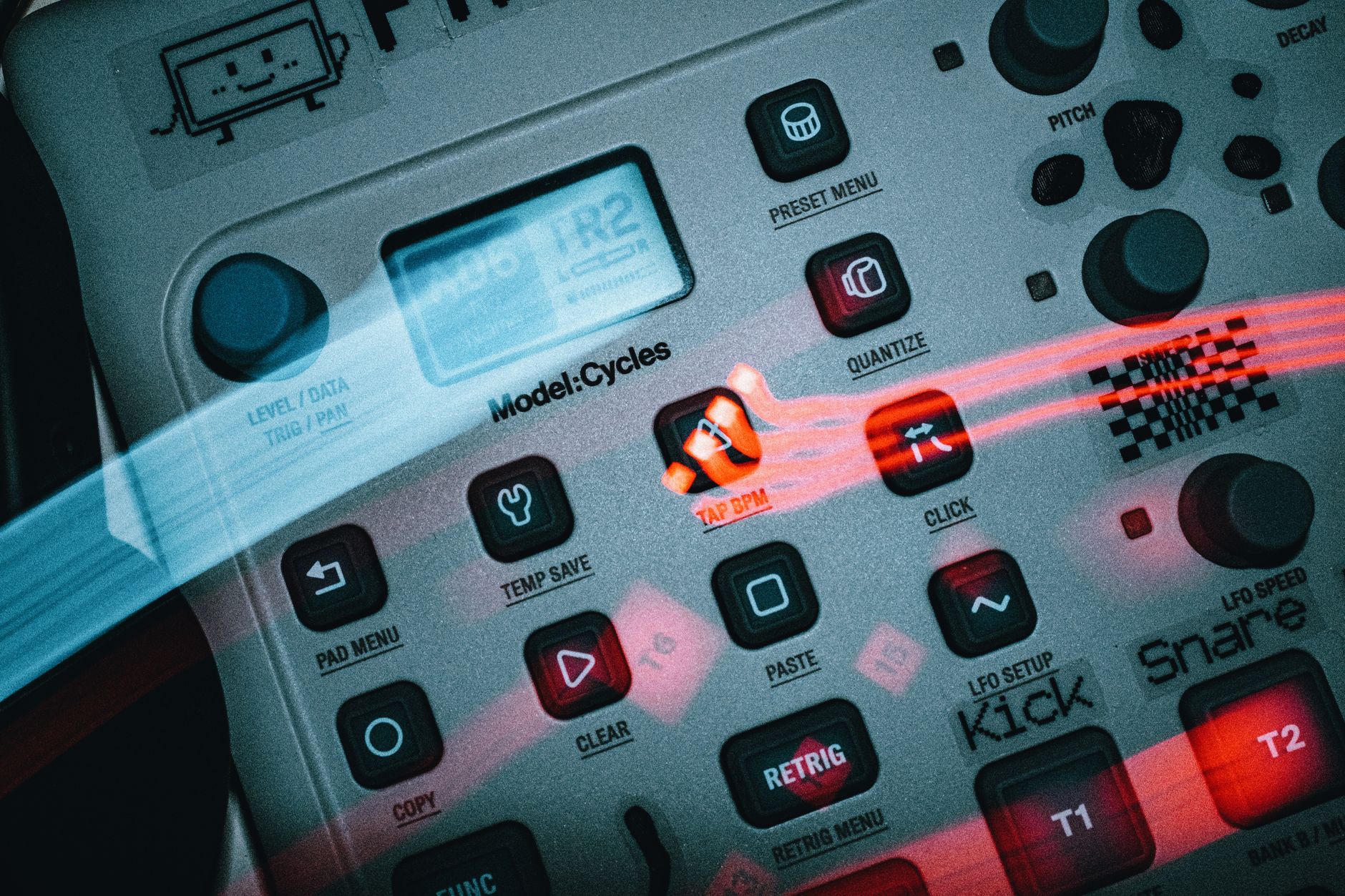
Key and BPM Changer: When to Shift Tempo or Pitch
A key and BPM changer is like a gearbox on a bike. One or two gear changes feel natural. Push too far and the chain starts complaining. Audio behaves the same way.
Changing BPM means time-stretching, which makes a track faster or slower without changing pitch. Changing key means pitch-shifting, which moves the notes up or down without changing the tempo. Both can leave artifacts, the warbly or grainy damage you hear when software works too hard.
Safe Tempo Changes for DJ Sets
For club tracks, a change of 2 to 4 BPM is usually safe. A 128 BPM track played at 124 BPM will normally survive. A 128 BPM track dragged to 112 BPM may lose punch, especially in the kick and bass.
Use your headphones. If the snare starts flamming, the vocal gets seasick, or the low end feels soft, you have pushed too far.
Safe Key Changes for Edits and Mashups
Pitch-shifting by one semitone is often usable. Two semitones can work on synth parts. Vocals are less forgiving because formants, the resonant shape of a voice, can start to sound artificial.
If you are making an edit in a DAW, a digital audio workstation, render a short test bounce and listen on speakers and headphones before committing.
- Keep tempo changes small for released masters.
- Shift vocals less aggressively than synths or pads.
- Avoid changing key and tempo heavily at the same time.
- Test the loudest chorus or drop, not only the intro.

Song BPM and Song Key in Real DJ and Production Work
Song BPM and song key are labels that help you make faster decisions. They are like passport stamps at an airport. Useful, but they do not tell you the whole personality of the traveler.
At The Ghost Production, we see this constantly across a catalogue of over 10,000 exclusive tracks from producers worldwide. Two tracks can share 126 BPM and A minor, yet one feels peak-time and the other feels like a warm-up record.
For DJs: Match Phrases Before You Match Keys
Harmonic mixing means choosing tracks with compatible keys so melodies do not clash. It helps, but phrasing comes first. A 16-bar breakdown landing over a busy drop will feel messy even if the key is perfect.
Count in 4-bar blocks. Start the incoming track where its intro supports the outgoing track, not where the software happens to place the first cue.
For Producers and Artists: Use References Carefully
If you brief a producer with references, include BPM, key, and the reason you picked each track. “124 BPM, D minor, rolling bassline, short vocal chops” is clearer than “make it like this.”
A key y bpm note is most useful when it sits beside mood, arrangement length, drum style, and drop energy.
- DJs should check phrasing, not only harmonic compatibility.
- Producers should tag references with tempo, key, mood, and arrangement notes.
- Artists should describe what they like in the reference, not only name the track.
- A matching key does not guarantee a matching vibe.
| Option | Best For | Strength | Weak Spot |
|---|---|---|---|
| Online BPM finder and key finder | Fast one-off checks, demos, references | No setup, quick upload, simple results | Less useful for playlists, grids, and live prep |
| DJ software such as Traktor Pro 4 | Set preparation and transition testing | Stores analysis, cue points, grids, and crates | Takes more setup and library management |
| Manual ear check | Confirming suspicious results | Catches musical clashes software misses | Slower until your ear improves |
| DAW analysis | Edits, mashups, and custom production references | Lets you test pitch and tempo changes in context | Overkill for a quick track ID check |
Further reading
- Ableton tempo lesson — Ableton’s music-learning material explains tempo and genre ranges clearly for beginners working with electronic music.
Frequently asked questions
What does key y BPM mean, and what are BPM and key?
BPM means beats per minute, the speed of the track. Key means the main musical centre, such as A minor or C major. Searching key y bpm usually means you want both facts so you can mix songs, build playlists, brief a producer, or check whether two musical ideas fit together.
What song is 400 BPM?
400 BPM is extremely fast and usually appears in speedcore, extratone, experimental electronic music, or novelty tempo tests. Most dance music sits far lower, often between 120 and 150 BPM. Some software may show 400 BPM by misreading subdivisions, so check whether the track actually feels that fast.
What BPM is 0.6 seconds?
If one beat lasts 0.6 seconds, the tempo is 100 BPM. The maths is 60 seconds divided by 0.6 seconds per beat. This is useful when converting delay times, tap-tempo readings, or beat spacing into a standard BPM value.
What is more important, BPM or key?
For DJ transitions, BPM usually comes first because drums need to line up. Key comes next because melodies and vocals can clash. The best result uses both: match or sensibly adjust the tempo, then choose a compatible key and check the blend by ear.
Conclusion
key y bpm looks like a tiny search, but it points to a practical skill every DJ, producer, and artist needs: knowing how tempo and key affect musical fit. Use online tools when you need a quick read. Use DJ software when you are building a set, testing transitions, or preparing a serious crate. If a result looks strange, tap the tempo, check the grid, and listen to the main bass or chord section.
For your next session, pick three tracks you already like. Find their BPM and key, then test which pair actually blends cleanly over 8 or 16 bars. That little exercise teaches more than staring at numbers alone.
My Career makes videos from your own track and posts them for you, pitches your release to 34,000+ labels, playlists, radio stations, YouTube channels and blogs, puts it in every store and briefs you every morning. Free plan, no card, two minutes to set up.