 By Alex Mercer · November 6, 2026
V moda headphones can be a smart buy if you know what problem they are solving: loud booth monitoring, portable production checks, or casual listening between sessions. The catch is that v moda headphones are usually tuned with strong low end and firm clamp, which feels great for cueing a kick drum but can trick a beginner mixing a track at home.
Think of DJ headphones like work boots. You are not buying the softest shoe for the sofa. You are buying something that can survive sweat, cable pulls, bag drops, and a kick drum hammering under club noise. For aspiring DJs and bedroom producers, the right V-MODA pair can be useful. The wrong one becomes an expensive fashion object. Here is how to judge sound, fit, price, and connection without getting buried in spec-sheet fog.
Where v moda headphones Fit in a DJ Setup
Analogy first: your headphones are the rear-view mirror in a car. They do not drive the set for you, but they stop you changing lanes blindly. In DJ terms, that means hearing the next track clearly before the audience hears it.
V-MODA built its reputation around rugged over-ear designs, metal shields, detachable cables, and a bass-forward sound. That combination suits cueing, beatmatching, and travel. It is less perfect as your only mixing reference for detailed EQ decisions.
The v moda headphones Sound in Plain English
Most V-MODA Crossfade models have a lifted bass response. Bass response means how loudly the headphones reproduce low frequencies, roughly 20 Hz to 250 Hz. For DJing, that helps you lock kick drums together in a noisy room.
For production, it can make you under-mix the bass in your own track. If the headphones already make the low end feel big, you may turn your bass channel down too far. Check your low end later on monitors or with a reference track at matched volume.
What They Are Best At
- DJ cueing: strong kick and snare information cuts through booth noise.
- Travel checks: foldable designs and hard cases are useful on the move.
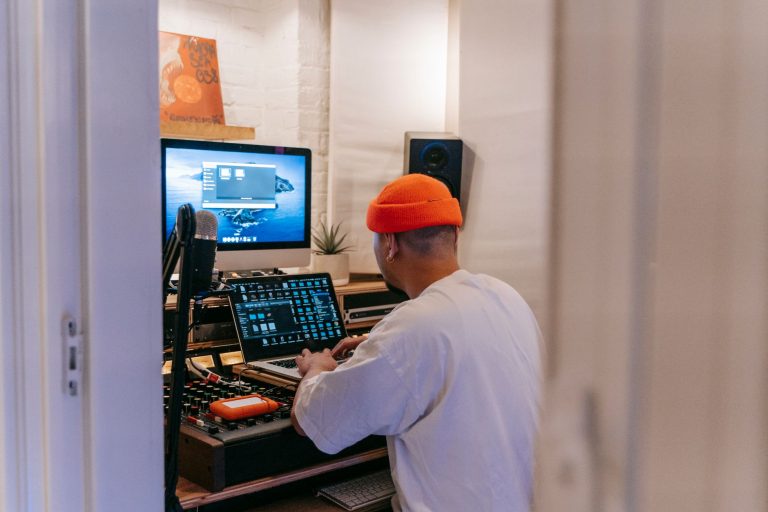
- Client presentation: a tidy, professional setup can build confidence before anyone hears the preview. We see this constantly with custom production work, where presentation frames the first listen.
- Use them for cueing, rough balance checks, and editing on the move.
- Do not make final sub-bass decisions on them alone.
- Keep a spare cable in your bag if you DJ outside the bedroom.
- Run them at safe volume, especially during long prep sessions.

Choose a Crossfade Model Without Overbuying
Choosing a Crossfade is like choosing a backpack. The biggest one is not automatically best. You want the pocket layout, strap comfort, and weight that match the job.
The V-Moda headphones Crossfade range has included wired and wireless models over the years. The names can blur together, so focus on what changes your daily workflow: cable use, battery, comfort, isolation, and whether Bluetooth latency matters.
Wired vs Wireless for Beginners
Latency means delay. Bluetooth adds a small delay between the music source and what reaches your ears. For casual listening, that delay is fine. For beatmatching from a DJ mixer, use a cable.
If you are practising on a controller like a Pioneer DDJ-FLX4 or a standalone unit, plug into the headphone output. Wireless is useful on trains, in airports, and while arranging a track, but wired monitoring is still the safer move for timing work.
Comfort Checks Before You Pay
Clamp force means how tightly the headband squeezes your head. A firm clamp helps isolation, which means blocking outside sound, but it can get tiring after 90 minutes.
If you wear glasses, test the pads for pressure around the arms. If your ears touch the driver cloth inside the cup, look for larger replacement cushions or a different model. Comfort is not a luxury. Tired ears make sloppy decisions.
- Pick wired use for DJ timing and booth cueing.
- Pick wireless convenience for travel, editing, and casual listening.
- Check pad depth if you have larger ears.
- Avoid buying only by colour or shield design.

Read the V-MODA Headphones Price Like a Producer
Price is like track count in a project. More does not always mean better, but it usually means something changed. With headphones, that change might be wireless electronics, materials, accessories, or active noise cancelling.
The V-MODA Headphones price range shifts with sales, stock, region, and older models. A sensible beginner budget is not about chasing the most expensive pair. It is about paying for the features you will actually use twice a week.
What Is Worth Paying For
Pay for detachable cables, replaceable pads, solid hinges, and a case if you travel. Those details affect lifespan. A cheap fixed cable can kill an otherwise decent pair after one bad pull.
Active noise cancelling reduces steady background noise, such as train rumble or air conditioning. It is not the same as isolation from ear pads, and it is not essential for DJing. In a booth, wired reliability beats extra electronics.
Where to Save Money
Skip premium cosmetic shields if your budget is tight. They look sharp, but sound and fit matter more. Older Crossfade stock can also be good value if the pads, hinges, and cable socket are in clean condition.
Used pairs need a physical inspection. Check for headband cracks, loose yokes, flaking pads, and scratchy cable connections. A low price stops being low when you immediately need pads and a cable.
- Spend on build quality before cosmetics.
- Budget for replacement pads if buying used.
- Treat heavy discount listings with caution.
- Check return policies when buying online.
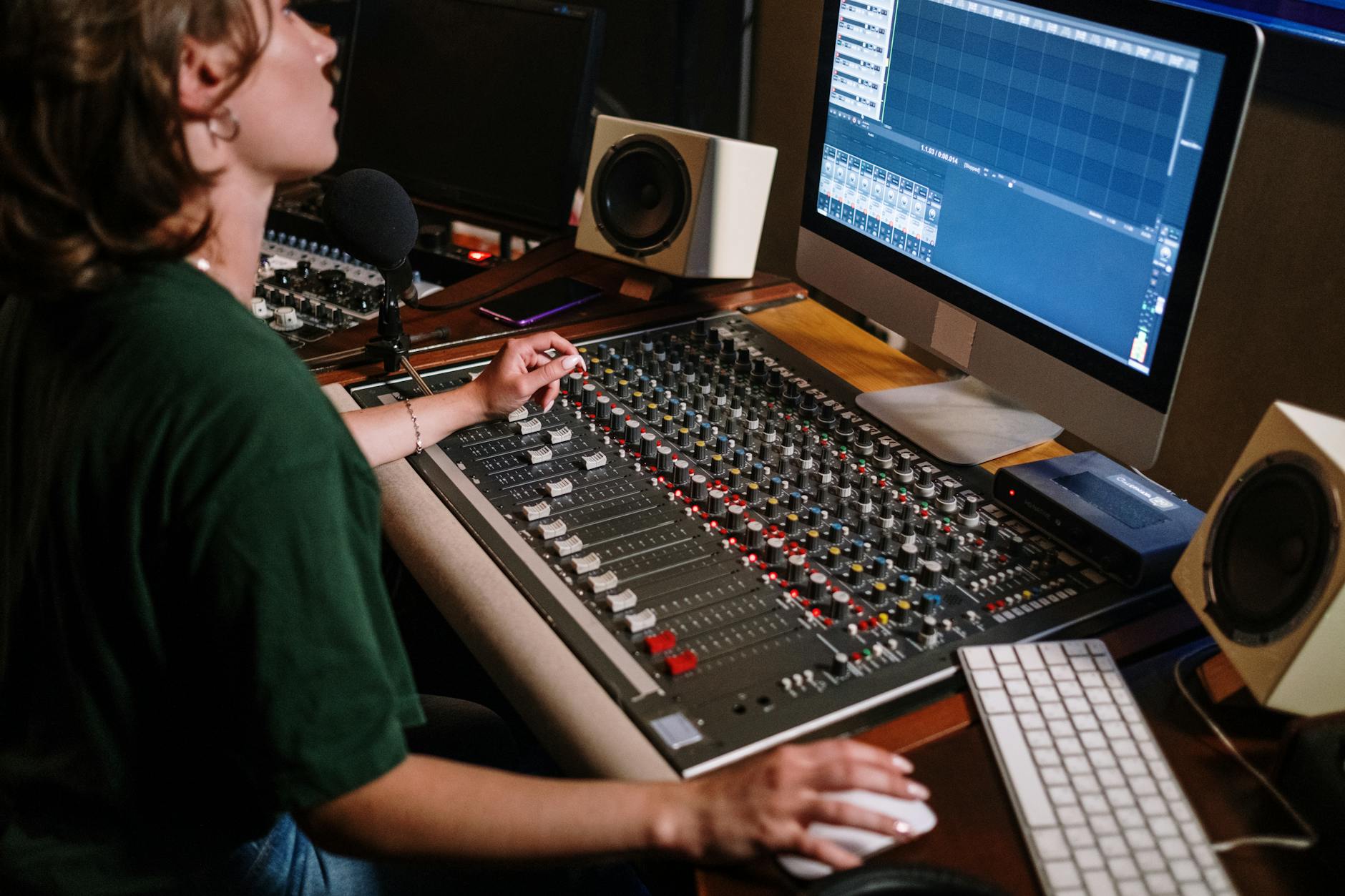
Test Them for DJing and Bedroom Production
A headphone test is like checking a rental car before leaving the lot. You are looking for problems while you can still do something about them.
Do not judge a pair from one loud song. Use the same short playlist every time. Keep the volume moderate, then listen for kick weight, vocal clarity, hi-hat sharpness, and whether the stereo image feels exaggerated.
Five-Minute Listening Routine
Use one club track, one vocal track, and one track you know is mixed well. Set the volume so conversation would still be possible if one cup were off your ear. Loud tests flatter almost every headphone.
- Kick drum: can you hear the punch without it swallowing the bassline?
- Vocal: does the lead sit forward or feel buried?
- Hi-hats: are they crisp or painfully sharp?
- Low mids: does 200 to 400 Hz feel boxy?
Production Reality Check
If you produce, compare your mix against a released track in the same style. A reference track is a finished song used as a reality check. Match loudness by ear before comparing, because louder usually sounds better even when it is not.
For final checks, use monitors if you have them. Even budget speakers in a familiar room can reveal bass balance differently from sealed headphones.
- Test at moderate volume first.
- Use the same three tracks every time.
- Check one-ear cueing if you DJ.
- Compare your own mix against a released reference.

How to Connect V-MODA Headphones Correctly
Connection is like plugging a guitar into the right amp input. The cable may fit somewhere else, but that does not mean it is the cleanest or most useful path.
For DJing, use the headphone output on the mixer or controller, not a laptop headphone jack, because the cue buttons and headphone mix knob live on the DJ hardware. For production, plug into your audio interface if you use one.
Wired Setup for Controllers and Mixers
Most DJ controllers use a 3.5 mm or 6.35 mm headphone output. If your cable ends in 3.5 mm, use a screw-on or push-on 6.35 mm adapter when needed. Keep the master volume separate from headphone volume.
Start with the headphone level at zero, press cue on one deck, then raise the level slowly. If the signal distorts, lower the channel gain before blaming the headphones. Distortion means the signal is overloaded and sounding rough.
Bluetooth Setup Without Timing Surprises
To pair a wireless Crossfade model, charge it first, hold the power or pairing control until the status light enters pairing mode, then select it in your phone, laptop, or tablet Bluetooth menu. If it fails, remove the old pairing from the device list and try again.
Do not beatmatch over Bluetooth. The delay is small, but small timing errors matter when two kicks are running together at 128 BPM.
- Use wired mode for DJ practice and gigs.
- Pair Bluetooth only for listening, editing, or travel.
- Keep headphone volume low before cueing.
- Clean the cable plug if one side cuts out.
Use v moda headphones reddit Threads Carefully
Reddit is like a noisy green room. You can hear useful stories, but you also hear hot takes from people with completely different heads, ears, budgets, and music styles.
Search terms such as v moda headphones reddit can reveal long-term owner complaints that polished product pages will not show. That is useful. Just separate repeated patterns from one-off rants.
What to Look For in Owner Comments
Look for repeated notes about pad wear, hinge looseness, cable failures, Bluetooth battery life, and comfort after long sessions. One complaint is noise. Ten similar complaints across different threads deserve attention.
Give more weight to users who mention the exact model, how long they owned it, and how they used it. A bedroom listener, touring DJ, and gym user stress headphones in different ways.
What to Ignore
Ignore comments that only say a headphone is trash or amazing with no reason. Also be careful with volume-based judgments. Someone who listens dangerously loud may describe treble and bass very differently from you.
The best review is still your own repeatable test: same tracks, same volume, same use case.
- Trust repeated owner patterns more than single hot takes.
- Check whether the comment names the exact model.
- Separate DJ use from casual listening use.
- Use forums to spot risks, not to outsource your ears.
| Use case | Better choice | Why it fits | Watch out for |
|---|---|---|---|
| DJ practice and gigs | Wired Crossfade-style model | Reliable timing, strong isolation, no Bluetooth delay | Firm clamp can tire some users |
| Travel and casual listening | Crossfade 3 Wireless | Bluetooth convenience plus cable option | Use cable for beatmatching |
| Bedroom production checks | Any comfortable wired V-MODA pair | Useful for edits, balance checks, and detail work | Bass tuning can mislead low-end decisions |
| Used bargain hunting | Clean older Crossfade stock | Can save money if pads and cable are healthy | Inspect hinges, sockets, and headband wear |
FAQ
What happened to V-Moda?
Roland acquired a majority stake in V-MODA in 2016, and the brand continued under that wider company structure. Some older models became harder to find over time, while newer Crossfade models and accessories have remained available through official and authorized channels depending on region.
Are v moda headphones good?
Yes, v moda headphones can be good for DJs and travel because they are sturdy, isolating, and usually strong in the low end. For final music production decisions, use them with care. Their bass-forward voicing can make you under-mix kick and bass if you do not compare against references.
Where can I buy V-Moda headphones?
You can buy V-MODA headphones through the official V-MODA store, authorized Roland or audio dealers, and major retailers when stock is available. For used pairs, check the cable socket, hinges, pads, and headband before paying, because replacement parts can change the real cost.
How do you connect V-Moda headphones?
For wired use, plug the cable into your DJ mixer, controller, laptop, or audio interface, using a 6.35 mm adapter if needed. For Bluetooth models, charge the headphones, enter pairing mode, then select them in your device Bluetooth menu. Use wired mode for beatmatching.
v moda headphones make the most sense when you treat them as durable working headphones, not magic mix fixers. For DJing, their isolation, punchy low end, and tough build are real advantages. For bedroom production, they are useful for editing, arrangement checks, and late-night work, but your bass balance still needs a second opinion from monitors, a car test, or trusted reference tracks.
If you are shopping now, choose the model around your actual routine: wired for timing, wireless for travel, comfortable pads for long sessions. Then run the same three-song test before committing. Try that in your next session, and you will know within minutes whether the pair helps you work or just looks good on the desk.
My Career makes videos from your own track and posts them for you, pitches your release to 34,000+ labels, playlists, radio stations, YouTube channels and blogs, puts it in every store and briefs you every morning. Free plan, no card, two minutes to set up.