
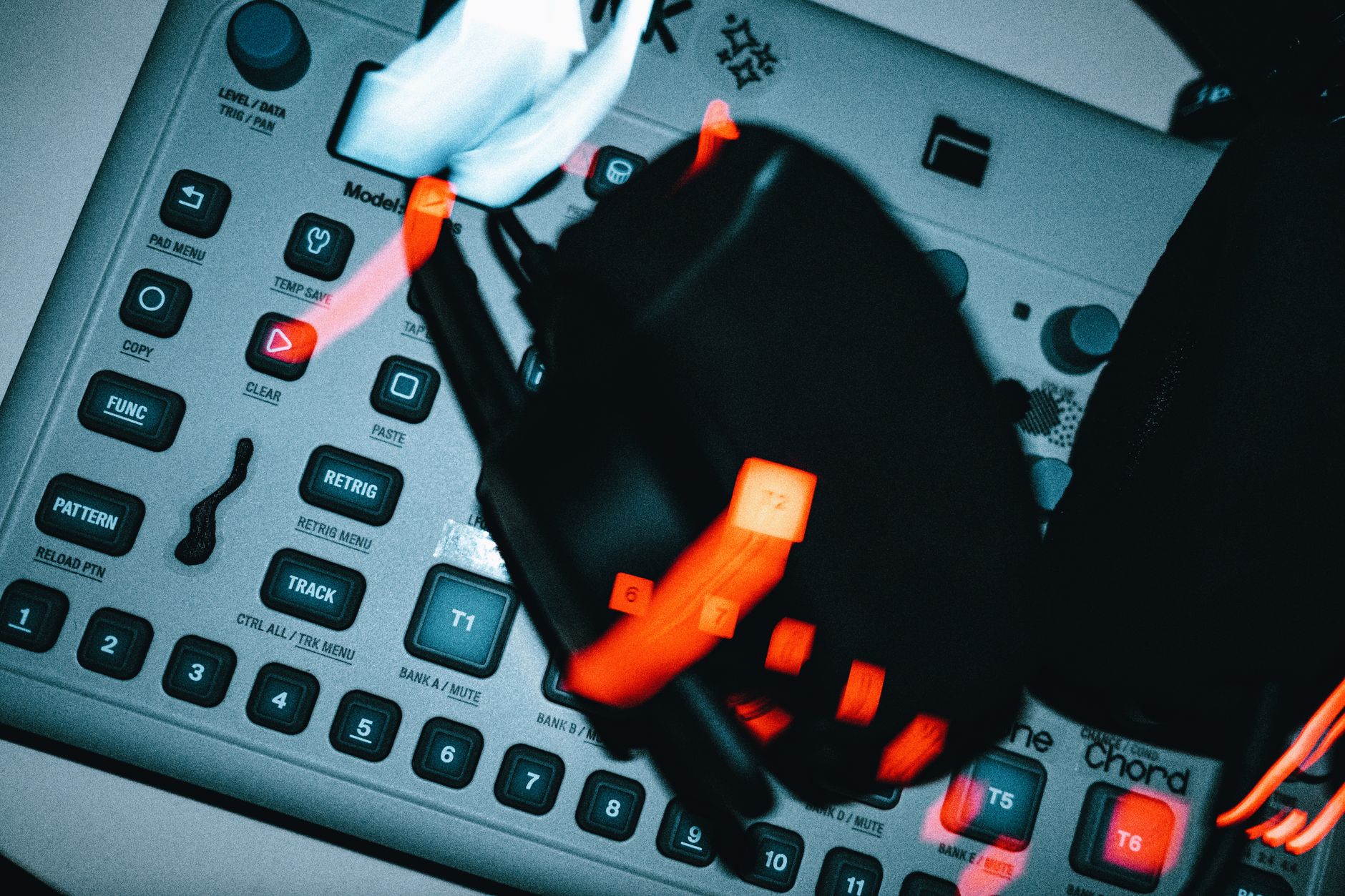
The first time I trusted a focusrite scarlett 18i20 on a paid session, it was 1:40 a.m. in a small warehouse room, 126 BPM tech-house loop running from Ableton Live, a Roland TR-8S on inputs 3 and 4, two vocal mics still warm from a scratch hook, and a DJ mixer sending the booth feed into the back of the rack.
The track nearly did not ship. The artist wanted a custom intro edit by morning, the DJ wanted a clean 60-minute mix for promo, and the first take clipped every time the kick and vocal shout landed together. The fix was not magic gear worship. It was proper routing, sane gain, and knowing what the focusrite scarlett 18i20 is actually built to do. If you are recording DJ sets, vocals, synths, or stems for ghost production work, this interface can be boring in the best possible way: everything plugged in, everything named, no drama.
Focusrite scarlett 18i20 Saved the Session When Inputs Ran Out
I bought my first big interface after a session where a two-input box made me choose between recording the DJ mixer or the vocalist. That is a stupid choice when the room is paid for and the artist is already pacing behind you. The focusrite scarlett 18i20 exists for exactly that kind of mess: too many sources, not enough patience, and no time to repatch every four bars.
Eight analog inputs on the front and rear change the way a small studio works. A DJ mixer can stay connected. A drum machine can stay connected. A vocal mic can stay connected. You stop treating recording like a cable puzzle and start treating it like a session.
The Rack Interface Mindset
A small desktop interface is fine when the whole song is inside the laptop. The 18i20 starts making sense once the room has more than one job. DJs need stereo recording from a mixer. Producers need hardware inputs. Artists need quick vocal takes before the idea cools off.
For the warehouse edit, I had inputs 1 and 2 ready for mics, 3 and 4 taking the TR-8S, 5 and 6 receiving the DJ mixer record out, and 7 and 8 left free for a synth line. That spare stereo pair saved the session when the artist pulled out a small sampler halfway through the night.
Focusrite scarlett 18i20 Gain Staging I Use Before Record
I aim for peaks around -12 dBFS while tracking and leave at least -6 dB of headroom on the master print. On vocals, I ask for the loudest chorus line before setting gain. On DJ mixes, I record a busy drop, not the intro, because the intro lies.
- Record at 24-bit so conservative levels do not hurt the noise floor.
- Keep DJ mixer record outputs lower than the club output.
- Disable unnecessary limiters while printing raw stems.
- Label inputs before the take, not after coffee at 3 a.m.
- Best reason to buy it: permanent inputs for a real room.
- Worst reason to buy it: hoping more inputs fix weak arrangements.
- Safe tracking level: peaks around -12 dBFS.
- Safe master print level: leave roughly -6 dB headroom.
- Best sample rate for most sessions: 48 kHz unless the project demands otherwise.

The I/O Layout That Makes It More Than a Bigger Scarlett
The name makes it sound like a larger version of a small Scarlett, but the workflow feels different. The 18i20 is not just more holes on the front. It gives you routing, monitor control, headphone feeds, ADAT expansion, S/PDIF, MIDI, and enough outputs to stop abusing your main monitor pair for every task.
This matters for DJs and bedroom producers because the room grows unevenly. One week it is a USB controller and a mic. Six months later there is a drum machine, a hardware synth, a second pair of monitors, and an artist asking for a headphone mix with less kick.
Inputs for DJ Mixes, Vocals, and Hardware
The front combo inputs are the fast lane for mics and instruments. Rear line inputs are better for gear that stays patched: DJ mixer record out, synths, samplers, and drum machines. I do not like constantly plugging heavy quarter-inch cables into the front during a session. Rear inputs keep the desk cleaner and the mood calmer.
If the mixer has both booth out and record out, I usually take record out for the print and leave booth for monitoring the room. If the mixer only has master out, turn the interface gain down and test the loudest section before recording.
Outputs for Monitors, Reamps, and Cue Feeds
The outputs are where the interface earns its rack space. Main monitors can live on outputs 1 and 2. A second monitor pair, maybe small grot boxes or Neumann KH 120s if the room is treated well, can sit on another pair. Headphone mixes can be fed without muting your own speakers.
For production work, spare outputs are useful for printing outboard effects or sampling back through pedals. You do not need a huge analog rack to care about outputs. One delay pedal and one spare stereo pair is enough to make routing matter.
ADAT Is the Expansion Door
ADAT is the reason the box does not feel disposable when the studio grows. At 44.1 or 48 kHz, an eight-channel ADAT preamp can add eight more inputs. At higher sample rates, channel count drops because the optical pipe has less room per channel.
I would rather buy an interface with ADAT before I need it than replace the whole interface later. For a producer taking on bands, vocal stacks, or multiple synths, that one optical port can buy another year or two of useful life.
- Use rear line inputs for gear that stays connected.
- Keep front inputs free for mics, guitars, and surprise guests.
- Reserve a stereo output pair for headphone or hardware effects routing.
- Use ADAT expansion before replacing the whole interface.
- Name every input in your DAW template.
Driver, Control Software, and the Routing Mistakes I Still See
The Focusrite Scarlett 18i20 driver is not the exciting part of the purchase, but it is the part that decides whether the session feels tight or slippery. Bad driver setup shows up as clicks, late monitoring, missing inputs, or that cursed moment when the DAW sees the interface but records silence.
Install the correct driver and control app for your generation before judging the hardware. Scarlett 18i20 3rd Gen uses Focusrite Control. Focusrite Scarlett 18i20 Gen 4 uses Focusrite Control 2. Mixing those up wastes time and makes perfectly normal routing feel broken.
Buffer Settings That Actually Work
For tracking vocals through the DAW with light plugins, I start at 64 samples at 48 kHz. If the singer hears crackles, I move to 128 samples before touching anything else. For mixing, I stop pretending latency matters and use 256 or 512 samples so CPU spikes do not ruin playback.
Heavy lookahead limiters, linear-phase EQ, and oversampled clippers do not belong on a live tracking chain. Print the vocal clean, monitor with a simple compressor and reverb, then turn the heavy mix chain back on later.
Direct Monitoring Is Not Defeat
Some producers treat direct monitoring like training wheels. I disagree. If an artist performs better with near-zero-latency monitoring, use it. The point is the take, not your pride.
A simple direct monitor mix for vocals is dry mic, a little playback, and maybe DAW reverb if latency stays comfortable. If the DAW return feels late, mute the software-monitored vocal and give the singer the direct input instead.
The Focusrite Scarlett 18i20 Manual Is Worth Opening Once
I know, nobody buys gear to read a PDF. Still, the Focusrite Scarlett 18i20 manual explains routing labels, clocking, ADAT channel counts, and standalone behavior in a way that can prevent a dead session. Read the routing pages before the first paid vocal day.
The most common mistake I see is recording the wrong software playback channel instead of the physical input. The second is clocking an ADAT device incorrectly and blaming the preamps for clicks.
- Use 64 or 128 samples for tracking when the computer can handle it.
- Use 256 or 512 samples for mixing dense sessions.
- Install the generation-specific driver and control software.
- Check clock source before using ADAT or S/PDIF.
- Save a routing preset for DJ recording and another for vocal tracking.

Recording DJs: Booth Feed, Mixer Out, Mic, and No Clipped Masters
DJ recording is where this interface feels almost too sensible. A two-channel interface records the set, but the 18i20 lets the room stay flexible. You can capture the mixer, a crowd mic, a shout mic, and a separate drum machine or sampler layer if the set is partly live.
I learned this after recording a promo mix where the DJ hit the mixer harder during the last 20 minutes than during soundcheck. The file looked like a brick. The fix was not rescue mastering. The fix was setting the input against the loudest drop and leaving the red lights alone.
My DJ Mix Input Layout
For a clean club-style print, I usually run the mixer record output into rear line inputs 5 and 6. If the DJ is using a mic, I record it separately on input 1 rather than baking it into the stereo mix. That gives me control later if the mic is too loud, too dull, or full of room rumble.
If the set includes a live Roland TR-8S, I give it inputs 3 and 4. That lets me tuck the drum machine under the DJ mix or fix one overexcited 909 clap without mangling the whole recording.
Record Hotter Is Bad Advice
At 24-bit, there is no prize for recording near zero. I prefer the DJ mix peaking between -10 and -6 dBFS. If the DJ plays harder later, there is still room. If the printed file is quiet, the mastering stage can lift it cleanly.
For livestreams, I keep another safety margin because streaming encoders and platform loudness processing can be ugly. A clean -14 LUFS integrated stream usually beats a smashed mix that distorts on phone speakers.
Loopback Without Painting Yourself Into a Corner
Loopback can capture computer audio for streams, tutorials, or reaction-style breakdowns. I use it carefully. If you record loopback and physical inputs onto one stereo track, fixing levels later is painful.
A better habit is to record the DJ mixer, mic, and computer audio on separate tracks when the software allows it. In OBS or a DAW, name the sources clearly and run a one-minute test before the real take.
- Record the mixer on a stereo line pair, not a mic preamp cranked blindly.
- Keep DJ mix peaks below -6 dBFS during the loudest section.
- Record mic and mixer separately when possible.
- Do a one-minute test file and play it back before the set.
- Keep a safety stereo recorder running for paid sessions.
Producing With Hardware Synths, Drum Machines, and ADAT Later
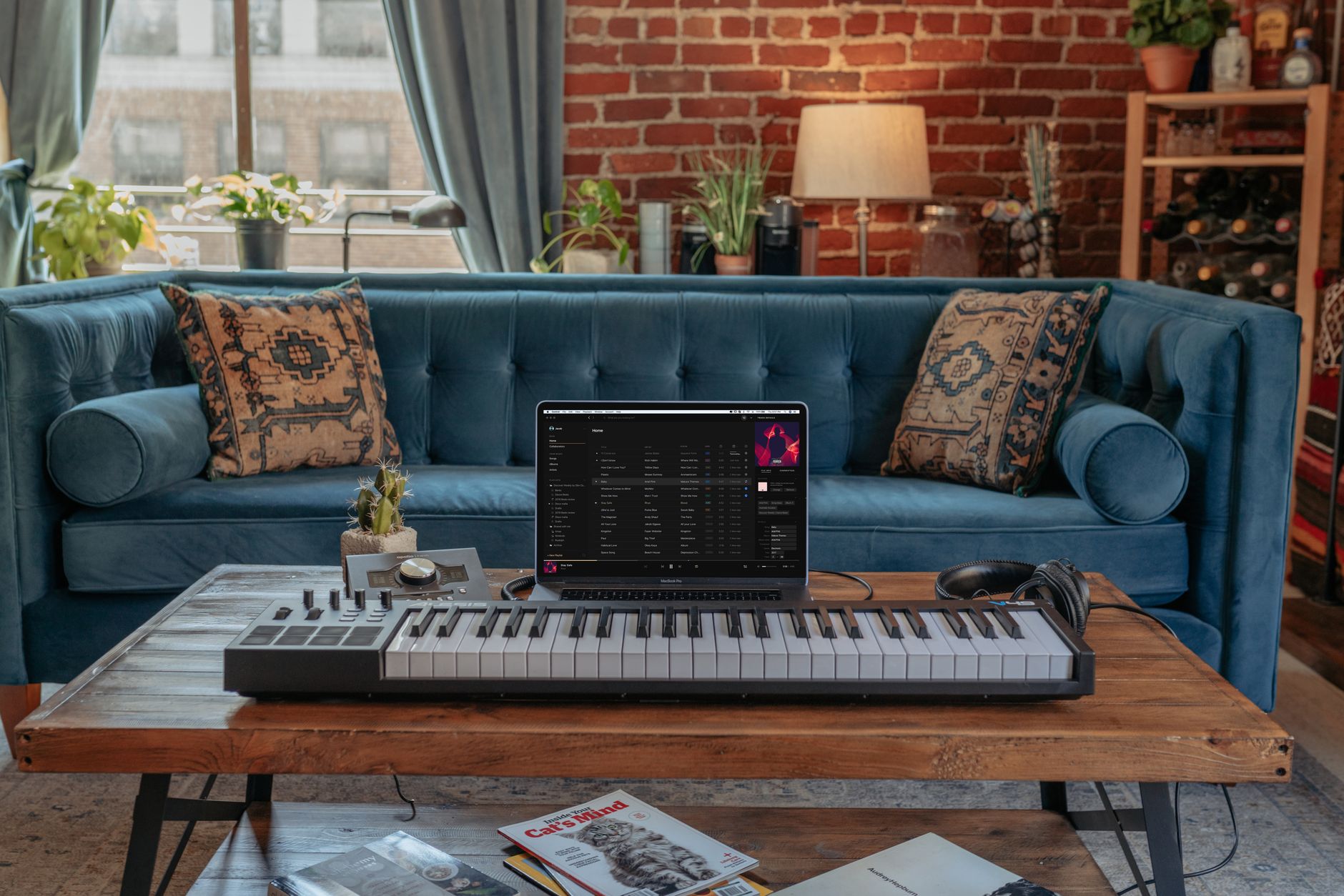
A lot of bedroom producers buy an interface for vocals, then end up using it as a hardware hub. That is the better story. The focusrite scarlett 18i20 suits a room where Ableton Live, Logic Pro, FL Studio, or Studio One handles arrangement, while a few physical instruments bring movement that plugins do not always cough up quickly.
I am not romantic about cables. Hardware is slower. It also makes people commit. When the TR-8S kick is hitting right and a cheap mono synth is growling through input 7, printing the part can stop a loop from becoming a three-week browsing session.
A Practical Hardware Template
My default template is boring, which is why it works. Inputs 1 and 2 are vocals or guitars. Inputs 3 and 4 are drum machine stereo. Inputs 5 and 6 are synth stereo. Inputs 7 and 8 are spare. Outputs 3 and 4 feed external effects when needed.
I keep MIDI connected when the hardware supports it, but I still print audio early. MIDI can stay flexible forever. Audio forces decisions. For custom music production, decisions are what move a track from loop to deliverable.
Parallel Recording Beats Perfect Recall
If a synth patch matters, print a dry take and a processed take. One pass through a pedal chain, one pass clean. The 18i20 has enough I/O to make that easy without repatching the whole room.
For bass, I often record a clean DI-style line and a dirtier parallel path. Later I can low-pass the clean track around 120 Hz and blend the grit above it. That keeps club low-end stable while the character sits higher in the mix.
When ADAT Becomes Necessary
ADAT becomes necessary when the phrase I will just unplug this starts happening every session. If drums, synths, samplers, and vocal chains all need to stay ready, expansion is cheaper than killing the creative flow.
Before buying an ADAT preamp, count actual sources, not fantasy sources. A mono bass synth needs one input. A stereo sampler needs two. A vocal chain needs one. The math tells the truth.
- Build one DAW template with named 18i20 inputs.
- Print hardware audio before changing patches.
- Record clean and processed versions when a sound matters.
- Use spare outputs for pedals, reamping, or sampling chains.
- Expand with ADAT only after your real input count demands it.
Gen 1, Scarlett 18i20 2nd Gen, 3rd Gen, and Gen 4
The used market is full of older units, so the generation question matters. A Focusrite Scarlett 18i20 1st Gen can still record audio, but I would not buy one unless the price is low and the computer compatibility is confirmed. Drivers, noise performance, latency, and control software age faster than metal cases.
Scarlett 18i20 2nd Gen is still usable for many home rooms. Scarlett 18i20 3rd Gen is the safer used buy for most producers. Focusrite Scarlett 18i20 Gen 4 is the one I would choose if low-friction setup, newer converters, Auto Gain, Clip Safe, and longer support matter.
The Used-Buy Rule
I would rather buy a clean 3rd Gen than gamble on a tired 1st Gen with a missing power supply and mystery USB history. Interfaces are not vintage synths. Old converters do not become more charming because someone smoked near them for ten years.
Ask for a screenshot showing the interface recognized by the current driver. Check every input with a mic or line source. Test both headphone outs. If the seller cannot do that, the discount needs to be serious.
Why Gen 4 Feels Easier for Newer Rooms
Gen 4 is aimed at people who want less setup anxiety. Auto Gain and Clip Safe are not replacements for ears, but they help beginners avoid ruined takes. Focusrite Control 2 also feels cleaner if you are not used to matrix-style routing.
For a producer who records other artists, that matters. The session should not stop while you explain why the singer clipped the preamp. Safety features do not make you lazy. They give you one more guardrail when the room gets loud.
- Skip 1st Gen unless it is cheap and tested with your computer.
- Consider 2nd Gen for budget rooms with simple needs.
- Pick 3rd Gen as the sensible used-market choice.
- Pick Gen 4 for newer support, easier control software, and safety tools.
- Check driver support before paying for any used interface.
Specs That Matter: Noise, Headroom, Latency, and Monitoring
Focusrite scarlett 18i20 specs can turn into a numbers fog if you stare at every line. I care about a shorter list: input count, preamp gain, converter dynamic range, maximum line level, headphone power, latency behavior, and expansion options. Those are the specs that change a session.
The latest generation has cleaner published numbers than the old boxes, but the room still decides plenty. A loud laptop fan, untreated walls, and a bad mic position can do more damage than a small converter difference. Good specs help most when the basics are already handled.
Noise Floor in Real Rooms
For rap vocals, pop hooks, and spoken DJ tags, the preamps are quiet enough if the mic suits the voice and the room is under control. A low-output dynamic mic on a whispery singer may need more gain than you like. A condenser in a reflective bedroom may reveal more room than talent.
I start with mic distance before EQ. Six to eight inches with a pop filter usually beats fixing plosives later. High-pass around 70 to 100 Hz on vocals if rumble is present, but do not carve the body out just because the analyzer looks busy.
Latency Is a System, Not One Box
The interface matters, but so do USB ports, driver version, DAW buffer, plugins, and CPU load. A clean tracking session at 48 kHz and 64 samples can feel tight. Add oversampled saturation, linear-phase mastering EQ, and a lookahead limiter, and the same computer starts dragging its feet.
My rule is simple: tracking sessions get light plugins. Mixing sessions get heavy plugins. If an artist is in the room, performance comes first.
Monitoring Is Where Beginners Undervalue Outputs
Good monitoring is not only about expensive speakers. It is about predictable routing. Main monitors, headphones, stream feed, and print feed should not fight each other.
If you produce tracks for DJs, leave one output pair available for checking transitions or resampling. If you record artists, build a cue mix that stays consistent from session to session. Familiar monitoring makes performances better because nobody is surprised by the headphones.
- Track vocals at 24-bit with healthy headroom.
- Use light monitoring chains during recording.
- Treat the room before blaming converter specs.
- Keep separate output paths for monitors, headphones, and streams.
- Check latency after installing new plugins or driver updates.
Who Should Buy It, Who Should Skip It
The focusrite scarlett 18i20 is not the right answer for everyone. If all you do is make beats on headphones and record one vocal at a time, a smaller interface may be cleaner, cheaper, and less annoying on the desk. Buying unused inputs is not ambition. Sometimes it is just rack clutter.
But if your sessions keep growing, the 18i20 makes sense fast. DJs recording mixes, producers with drum machines, artists tracking vocals over leased or custom beats, and small rooms handling collaborations all benefit from not repatching constantly.
Buy It If the Room Has Multiple Jobs
I would buy it for a room that records DJ mixes one day, vocals the next, and hardware jams on weekends. I would also buy it for a producer who wants to send clean, labeled stems to a mix engineer or ghost production partner without explaining which synth was printed through the mic input by accident.
The best studios feel ready. The interface is part of that feeling. When an artist says try the hook now, the mic should already be one button away.
Skip It If You Need Portability First
This is a rack interface, not a backpack interface. If you record hotel-room vocals, tour content, or quick writing sessions away from home, a bus-powered two-input unit is more practical.
I would also skip it if your computer setup is unstable and you are hoping new hardware solves everything. Update the OS carefully, clean up the DAW template, and test your plugins first. A bigger interface cannot fix a chaotic session folder.
My Verdict After Living With This Type of Setup
For DJs and producers who need real I/O, the focusrite scarlett 18i20 is good because it removes friction. Not glamorous friction. Boring friction. The cable-swapping, wrong-input, clipped-recording kind that ruins takes.
I take the Gen 4 if buying new. I take a tested 3rd Gen if the deal is strong. I leave the 1st Gen for people with old systems, low budgets, and enough patience to troubleshoot.
- Best for DJ mixes, vocal sessions, hardware production, and small studio hubs.
- Overkill for one mic and headphones.
- Gen 4 is the cleanest new buy.
- 3rd Gen is the used-market sweet spot.
- The real value is routing stability, not bragging rights.
| Generation | Best Fit | Watch Out For | My Take |
|---|---|---|---|
| Focusrite Scarlett 18i20 1st Gen | Very tight budgets and older stable computers | Driver age, noisier performance, used-unit wear | Only buy cheap after testing every input and output |
| Scarlett 18i20 2nd Gen | Basic home studios needing eight inputs | Older control software and less modern latency performance | Usable, but not my first used choice |
| Scarlett 18i20 3rd Gen | Used buyers who want a safer modern Scarlett | Check OS support and Focusrite Control compatibility | The sensible used-market pick |
| Focusrite Scarlett 18i20 Gen 4 | New studios, vocal tracking, DJ recording, hardware hubs | Costs more than a used 3rd Gen | The one I would buy new |
Questions producers actually ask
Is the focusrite scarlett 18i20 good?
Yes, if you need more than a simple two-input setup. It is good for DJ mix recording, vocal tracking, hardware synths, drum machines, and small studio routing. I would not buy it just to make beats on headphones, but for a room with multiple sources it is a strong, practical interface.
What is the Focusrite Scarlett 18i20 used for?
It is used to record and route multiple audio sources at once: microphones, DJ mixers, synths, drum machines, guitars, samplers, and computer audio. Producers also use it as a studio hub, with separate outputs for monitors, headphones, hardware effects, streaming feeds, and ADAT expansion.
Is the Scarlett 18i20 good for beginners?
It can be, but only for beginners who already know they need multiple inputs. A singer-songwriter with one mic may be happier with a smaller Scarlett. A beginner DJ or producer recording mixers, vocals, and hardware will grow into the 18i20 quickly, especially with Gen 4 safety features.
What are the differences between the Focusrite Scarlett 18i20 Gen 3 and Gen 4?
Gen 4 brings newer converters, updated preamps, Focusrite Control 2, Auto Gain, Clip Safe, and a smoother setup experience. Gen 3 is still a solid used buy if it is tested and supported by your computer. I would buy Gen 4 new, but a clean Gen 3 can be smart.
Do I need the Focusrite Scarlett 18i20 driver?
On Windows, yes, install the correct Focusrite Scarlett 18i20 driver and control software for your generation. On macOS, basic audio may work without a separate driver, but you still need the matching control app for routing, loopback, monitor mixes, and firmware updates.
Can the Scarlett 18i20 record a DJ set cleanly?
Yes. Run the DJ mixer record out into a stereo line pair, test the loudest drop, and keep peaks around -10 to -6 dBFS. If there is a microphone or live drum machine, record those on separate inputs so you can fix levels after the set.
What to remember
- The 18i20 makes sense when a room needs permanent inputs for DJ mixers, vocals, synths, and drum machines.
- Record at 24-bit with conservative peaks instead of chasing zero on the meters.
- Install the correct driver and control app for your exact Scarlett generation.
- Gen 4 is the best new buy, while 3rd Gen is usually the smartest used option.
- ADAT expansion keeps the interface useful when your hardware setup grows.
- A smaller interface is better if you only record one mic and work entirely in headphones.
Wrapping up
The focusrite scarlett 18i20 is not exciting because it promises some mythical studio transformation. It is useful because it lets a messy creative room behave like a working room. The DJ mixer stays patched. The vocal mic is ready. The drum machine has its own inputs. The headphone feed does not steal your monitor outputs.
If you buy one, do the unglamorous work first: install the right driver, read the routing pages, build a DAW template, and record test files at real session levels. Try that in your next DJ mix or vocal session before judging the box. Clean routing will tell you more than a spec sheet ever will.
My Career makes videos from your own track and posts them for you, pitches your release to 34,000+ labels, playlists, radio stations, YouTube channels and blogs, puts it in every store and briefs you every morning. Free plan, no card, two minutes to set up.


