 By TGP DJ Desk · October 23, 2026
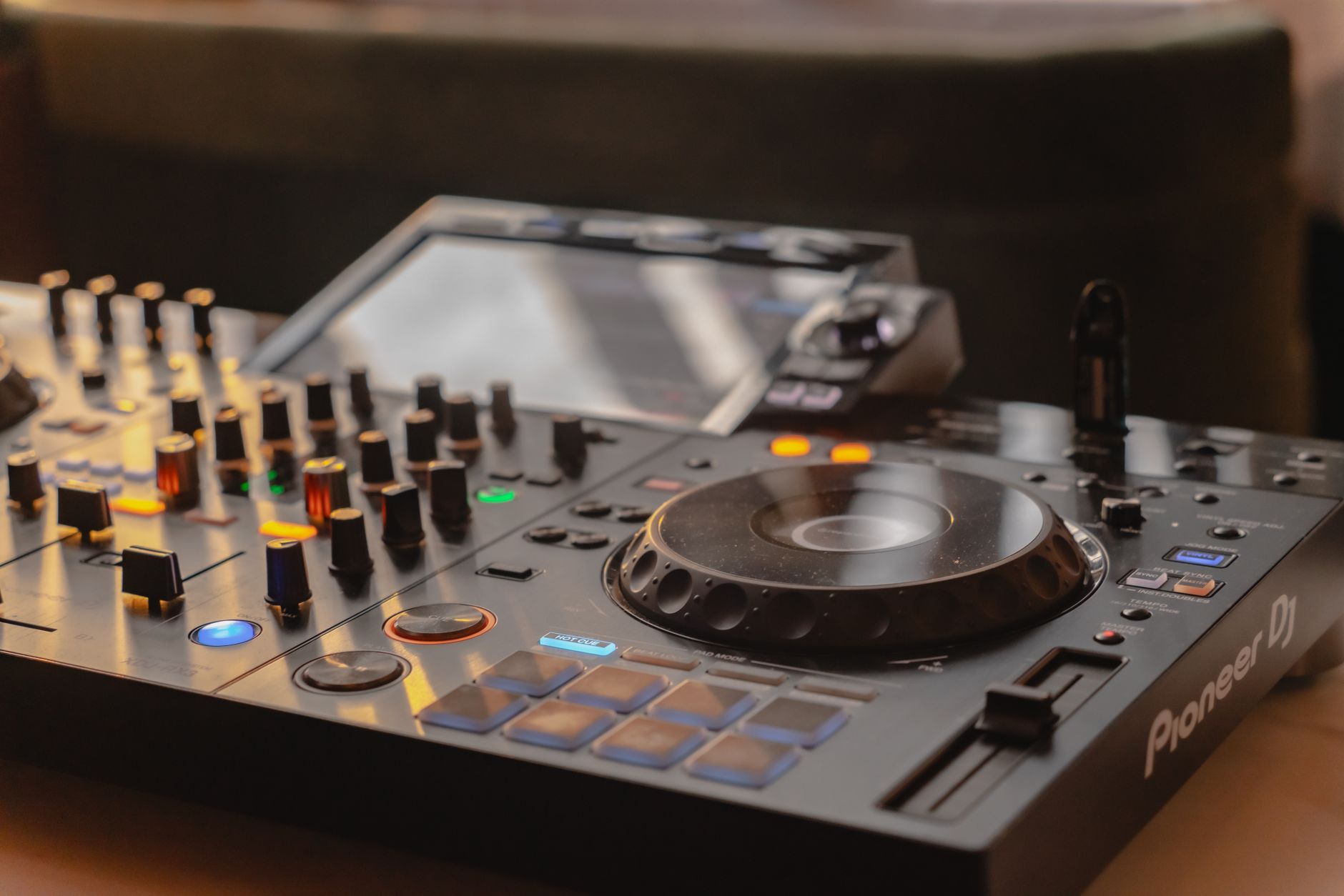
Dj controller setup nearly wrecked a 124 BPM warm-up set I played in the side room of a small warehouse venue, and the controller was not even mine. A young DJ had brought a Pioneer DDJ-FLX10, rekordbox was installed, the lights looked friendly, and the first track loaded fine. Then the headphones were silent. The master was screaming into the booth monitor. The cue buttons were mapped backward, and the library was full of unanalyzed WAVs from a custom production folder.
We fixed it with ten minutes, one spare USB cable, and a very boring checklist. That night taught me the first setup is not about learning tricks. It is about removing stupid failure points before practice starts. A new controller should feel boringly reliable before it ever feels exciting.
Start the DJ Controller Setup With Software, Not Cables
The first instinct is to plug everything in and touch the jog wheels. I get it. The night with the silent headphones started that way too. The smarter move is opening the software first, because the controller only behaves as well as the driver, firmware, and audio engine behind it.
Pick one main DJ app for the first week. rekordbox, Serato DJ Pro, Traktor Pro 4, VirtualDJ, and Mixxx all work differently enough that bouncing between them slows the hands down. I would rather see one clean hour in Traktor Pro 4 than five scattered tests across three apps.
Check the Driver, Firmware, and Audio Device
Install the official driver before plugging the controller in, especially on Windows. macOS often feels easier, but class-compliant audio can still hide sample-rate mismatches. Set the project or audio engine to 44.1 kHz or 48 kHz, then leave it there until there is a real reason to change.
- Update controller firmware before the first serious practice.
- Restart the laptop after driver installation, even if the installer does not beg for it.
- Select the controller as the audio device inside the DJ software, not only in the operating system.
- Set buffer size around 256 samples first. Drop to 128 only if the system stays clean.
Name One Folder for First Tests
For the first dj controller setup session, I make a folder called TEST SET and load twelve tracks only. Three intros, three peak-time tracks, three breakdown-heavy records, and three awkward transitions. That small crate exposes mapping, gain, and cue problems faster than a 2,000-track library.
- Install the official driver before connecting the controller
- Update firmware while the room is quiet
- Choose one DJ app for the first week
- Set buffer size to 256 samples as a safe starting point
- Build a twelve-track test crate
Route Audio Like a Soundcheck, Not a Guess
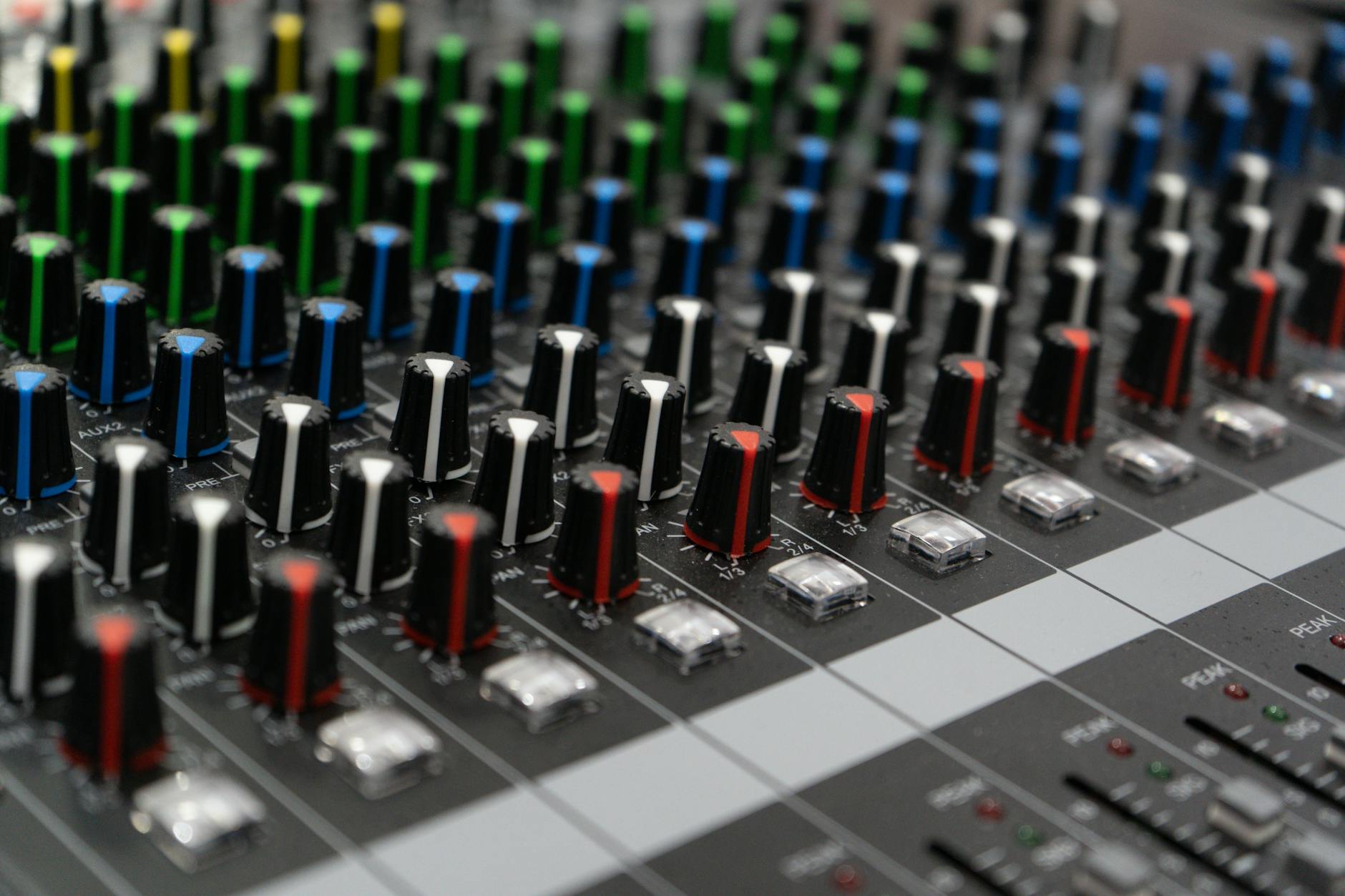
Audio routing is where most new setups lie. The master meters bounce, so the brain assumes sound is sorted. Then the headphones do nothing, the booth output is too hot, or the laptop speakers join the party like an uninvited guest.
I treat a bedroom controller like a club line check. Master first, headphones second, recording third. Never the other way around.
Set Master, Booth, and Headphones Separately
In the audio preferences, assign outputs clearly. On many controllers, channels 1/2 are master and 3/4 are headphones. Some all-in-one units label them differently. The names matter less than the test: master should hit speakers only, cue should hit headphones only, and the cue/master blend knob should change what the ears hear without changing the room.
- Play Deck A, turn cue off, confirm it only comes from master.
- Turn Deck A cue on, pull the channel fader down, confirm headphones still hear it.
- Turn the master knob to zero, confirm headphones still work.
- Record a 30-second test and check it is not clipping.
Leave Headroom Before You Chase Loudness
Keep master output peaking around -6 dB inside the software during practice. If every channel gain is pinned, the mix feels bigger for five minutes and then turns to grit. Trim each track so the channel meters peak in the same neighborhood, not at the same exact LED.
On small speakers, bass can fool you. A 128 kbps file with a loud kick may look impressive and still fall apart beside a clean WAV. Routing checks are also file-quality checks.
- Confirm master output before headphones
- Test cue with the channel fader down
- Keep software master peaks near -6 dB
- Record thirty seconds and listen back
- Disable laptop speakers if they appear as an output

Make Cue Settings Feel the Same Every Time
The warehouse problem was not only silent headphones. Once we heard the cue channel, the DJ kept missing drops because hot cues jumped differently than expected. That is a miserable way to learn a controller.
A good dj controller setup makes muscle memory boring. Pressing cue, sync, slip, quantize, and loop should produce the same result every session. Surprises belong in the track selection, not in transport behavior.
DJ Controller Setup Cue Behavior to Check
Set quantize before adding cue points. I usually start at 1 beat for house and techno, then tighten or loosen after testing. For fast cuts or open-format work, 1/2 beat or 1/4 beat can feel better, but beginners often trigger cleaner with 1 beat while learning phrasing.
- Hot Cue A: first downbeat or clean intro start.
- Hot Cue B: first vocal or hook entrance.
- Hot Cue C: breakdown start.
- Hot Cue D: last safe mix-out phrase.
- Memory cue: emergency start point before silence or a long ambient intro.
Beatgrids Need Ears, Not Faith
Analysis gets close, then your ears finish the job. Load a track with a clean four-on-the-floor kick, start a metronome or grid tick if the software offers one, and listen for drift over 64 bars. If the grid walks away, fix the first downbeat and stretch from there.
Custom intros, bootlegs, and ghost-produced edits often have DJ-friendly 16 or 32-bar starts, but do not assume. Drop a cue at bar 33 and test a mix from that point. If the phrase lands wrong, fix it now, not during a livestream.
- Set quantize before placing hot cues
- Use consistent cue meanings across every track
- Check beatgrid drift across at least 64 bars
- Mark the last safe mix-out phrase
- Test custom edits for 16-bar and 32-bar phrasing
Prep the Library Before the Controller Teaches Bad Habits
A messy library makes a new controller feel harder than it is. I have watched good producers panic because their own tracks were named Final_Final_Master2.wav, sitting next to low-bitrate downloads with no key tags and broken grids.
Library prep is not glamorous, but it is where confidence starts. The controller can only serve up what the crate understands.
Build a Small First Crate
For the first week, keep the library deliberately small. Fifty tracks is plenty. Tag energy in plain language: warm, rolling, peak, vocal, weird, closer. Fancy genre trees can wait until the fingers know where the cue and loop controls live.
If using rekordbox, Serato DJ Pro, or Traktor Pro 4, analyze BPM and key in one batch, then check the important tracks by ear. A half-time drum and bass tune can confuse analysis. So can long ambient intros and tempo-ramped edits.
Use File Quality as Part of DJ Controller Setup
I keep practice files at 320 kbps MP3 or lossless WAV/AIFF. Anything worse goes into a quarantine folder until proven useful. Low-quality files teach bad EQ moves because the highs smear and the low end folds early.
- Normalize naming: Artist – Title – Mix.
- Add comments for mix notes, not life stories.
- Color-code only the cues that mean something.
- Remove duplicates before building playlists.
- Start with fifty tracks or fewer
- Use simple energy tags
- Analyze BPM and key in batches
- Check important grids by ear
- Quarantine low-quality files

Build a Backup and First-Practice Routine
The best setup checklist ends with something going wrong on purpose. Pull the headphones out. Load a track that starts with silence. Kill Wi-Fi. Change the USB port. A controller that survives small chaos in the bedroom is less likely to fold in front of friends.
This is also where practice stops being random button touching. The first routine should be boring, measurable, and repeatable.
Pack the Tiny Emergency Kit
My small-controller kit has saved more sets than clever mixing ever has. Spare USB-C and USB-A cables, a headphone adapter, a short RCA cable, a power bank for the laptop, and a USB stick with exported emergency tracks. If the controller needs external power, label the power supply with tape.
- Export one 30-minute emergency playlist.
- Keep a duplicate library on an external SSD or cloud backup.
- Save controller mappings after changing them.
- Carry a 1/4-inch headphone adapter.
Run the First Thirty Minutes Like a Mini Set
After the technical checks, play for thirty minutes without stopping. No hunting for perfect tracks. No rewiring. Mix every four or eight bars only if the phrase asks for it. Mark every problem on paper, then fix settings after the timer ends.
The second pass is where the dj controller setup proves itself. Same crate, same order, cleaner hands. If the headphone cue, grids, gains, and backups all behave twice, practice can finally become music instead of troubleshooting.
- Export a thirty-minute emergency playlist
- Save custom mappings immediately
- Practice one uninterrupted thirty-minute pass
- Write problems down instead of stopping every minute
- Repeat the same crate after fixing settings
| Setup Area | Safe Starting Point | Common Mistake | When to Change It |
|---|---|---|---|
| Audio buffer | 256 samples | Starting at 64 samples and getting crackles | Lower only after a clean 30-minute test |
| Master level | Peaks around -6 dB | Running every channel into the red | Raise output at speakers or mixer, not software gain |
| Quantize | 1 beat | Turning it off before cue timing is solid | Use 1/2 or 1/4 beat for tighter performance routines |
| First library | Around 50 analyzed tracks | Loading the whole drive on day one | Expand after cues, grids, and tags are consistent |
| Backup | USB stick plus spare cables | Trusting one laptop cable | Add an external SSD before gigs or livestreams |
Worth a deeper read: Equipment recommended for beginner DJ.
Questions producers actually ask
What should I do first in a DJ controller setup?
Install the correct driver, update firmware, open one DJ app, and select the controller as the audio device before touching performance controls. After that, test master output, headphone cue, and recording. Those three checks catch most first-session problems before they become bad habits.
Why are my DJ controller headphones not working?
The usual cause is wrong output routing. In the DJ software, assign master to outputs 1/2 and headphones to 3/4, or whatever your controller manual specifies. Then test cue with the channel fader down. Also check the cue/master blend knob, headphone volume, and adapter.
How many tracks should I prepare for first DJ practice?
Start with about fifty tracks, then build one twelve-track test crate. That is enough to practice intros, breakdowns, peak-time transitions, and awkward tempo or phrase changes without drowning in choices. A small library makes setup errors easier to hear and fix.
Should I use sync when setting up a new controller?
Yes, test sync, even if you plan to beatmatch manually. Sync depends on clean beatgrids, so it quickly exposes bad analysis. I still practice manual nudging, but I want sync, quantize, loops, and hot cues behaving correctly before a real set.
What to remember
- Install drivers, update firmware, and choose one DJ app before connecting everything.
- Test master, booth, headphones, and recording as separate audio paths.
- Use consistent hot cue meanings so muscle memory forms quickly.
- Start with a small, analyzed library instead of importing every track you own.
- Build an emergency kit with spare cables, adapters, and exported backup music.
- Run one uninterrupted thirty-minute practice pass before judging the controller.
Wrapping up
A reliable dj controller setup is not glamorous, and that is the point. The controller should disappear under the hands. Software should recognize it. Headphones should cue without drama. Tracks should load with usable grids, sensible cues, and enough headroom to breathe.
The young DJ from that warehouse side room played a decent second half once the routing stopped fighting him. Nothing magical changed. We just removed the traps. Try the same approach in your next session: set up slowly, test like something will fail, then play thirty minutes without stopping. The confidence comes from knowing the boring stuff is handled.
My Career makes videos from your own track and posts them for you, pitches your release to 34,000+ labels, playlists, radio stations, YouTube channels and blogs, puts it in every store and briefs you every morning. Free plan, no card, two minutes to set up.