
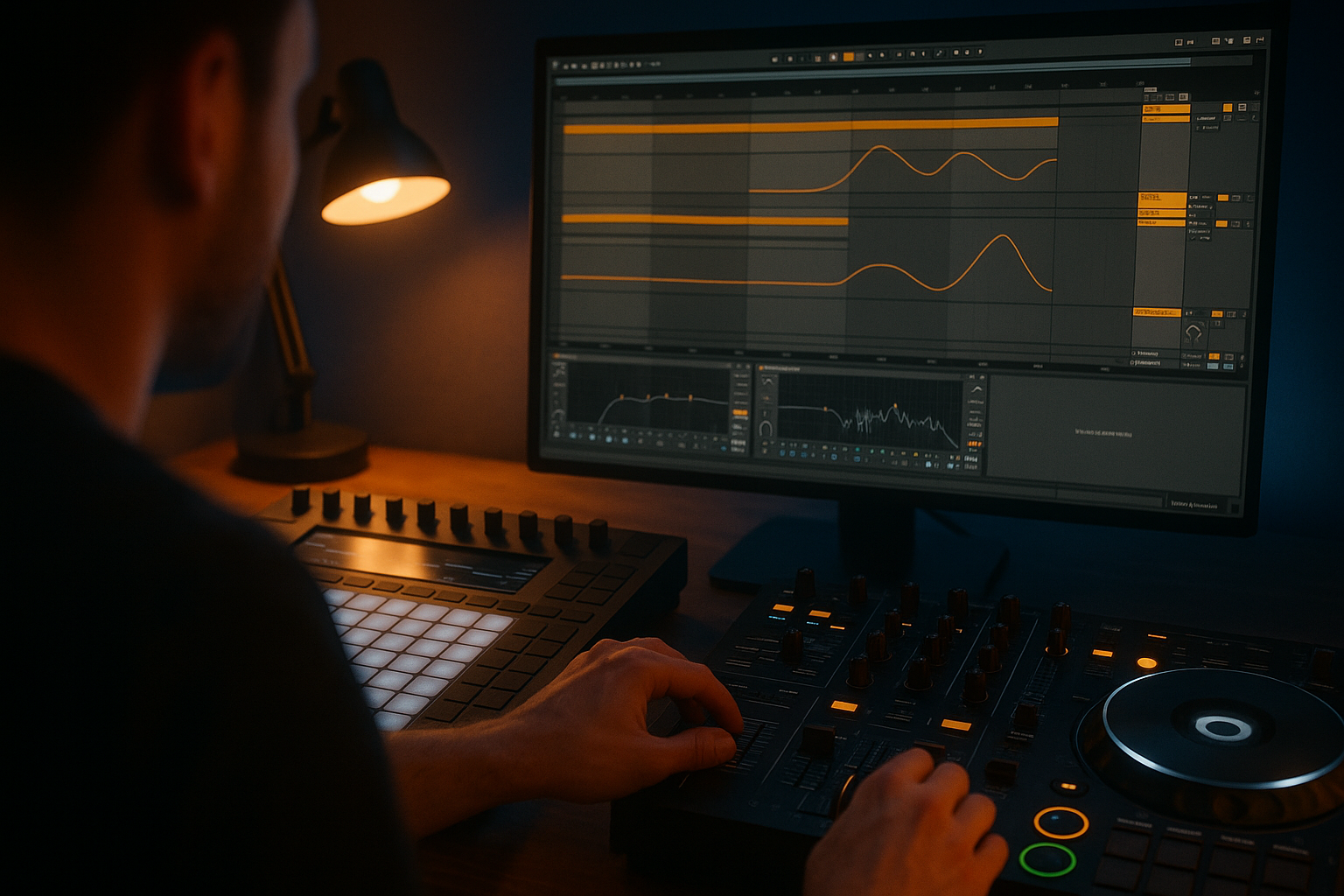
Key takeaways
- Decide the payoff before adding risers, fills, and effects.
- Remove kick, bass, width, or space before bringing them back.
- Use 4-bar and 8-bar phrases so the build feels natural.
- Automation on volume, filters, and reverb creates movement from simple loops.
- Test the drop on DJ gear and small speakers before fixing the master.
- Reference tracks with time stamps make producer briefs much clearer.
Tension and release is the simple reason a build makes your shoulders rise and a drop makes the room breathe out. tension and release means creating pressure first, then giving the listener a clear payoff. No mystery. Think of a roller coaster: the climb is slow, noisy, and full of warning signs, then gravity does the work.
For DJs, bedroom producers, and artists briefing ghost production or custom music production, this skill matters more than another synth preset. A loop can sound expensive and still feel flat if nothing tightens before the payoff. A rough loop can feel huge when the arrangement (the order of song sections) points the ear in the right direction. I will build this like a working session: first the promise, then the build, then the drop check.
Tension and Release Starts With a Promise
Think of a film trailer. It does not show random explosions for two minutes. It sets up a question, delays the answer, then gives you one clean punch. Music works the same way. Your first job is to decide what the listener is waiting for.
A bar is a small unit of musical time, usually four beats in house, techno, EDM, and pop dance tracks. A phrase is a group of bars, often 4, 8, or 16 bars. Most dance floors understand 4-bar and 8-bar phrases even if nobody counts them out loud.
Map Tension and Release Before Sound Design
Before choosing the riser, map the tension and release on paper or inside your DAW. A DAW, or digital audio workstation, is the software where you arrange and mix music, such as Ableton Live, FL Studio, Logic Pro, or Bitwig.
Write one sentence for the track: “The low groove disappears for 8 bars, the vocal repeats, then the kick and bass return together.” That sentence is more useful than scrolling through 90 snare rolls. It gives the build a job.
Choose One Payoff
Beginners often stack every payoff at once: new bass, new vocal, new drums, new synth, new crash, new fill. That can blur the drop. Pick one main payoff and let the other parts support it.
- If the bass is the payoff, remove bass energy before it returns.
- If the vocal hook is the payoff, thin the instrumental around it.
- If the drum groove is the payoff, make the pre-drop rhythm feel slightly unstable.
Strong tension and release comes from contrast, not clutter.
- Decide what the listener is waiting for before adding effects.
- Use 4-bar and 8-bar phrases as your basic grid.
- Pick one main payoff for the drop.
- Remove something valuable before you bring it back.

Use Arrangement Like a Camera Zoom
Arrangement is like a camera zooming in. A wide shot shows the whole scene. A close-up tells you exactly where to look. In a track, your intro can feel wide and stable, while the build should narrow attention toward the drop.
The drop is the section where the main groove or hook lands. The breakdown is a lower-energy section that usually removes drums or bass to reset the ear. tension and release depends on how those sections hand off to each other.
Build a Simple 32-Bar Skeleton
Start with a plain 32-bar test arrangement. Do not worry about final sound design yet. Use markers in your DAW:
- Bars 1-8: groove established.
- Bars 9-16: remove one layer and introduce a hook.
- Bars 17-24: build pressure with automation and drum changes.
- Bars 25-32: drop lands with the main payoff.
This gives tension and release a floor plan. You can stretch it later, but the basic journey should already make sense.
Remove Before You Add
The easiest beginner mistake is adding new layers every 4 bars. Try the opposite. Remove the open hat at bar 17. Mute the sub bass at bar 21. Drop the clap for the last 2 beats before impact.
Sub bass means very low bass energy, usually below 60 Hz. Club systems make that range feel physical. When you remove it before the drop, the return feels bigger without turning the limiter into a brick.
- Use markers for intro, breakdown, build, and drop.
- Mute one important layer before adding another.
- Save the full kick and bass combination for the payoff.
- Keep the last 4 bars before the drop focused, not crowded.
Make Drums Pull Back Before They Hit
Drums are like footsteps in a hallway. When they speed up, get quieter, or suddenly stop, you notice the space around them. That attention is useful. It tells the listener that something is about to happen.
For dance music, drum movement is one of the clearest ways to build tension and release because DJs and crowds already feel rhythm in phrases. You do not need complicated drum programming. You need controlled change.
Use Rolls Without Turning the Build Into Static
A snare roll is repeated snare hits that often get faster or louder before a drop. Use it with restraint. A roll that starts at bar 17 and screams until bar 32 gets boring fast.
Try this instead: 1/4-note snares for 4 bars, then 1/8 notes for 2 bars, then 1/16 notes for 1 bar, then silence for the final beat. Keep the snare peak around -10 dB so the drop still has somewhere to go.
Let the Kick Disappear
The kick drum is the low thump that anchors most dance tracks. If it plays through the whole build, the drop has less contrast. Mute the kick for the final 4 bars, or at least the final 2 bars, and let the bass return with it.
Sidechain ducking, which means lowering one sound when another sound hits, can help the drop breathe. Use a compressor such as Ableton Compressor, FabFilter Pro-C 2, or Kickstart 2 so the bass dips slightly when the kick lands.
- Shorten drum patterns as the build climbs.
- Keep snare rolls quieter than the final drop transient.
- Mute the kick for the final 2 to 4 bars before impact.
- Use sidechain ducking so the kick and bass do not fight.

Treat Filters and EQ Like Traffic Control
EQ is traffic control for sound. A traffic light does not create the cars, it decides what moves and what waits. EQ, short for equalisation, changes volume in specific frequency areas. A filter is a broad EQ move that removes highs, lows, or both.
For tension and release, EQ is not just cleanup. It is drama. You can make a build feel narrower, thinner, brighter, darker, or more distant before the drop opens the road again.
EQ Moves for Tension and Release
Use a high-pass filter, which removes low frequencies, on music bus elements during the build. Try moving it from 80 Hz to 220 Hz over 8 bars on pads, synths, or percussion groups. Do not high-pass the entire master unless you know exactly why. It can make the build feel cheap on a club rig.
With FabFilter Pro-Q 4, automate the cutoff frequency and keep the slope gentle, around 12 dB per octave. A steep 48 dB slope can sound like a DJ filter trick, which is fine for transitions but heavy-handed inside a production.
Keep the Drop Wide and Heavy
Mid/side EQ means processing the centre and the sides of the stereo image separately. The centre usually holds kick, bass, and lead vocal. The sides hold width, pads, and effects.
During the build, narrow the low mids by cutting side information around 180 to 300 Hz. On the drop, let the stereo width return above 2 kHz, but keep everything below 120 Hz in mono. That helps tension and release translate on club systems, Bluetooth speakers, and headphones.
- Automate high-pass filters on groups, not blindly on the master.
- Try a 220 Hz build cutoff on pads or synth layers.
- Keep sub energy centred below 120 Hz.
- Use Pro-Q 4 or your stock EQ before buying another effect.
Use Automation Like a Hand on the Dimmer
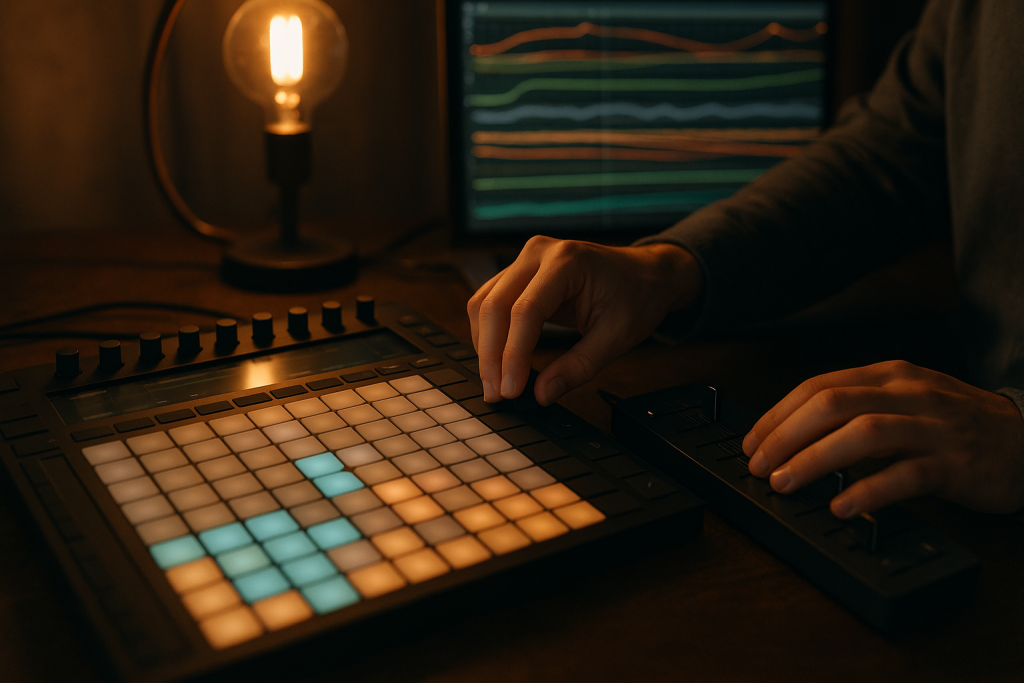
Automation is like a hand slowly turning a dimmer switch. Nothing new enters the room, but the mood changes. In production, automation means recording or drawing changes over time, such as volume, filter cutoff, reverb amount, panning, or distortion drive.
Loops feel static because nothing moves. tension and release often starts working the moment you automate two or three parameters over a phrase instead of leaving every knob parked.
Automate Volume Before Fancy Effects
Volume automation is the cleanest tension tool. Raise a noise sweep by 6 dB across 8 bars. Pull the main synth down 2 dB in the final bar so the drop synth can hit harder. Bring the vocal delay up only on the last word before impact.
Leave headroom, which means unused level before clipping. Aim for around -6 dB peak on the premaster while arranging. If your build is already smashing the master limiter, the drop has no real ceiling left.
Move Three Things, Not Thirty
Pick one filter move, one volume move, and one space move. A space move could be reverb, delay, or stereo width. Reverb is simulated room sound. Delay is an echo that repeats after the original sound.
For a simple tension and release pass, automate a low-pass filter opening from 2 kHz to 12 kHz, a riser gaining 5 dB, and reverb decay growing from 1.2 seconds to 4 seconds. Then cut the reverb send to zero on the drop.
- Draw automation in clean 4-bar or 8-bar shapes.
- Leave roughly -6 dB headroom while building the arrangement.
- Automate volume before stacking extra plug-ins.
- Reset big reverb and delay sends at the drop.

Shape Silence, Reverb, and Delay Like Room Size
Space in a track is like the size of a room. A small dry room feels close. A huge hall feels distant. If you make the room grow before the drop and then snap it back to dry, the listener feels the change immediately.
This is where tension and release becomes emotional, not only technical. A vocal thrown into a long delay for one word can say more than another riser sample. Silence can be even stronger.
Use One Beat of Silence
A stop before the drop works because the brain fills the gap. Try muting everything for the final half beat or full beat before impact. Keep one reverse cymbal or vocal breath if total silence feels too empty.
Do not leave a reverb tail washing over the first kick unless that wash is part of the sound. A muddy tail can hide the transient, which is the sharp first hit of a sound. Clean transients make drops feel more confident.
Print Your Effects If They Keep Changing
Printing effects means recording an effect to audio so you can edit it like a sample. This is useful for reverb throws and delay throws. Freeze or resample the effect, then cut the tail exactly where the drop starts.
In Ableton Live, resample the vocal delay onto a new audio track, reverse a small slice, and fade it into the pre-drop. In FL Studio, record the mixer insert output or use Edison. The goal is control, not decoration.
- Try a half-beat or one-beat mute before the drop.
- Cut reverb tails if they blur the first kick.
- Print delay throws to audio for tighter edits.
- Use silence as a feature, not a mistake.
Check the Drop on DJ Gear and Small Speakers
Testing a track is like trying shoes on the floor you will actually walk on. Studio monitors tell part of the truth. DJ gear, headphones, a phone speaker, and a car system tell you whether the build really pays off.
If you DJ, load the bounce into Rekordbox, Serato, or Engine DJ and cue it like any other track. A bounce is an exported audio file. If the tension and release feels awkward while mixing, the arrangement probably needs work.
Use Cue Points as Arrangement X-Ray
Set cue points, which are saved playback markers, at the breakdown, start of build, final 4 bars, and drop. On a CDJ-3000 or Pioneer DDJ-FLX10, jump between those points and listen for energy gaps.
If the build feels longer than it looks, remove 4 bars. If the drop feels late, move the fill earlier. If the first kick feels smaller than the pre-drop noise, turn the noise down rather than making the whole drop louder.
Run the Brutal Speaker Test
Play the build and drop on laptop speakers and one cheap Bluetooth speaker. Low bass may disappear, so the upper rhythm, vocal, and midrange synth must still explain the payoff. Midrange means the frequency area where many vocals, snares, and leads live, roughly 250 Hz to 5 kHz.
Great tension and release survives bad playback because the contrast is arranged, not only mixed. If the small speaker cannot tell where the drop is, the track needs a clearer rhythmic or melodic reset.
- Set cue points at every major energy change.
- Check the final 4 bars before the drop in isolation.
- Test on headphones, laptop speakers, and a small Bluetooth speaker.
- Fix arrangement problems before pushing the limiter.

When to Hand the Track to a Producer
Bringing in a producer is like hiring an editor for a film cut. The story might already be there, but the timing, pacing, and impact need sharper hands. This is common, not embarrassing.
For artists considering ghost production, which means a finished track made for another artist to release under their own name, or custom production, which means bespoke music built around a brief, the clearest brief is an arrangement brief. Sound references help, but tension and release references help more.
Send References With Time Stamps
Do not only say “make it bigger.” Send two or three reference tracks and write time stamps: “At 1:02 the kick drops out,” “At 1:16 the vocal repeats,” “At 1:30 the bass returns.” That tells the producer what kind of tension and release you actually like.
If you have a rough demo, send stems. Stems are grouped audio exports, such as drums, bass, music, vocals, and effects. They let another producer rebuild the energy without guessing what is hidden inside your session.
Keep Your Identity in the Payoff
The producer can tighten the build, tune the drums, and clean the mix, but the payoff should still sound like you. That might be your vocal tone, your chord taste, your bass groove, or the way you phrase a lead melody.
A strong production partner will protect that identity while improving the structure. If the new version sounds polished but anonymous, the arrangement has won and the artist has lost. I would rather hear one rough signature idea than a perfect copy of last month’s chart record.
- Send reference tracks with exact time stamps.
- Export stems if your rough demo already has useful ideas.
- Describe the payoff you want, not only the genre.
- Keep one signature element that clearly belongs to you.
| Technique | What It Does | Good Starting Point | Best Use |
|---|---|---|---|
| Kick mute | Removes the main pulse before impact | Mute final 2 or 4 bars | House, techno, EDM drops |
| High-pass filter | Thins low energy during the build | Move from 80 Hz to 220 Hz | Pads, synth groups, percussion |
| Snare roll | Raises rhythmic urgency | 1/4 to 1/16 notes over 8 bars | Festival builds and pop-dance lifts |
| Reverb throw | Makes one word or hit feel larger | 2 to 4 second decay | Vocals, claps, synth stabs |
| One-beat silence | Creates a hard reset before the drop | Mute final beat | Drops that need a sharper entrance |
Further reading
- Ableton automation manual — Ableton's official manual is an authoritative source for automation and envelope editing concepts.
- Sound On Sound mixing — Sound On Sound is a long-running professional audio publication with reliable production and mixing education.
Frequently asked questions
How do you create tension and release in music?
Create tension and release by removing stability before the payoff. Mute the kick, thin the bass with a filter, repeat a vocal, raise a riser, then bring the main groove back clearly. The drop feels bigger when the listener can hear what was missing.
What is tension in a song?
Tension is the feeling that the music is waiting for something to happen. It can come from rising pitch, repeated rhythm, missing bass, increasing volume, wider reverb, or harmonic suspense. In dance music, tension often lives in the final 4, 8, or 16 bars before a drop.
Why does my drop sound weak after the build?
Your build may be louder, wider, or busier than the drop. Turn down risers, cut reverb tails, mute low-end before impact, and leave headroom. A weak drop is often an arrangement contrast problem before it is a mastering problem.
How long should a build-up be?
For dance tracks, 8 or 16 bars is a safe starting point. Shorter builds feel direct and club-friendly. Longer builds need more variation, such as drum changes, filter movement, vocal repetition, and a clear final reset. If the build feels slow while DJing it, trim 4 bars.
Can DJs use tension and release during a set?
Yes. DJs create it by choosing when to mix, filter, loop, echo out, or delay a drop. On gear like the CDJ-3000 or DDJ-FLX10, cue points and phrase mixing help you line up breakdowns and drops so the room feels the payoff at the right moment.
Do I need expensive plugins to build better drops?
No. Stock EQ, volume automation, reverb, delay, and a basic compressor can handle most of the work. Plugins like FabFilter Pro-Q 4, Soothe2, or Kickstart 2 are useful, but they cannot fix a build that has no clear missing-and-returning idea.
Conclusion
Good tension and release is not a bag of tricks. It is timing. Set up one promise, remove something the listener wants, increase pressure with controlled movement, then let the payoff arrive without mud around it. Start with arrangement before sound design. A muted kick, a 220 Hz high-pass move, a short snare roll, one clean beat of silence, and a dry first kick can do more than ten stacked effects.
For your next session, take one 32-bar loop and mark the final 8 bars before the drop. Remove one important layer, automate three simple moves, cut the reverb tail at impact, then test the bounce like a DJ would. If the drop finally feels earned, keep going.
Tension and release — Quick Recap
The fastest way to lock in tension and release is to internalise the workflow above and repeat it on every project. Start small: pick one technique from this tension and release guide, apply it to your next session, and audit the result against a reference track.
- Decide the payoff before adding risers, fills, and effects.
- Remove kick, bass, width, or space before bringing them back.
- Use 4-bar and 8-bar phrases so the build feels natural.
- Automation on volume, filters, and reverb creates movement from simple loops.
Treat tension and release as a habit, not a one-off — the producers who consistently nail tension and release are the ones who run the same checks on every track. That’s the difference between a clean, club-ready master and a track that sounds great at home but falls apart on a real system.
In a real studio session, tension and release comes down to the order in which you make decisions: reference first, gain stage second, then the creative work. Producers who treat tension and release as a checklist instead of a vibe end up shipping more tracks.
Most producers and DJs undervalue tension and release because the wins are invisible until the track plays back on a real system. Bake tension and release into your template and the next ten projects benefit automatically.
When you struggle with tension and release, the fix is rarely a new plugin. Loop a problem section, A/B against a reference, and isolate which element is breaking your tension and release.
Treat tension and release as a craft, not a chore. The producers releasing on the biggest labels lock tension and release in early so they can spend their energy on melody and arrangement instead of fighting the mix.
My Career makes videos from your own track and posts them for you, pitches your release to 34,000+ labels, playlists, radio stations, YouTube channels and blogs, puts it in every store and briefs you every morning. Free plan, no card, two minutes to set up.


