Numark mixtrack platinum fx sat on my desk for a week between edits, radio prep, and two rough house practice sets where I cared less about specs and more about whether my hands stopped thinking. numark mixtrack platinum fx is still one of those controllers people search because it promises a lot for the money: four-deck control, jog displays, proper-looking FX paddles, long pitch faders, and Serato in the box.
My notes were simple. Could I beatmatch without staring at the laptop? Did the paddles help transitions or tempt me into cheap noise? Would it annoy me on a cramped bedroom table? Also, what happens when a used unit turns up with sticky cue buttons and no manual? I kept this as a working notebook, not a glossy showroom review.
Numark mixtrack platinum fx Stayed Honest on a Small Desk
I started with the boring test because that is where budget controllers usually show their worst side. The numark mixtrack platinum fx went on a 100 cm desk with laptop stand, small monitors, an audio interface pushed to the side, and a coffee I should not have had near gear.
The shell is light, but not toy-light. I would not throw it loose into a backpack. On a fixed desk, it behaved. The long pitch faders were the first pleasant surprise. Tiny pitch faders train bad habits. These gave me enough travel to nudge a 126 BPM house track into place without feeling like I was defusing a bomb.
Numark mixtrack platinum fx on a Cramped Table
The jog wheels are big enough for real cueing practice. I used them for baby scratches, back-cueing, and setting hot cues by ear. They do not feel like a Denon SC6000 platter, obviously, but they are not vague. The edge nudging felt consistent once I stopped being heavy-handed.
My rough starting layout was laptop at eye height, controller dead centre, headphones on the left, and drink far right. Boring layout. Useful layout.
First Settings I Would Change
I set channel gains so peaks hit yellow only on the loudest kick and kept the master away from red. In Serato DJ Lite, I used 8-bar phrase markers with hot cues: intro, first vocal, breakdown, drop, and outro. That gave me enough structure for a 30-minute practice recording without staring at waveforms every second.
- Start with master at 12 o’clock, then trim from the channels.
- Keep headphone cue mix around 60 percent cue, 40 percent master while learning.
- Use 6 percent pitch range for house and garage before trying wider ranges.
- Long pitch faders make manual beatmatching less twitchy.
- The controller fits a small production desk better than many four-deck units.
- Jog tension is not adjustable, so learn its feel before judging it.
- USB bus power keeps the setup simple for bedrooms and travel practice.
The Jog Screens Changed My Cueing Habits
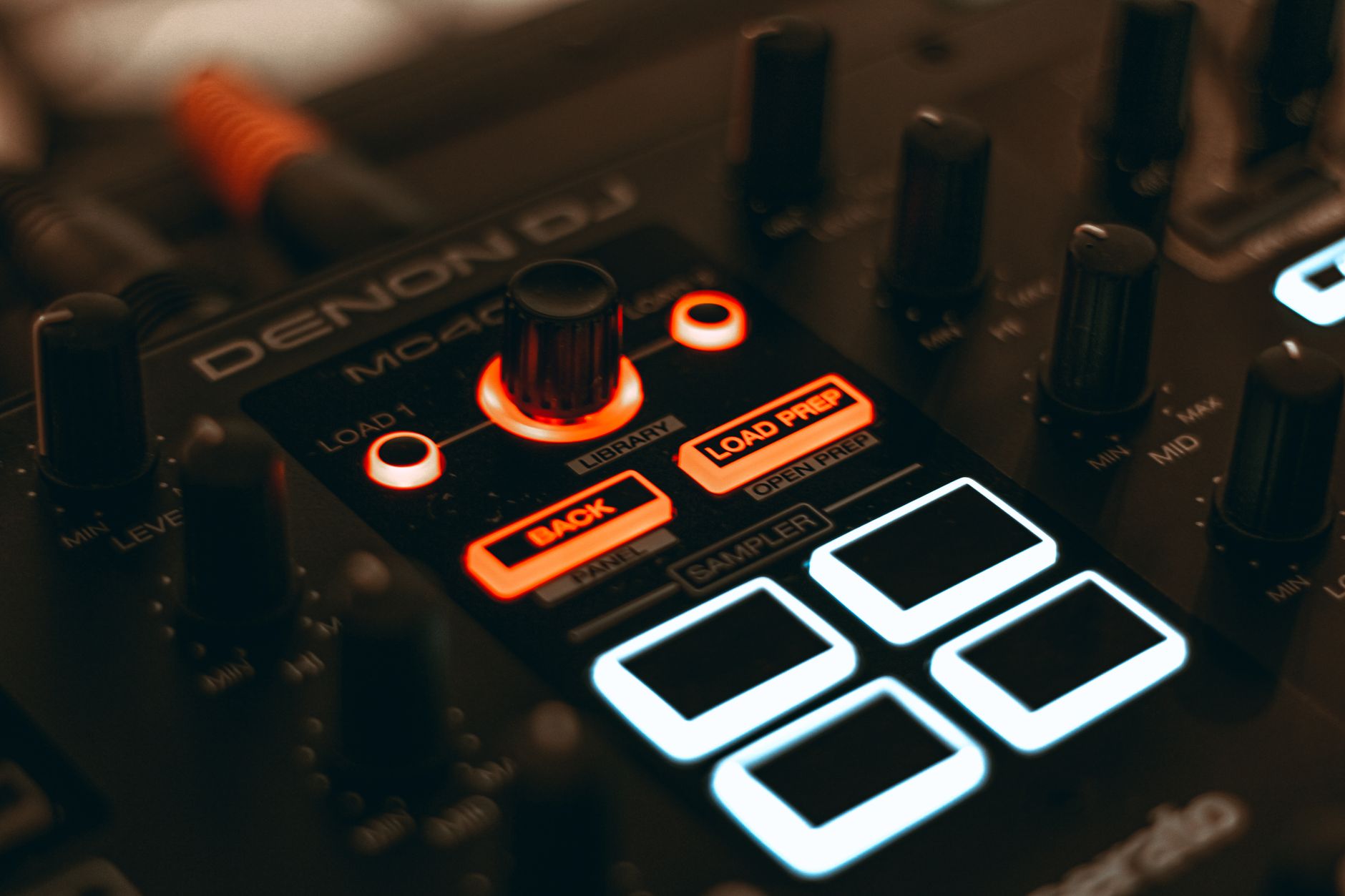
I expected the built-in jog displays to be a gimmick. They were not. Seeing BPM, platter position, and basic track info on the wheels pulled my eyes down from the laptop, which matters when you are trying to look less like you are answering email during a set.
The screen does not turn this into a standalone player. You still need the computer. The win is smaller and more practical: I checked tempo and deck status without breaking hand flow. During fast blends, that shaved off little moments of hesitation.
What the Screens Helped With
The screens were most useful when I practised two-deck transitions with loops armed. I could keep my left hand near the filter and my right hand near cue/play while checking the active deck at a glance. On four-deck practice, they helped even more because deck confusion is a real beginner problem.
If you produce your own tracks or use custom edits, this is handy. Your intro edits, 16-bar DJ-friendly starts, and clean outros become easier to test when the controller gives you just enough feedback to stop mousing around.
Where the Screens Did Not Save Me
They did not fix bad library prep. A messy Serato crate is still a messy Serato crate. I had one folder with old 128 kbps references, unfinished masters, and proper WAV exports living together. The controller behaved. My organisation did not.
For a clean test, I made one crate at 124 to 128 BPM, analysed everything first, and colour-tagged rough energy levels. Low, medium, peak. Simple worked.
- Jog displays help you look away from the laptop more often.
- They are best for tempo, deck awareness, and platter position.
- They do not replace clean crates, analysed files, or cue discipline.
- Four-deck practice feels less chaotic with deck feedback on the wheels.
The Paddles Were the Reason I Kept Testing
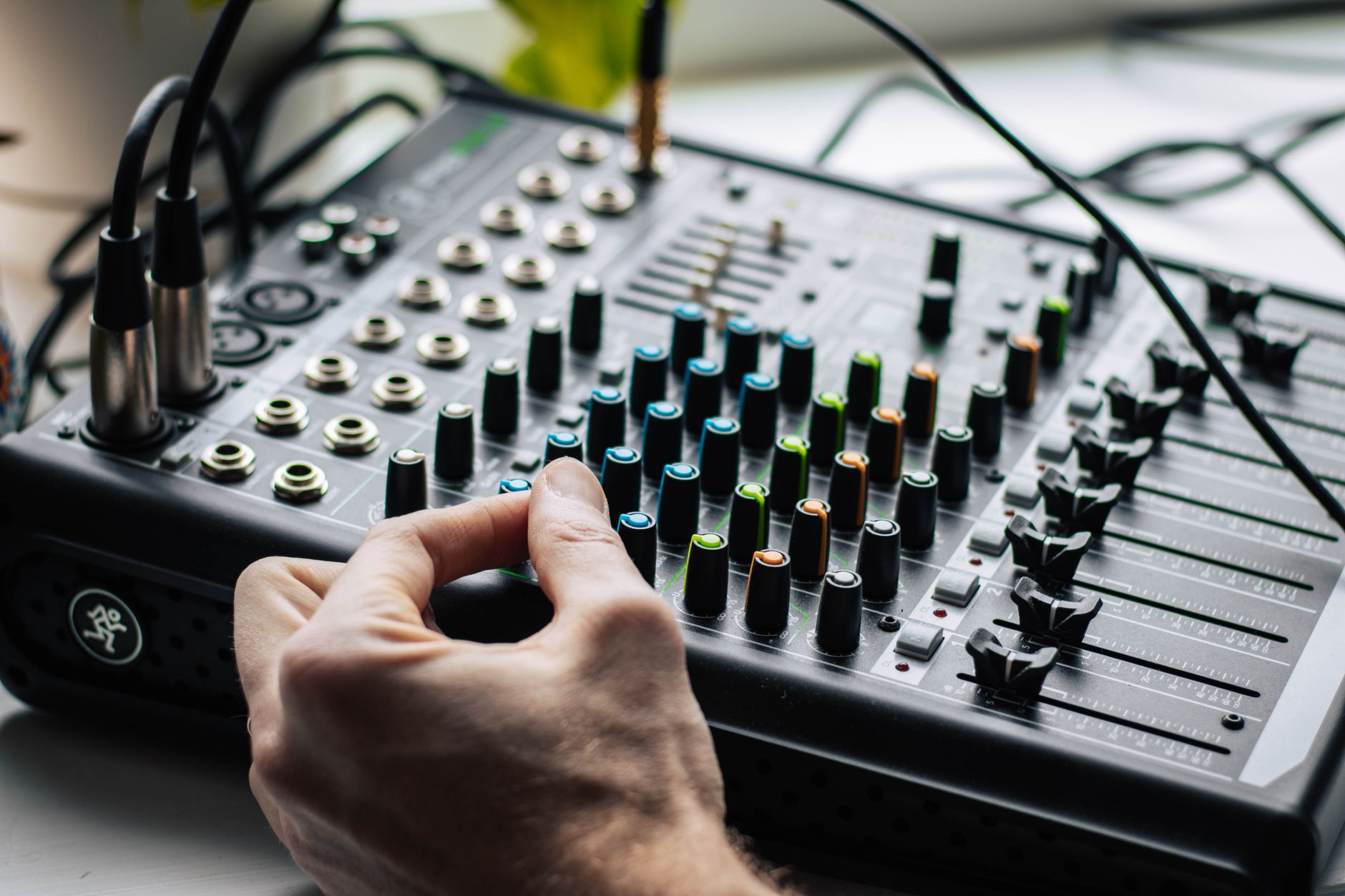
The FX paddles are the controller’s personality. Push for momentary, pull to latch. That small hardware decision changes how beginners treat effects. Buttons make you stab at noise. Paddles make you perform movement.
I used echo, reverb, phaser, and flanger with restraint because the fastest way to sound new is to drown every transition. The best setting I found for house was echo on the last two beats of a vocal phrase, then release before the next kick. Half-beat echo got messy on busy percussion. One-beat echo felt safer.
FX Timing Notes From a 126 BPM Set
On a 126 BPM tech-house pair, I used filter plus echo instead of stacking three effects. Track A ran its outro percussion. Track B sat in a 16-bar intro loop. I brought Track B’s low EQ down about 70 percent, eased the channel fader up, then tapped echo on the outgoing clap fill for two beats.
The move sounded clean because the arrangement did the work. The paddle only marked the handoff. That is the line I would keep: use FX to underline a phrase, not to hide weak timing.
Bad Habits the Paddles Encouraged
I did catch myself latching reverb and forgetting it was on. That washed out the next drop and made the kick feel smaller. If you record practice mixes, listen back for that cloudy tail after transitions. The fix is dull but effective: say the effect name out loud while learning. Echo on. Echo off. Reverb off. It feels silly once, then it saves a take.
- Momentary echo is safer than latched reverb for early practice.
- Use FX on phrase endings, not across the whole blend.
- Filter before echo keeps percussion from splashing everywhere.
- Record every practice mix and mark the messy transitions by timecode.
Serato Lite Was Enough Until the Set Got Busier
The controller ships around Serato DJ Lite, and for a first month of practice, that is fine. I would rather see a new DJ learn gain, phrasing, cue points, and clean library prep than buy software upgrades before they can mix two tracks without panic.
Still, Serato DJ Pro becomes tempting once you want more control. Recording mixes inside the software, more advanced performance features, and deeper library handling can matter once you are sending mixes to promoters or testing your own unreleased tracks.
Serato Setup I Used
I analysed tracks before plugging the controller in, set beatgrids on a few awkward disco edits, and kept sync off for manual practice. Then I turned sync on for a separate blend test because tools are not moral issues. They are tools.
For a bedroom DJ who also produces, I would export rough masters at -6 dB peak headroom, then test them beside released tracks. If your track vanishes during a transition, the problem may be arrangement density, not the controller.
When I Would Pay for Pro
I would upgrade when you are recording sets weekly, using custom edits heavily, or playing out enough that library speed matters. If you only practise twice a month, keep the money for music, decent headphones, or treating the first reflection points in your room.
- Stay on Lite for basic two-deck learning.
- Upgrade when recording and library tools save real time.
- Do not upgrade to avoid learning phrasing.
- Serato DJ Lite is enough for first mixes and cue-point discipline.
- Serato DJ Pro makes more sense once recording becomes routine.
- Analyse and grid tracks before judging controller response.
- Test your own productions against released tracks at matched loudness.
VirtualDJ Behaved Better Than I Expected
The Numark Mixtrack Platinum FX Virtual DJ question comes up constantly because plenty of DJs prefer VirtualDJ’s library, stems, and flexible mapping. My short note: yes, it can make sense, but do not treat software hopping as a shortcut around practice.
VirtualDJ recognised the workflow cleanly in my test setup, and the controller layout translated well. The browser, transport, EQ, pads, and mixer sections landed where my hands expected. If you are coming from Serato, give yourself one evening before making a verdict. Muscle memory complains before your ears do.
VirtualDJ Settings I Checked First
I checked audio routing before touching effects: master out to the controller, headphones assigned to cue, and latency low enough that scratching did not feel late. Then I loaded two simple house tracks and tested cue/play, jog nudging, pitch, loop size, pad modes, and crossfader movement.
Do that before importing a huge library. One clean test crate tells you more than 30 minutes of clicking through preferences.
About Skins and Mappings
Searches for Numark Mixtrack Platinum FX skin usually mean someone wants the screen to look like the controller or wants a more comfortable layout. I get it. I would still learn the stock mapping first. Custom skins can be useful, but they also add another variable when something feels off.
My rule was simple: stock first, custom later. If a button fails in stock behaviour, troubleshoot hardware or software. If it fails only after a skin or mapping change, you know where to look.
- VirtualDJ is a realistic option for this controller.
- Confirm audio routing before testing stems, skins, or custom mapping.
- Learn the default layout before changing visual skins.
- Latency matters most when scratching, back-cueing, and tight dropping.

Used Price Notes, Loose Knobs, and Driver Panic
The Numark Mixtrack Platinum FX price moves around depending on region, stock, and used condition. I would not overpay for a scratched unit just because it has jog screens. The controller is popular enough that another one usually appears.
For a used buy, I care less about cosmetic marks and more about transport buttons, pitch faders, USB stability, headphone output, and whether both jog screens work. A missing box is fine. A crackly master output is not.
Used Checklist I Would Bring
If I were checking a Numark Mixtrack Platinum FX Used listing in person, I would bring a laptop, USB cable, headphones, and two familiar tracks. Ten minutes is enough to catch most obvious faults.
- Move both pitch faders slowly and watch for value jumps.
- Press cue and play buttons 20 times each.
- Test headphone cue on both channels.
- Check every pad in hot cue and loop modes.
- Wiggle the USB cable gently and listen for dropouts.
Numark Mixtrack Platinum FX Drivers Without the Panic
The driver story is less dramatic than forum threads make it sound. This is a USB DJ controller designed to work with supported DJ software, and most setup pain comes from permissions, bad cables, old software builds, or the wrong audio device selected.
On macOS, check microphone and audio permissions if software cannot see hardware properly. On Windows, avoid running three audio apps at once while testing. Use a direct USB port first, not a tired hub hanging off a monitor.
- Buy condition over cosmetics when shopping used.
- Jog screens, pitch faders, cue buttons, and headphone output deserve testing.
- Most driver panic is really cable, permission, or routing trouble.
- Download the manual before buying a unit with no paperwork.

Where It Sits Next to Pioneer and Bigger Numark Boxes
I would not pretend this controller feels like a club install. It does not. A Pioneer DJ CDJ setup or Denon SC6000 pair has a different weight, screen depth, and booth confidence. That does not make the smaller controller pointless.
For learning at home, the question is sharper: does it teach habits that transfer? On pitch control, cueing, phrase mixing, EQ restraint, and library prep, yes. On standalone workflow, club media prep, and pressure under loud monitoring, no. You still need time on bigger gear before a serious booking.
The Numark Versus Pioneer Question
If your target is club booths, Pioneer DJ and AlphaTheta gear still dominate many venues. I would not ignore that. But for a first controller, I would rather have long pitch faders and jog feedback at a fair price than pay mainly for a logo.
At The Ghost Production, we see from real user behaviour and marketplace data that polished tracks and clean arrangement choices beat gear prestige every week. A tight edit played well on affordable hardware does more work than a sloppy idea played from expensive decks.
Who Should Skip It
Skip it if you already know you need standalone playback, built-in streaming without a laptop, or four physical mixer channels. Look at bigger Numark units, Denon players, or club-standard media players instead. Also skip it if you hate laptops near DJ sets. This controller is tied to software, and fighting that fact gets old fast.
For bedroom DJs, artists checking custom productions, and producers learning how their drops mix into real records, the value is clear.
- It teaches transferable controller habits, not full club workflow.
- Pioneer and AlphaTheta still matter for venue familiarity.
- Bigger Numark boxes make sense when standalone playback matters.
- Affordable gear is fine if the mix decisions are solid.
| Choice | What I Saw | Best For | Watch For |
|---|---|---|---|
| Serato DJ Lite | Stable first setup with the controller’s core controls mapped clearly. | New DJs learning cueing, EQ, loops, and phrase mixing. | Limited advanced features once you record sets often. |
| Serato DJ Pro | Worth it when recording, library speed, and performance features matter. | Weekly mixes, promo recordings, and heavier crate work. | Do not buy it to avoid learning manual timing. |
| VirtualDJ | Flexible and comfortable once audio routing is checked properly. | DJs who want stems, mapping options, and a different library flow. | Skins and custom maps can complicate troubleshooting. |
| Used Platinum FX | Good value if screens, buttons, faders, and audio outputs test clean. | Budget buyers who can inspect before paying. | Loose USB ports, jumpy pitch faders, and weak headphone jacks. |
| Pioneer DJ DDJ-FLX4 | More familiar brand path for some club-minded beginners. | DJs who want rekordbox and Serato flexibility in a compact unit. | Shorter pitch faders feel less useful for manual beatmatching practice. |
Questions producers actually ask
Is numark mixtrack platinum fx good?
Yes, it is good if you want a serious beginner controller without pretending it is club hardware. I liked the long pitch faders, jog displays, FX paddles, and simple USB setup. I would not buy it for standalone use or four-channel mixer work, but for bedroom practice and first recorded mixes, it holds up.
What software does a Numark Mixtrack Platinum FX use?
It is built around Serato DJ Lite and can be used with Serato DJ Pro if you upgrade. VirtualDJ is also a realistic option for many users, depending on licence and setup. I would start with Serato Lite, learn the hardware properly, then test other software once your mixing habits are stable.
What is better, Numark or Pioneer?
For first-controller value, I would often pick Numark. You can get useful hands-on features for less money. For club familiarity, Pioneer DJ and AlphaTheta still have the stronger venue footprint. If you are learning at home, buy the tool that teaches timing, phrasing, and gain control instead of chasing booth status too early.
Which Numark DJ controller is considered the best?
For a laptop controller, the Mixtrack Platinum FX is one of Numark’s strongest value picks. If you want more channels and a bigger layout, the Numark NS4FX is the better step up. If you want standalone playback, look at the Mixstream line instead. The best one depends on whether you need software control or laptop-free sets.
Do I need Numark Mixtrack Platinum FX drivers?
Most users should think less about special drivers and more about supported software, current updates, cable quality, and correct audio routing. If the controller is not recognised, try a direct USB port, restart the DJ software, check permissions on macOS, and confirm the controller is selected as the audio device.
Is buying a used Numark Mixtrack Platinum FX safe?
It can be safe if you test it. Bring headphones and a laptop if possible. Check both jog screens, pitch faders, pads, cue buttons, headphone output, RCA output, and USB connection. I would pass on any unit with random disconnects or jumpy pitch values, even if the price looks tempting.
What to remember
- The controller is strongest as a serious beginner unit with useful jog screens and long pitch faders.
- Serato DJ Lite is enough for early practice, while Serato DJ Pro makes sense for regular recording.
- VirtualDJ can work well, but stock mapping should be tested before skins or custom layouts.
- Used buyers should test pitch faders, jog displays, pads, USB stability, and headphone output.
- The FX paddles are genuinely playable, but restraint matters more than stacking effects.
Wrapping up
The numark mixtrack platinum fx made the most sense when I treated it as a practice instrument, not a trophy. It gives you enough physical control to learn timing, phrasing, gain staging, cue discipline, and simple FX performance without making the desk feel crowded. Its limits are clear too: no standalone playback, no real club media workflow, and no magic fix for badly prepared crates.
If you buy one, make a 20-track crate, set five hot cues per track, record a 30-minute mix, and listen back the next morning. Mark every late blend and every overcooked echo. Then do the same set again. That test will tell you more than another spec sheet.
My Career makes videos from your own track and posts them for you, pitches your release to 34,000+ labels, playlists, radio stations, YouTube channels and blogs, puts it in every store and briefs you every morning. Free plan, no card, two minutes to set up.