Denon prime go is the portable standalone I would build around when the job is a compact two-deck set, not a fake club rig squeezed onto a coffee table. The denon prime go makes sense when you treat it like a self-contained player with limits, not a mini laptop replacement.
The trick is not buying it and hoping the small size fixes your workflow. You need a library that survives offline use, gain staging that does not fold when the XLRs hit a proper PA, and a realistic call on whether the original unit, Go+, or a used deal is the better spend. This is the order I would set one up before trusting it for a paid warm-up set, a livestream, or a mobile writing session where new edits need testing fast.
Where denon prime go Actually Fits
The strongest case for denon prime go is boring in the best way: two decks, internal battery, screen, proper outputs, no laptop. It is not trying to replace four media players and a club mixer. If you expect that, the small jogs and condensed mixer layout will annoy you by the third blend.
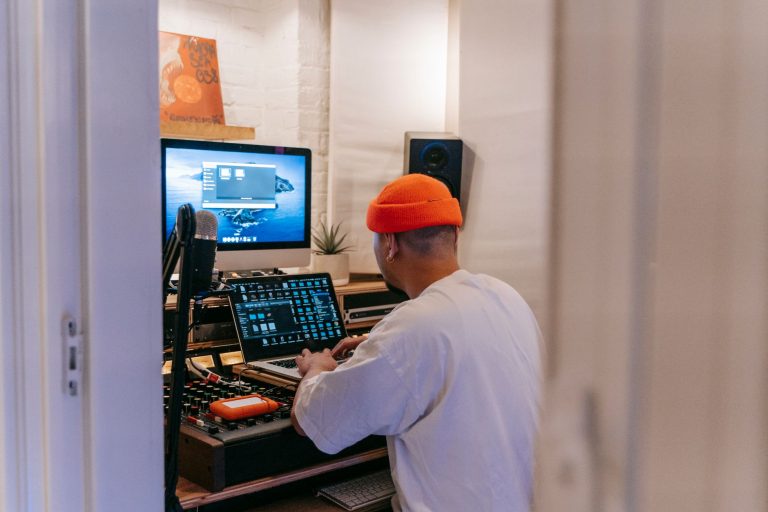
I would use it for open-format pre-show sets, beach bars, hotel lounges, radio-style livestreams, private events, and production checking. That last one matters. If you make or commission custom tracks, a battery standalone lets you hear whether your intro drums, breakdown length, and outro phrasing actually work away from the DAW.
The denon prime go Job Description
The unit is best when your set is prepared in phrases and you are not doing constant four-deck layering. Think 4-bar cue points, 8-bar loops, clean transitions, and smart track order. The internal battery is useful because it removes the power cable from the equation during prep, but I still treat the charger as part of the rig for any set longer than two hours.
The denon prime go dimensions are roughly 411 x 274 x 53 mm, so it fits where a full controller does not. That small footprint changes how you perform. You stop doing wide, theatrical gestures and start working more like a radio DJ: tight levels, quick EQ moves, less fader drama.
Where It Is the Wrong Tool
If your whole style is based on long pitch bends, aggressive platter work, and three-channel percussion stacking, buy larger hardware. The Prime Go jogs are accurate enough for beatmatching corrections, not satisfying enough for heavy scratch language.
I also would not buy it as a primary Serato box. Its strength is Engine DJ standalone use. If your crates, cues, and muscle memory live inside another laptop platform, moving to this unit should be a deliberate migration, not a weekend impulse.
- Best fit: prepared two-deck sets with clean phrase control
- Weak fit: scratch-heavy sets or four-deck hybrid routines
- Strong use case: testing edits and custom productions outside the studio
- Travel advantage: compact body, built-in battery, balanced main outputs
- Main compromise: small jogs and tighter mixer spacing

My Library Prep Order Before the First Set
Most complaints about standalone DJ hardware start in the library, not on the gig. A bad beatgrid, a missing offline track, or a slow drive feels like a hardware problem when it is really prep debt.
I prep for denon prime go in Engine DJ Desktop first, then test on the unit with Wi-Fi turned off. If the set cannot run offline, it is not gig-ready. Streaming is a convenience layer, not your foundation.
Drive Format and File Choices
Use a fast SD card or USB drive formatted exFAT if you move between macOS and Windows. Keep the folder structure simple: genre, energy, event, or release month. Do not bury files seven folders deep because you liked your desktop archive from 2014.
For core set material, I prefer WAV or AIFF for self-produced tracks and properly sourced 320 kbps MP3 or AAC for commercial tracks. The unit will play plenty of formats, but your file policy should be stricter than the spec sheet. Bad encodes are still bad through balanced XLR outputs.
Cue Points That Survive Pressure
Four cue points usually beat eight messy ones. I mark first kick, vocal start, main drop, and safe outro. For house and melodic club material, I also save one 8-bar loop in the intro and one 16-bar loop near the end if the arrangement is short.
- Cue 1: first clean downbeat, not the first bit of noise.
- Cue 2: vocal or hook entry for fast ID decisions.
- Cue 3: main energy arrival, usually after 32 or 64 bars.
- Cue 4: outro phrase with drums only, if the track has one.
For artists releasing music, this prep reveals arrangement problems quickly. We see first-hand how consistent release schedules often outperform sporadic uploads, and a portable check like this helps you catch mix and structure issues before a track joins the queue.
- Format media as exFAT for easier cross-platform prep
- Test the full playlist offline before trusting streaming
- Use four reliable hot cues before adding decorative markers
- Save 8-bar and 16-bar loops only where the arrangement needs help
- Re-analyse tracks after fixing grids in Engine DJ Desktop
Gain Staging and Sound Quality Without Guessing
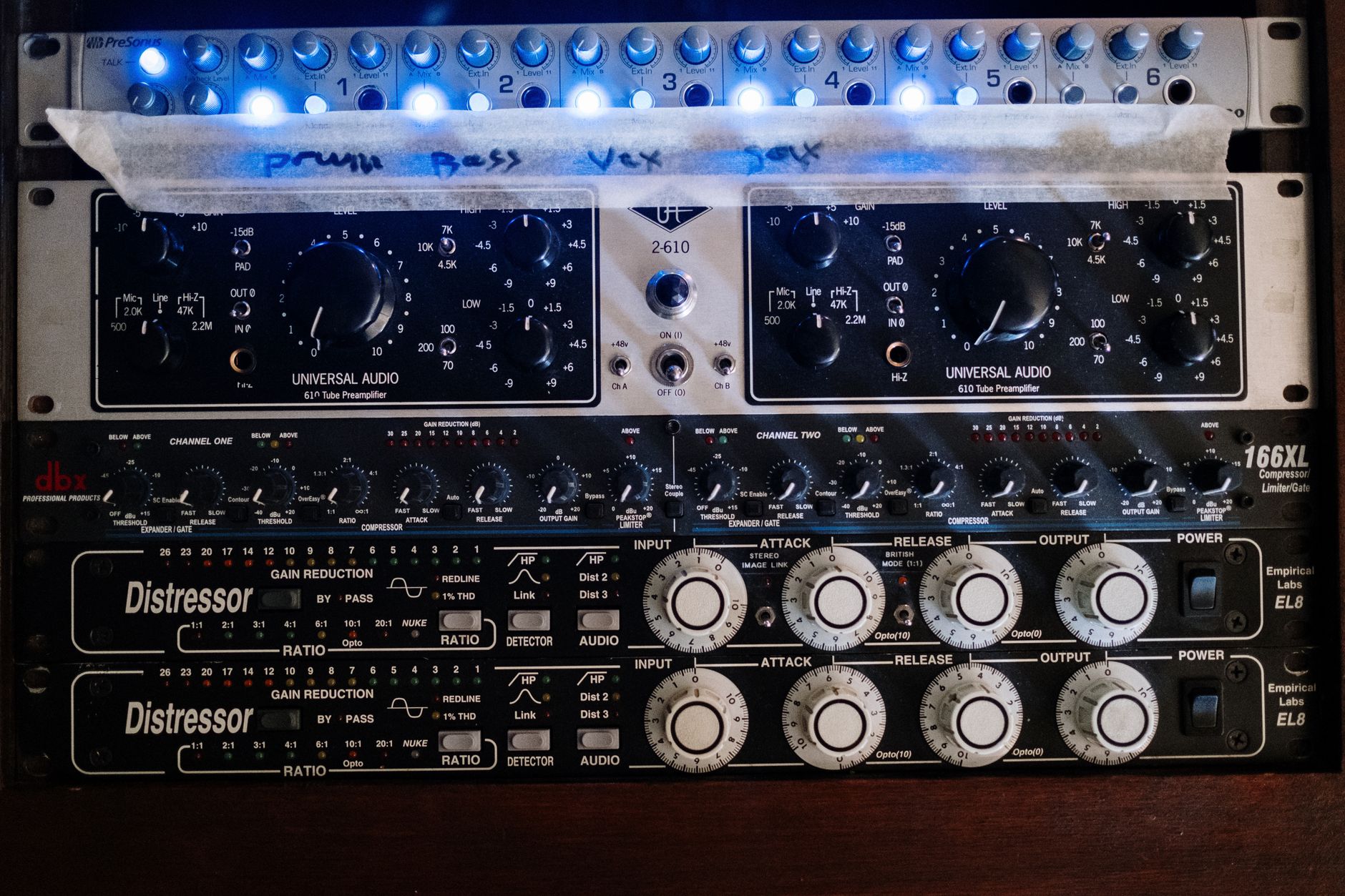
The sound quality is better than the size suggests, but small standalone units punish lazy gain staging. A red master meter into a small PA sounds ugly fast. A clean XLR feed with 6 dB of practical headroom sounds like a serious rig.
I do not chase maximum loudness from the player. I set the unit so the downstream mixer, recorder, or powered speakers get a healthy signal without being pinned. That leaves room for track-to-track loudness differences, especially if you mix older masters with current streaming-era releases.
The Metering Routine I Trust
Start with channel trims around unity, bring a loud mastered track into the green with occasional yellow, and keep the master below clip. If you are recording the set externally, aim for peaks around -6 dBFS at the recorder. That gives you room for EQ boosts, filter resonance, and crowd-mic bleed if you add ambience later.
After capture, I check the file in Youlean Loudness Meter. For a promo mix, I usually want sensible loudness rather than crushed numbers: around -14 to -10 LUFS-I depending on genre, with true peaks below -1 dBTP after any final limiting. LUFS-S is useful for spotting a breakdown that disappears, but LUFS-I tells you how tiring the whole mix is.
EQ and Filter Moves on a Small Mixer
The onboard EQ is practical, not magical. Treat it as corrective and rhythmic. Do not crank highs to fake excitement on small speakers, because that same move becomes brittle through Yamaha HS8 monitors or a bright bar PA.
My default blend is simple: bass swap over 4 or 8 bars, mids protected when vocals overlap, highs trimmed only when hats clash. If two masters both have heavy low-mid weight around 180 to 250 Hz, I would rather choose a cleaner mix point than carve both tracks until they sound hollow.
- Leave about -6 dBFS peak headroom when recording externally
- Use LUFS-I for overall mix fatigue, LUFS-S for short problem sections
- Avoid high EQ boosts to compensate for weak speakers
- Do bass swaps over phrase boundaries, not random half-bars
- Check one recorded transition before the event starts

Software, Streaming, and the Spotify Trap
The software answer is where buyers get messy information. denon prime go runs Engine DJ as a standalone system and uses Engine DJ Desktop for library preparation. That is the core workflow. Everything else should be treated as secondary until you confirm current support.
The common search for Denon Prime Go Spotify is understandable, but it points at the wrong expectation. Spotify does not function as the direct DJ streaming source people want here. If your set depends on Spotify playlists, rebuild those crates properly before buying hardware.
What DJ Software Works With It
For standalone use, Engine DJ is the real platform. You prepare, analyse, grid, cue, and export from Engine DJ Desktop, then perform from SD, USB, internal media where supported, or connected streaming services.
VirtualDJ support has existed for some Engine hardware workflows, but I would not make that the reason to buy this unit. Serato DJ Pro, rekordbox, and Traktor are not the natural centre of this box. If your paid sets require those ecosystems, choose hardware built for them instead.
Streaming Is Backup, Not the Set
Engine DJ has supported services such as TIDAL, Beatport Streaming, Beatsource, SoundCloud Go+, Dropbox, and Amazon Music depending on region, subscription, and firmware. Those details change, so check the current Engine DJ support list before promising a client you can play anything on demand.
Even when streaming works, it has weak spots: venue Wi-Fi, login expiry, missing versions, and tracks you cannot cache the way you expect. I keep my core 60 to 100 tracks local. Streaming is for requests, discovery, or a low-risk side path.
- Engine DJ is the main workflow, not an accessory
- Spotify is not a dependable direct source for this hardware
- Keep the paid-set core on local media
- Update firmware only after checking current user reports
- Treat streaming subscriptions as convenience, not infrastructure

Original Go, Go+, Used Deals, and Price Reality
The Denon Prime GO price question depends on timing, stock, and whether you are looking at the original unit or the newer Go+. I would not overpay for a used original if a new Go+ is close in price with warranty and current support.
The phrase Denon PRIME GO 2 gets searched because people expect a clean second-generation name. The actual successor conversation usually points to Prime Go+ rather than a unit literally branded that way. When shopping, compare the exact model name, not just the listing headline.
How I Read Used Listings
For Denon Prime GO used listings, photos matter less than ports, battery health, screen response, and encoder behavior. Ask for a video showing boot time, touchscreen use, both jogs, all channel faders, headphone output, XLR output, and the unit running on battery with the charger unplugged.
Used pricing only makes sense if the discount pays for risk. If a used unit is within 15 to 20 percent of a new or refurbished Go+, I would walk away. Warranty and battery confidence are worth real money on portable gear.
Amazon, Retailers, and Return Windows
Denon PRIME GO Amazon listings can be fine, but check who actually sells and ships the unit. Marketplace returns can be awkward if a battery issue appears after one rehearsal. For compact standalone gear, I care more about return policy than saving a small amount.
Open the box, update only if needed, load a prepared drive, run the outputs, and record 20 minutes within the return window. Do not spend two weeks admiring the screen, then discover a noisy headphone pot after the policy closes.
- Do not pay near-new money for an unknown used battery
- Ask for video proof of outputs, jogs, screen, and unplugged operation
- Check whether the listing is original Go or Go+
- Prioritize warranty and return policy over tiny savings
- Test the unit with your own media immediately

The Set Build I Would Save as a Template
Once the hardware is stable, I save a repeatable set structure. Not because every performance should sound identical, but because a template stops you from wasting attention on decisions that should already be solved.
For a two-hour portable set, I build in energy shelves rather than one long climb. That gives you room to respond to the room without panic scrolling through thousands of tracks.
A Practical Two-Hour Crate Shape
I start with 20 warm-up records, 30 main records, 15 flexible vocals, 10 peak tracks, and 10 exit tracks. That is more music than needed, but not so much that the browser becomes a swamp. The first 30 minutes should be playable at lower volume without losing identity.
- 0 to 30 minutes: lower density, fewer vocals, clean low end.
- 30 to 75 minutes: stronger drums, recognisable hooks, more contrast.
- 75 to 105 minutes: peak options, but not every track needs to shout.
- 105 to 120 minutes: controlled landing or handoff records.
What I Record Afterward
I record at least the first 25 minutes of any new template. That section exposes most problems: intro phrasing, gain habits, whether your first vocal arrives too early, and whether the low end feels controlled when two modern masters overlap.
If you are testing custom edits, mark the exact bar where the crowd would understand the idea. If that moment arrives 48 bars too late, fix the arrangement rather than blaming the DJ workflow.
- Build crates by set function, not only by genre
- Keep the browser small enough to make fast decisions
- Record the first 25 minutes of a new template
- Fix arrangement problems in the track, not with desperate looping
- Save exit records for clean handoffs and early shutdowns
| Option | Best Reason to Choose It | Main Risk | My Take |
|---|---|---|---|
| Original Prime Go new old stock | Lower price if a retailer discounts it heavily | May sit too close to Go+ pricing | Only attractive with a serious discount and full warranty |
| Prime Go+ | Newer model, current retail support, cleaner buying path | Still a compact two-deck unit with small jogs | The safer buy if the price gap is modest |
| Used Prime Go | Cheapest route into battery standalone DJing | Unknown battery health, worn controls, no easy return | Worth it only when the discount covers the risk |
| Larger standalone controller | More physical space, bigger jogs, often more channels | Less portable, no same compact battery appeal | Better for main-room style routines and heavier performance |
Worth a deeper read: PRIME GO | Standalone DJ System.
Frequently asked questions
What DJ software works with denon prime go?
denon prime go is built around Engine DJ standalone operation and Engine DJ Desktop for library preparation. It is not a natural Serato, rekordbox, or Traktor controller. Some users run computer-based workflows such as VirtualDJ where supported, but I would buy it for Engine DJ first.
What are the differences between the Denon DJ Prime Go and Go+?
Prime Go+ is the newer version of the compact battery standalone line, with updated connectivity and current platform support around Engine DJ. The original Prime Go remains capable, but used battery condition and warranty matter. If prices are close, I would lean Go+.
What is the sound quality like on the Denon DJ Prime Go?
The sound quality is solid for a compact standalone unit, especially through the balanced XLR outputs with conservative gain staging. It will not make poor files sound expensive. Keep peaks under control, avoid harsh high EQ boosts, and record a test mix before relying on it live.
When did Denon Prime Go come out?
The original Denon DJ Prime Go arrived around 2020 as part of Denon’s Engine DJ standalone push. That timing matters for used buyers because battery age is now a real factor. Always test unplugged runtime before paying strong used prices.
Can Denon Prime Go use Spotify?
No, not in the direct DJ-streaming way most people mean. Spotify ended support for many DJ integrations years ago, and Engine DJ’s streaming workflow relies on other supported services. Use local files for the main set and check current Engine DJ streaming support before a gig.
Is the Denon Prime Go good for beginners?
It can be, but it is better for a disciplined beginner than a casual one. The standalone workflow rewards proper library prep, cue points, and phrase awareness. If you only want a cheap laptop controller, it is overkill. If you want portable self-contained DJing, it makes sense.
The short version
- The unit makes most sense as a prepared two-deck standalone, not a mini four-deck club rig.
- Engine DJ library prep, offline testing, and local media matter more than streaming features.
- Clean gain staging beats loud output, especially when recording or feeding a proper PA.
- Go+ is usually the safer buy when used original units are priced too close to new stock.
- Spotify is not the streaming answer here, so rebuild essential playlists as proper DJ crates.
- A reusable two-hour crate template makes the hardware feel faster and more reliable.
Where to go from here
denon prime go works when you respect its lane: compact, battery-powered, standalone, and prepared. The mistake is expecting it to behave like a laptop controller, a club install, and a request machine at the same time. Build the library in Engine DJ, test offline, leave headroom, and record a short pass before trusting the rig in public.
If you are choosing between original Go, Go+, or a used listing, make the decision on battery confidence, warranty, and workflow fit rather than hype. Try the crate template in your next session, then adjust it around the transitions that actually expose weak tracks.
My Career makes videos from your own track and posts them for you, pitches your release to 34,000+ labels, playlists, radio stations, YouTube channels and blogs, puts it in every store and briefs you every morning. Free plan, no card, two minutes to set up.