
Key takeaways
- Create the project folder before opening the DAW.
- Use boring, consistent names with BPM, key and version numbers.
- Templates keep routing, gain staging and sidechain setup under control.
- Creative mess is fine when it lives inside a sandbox folder.
- Backups and collected projects are part of professional delivery.
- Clean stems, notes and exports make collaboration easier.
Music project organization saved a 126 BPM house record for me at 1:40 a.m. in a rented writing room above a rehearsal warehouse in Hackney.
The kick was from an old Maschine pack, the bass was sidechained with Cableguys ShaperBox, and the lead vocal had a messy chain of Auto-Tune Pro, Soothe2 and FabFilter Pro-Q 3. The artist wanted one last radio edit before morning. I opened the project, hit play, and Ableton Live said three samples were missing. For ten seconds, the room went very quiet.
That scare changed how I build sessions. music project organization is not admin for tidy people. It is how records survive tired ears, late revisions, laptop moves, DJ edits, stem delivery, and custom production handovers where nobody has time to decode your desktop.
The Music Project Organization Rule I Stole From Touring
I learned the first rule of music project organization from a tour manager, not a producer. He carried three identical USB sticks for every CDJ-3000 set, each labelled with the date, city and set length. No romance. No chaos. Just the files he needed when the booth was dark and the promoter was waving from the stairs.
That mindset works in the studio. A project folder should answer one question fast: what do I need to open, edit, export or deliver this track without guessing?
My music project organization test
If I cannot hand a session to another producer and have them understand it within five minutes, the session is not organised. That sounds strict until a singer asks for a clean instrumental two months later and the only file called FINAL is not final at all.
The best music project organization starts before the first bass note. I create the folder before I open Ableton, Logic Pro or FL Studio. The folder is the record’s home, not a storage bin after the fact.
The folder names that never let me down
Every track gets a plain structure. I do not put jokes, emojis or vague moods in folder names. I use artist, track title, BPM and key. Something like Nova Lane – After Hours – 126BPM – Fm. Boring wins.
- 01_Project for DAW files and templates
- 02_Audio for recorded vocals, bounced synths and imported loops
- 03_References for WAV or MP3 refs, never YouTube rips
- 04_Exports for masters, premasters, radio edits and DJ edits
- 05_Delivery for stems, lyrics, artwork notes and client-ready files
- Name the folder before the session gets creative.
- Use BPM and key in the main project folder.
- Keep exports away from raw audio.
- Never rely on a desktop folder called new ideas.
- Treat delivery files as a separate stage, not an afterthought.
Start Every Track With a Boring Template
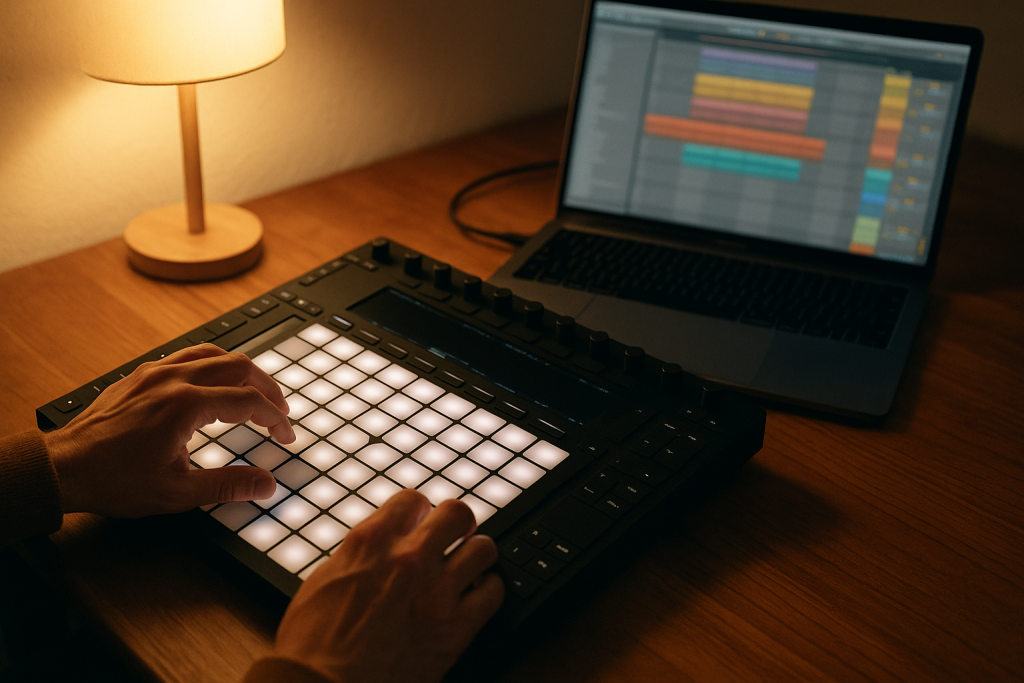
The word template sounds stiff. I used to resist it because I thought a blank session felt more creative. Then I watched a better producer open a 128 BPM tech house template with groups, returns, sidechain routing and reference tracks already loaded. He wrote a stronger loop in 20 minutes because he was not building plumbing.
music project organization in 2026 depends on templates more than ever because sessions now move between laptops, cloud drives, collaborators and stem requests. A template removes small decisions before they start stealing focus.
The template I actually use
My Ableton Live 12 template starts with groups named DRUMS, BASS, MUSIC, VOCALS, FX and PRINTS. The returns are short room, long plate, delay throw and parallel drum crush. The sidechain trigger is muted but always active. That one track prevents half the routing mistakes I used to make at midnight.
I leave a Utility on every group at -6 dB when writing starts. It is not glamorous, but it keeps headroom sane. If the rough mix already clips by bar 17, later mastering gets ugly.
What changed recently
Ableton Live 12 made browsing and tagging less painful, and more producers are using Push 3 or portable controllers away from the main room. That means the project has to travel. music project organization now includes tags, collections and frozen tracks, not just folders.
I also print important MIDI parts earlier than I did five years ago. If a Serum preset, Kontakt library or boutique Max for Live device disappears, the audio still plays. Print the hook. Keep the MIDI. Sleep better.
- Build one template per main genre, not one monster template for everything.
- Keep sidechain routing ready before the first kick lands.
- Save return tracks with sensible default levels.
- Put a limiter on the demo bus, but bypass it before exporting premaster files.
- Freeze or print risky third-party instruments before sharing the project.
Name Files Like Someone Else Has to Finish the Record
A ghost production handover exposes weak music project organization instantly. The buyer or artist may not know your habits, your abbreviations or why five different vocals are called vox_new_new. They only know the project either opens cleanly or wastes their afternoon.
I once received a topline session with 64 audio files named Audio 1 through Audio 64. The best take was hidden on track 47, with no comp notes. Good vocal. Bad handover.
Use version numbers, not feelings
I avoid file names like final, realfinal and masteredfinal2. They lie. Use dates or version numbers. For example: Artist_Title_Mix_v03_2026-02-14. If the vocal is tuned, write tuned. If the bass is printed without sidechain, write noSC.
This kind of music project organization feels slow for about two sessions. After that, it becomes muscle memory. More importantly, nobody has to open six bounces to find the right one.
My export naming pattern
Exports need context in the name. A premaster at -6 dB peak is not the same as a loud demo. A 3:12 streaming edit is not the same as a 5:48 DJ extended mix. I mark them clearly because club testing and release prep pull files in different directions.
- Artist_Title_ExtendedMix_126BPM_Fm_v04.wav
- Artist_Title_RadioEdit_126BPM_Fm_v04.wav
- Artist_Title_Premaster_-6dB_v04.wav
- Artist_Title_Instrumental_v04.wav
- Artist_Title_Stems_24bit_48k_v04.zip
- Use v01, v02 and v03 instead of final.
- Put BPM and key in DJ-facing exports.
- Mark premaster files with headroom information.
- Separate loud demos from clean mastering files.
- Rename vocals after comping and tuning, not before.
Keep Creative Mess Inside Safe Containers
I am not asking for a sterile session. Some of my best records started with ten ugly bass resamples and a percussion loop recorded through a cheap guitar pedal. Creative mess is useful. Loose mess is expensive.
The trick is to give chaos a container. That is where music project organization becomes practical instead of fussy. You can resample, duplicate, destroy and experiment without losing the version that worked.
The sandbox folder
Inside every project I keep a folder called _Sandbox. That is where I put strange resamples, bounced chord stacks, rejected drops and sound design accidents. If I drag a 4-bar synth phrase through Portal, Saturn 2 and a grain delay, the result goes there first.
When it becomes part of the arrangement, I move it into the proper Audio folder and name it properly. Until then, it can stay weird.
Track colours are not decoration
I colour tracks by function, not mood. Drums are one colour, bass another, vocals another. On a Pioneer DDJ-FLX10 prep day or an Ableton Push 3 sketch session, visual grouping helps me make decisions without reading every label.
Good music project organization reduces eye movement. That sounds tiny, but after six hours of arranging, tiny matters. The less I hunt, the more I hear.
- Use a sandbox folder for experiments that might not survive.
- Move approved sounds into the main audio folder.
- Colour tracks by role across every session.
- Keep rejected ideas until the record is delivered.
- Delete duplicated dead weight only after a backup exists.
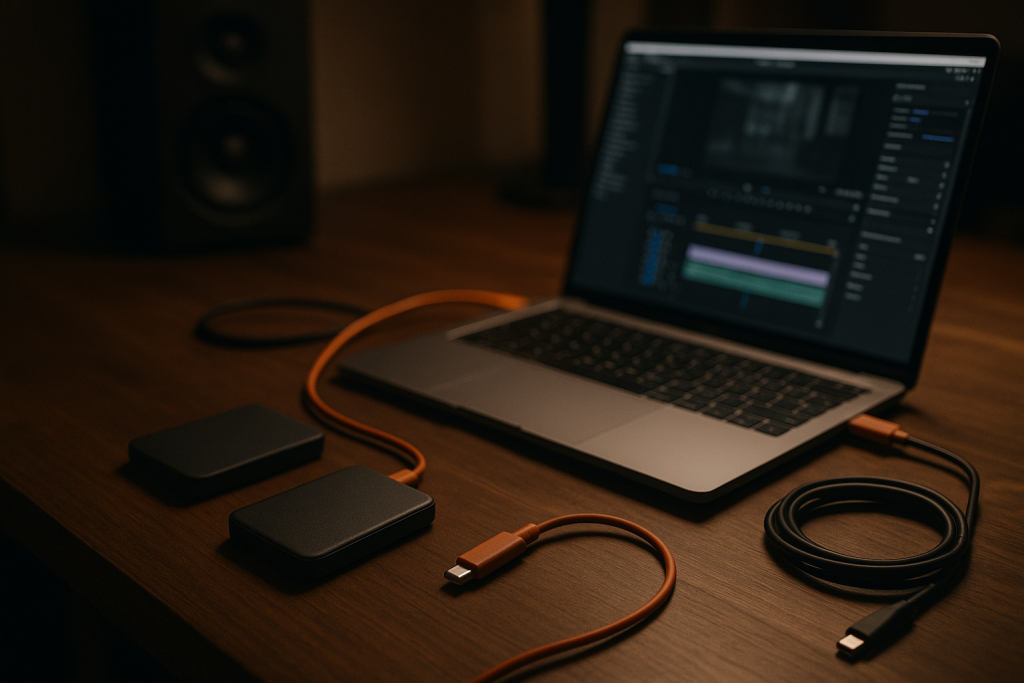
Backups Are Part of the Arrangement
The Hackney session I mentioned earlier ended well because the missing samples were in a backup. Not a heroic backup. A boring one. Carbon Copy Cloner had copied the project drive at 3 a.m. the previous night, and the lost vocal chops were sitting exactly where they should have been.
Since then, I treat backups as part of music project organization, the same way I treat gain staging or arrangement markers. If a file exists in one place, it is not safe.
The 3-copy rule I trust
I keep the active session on a fast internal or external SSD. I mirror it to a second local drive. Then I keep a cloud copy for disasters, not for daily work. Cloud sync is useful, but I do not love writing directly into a live cloud folder during heavy sessions. Conflict files are poison.
For client or custom music production work, I archive the delivered version separately. That way a later revision does not overwrite the exact files that were approved.
When to collect and save
Ableton’s Collect All and Save has rescued more tracks than any plugin I own. Logic has project package options. FL Studio users should be just as careful with samples and recorded audio. Before sending anything, collect the project and reopen it from a different location.
That one test proves your music project organization works outside your machine. If it fails on your own laptop, it will fail harder on someone else’s.
- Keep one working copy, one local backup and one off-site backup.
- Do not write heavy DAW sessions straight into syncing folders.
- Archive approved delivery versions separately.
- Reopen collected projects from a different drive before sending.
- Back up before deleting old bounces or unused recordings.

Music Project Organization Before Delivery
Delivery is where bedroom habits meet professional pressure. A label, vocalist, DJ or custom track buyer does not want your entire creative history. They want the right files, clearly named, in formats they can use.
music project organization before delivery is a final pass, not a panic zip. I do it when the mix is approved, while the session is still fresh in my head.
Stems, multitracks and DJ edits are different jobs
Stems are grouped exports: drums, bass, music, vocals and FX. Multitracks are individual channels. A DJ edit is a performance file with clean intros, useful outros and phrase-friendly structure, often 16 or 32 bars at the start and end.
If I am sending to a mixer, I export multitracks dry unless asked otherwise. If I am sending to an artist for playback, I send stems. If I am testing on CDJ-3000s, I send the extended WAV and a loud MP3 reference.
The delivery note nobody regrets
I include a plain text note with BPM, key, sample rate, bit depth, plugin warnings and a short version history. Nothing fancy. Just enough context so the next person does not have to ask whether the vocals are tuned or whether the premaster has bus compression printed.
This is the part of music project organization that makes a producer feel easy to work with. Talent gets the first call. Clean delivery gets the second.
- Export stems from bar 1 so every file lines up.
- Send 24-bit WAV files unless another format is requested.
- Include BPM, key, sample rate and bit depth in the delivery note.
- Mark dry and wet vocal exports clearly.
- Keep the approved mix, premaster and instrumental together.
| Job | Best Choice | Why I Pick It | Mistake to Avoid |
|---|---|---|---|
| Writing a new track | Genre-specific DAW template | Routing, returns and headroom are ready before ideas arrive | Starting from a huge template that slows the laptop |
| Sharing with another producer | Collected project folder | Samples, recordings and project files travel together | Sending only the DAW file and hoping paths survive |
| Client or artist delivery | Clean Delivery folder | Stems, premaster, instrumental and notes are separated | Dumping every bounce into one zip |
| DJ testing | Extended WAV plus loud MP3 | The WAV checks the master, the MP3 moves fast to Rekordbox | Testing a rough bounce with no BPM or key in the name |
| Long-term archive | Locked approved version | The exact signed-off session stays recoverable | Overwriting approvals during later revisions |
Further reading
- Ableton Live manual — Ableton's own documentation explains collecting, saving and managing Live project files.
- Sound On Sound archives — Sound On Sound is a long-running professional recording and production publication with detailed technical articles.
Frequently asked questions
What is the best music project organization system for producers?
The best system is simple enough to use when tired: one main folder per track, clear subfolders for project files, audio, references, exports and delivery, plus version numbers. music project organization only works if it survives normal studio pressure.
How should I name my music production files?
Use artist, title, version, BPM, key and file purpose. A good name looks like Artist_Title_ExtendedMix_126BPM_Fm_v04.wav. Avoid final, new and latest because they stop making sense after two revisions.
Should I use templates in Ableton, Logic or FL Studio?
Yes. Use a small template with groups, returns, sidechain routing and sensible gain staging. Do not build a giant template packed with every plugin. The goal is faster writing, not a heavy session that opens slowly.
How do I prepare stems for a client or vocalist?
Export stems from bar 1 so they line up perfectly. Label drums, bass, music, vocals and FX clearly. Include dry and wet vocals if needed, plus a note with BPM, key, sample rate and bit depth.
How often should I back up my music projects?
Back up during every serious session and before major edits, exports or cleanup. Keep three copies: the working drive, a local backup and an off-site or cloud backup. One copy is just a temporary wish.
What files should I keep after a track is finished?
Keep the final mix, premaster, instrumental, acapella if approved, stems, multitracks if relevant, the collected DAW project and any notes. Archive the approved version separately so later edits do not overwrite it.
Conclusion
The night in Hackney did not make me a tidy person. It made me a practical one. music project organization is not about colour-coded perfection or pretending every idea arrives neatly. It is about keeping the record recoverable when the vocal edit is late, the laptop changes, the DJ version needs two more 8-bar phrases, or someone else has to open the session.
Start with one track. Build the folder before the beat. Name the exports like a stranger will read them. Collect the project, reopen it from another drive, and write the delivery note while the details are still fresh. Try that in your next session and notice how much less energy gets wasted on searching.
Music project organization — Quick Recap
The fastest way to lock in music project organization is to internalise the workflow above and repeat it on every project. Start small: pick one technique from this music project organization guide, apply it to your next session, and audit the result against a reference track.
- Create the project folder before opening the DAW.
- Use boring, consistent names with BPM, key and version numbers.
- Templates keep routing, gain staging and sidechain setup under control.
- Creative mess is fine when it lives inside a sandbox folder.
Treat music project organization as a habit, not a one-off — the producers who consistently nail music project organization are the ones who run the same checks on every track. That’s the difference between a clean, club-ready master and a track that sounds great at home but falls apart on a real system.
In a real studio session, music project organization comes down to the order in which you make decisions: reference first, gain stage second, then the creative work. Producers who treat music project organization as a checklist instead of a vibe end up shipping more tracks.
Most producers and DJs undervalue music project organization because the wins are invisible until the track plays back on a real system. Bake music project organization into your template and the next ten projects benefit automatically.
My Career makes videos from your own track and posts them for you, pitches your release to 34,000+ labels, playlists, radio stations, YouTube channels and blogs, puts it in every store and briefs you every morning. Free plan, no card, two minutes to set up.


