
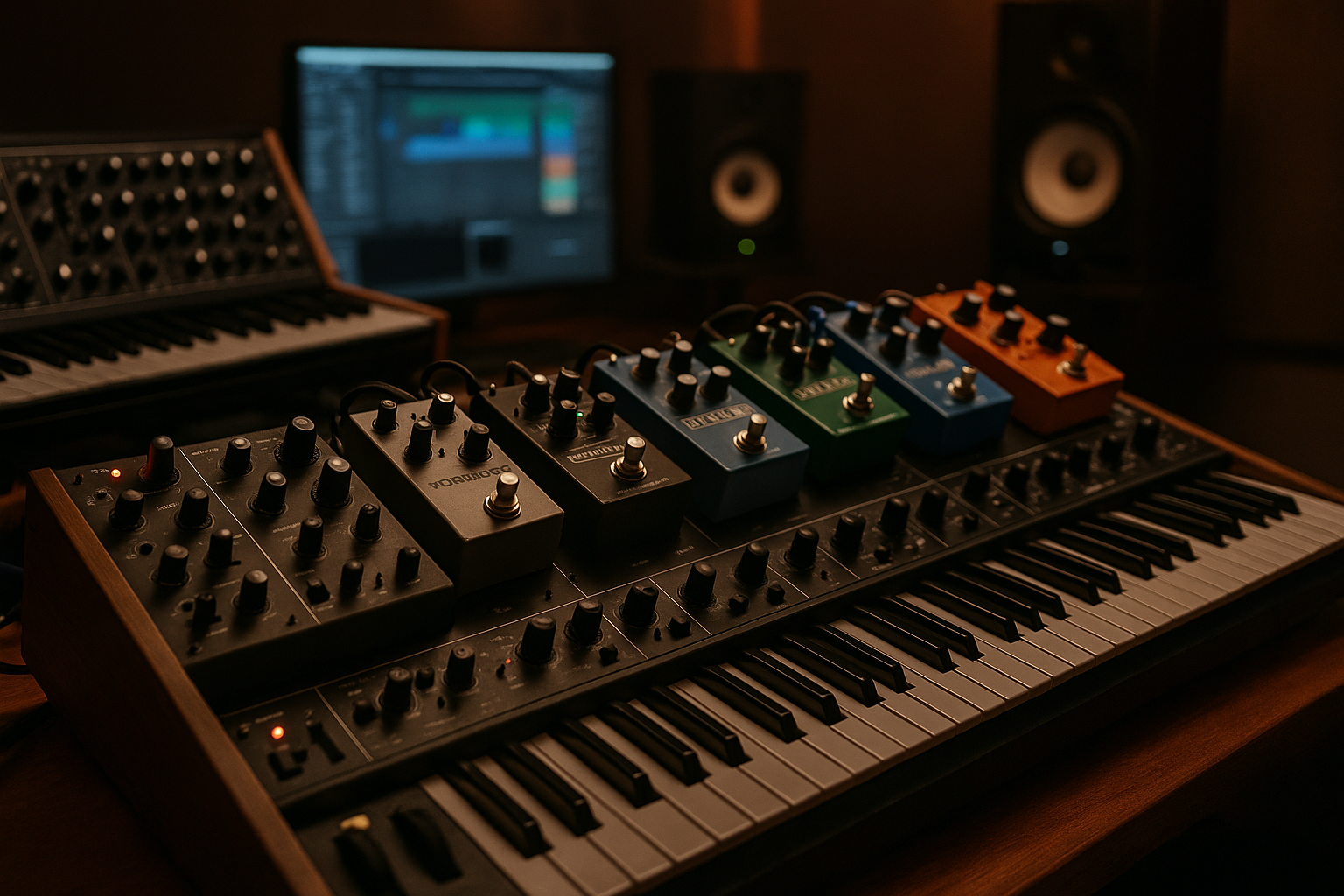
Key takeaways
- Strong synth layering starts with roles, not more presets.
- Serum is great for character, while Wavetable works well for clean support.
- Carve low mids before using dynamic tools like Soothe2.
- Use Utility, Trackspacer and sidechain timing to make space move.
- Texture layers should support the hook, not steal the arrangement.
- Reference quietly and stop adding once the hook translates.
I learned to layer synths properly during a 126 BPM melodic house session that almost missed delivery because the main hook sounded huge on my Adam A7X monitors and thin on a CDJ-3000 booth check. The track was for a vocalist called Nina, booked for a small roof terrace set in Lisbon, and the deadline was ugly: bounce by midnight, stems by breakfast. I had Serum, Ableton Wavetable, Diva and FabFilter Pro-Q 4 open, which looked impressive until the chorus folded into a fizzy grey smear.
The mistake was simple. I had stacked sounds because each patch felt exciting soloed. That is not how to layer synths. The record only started breathing when every layer got a job, a register and a reason to exist. I still use that session as my test: if a stack cannot survive a rough club check, it is not finished.
Why My Favorite Tools to layer synths Start With the Arrangement
The first rescue move that night was not a plugin. I muted things. The chorus had a pluck, a saw lead, a supersaw pad, a low mid growl, a noise sweep and a duplicate octave line. Six parts were trying to say the same sentence. The roof terrace did not need six narrators.
When I layer synths for a release or a custom music production brief, I start by writing the stack on paper like a small band. One part speaks. One part supports. One part adds air. If two layers do the same job, one gets deleted or moved into a different octave.
The mistake I hear when producers layer synths
The common trap is building a stack from presets that all sound finished alone. A Serum lead with wide unison, a Diva brass pad with chorus, and a Nexus-style pluck with built-in delay can each feel expensive in isolation. Together, they fight over width, attack and midrange.
I prefer boring decisions early. The main layer owns the melody around 800 Hz to 3 kHz. A body layer sits lower, usually trimmed hard above 5 kHz. An air layer can be mostly noise and harmonics, high-passed around 1.2 kHz. That is how I layer synths without making the mixer beg for mercy.
The 4-bar phrase test
I loop four bars of the hook and mute one layer at a time. If I do not miss a muted part within two passes, it leaves. No drama. Most bedroom producers keep dead layers because the channel strip looks productive.
On Nina’s track, the octave duplicate went first. Then the noisy pad lost its lower mids. The chorus did not get smaller. It got clearer, which is what a DJ hears when the room is moving and the booth monitor is not forgiving.
- Main layer: melody, identity and most of the midrange.
- Body layer: warmth, lower harmonics and controlled stereo.
- Air layer: brightness, movement and width above the vocal range.
- Transient layer: short attack, often a pluck or click tucked low.
- Delete anything that only sounds useful when soloed.
Ableton Wavetable and Serum: Pick One Job Per Layer
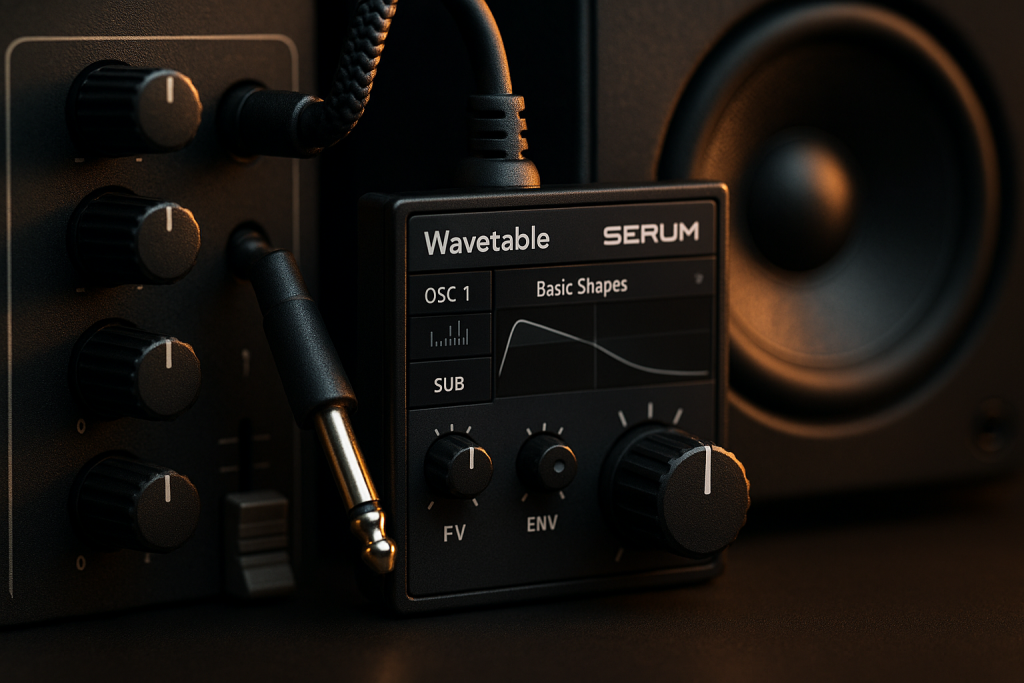
Serum was the hero and the problem in that session. I had a gorgeous seven-voice saw patch with a slow LFO on the wavetable position, but it already had width, motion and grit. Then I put Ableton Wavetable underneath with another detuned saw. That was not layering. That was stacking two finished leads and hoping the limiter would be kind.
When I layer synths now, I make one synth the character and force the others to behave. Serum usually handles the recognizable top line. Wavetable is faster for clean support because the filter and modulation are right in front of me.
Serum for the voice, Wavetable for the frame
For a melodic house lead, I will often keep Serum in mono or narrow stereo at first. Two or three unison voices, detune around 0.07, no huge reverb. The tone should feel a little exposed. If it only works drowned in effects, it is not a strong lead.
Ableton Wavetable then becomes the frame. I use a simpler saw or square blend, low-pass it around 6 kHz, and tuck it 4 to 7 dB below Serum. That small support can make the hook feel more stable without announcing itself.
Octaves beat duplicates
Two layers in the same octave can work, but I do not start there. I try octave separation first. A high layer can carry emotion while a lower layer gives the hook chest. For festival EDM, the body layer may sit one octave down with the low end rolled off at 180 Hz so it does not argue with the bass.
This is where MIDI discipline matters. If the lower layer follows every grace note, the stack turns clumsy. I simplify the support MIDI until it feels like a shadow, not a second lead player trying to win the room.
- Turn off big reverbs while building the stack.
- Use fewer unison voices than the preset suggests.
- Keep one synth responsible for the emotional tone.
- Put support layers lower in level before adding EQ.
- Print a rough bounce and check it quietly before moving on.

FabFilter Pro-Q 4 and Soothe2: Carve Before You Stack
The ugliest part of Nina’s mix was not the top end. It was 220 to 450 Hz, where three layers were making the same cardboard note. I opened FabFilter Pro-Q 4, switched the analyzer to pre plus post, and saw the pile-up immediately. No mystery. Just too much useful-looking sound in the same small space.
Good EQ is not cosmetic when I layer synths. It is architecture. I decide which layer gets the room, then the others step aside.
Static cuts before dynamic fixes
I start with static EQ because it forces commitment. On the body layer, I might cut 2 dB at 300 Hz with a medium Q if the bass already has warmth. On the top layer, I high-pass around 250 Hz and sometimes notch a nasal band around 1.6 kHz if the vocal needs that space.
Dynamic EQ comes after the basic shape works. Pro-Q 4 is excellent for small dynamic dips when a layer only gets annoying on certain notes. I would rather make one 1.5 dB dynamic move than flatten the whole sound with a broad cut.
Soothe2 is a seatbelt, not a driver
Soothe2 saved the terrace hook, but only after I had done the blunt work. I used it lightly on the air layer, depth around 1.8, focused from 2.5 kHz to 7 kHz, because the stack was spitting on small speakers. Push it too hard and the excitement leaves.
When producers ask me how to layer synths for ghost production briefs, I tell them not to hide bad stacking behind resonance suppressors. If Soothe2 is doing 6 dB of constant work, the arrangement is probably wrong.
- Cut the body layer before cutting the main layer.
- High-pass support parts higher than feels natural at first.
- Use dynamic EQ for note-specific problems, not general mud.
- Keep Soothe2 subtle enough that bypass does not feel like a new mix.
- Check EQ moves with the vocal or lead hook playing.
Ableton Utility, Trackspacer and ShaperBox: Make Space Move
The hook started working when the space started moving. Static stacks often feel big for eight bars and then tiring. In club music, movement is not decoration. It tells the body where the downbeat is, especially when the kick and bass are doing the heavy lifting.
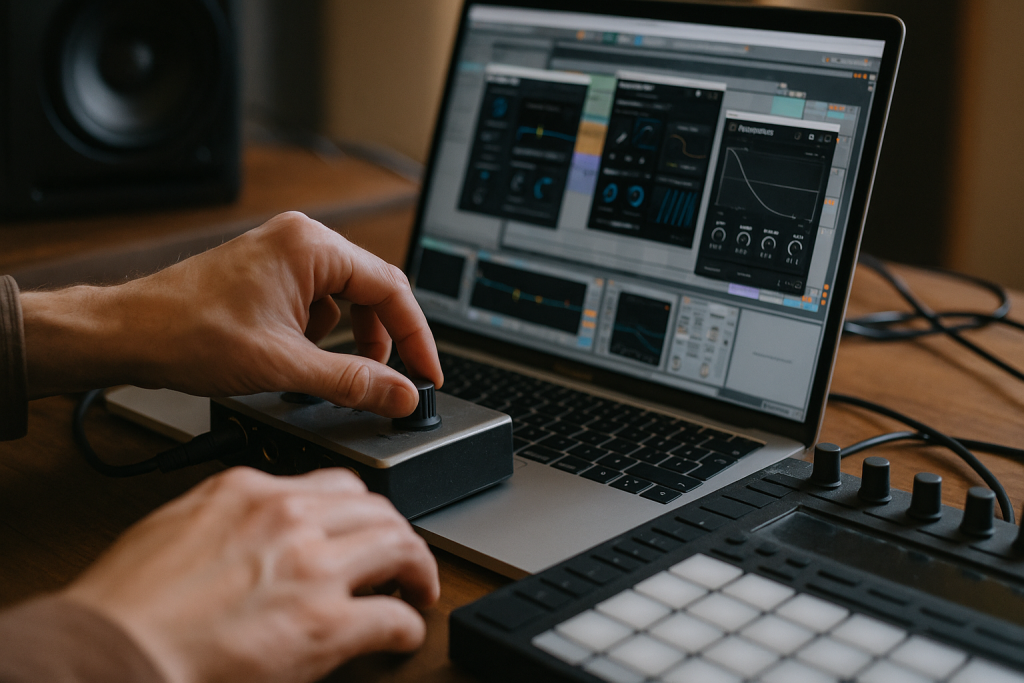
I layer synths with gain, width and ducking before I reach for another patch. Ableton Utility is still one of my most-used tools because it answers boring questions fast: is this too wide, too loud, too phasey, or just unnecessary?
Width needs a centre
The main layer gets checked in mono early. If it vanishes, I narrow it. Utility’s Width at 70 to 85 percent can feel less exciting alone but better in the record. I often keep the body layer near mono and let the air layer carry width above 3 kHz.
Mid/side EQ helps here. In Pro-Q 4, I might cut the sides around 250 Hz on a pad while leaving the mid alone. That keeps the stack from smearing the bass and kick, which is where many bright, pretty demos fall apart.
Sidechain ducking without pumping the life out
Trackspacer is my lazy genius tool when a vocal and synth stack are both important. I feed the vocal into Trackspacer on the synth bus, set it around 8 to 15 percent, and let it tuck the stack only where the vocal speaks. It is cleaner than guessing ten EQ cuts.
For kick movement, ShaperBox or Ableton Compressor can handle sidechain ducking. On melodic house, I like a duck that recovers before the offbeat hat, often around 120 to 180 ms. Too slow and the hook gasps. Too fast and it clicks.
- Check the stack in mono before widening anything.
- Keep low mids narrow unless the arrangement is very sparse.
- Use Trackspacer gently against vocals, leads or busy percussion.
- Time sidechain release to the groove, not to a random preset.
- Automate width in breakdowns instead of adding more layers.
Diva, Juno Emulations and Push 3: Add Texture Without Fog
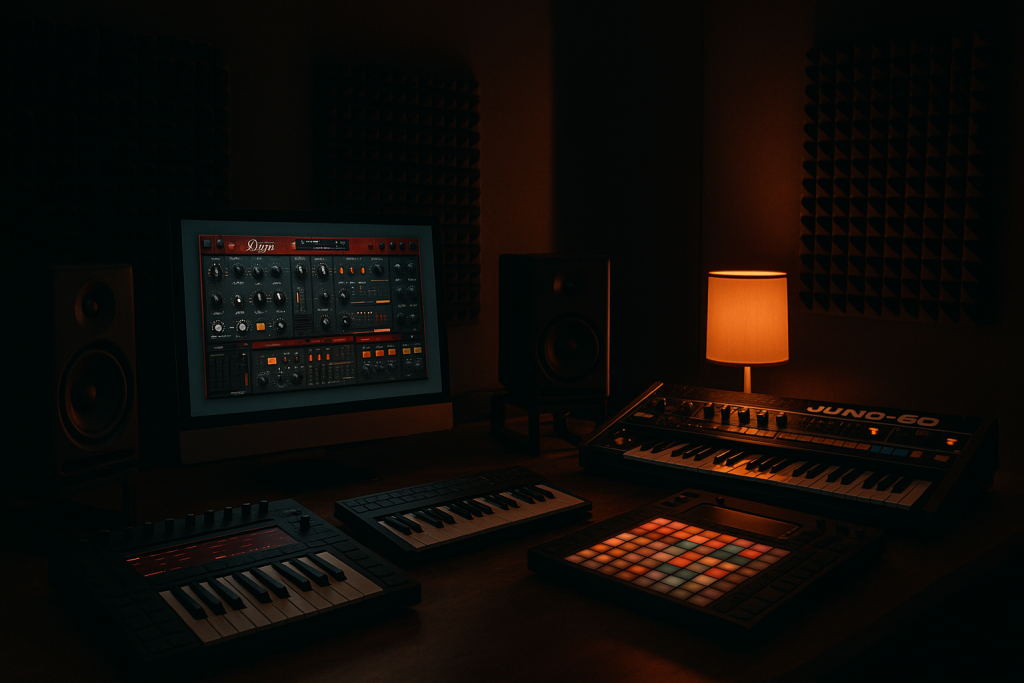
I still love imperfect synth layers. The problem is that imperfect can turn foggy fast. Diva, TAL-U-NO-LX, Arturia Jun-6 V and similar Juno-style tools can bring the hair and movement that clean digital patches lack, but they also bring chorus, low mids and noise.
When I layer synths with analog-style plugins, I treat them like seasoning. The listener should feel the texture when it disappears, not necessarily point at it while it plays.
The texture layer should be worse alone
This sounds backwards, but a useful texture layer often feels incomplete on its own. A filtered Diva patch with the cutoff around 2.8 kHz, attack at 15 ms and no bottom octave may sound underwhelming soloed. Under Serum, it gives the lead a human wobble.
That was the missing piece on Nina’s track. The final texture layer was not another supersaw. It was a narrow, slightly flat Juno-style pad tucked 9 dB down, with chorus filtered so the sides did not flood the mix.
Hands-on control beats mouse perfection
Ableton Push 3 changed how I record small movements. I will map filter cutoff, wavetable position and noise level, then ride them over eight or sixteen bars. The tiny fader mistakes often feel better than drawing perfect automation lanes.
For artists ordering custom production, this matters more than they expect. A human pass on a filter can make a synth hook feel owned rather than assembled. The trick is printing the movement, then editing only the obvious bumps.
- Use analog-style layers for motion, not extra loudness.
- Filter chorus-heavy parts before they hit the reverb bus.
- Record automation by hand, then clean only the worst moments.
- Tune texture layers carefully if the oscillators drift too far.
- Keep noisy layers low enough that the groove stays clean.

Reference Tracks, Club Checks and When to Stop
The final bounce for the terrace track passed because I stopped adding. I put a Ben Böhmer reference next to it, then a harder Anyma-style record, and listened for size rather than copying tone. My hook was not as wide as the reference in the breakdown, but it hit cleaner when the kick returned. That trade won.
When I layer synths, the last ten percent is mostly restraint. If the stack already reads on laptop speakers, headphones and a quiet monitor pass, the answer is rarely another oscillator.
Reference at matched loudness
References lie when they are louder. I pull them down until the chorus feels roughly equal, often leaving my mix around -6 dB peak headroom before mastering. Then I listen for three things: attack, width and low-mid weight.
A good reference does not tell me to copy the synth. It tells me whether my stack has the right role in the arrangement. Some records leave the lead thin because the vocal is king. Others let the synth become the headline. Decide before mixing.
The small-speaker verdict
I still do a phone check, then a single Auratone-style mono speaker check if I have one nearby. If the melody disappears, the main layer is too wide or too dependent on stereo effects. If the hook feels loud but not memorable, the attack layer probably needs work.
The rough club check is brutal in a useful way. On CDJ-3000s through a decent booth, a messy synth stack becomes obvious within eight bars. If the groove loses punch when the chorus arrives, I go back and remove weight, not add brightness.
- Match reference loudness before making decisions.
- Check the chorus at low volume, not only loud.
- Bounce the stack as audio and inspect the waveform density.
- Stop when the hook translates, even if the solo sound feels plain.
- Save a muted copy before deleting layers, then commit.
| Tool | Best Use | My Usual Move | Watch Out For |
|---|---|---|---|
| Serum | Main lead character | 2-3 unison voices, narrow first, effects mostly off | Too much built-in width before the mix starts |
| Ableton Wavetable | Clean support layer | Low-pass around 6 kHz and tuck 4-7 dB under the lead | Duplicating the Serum part too closely |
| FabFilter Pro-Q 4 | Carving frequency lanes | High-pass support layers and use small dynamic cuts | Over-EQing until the hook loses tone |
| Soothe2 | Taming harsh air layers | Light depth focused around 2.5-7 kHz | Using it to hide bad arrangement choices |
| Ableton Utility | Width and mono checks | Keep body layers narrow, test the main layer in mono | Widening low mids for fake size |
| Trackspacer | Making room for vocals | 8-15 percent sidechained from the vocal bus | Ducking so hard the synth feels nervous |
Further reading
- Ableton Wavetable manual — Ableton's official documentation gives reliable technical detail on Wavetable controls and modulation.
- Sound On Sound synthesis — Sound On Sound is a long-running professional audio publication with trusted synthesis education.
Frequently asked questions
How do I layer synths without making the mix muddy?
I give each layer a register and a job before EQ. The main sound carries the hook, the body layer stays controlled, and the air layer is high-passed hard. Most mud comes from duplicate low mids around 200 to 500 Hz, not from a lack of expensive plugins.
How many synth layers should a lead have?
Most finished club leads I trust have two to four useful layers. One main tone, one body layer, one air or texture layer, and sometimes a short transient layer. More than that can work, but only if every part survives the mute test.
Should I use the same MIDI for every synth layer?
Not always. I often simplify the lower support layer so it does not follow every passing note. The top line can stay expressive, while the body layer holds longer notes or skips fast ornaments. That keeps the stack solid instead of messy.
Is Serum or Ableton Wavetable better for layering?
I use Serum when the patch needs a strong, recognizable voice. I use Ableton Wavetable when I need clean support fast. For layering, the better tool is the one that does one job clearly without bringing unwanted width, reverb or low-mid weight.
Do I need sidechain on synth layers?
For dance music, usually yes, but it should fit the groove. Kick sidechain gives the downbeat room, while vocal sidechain through something like Trackspacer keeps lyrics clear. I avoid heavy pumping unless the arrangement is built around that feel.
Why do my layered synths sound wide but weak?
The centre is probably too thin. Wide pads and chorus-heavy leads can vanish in mono or on small systems. Narrow the main layer, keep low mids more central, and let only the upper texture carry big stereo width.
Conclusion
The session that nearly missed delivery taught me that impressive solo sounds can be useless in a record. The best way to layer synths is slower than preset hunting but faster than fixing a crowded mix at 2 a.m. Give each part a job, carve the overlap, control the width, then test the hook where real listeners will hear it: quiet speakers, headphones, a mono check and, if possible, a booth system.
Try this in your next session. Build a three-layer hook with one main voice, one body layer and one air layer. Mute each part after four bars. If the track gets clearer when a layer leaves, believe the mute button.
Layer synths — Quick Recap
The fastest way to lock in layer synths is to internalise the workflow above and repeat it on every project. Start small: pick one technique from this layer synths guide, apply it to your next session, and audit the result against a reference track.
- Strong synth layering starts with roles, not more presets.
- Serum is great for character, while Wavetable works well for clean support.
- Carve low mids before using dynamic tools like Soothe2.
- Use Utility, Trackspacer and sidechain timing to make space move.
Treat layer synths as a habit, not a one-off — the producers who consistently nail layer synths are the ones who run the same checks on every track. That’s the difference between a clean, club-ready master and a track that sounds great at home but falls apart on a real system.
In a real studio session, layer synths comes down to the order in which you make decisions: reference first, gain stage second, then the creative work. Producers who treat layer synths as a checklist instead of a vibe end up shipping more tracks.
Most producers and DJs undervalue layer synths because the wins are invisible until the track plays back on a real system. Bake layer synths into your template and the next ten projects benefit automatically.
When you struggle with layer synths, the fix is rarely a new plugin. Loop a problem section, A/B against a reference, and isolate which element is breaking your layer synths.
Treat layer synths as a craft, not a chore. The producers releasing on the biggest labels lock layer synths in early so they can spend their energy on melody and arrangement instead of fighting the mix.
Document your layer synths process — even a short note in the project file. Future-you will rebuild the same layer synths win in half the time.
If layer synths sounds great in headphones but bad in the car, you have a translation problem, not a creative one. The layer synths tweaks above are designed to survive every system.
Schedule a recurring layer synths pass on every project: same checklist, same reference tracks. Repeating layer synths drills is what separates a consistent producer from a lucky one.
Ultimately, layer synths is a craft you compound. Every project you finish raises the floor of your next attempt at layer synths, which is why shipping consistently matters more than chasing perfection.
My Career makes videos from your own track and posts them for you, pitches your release to 34,000+ labels, playlists, radio stations, YouTube channels and blogs, puts it in every store and briefs you every morning. Free plan, no card, two minutes to set up.


