
 By TGP Production Desk · October 26, 2026
TL;DR
- Pick the tracking method before obsessing over synth sounds.
- Use 64 or 128 sample buffers for playable latency.
- Start with mono lines before recording dense chords.
- Clean MIDI in passes: junk notes, timing, velocity, then lengths.
- Foot control works best with three reliable mappings, not ten clever ones.
Guitar midi controllers let you play synths, basses, strings, and drum racks from a guitar-shaped workflow instead of forcing guitar hands onto piano keys. The trick is not buying the fanciest box. The trick is clean tracking, sane latency, and parts that suit strings.
guitar midi controllers are touchy because a guitar note is messy at the start. Pick scrape, fret buzz, bends, and half-muted notes all arrive before the pitch settles. A normal keyboard controller does not care about that. A guitar MIDI system absolutely does.
We are going to set this up like a session. Pick the right type. Calibrate it. Record one tight part. Then edit only what needs editing. Not everything. That is how you keep the player in the part.
Guitar MIDI controllers: Pick the Right Tracking System
Start with the tracking method. This decides how much cleanup you do later. A dedicated MIDI guitar like the Jamstik Studio MIDI Guitar feels direct because the hardware is built around MIDI output. A pickup system such as Fishman TriplePlay Connect keeps your own guitar in the chair. Software pitch-to-MIDI can work, but it punishes sloppy muting.
If you are producing house, melodic techno, trap, pop, or cinematic hooks, choose speed over romance. Clean MIDI beats a beautiful idea that takes two hours to repair.
Guitar MIDI controllers for beginners need predictable tracking
For a first setup, avoid anything that needs a science project before you hear a sound. Jamstik Studio MIDI Guitar is the cleanest all-in-one path. Fishman TriplePlay Connect is better if you already love your guitar neck. Jam Origin MIDI Guitar 3 is useful for sketching from normal audio, but expect more ghost notes.
Set your DAW buffer to 64 or 128 samples. If the round-trip latency feels over 12 ms, you will start playing early without noticing. That ruins groove faster than a weak synth preset.
- Best low-fuss route: Jamstik Studio MIDI Guitar into USB MIDI.
- Best keep-your-guitar route: Fishman TriplePlay Connect pickup system.
- Best cheap sketch route: audio-to-MIDI software with strict muting.
- Avoid huge chords until your tracking is proven on single-note lines.

Set Up Clean Tracking Before You Blame the Gear
Do this before shopping again. Bad calibration makes expensive hardware feel broken. Good setup makes cheaper systems usable.
Tune the guitar. Stretch the strings. Kill open-string noise with your fretting hand. MIDI tracking likes boring discipline.
Record one clean mono synth line first
Open a simple saw lead. No arp. No delay. No reverb. Set pitch bend range to 12 semitones on both the controller and instrument if you plan to bend notes. If they do not match, bends land wrong.
- Set buffer to 64 samples if your machine can handle it.
- Load one mono synth patch with fast attack and short release.
- Play eighth notes on one string for 8 bars at 120 BPM.
- Look at the MIDI notes. Delete double triggers under 40 ms apart.
- Raise string sensitivity only if soft notes disappear.
- Lower sensitivity if hammer-ons create random notes.
Now listen without looking. If the line grooves, keep moving. If it flams, fix latency or technique before writing a full part.
- Use fresh strings when tracking matters.
- Mute unused strings harder than you think.
- Start with mono patches before pads.
- Match pitch bend range on controller and synth.
Program Synth Parts From Guitar Without Fake Keyboard Hands
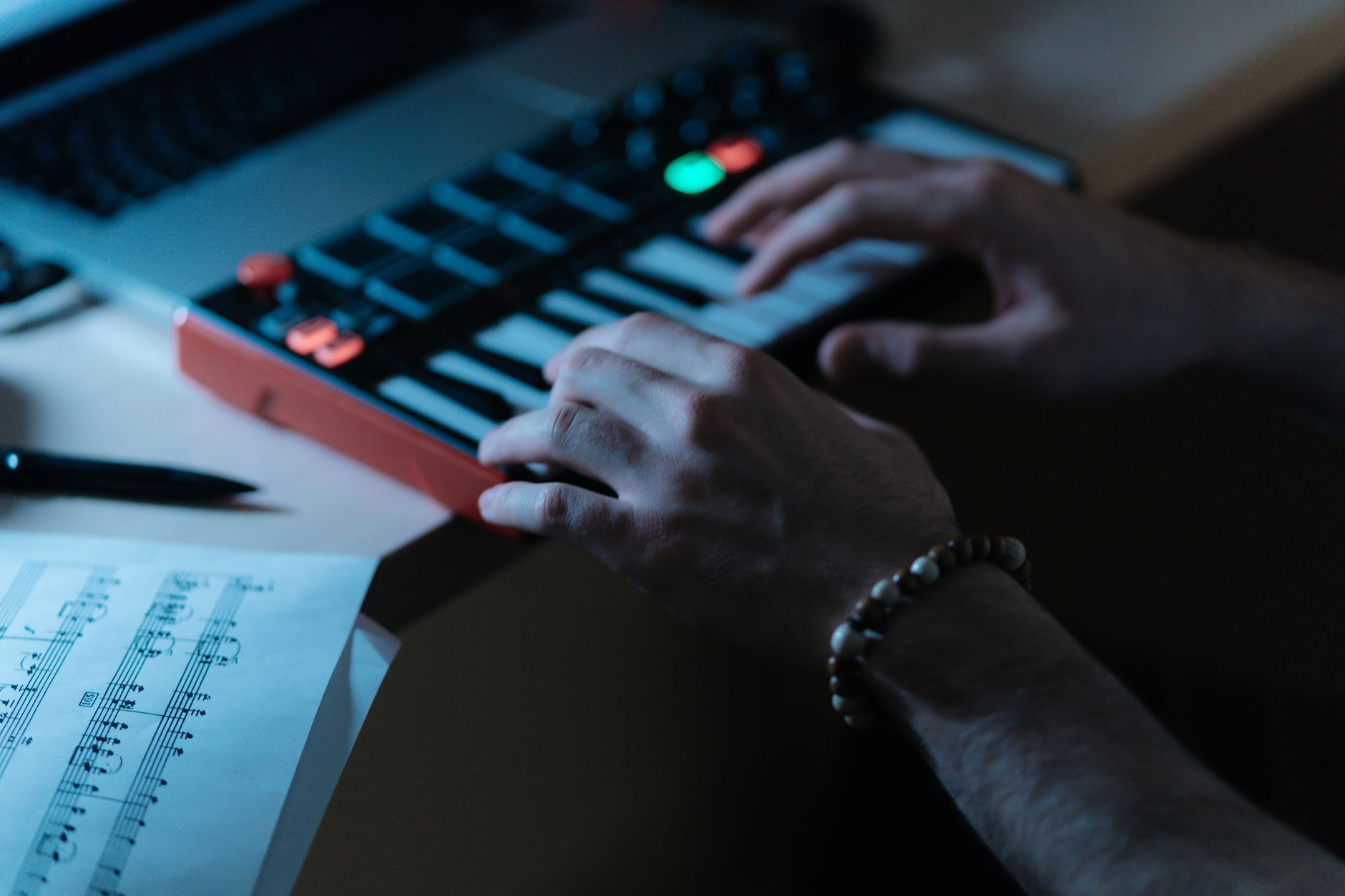
A guitar line does not need to pretend it came from a keyboard. That is the point. Use slides, repeated notes, bends, and string phrasing. Then choose sounds that reward that movement.
For club tracks, I like three lanes: a mono bass, a pluck, and a texture pad. Record them separately. Do not strum a six-note chord into a giant supersaw and expect it to print clean MIDI.
Use guitar timing, then tighten only the anchors
Quantize lightly. Try 70% strength to sixteenths instead of 100%. Leave short grace notes if they push the phrase forward. Delete accidental notes below 30 velocity unless they add feel.
For bass, shorten note ends so they stop before the kick. Leave about 20 to 40 ms of space before each kick if the groove is dense. Yes, this also fixes the kick.
We see this constantly with tracks that struggle to get accepted or sell well: the idea is fine, but the MIDI part fights the rhythm section. The listener hears mess, not effort.
- Bass parts: mono, short release, no messy overlapping notes.
- Pluck parts: velocity range around 45 to 105 for movement.
- Pads: record slow voicings, then edit note starts by hand.
- Leads: set pitch bend range before recording, not after.
Cheap, Beginner, and Near Me Buying Paths
Search terms like guitar midi controllers cheap and guitar midi controllers near me usually mean one thing: you want to try the workflow without wasting rent money. Fair. Just know where the compromise lives.
Cheap systems often lose on latency, string separation, or software fuss. That does not make them useless. It means you should use them for sketching, top lines, and textures before trusting them with tight basslines.
Do not buy only by price
If you are buying used, check three things before handing over cash: USB connection works, all strings trigger evenly, and pitch bend behaves correctly. Bring a laptop if you can. Play chromatic notes up the neck. Listen for missed notes around frets 7 to 12, where setup problems often show up.
A used Roland GK-3 can be useful, but remember it needs a compatible guitar MIDI interface or sound module. The pickup alone is not the whole rig.
- Lowest-risk used buy: test every string before payment.
- Hidden cost: 13-pin systems may need an extra interface.
- Avoid cracked pickup mounts and flaky USB ports.
- Buy local only if you can test tracking on the spot.

Foot Control, Expression, and Live DJ-Style Triggers
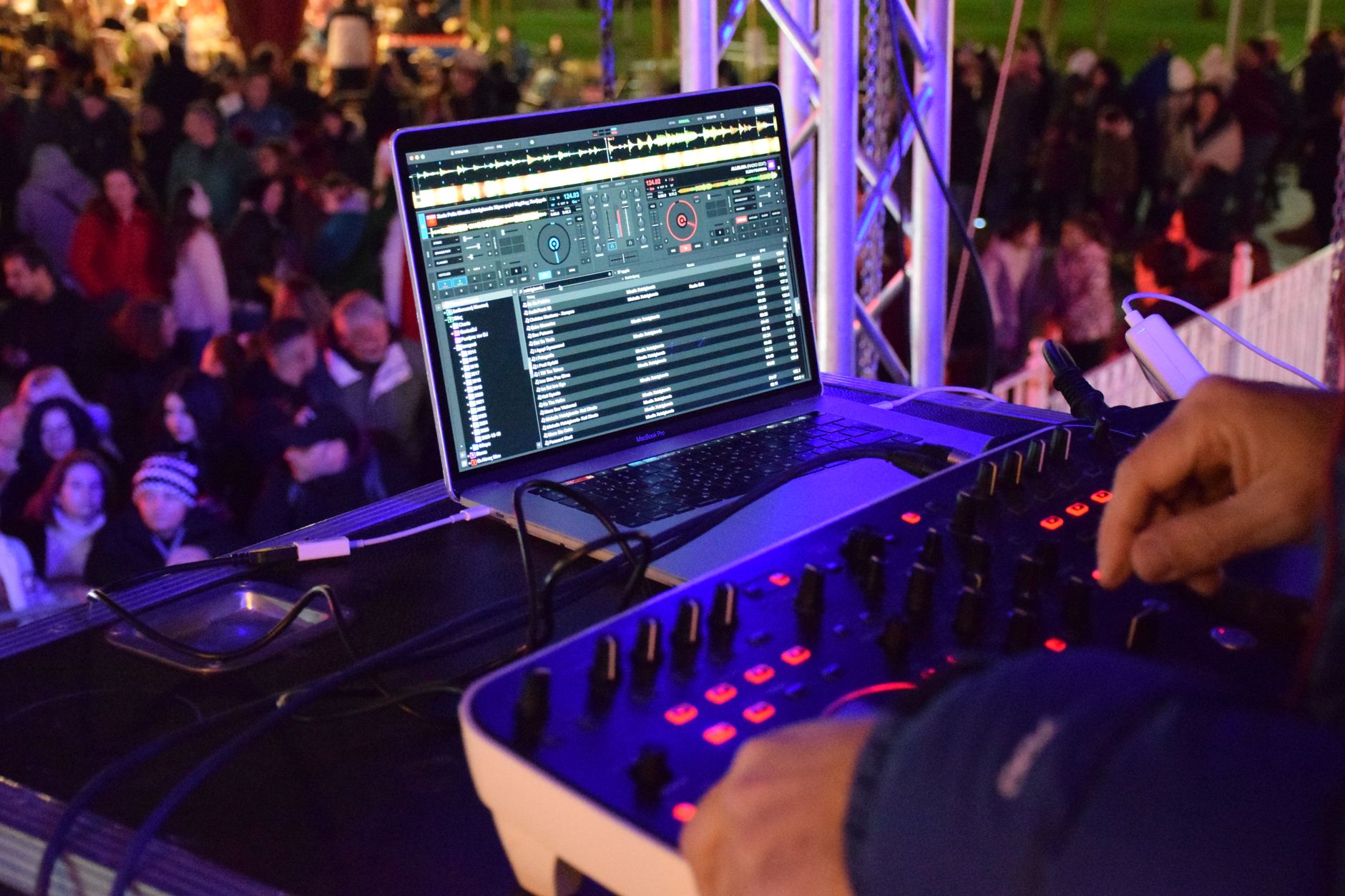
A guitar MIDI foot controller turns the setup into a performance rig. You can hold the guitar, change scenes, open filters, punch in sustain, or trigger a drum fill without taking your hands off the strings.
For DJ-minded producers, this is where the rig starts to feel familiar. Think clip launch, filter sweep, delay throw, and mute buttons under your feet.
Map one foot move per job
Keep it simple. Map expression to filter cutoff. Map one switch to sustain. Map another to record arm or scene launch. Keith McMillen SoftStep 3 works well for this because each pad can send MIDI CC or note data, and it is flat enough for small rooms.
Do not map ten clever tricks on day one. You will forget them under pressure. Three reliable controls beat a pedalboard full of guesses.
- Expression pedal: filter cutoff or volume swell.
- Switch one: sustain or hold.
- Switch two: scene launch or clip record.
- Switch three: delay send for one-bar throws.

Fix the MIDI After Recording Without Killing the Performance
Edit like a producer, not like a robot. The point is to remove tracking junk while keeping the hand feel. If every note lands on the grid, you may as well have clicked it in.
Work in passes. First delete garbage. Then fix timing. Then fix velocity. Last, fix note lengths.
The four-pass cleanup routine
Pass one: delete notes shorter than 20 ms unless they are intentional grace notes. Pass two: quantize anchors only, usually the first note of each bar and the kick-facing bass notes. Pass three: smooth velocity jumps above 25 points between nearby notes. Pass four: trim overlaps that choke the synth voice allocation.
For EDM bass, I often set note lengths to leave 1/32-note gaps before kick hits. For lead hooks, I leave overlaps if the synth is mono and glide is part of the sound.
- Delete tiny false triggers first.
- Quantize anchor notes before touching everything else.
- Smooth velocity only where the sound jumps awkwardly.
- Trim bass note tails before sidechain compression.
| Setup | Best For | Main Trade-Off | Realistic Use |
|---|---|---|---|
| Jamstik Studio MIDI Guitar | Clean all-in-one MIDI guitar workflow | Different feel from your favorite guitar | Writing leads, basslines, pads, and full MIDI arrangements |
| Fishman TriplePlay Connect | Using your own guitar with a MIDI pickup | Needs careful installation and calibration | Serious tracking with familiar guitar feel |
| Jam Origin MIDI Guitar 3 | Cheap software-based sketching | More cleanup and false triggers | Ideas, textures, top lines, and demos |
| Roland GK-3 with compatible interface | 13-pin guitar MIDI systems | Pickup is only part of the rig | Players who already own Roland/Boss guitar synth hardware |
FAQ
Are guitar MIDI controllers worth getting?
Yes, if you write better on strings than keys. They are worth it for basslines, leads, pads, and quick harmonic sketches. They are not magic. You still need clean muting, low latency, and basic MIDI editing. If you hate editing, buy the most stable tracking system you can afford.
Can a guitar be a MIDI controller?
Yes. A guitar can control MIDI through a dedicated MIDI guitar, a hex pickup system, or software that converts audio pitch into MIDI notes. Dedicated hardware usually tracks faster and cleaner. Software is cheaper, but it reacts badly to string noise, sloppy bends, and messy chord attacks.
What is the best MIDI pickup for guitar in 2026?
For most producers, Fishman TriplePlay Connect is the safest MIDI pickup choice because it gives strong string separation and works with your existing guitar. Roland GK-3 still makes sense if you are building around Roland or Boss 13-pin gear. Pick based on your full rig, not the pickup alone.
What is the best MIDI controller on the market?
For general production, Ableton Push 3 is one of the strongest all-round MIDI controllers. For guitar-style playing, that answer changes. Jamstik Studio MIDI Guitar is the cleaner pick if you want a guitar-shaped controller, while Fishman TriplePlay Connect is better if your own guitar already feels right.
The bottom line
guitar midi controllers are strongest when you treat them as performance tools, not shortcuts around musicianship. Set the buffer low. Calibrate string response. Record simple parts first. Edit the mistakes, not the personality.
If you are new, start with a mono bass or lead line tonight. Eight bars. One sound. No effects hiding the tracking. Then clean the MIDI using the four-pass routine above. Once that feels tight, add pads, bends, foot control, and bigger arrangements. The workflow gets fast after the basics stop fighting you.
My Career makes videos from your own track and posts them for you, pitches your release to 34,000+ labels, playlists, radio stations, YouTube channels and blogs, puts it in every store and briefs you every morning. Free plan, no card, two minutes to set up.


