
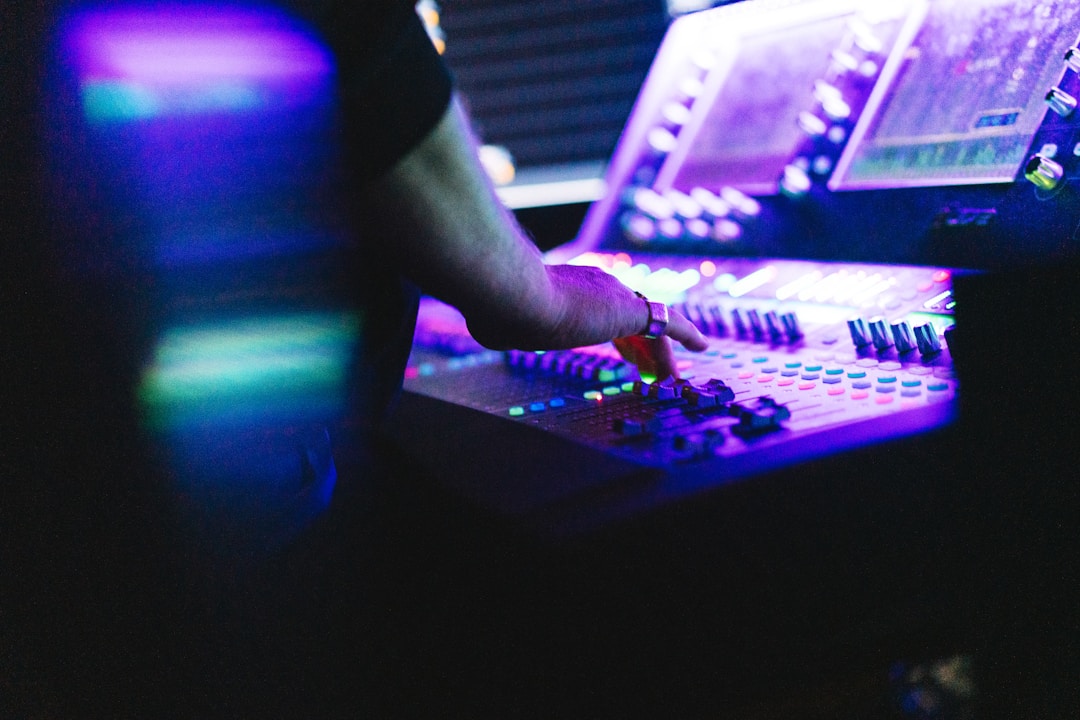
Key takeaways
- Use headphones for detail work and studio monitors for bass, balance, and room energy.
- Set gain and leave around -6 dB headroom before making serious EQ moves.
- Cut masking and mud before boosting brightness or low end.
- Reference tracks and spectrum analyzers help you make calmer, repeatable decisions.
- Kick and bass should be shaped together, with sidechain ducking used for movement.
- Stop EQing when the full mix improves at the same loudness.
Eq mixing techniques decide whether your kick, bass, vocal, and synths share space or fight like four people speaking at once. If EQ is new to you, EQ means equalization: changing the volume of specific frequency areas, such as low bass, boxy mids, or sharp highs. Good eq mixing techniques are not about making every sound brighter. They are about choosing what each sound is allowed to own.
Headphones and studio monitors both lie, just in different ways. Headphones can reveal tiny clicks and harsh vocals, but they can make bass feel bigger than it is. Monitors show how the room reacts, but a bad bedroom setup can blur the low end. This walkthrough keeps the theory plain, uses numbers you can try, and shows where tools like FabFilter Pro-Q 4, Soothe2, Ableton Live, and a basic DJ controller actually fit.
Eq mixing techniques on Headphones vs Monitors: The Real Difference
Think of EQ as traffic control at a busy junction. Every instrument is a vehicle, and the frequency range is the road. Without signs, the kick and bass both try to drive through the same lane around 50 to 120 Hz, while vocals and synths crowd the midrange.
The first job of eq mixing techniques is not to make a sound impressive on its own. The job is to stop collisions. Frequency means pitch area: lows are bass, mids carry body and words, highs carry brightness and detail. A mix works when those areas feel organised.
Why Headphones and Monitors Disagree
Headphones put the speakers right on your ears. That removes the room, which is useful if your bedroom has bare walls, a desk against a corner, or a bed acting as random acoustic treatment. A pair like the Beyerdynamic DT 770 Pro will expose mouth clicks, hi-hat fizz, and harsh synth edges fast.
Studio monitors move air in the room. That is the point. Yamaha HS8, Adam T7V, or KRK Rokit monitors tell you how bass pressure behaves outside your skull. The catch is simple: an untreated room can exaggerate or hide low frequencies. A corner desk can make 80 Hz feel huge even when the track is thin.
Starter eq mixing techniques for Zero-Panic Decisions
Use headphones for detail checks and monitors for balance checks. That is the clean split. If a vocal hurts on headphones at 3.5 kHz, fix it. If the kick disappears on monitors when the bass enters, fix the low-end relationship.
- Low end: 20 to 120 Hz, kick thump and bass weight.
- Low mids: 120 to 400 Hz, warmth, mud, and boxiness.
- Mids: 400 Hz to 2 kHz, body, chords, and vocal presence.
- High mids: 2 to 6 kHz, attack, bite, harshness.
- Highs: 6 kHz and up, air, hiss, sparkle, and cymbals.
- Use headphones to catch clicks, hiss, harshness, and stereo imbalance.
- Use monitors to judge kick, bass, vocal level, and groove energy.
- Keep at least -6 dB of headroom before the limiter while EQing.
- Make EQ moves while the full track plays, not only in solo.
- Compare against a reference track at the same loudness.
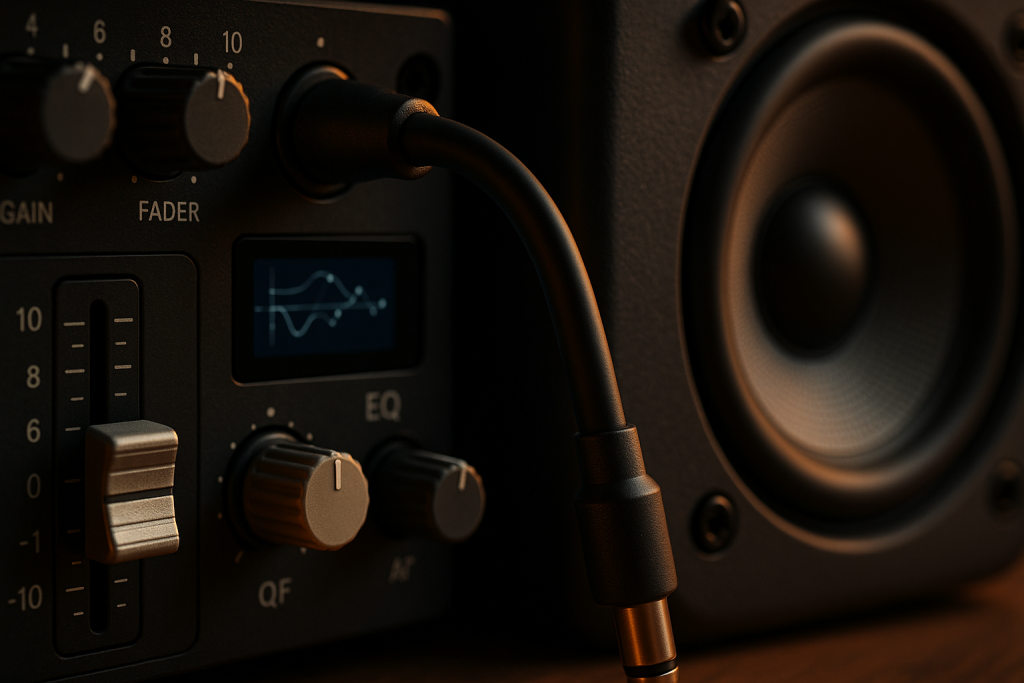
Start With Gain Before Touching an EQ Band
Gain is like water pressure before it reaches the shower head. If the pressure is wrong, changing the shower head will not fix the problem. In audio, gain means signal level before processing, and it affects every EQ decision you make.
Many beginner mixes sound muddy because the channels are simply too loud. The kick peaks near 0 dB, the bass is stacked under it, and the master bus is already clipping. Clipping means the signal is too hot and starts distorting. Before using eq mixing techniques, pull levels down.
Set Headroom First
Headroom is empty space before the signal hits 0 dBFS, the digital ceiling. A safe target is a master peak around -6 dB before mastering. In Ableton Live, FL Studio, Logic Pro, or Cubase, lower the channel faders until the master meter breathes.
If you are preparing a DJ edit for Rekordbox, Serato, or a CDJ-3000 set, do not chase loudness at this stage. Clean balance beats loud mess. Limiters come later.
Level-Match Every EQ Move
Boosting 5 dB at 8 kHz sounds better for one second because it is louder. That does not mean it is better. Level-match means making the processed and unprocessed signal the same volume so your ear judges tone, not loudness.
FabFilter Pro-Q 4, Ableton EQ Eight, and Logic Channel EQ all make this easy if you watch output gain. After a boost, trim the EQ output down. After a big cut, bring it back up if needed.
- Pull all channels down before EQ if the master is near 0 dB.
- Aim for -6 dB peak headroom on the master while mixing.
- Bypass the EQ often and match loudness before judging.
- Fix level problems with faders before reaching for narrow EQ cuts.

Subtractive EQ vs Additive EQ: Cut First, Boost Later
Subtractive EQ is like carving a piece of wood. You remove the bits that stop the shape from showing. Additive EQ is like painting on top. It can work, but if the surface is lumpy, more paint only makes the mess shinier.
Subtractive EQ means cutting frequencies. Additive EQ means boosting frequencies. For most beginner eq mixing techniques, cutting first gives cleaner results because it solves masking. Masking happens when one sound hides another in the same frequency range.
High-Pass Filters Without Killing the Track
A high-pass filter lets highs pass and cuts lows below a chosen point. On a vocal, start around 80 to 120 Hz. On a clap, try 180 to 250 Hz. On a pad, try 120 to 220 Hz if it is crowding the bass.
Do not high-pass everything by default. A piano part may need body at 150 Hz. A tom fill may need weight at 90 Hz. Use the full mix as the judge, not a rule you copied from a forum.
Find Mud Without Sweeping Like a Maniac
Mud usually lives from 180 to 400 Hz. Boxiness often sits around 400 to 800 Hz. Harshness often bites from 2.5 to 5 kHz. Use a narrow bell filter, boost briefly to find the ugly spot, then cut 2 to 4 dB. A bell filter is a curved EQ band around one chosen frequency.
For house, techno, afro house, and melodic EDM, I would rather cut 3 dB at 250 Hz on three crowded parts than boost the kick 6 dB and wonder why the master distorts.
- Cut 2 to 4 dB before trying dramatic boosts.
- Use high-pass filters on non-bass parts only when the full mix improves.
- Check 180 to 400 Hz first when a mix feels cloudy.
- Check 2.5 to 5 kHz when vocals, leads, or hats feel painful.
- Avoid solo EQ decisions unless you are removing noise or clicks.
Headphones: Find Clicks, Harshness, and Stereo Problems
Headphones are a magnifying glass. They show small dirt on the glass that nobody sees from across the room. That makes them useful, but a magnifying glass is not how you judge whether the whole window fits the house.
Use headphones for detailed eq mixing techniques when your room is unreliable. Closed-back headphones like the Audio-Technica ATH-M50x help with DJ prep and recording. Open-back headphones like the Sennheiser HD 650 feel more natural for longer mix sessions, but they leak sound.
Use Headphones for Harsh Frequency Checks
Harshness is that sharp, tiring edge that makes you turn the volume down. In vocals and synth leads, check 2.5 kHz, 3.2 kHz, and 4.5 kHz. In hi-hats, check 7 to 10 kHz. Cut small first. A 1.5 dB cut can be enough.
Soothe2 is useful here because it is a dynamic resonance suppressor. Dynamic means it reacts only when the harsh frequency jumps out. Still, do not let it do all your thinking. If Soothe2 is pulling 8 dB all the time, the sound choice or arrangement is probably the real issue.
Watch Stereo Width on Headphones
Stereo width means how far sounds appear between left and right speakers. Headphones can make width feel exciting because each ear gets a separate feed. Club systems and phones are less forgiving.
Keep kick, sub bass, and main vocal mostly centered. If you use mid/side EQ, where mid means center and side means stereo edges, be gentle below 150 Hz. Wide sub is trouble on big playback systems.
- Check vocal harshness around 2.5 to 5 kHz.
- Check hi-hat fizz around 7 to 10 kHz.
- Keep sub bass centered below roughly 120 to 150 Hz.
- Use mono checking before exporting a DJ edit or custom track.
- Take breaks because headphone fatigue makes highs feel worse than they are.
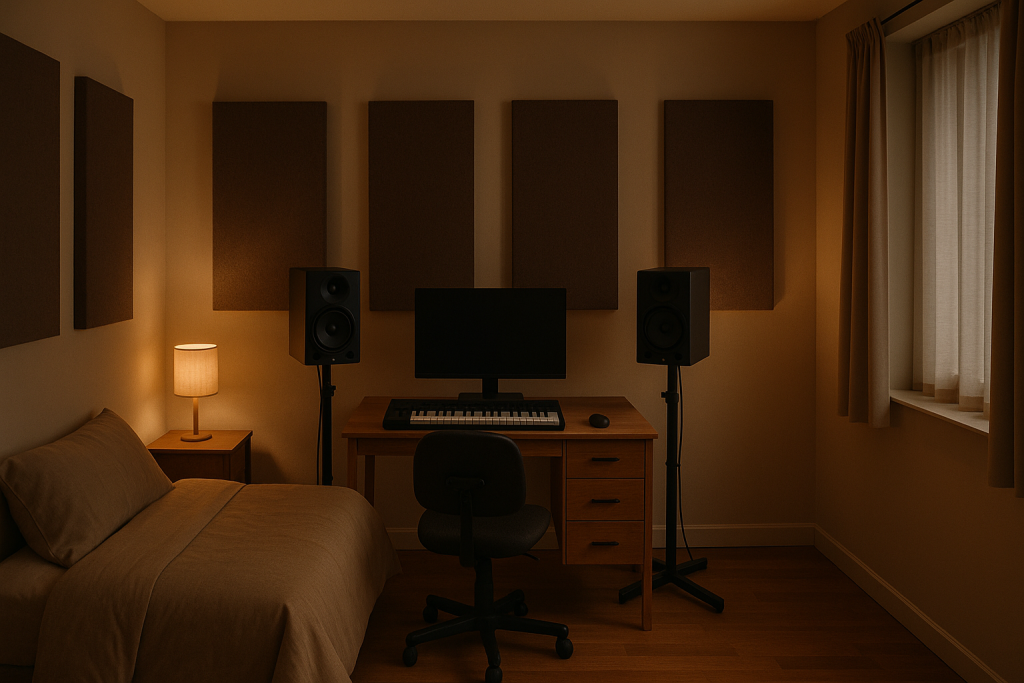
Studio Monitors: Judge Bass, Balance, and Room Energy
Monitors are like tasting soup from the pot instead of licking the spoon. You hear the whole thing interacting in one space. That is exactly what bass needs, because low frequencies are felt as much as heard.
For eq mixing techniques that affect kick and bass, monitors usually beat headphones. Not expensive monitors in a bad room, though. Placement matters. Put monitors at ear height, form an equal triangle with your head, and avoid shoving rear-ported speakers tight against the wall.
Kick and Bass Need Space
In dance music, kick and bass are the foundation. If the kick fundamental sits around 55 Hz, the bass might need more weight around 90 to 120 Hz, or the other way around. Fundamental means the main low pitch of a sound.
Sidechain ducking can help, but it is not an EQ replacement. Sidechain ducking means the bass turns down briefly when the kick hits. Use it for groove and separation, then use EQ to shape the overlap.
Room Problems Are Real, Not Personal
If one bass note booms and the next disappears, your room may be creating peaks and nulls. Peaks are frequency buildups. Nulls are cancellations. Move your listening position before blaming your plugin chain.
A simple test helps. Play a sine wave sweep from 40 to 120 Hz at low volume. If 70 Hz explodes and 95 Hz vanishes, your room is lying. Use headphones as a second opinion, then check on a car system or a small Bluetooth speaker.
- Place monitors at ear height in an equal triangle.
- Avoid mixing bass loudly for long periods.
- Check kick and bass at low volume before adding more low end.
- Use sidechain ducking for movement, not as a cure for bad EQ.
- Compare low-end balance on at least one smaller playback system.
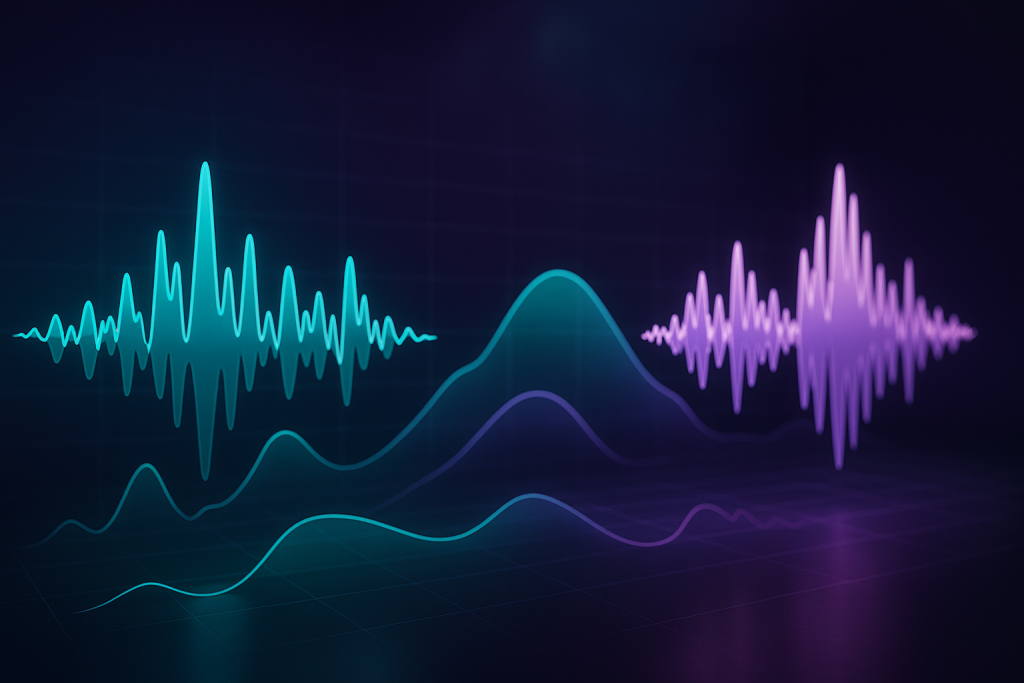
Reference Tracks and Spectrum Analyzers Keep You Honest
A reference track is a measuring tape. You are not copying the house next door, you are checking whether your door frame is wildly crooked. In music, a reference track is a finished song in a similar style that you trust.
Reference tracks make eq mixing techniques less emotional. Pick one released track in the same lane: a clean tech house record, a warm melodic house tune, or a loud EDM drop. Turn it down to match your mix. Loudness matching matters because louder nearly always feels better.
Use a Spectrum Analyzer Without Mixing With Your Eyes
A spectrum analyzer shows frequency energy as a graph. Voxengo SPAN, Ableton Spectrum, and the analyzer inside Pro-Q 4 are all useful. If your mix has a giant hill at 250 Hz compared with the reference, that is a clue, not a command.
Look for broad patterns. Is your low end 6 dB louder than the reference? Are your highs dead above 10 kHz? Are the low mids stacked? Then listen again and make one move at a time.
Reference Like a DJ
If you DJ, you already understand context. A track might sound huge alone but weak between two commercial releases on a Pioneer DDJ-FLX10 or CDJ-3000 setup. Test your bounce between real tracks, not only inside the DAW.
This is where eq mixing techniques connect directly to ghost production and custom music production. A track has to survive the playlist, the car, the kitchen speaker, and the club booth. Pretty solo channels do not matter if the record folds in context.
- Choose one reference track in the same genre and energy range.
- Turn the reference down to match your unfinished mix.
- Use analyzers for broad clues, not tiny visual perfection.
- Check your track between two released songs like a DJ would.
- Write down recurring problems so your next session starts smarter.
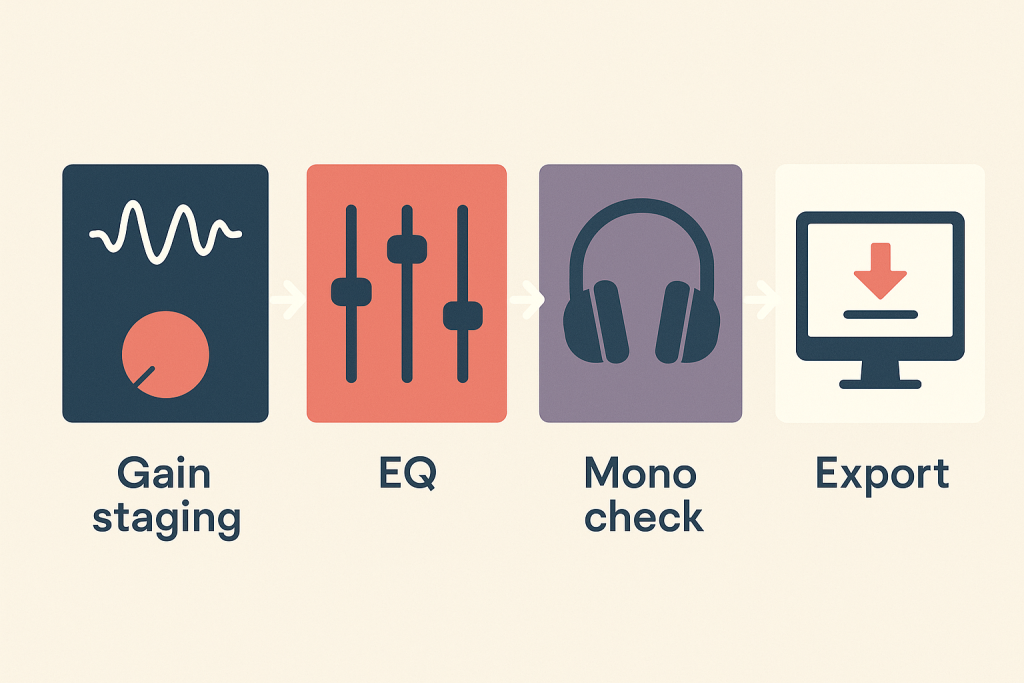
A Simple EQ Pass for DJs, Producers, and Custom Tracks
This final pass is like checking a car before a long drive. Tires, fuel, mirrors, lights. Nothing fancy, but skipping it is how small problems become expensive problems. Your mix needs the same calm routine.
Use this order when applying eq mixing techniques to a demo, DJ edit, vocal mix, or custom production brief. It works in Ableton Live with Push 3, FL Studio with Parametric EQ 2, Logic Pro, Studio One, and most plugin chains.
The 20-Minute EQ Routine
First, set levels and headroom. Second, high-pass obvious non-bass clutter. Third, fix kick and bass masking. Fourth, remove harshness from vocals, leads, and hats. Fifth, check stereo width and mono. Sixth, compare to a reference track.
Do not make twenty EQ moves in one panic burst. Make one move, bypass, level-match, then decide. If you cannot hear the improvement, remove the move. A clean mix often has fewer plugins than you think.
When to Stop EQing
Stop when the song feels clearer at the same volume. Stop when the vocal sits without fighting the lead. Stop when the kick and bass groove instead of wrestling. EQ is not there to rescue every weak sound.
If a sample is thin, choose a better sample. If a synth patch is harsh before processing, soften the oscillator, filter, or envelope. The best eq mixing techniques support good production choices; they do not replace them.
- Set gain and headroom before opening EQ.
- Cut clutter before boosting excitement.
- Fix kick and bass together, never in isolation.
- Use headphones for details and monitors for weight.
- Reference at matched loudness before exporting.
- Print a test bounce and play it outside the DAW.
| Decision | Headphones | Studio Monitors | My Call |
|---|---|---|---|
| Finding clicks and hiss | Excellent for tiny edits and mouth noise | Easy to miss at low volume | Use headphones first |
| Judging sub bass | Can exaggerate or disconnect low end | Shows room energy and kick pressure | Use monitors, then verify elsewhere |
| Harsh vocal frequencies | Very revealing around 2.5 to 5 kHz | Better for overall vocal level | Use both, but cut on headphones carefully |
| Stereo width | Often feels wider than real playback | More honest about center image | Check mono after headphone width moves |
| Bedroom reliability | Avoids untreated room problems | Depends heavily on placement and treatment | Start on headphones if the room is poor |
| DJ set testing | Good for cue detail and transition prep | Better for energy between tracks | Test on monitors or PA-style playback |
Further reading
- Ableton EQ Eight manual — Ableton's official manual explains stock EQ and audio effects used by many beginner and professional producers.
- Sound On Sound EQ basics — Sound On Sound is a long-running engineering publication with trusted practical mixing education.
Frequently asked questions
What are eq mixing techniques for beginners?
eq mixing techniques are simple ways to shape frequency balance so sounds stop masking each other. Start with level control, cut low-end clutter on non-bass sounds, reduce mud around 180 to 400 Hz, and tame harshness around 2.5 to 5 kHz. Always judge changes in the full mix.
Should I mix EQ on headphones or studio monitors?
Use both if you can. Headphones are better for clicks, hiss, harshness, and small stereo details. Studio monitors are better for kick, bass, vocal level, and overall energy. If your room is untreated, start on headphones, then check bass on monitors, a car, or a small speaker.
What frequency should I cut to remove muddiness?
Mud often builds up between 180 and 400 Hz, but do not cut that range blindly. Play the full mix, use a bell filter, find the cloudy area, then cut 2 to 4 dB. Check pads, pianos, vocals, and bass layers before blaming the kick.
Is boosting EQ bad for a mix?
Boosting EQ is not bad, but boosting too early creates problems. Cut masking first, then boost only when a sound genuinely needs more character. Small boosts of 1 to 3 dB are usually safer than dramatic 8 dB lifts, especially on vocals, leads, and high hats.
How do DJs use EQ differently from producers?
DJs use EQ live to blend tracks, usually with low, mid, and high knobs on a mixer. Producers use EQ in detail inside a DAW, often with surgical bands, filters, and dynamic EQ. The goal is similar: make space so the next sound can enter cleanly.
Do I need expensive plugins for clean EQ?
No. Stock EQs in Ableton Live, FL Studio, Logic Pro, and Studio One are enough for clean mixes. Paid tools like FabFilter Pro-Q 4 add speed, better visual feedback, and advanced mid/side options, but the real improvement comes from better listening decisions.
Conclusion
Clean EQ is mostly calm decision-making. Start with gain, listen in context, cut the traffic jams, and use the right playback tool for the job. Headphones catch the tiny problems. Monitors reveal whether the low end and groove actually stand up. The best eq mixing techniques are repeatable, not mysterious: level-match, cut small, reference often, and check outside your main setup.
For your next session, pick one unfinished track and run the 20-minute EQ routine from top to bottom. Do not rewrite the song. Just make the kick, bass, vocal, and main hook share space. Bounce it, play it tomorrow, and write down what still feels crowded.
Eq mixing techniques — Quick Recap
The fastest way to lock in eq mixing techniques is to internalise the workflow above and repeat it on every project. Start small: pick one technique from this eq mixing techniques guide, apply it to your next session, and audit the result against a reference track.
- Use headphones for detail work and studio monitors for bass, balance, and room energy.
- Set gain and leave around -6 dB headroom before making serious EQ moves.
- Cut masking and mud before boosting brightness or low end.
- Reference tracks and spectrum analyzers help you make calmer, repeatable decisions.
Treat eq mixing techniques as a habit, not a one-off — the producers who consistently nail eq mixing techniques are the ones who run the same checks on every track. That’s the difference between a clean, club-ready master and a track that sounds great at home but falls apart on a real system.
In a real studio session, eq mixing techniques comes down to the order in which you make decisions: reference first, gain stage second, then the creative work. Producers who treat eq mixing techniques as a checklist instead of a vibe end up shipping more tracks.
Most producers and DJs undervalue eq mixing techniques because the wins are invisible until the track plays back on a real system. Bake eq mixing techniques into your template and the next ten projects benefit automatically.
When you struggle with eq mixing techniques, the fix is rarely a new plugin. Loop a problem section, A/B against a reference, and isolate which element is breaking your eq mixing techniques.
Treat eq mixing techniques as a craft, not a chore. The producers releasing on the biggest labels lock eq mixing techniques in early so they can spend their energy on melody and arrangement instead of fighting the mix.
Document your eq mixing techniques process — even a short note in the project file. Future-you will rebuild the same eq mixing techniques win in half the time.
If eq mixing techniques sounds great in headphones but bad in the car, you have a translation problem, not a creative one. The eq mixing techniques tweaks above are designed to survive every system.
Schedule a recurring eq mixing techniques pass on every project: same checklist, same reference tracks. Repeating eq mixing techniques drills is what separates a consistent producer from a lucky one.
My Career makes videos from your own track and posts them for you, pitches your release to 34,000+ labels, playlists, radio stations, YouTube channels and blogs, puts it in every store and briefs you every morning. Free plan, no card, two minutes to set up.


