
 By Emma Carter · September 19, 2026
What are loops is a simple question until Google throws you music clips, concert earplugs, ADHD tools, C programming, and Python examples on the same page. If you typed what are loops because you make tracks or DJ sets, here is the clean answer: a loop is any short pattern designed to repeat without an obvious break.
In music, that could be a 4-bar drum groove, a one-bar percussion top loop, a 16-bar chord progression, or a vocal chop that cycles through a drop. In DJing, it is a section captured live so you can extend an intro, save a transition, or hold tension before a drop. The trick is not finding loops. The trick is making them feel intentional instead of pasted on.
What are loops in music production?
At the production desk, a loop is a repeating chunk of audio or MIDI. Most dance music is built from them: kicks every beat, hats every offbeat, bass patterns over 1, 2, 4, or 8 bars, and hooks that return often enough for the listener to remember them.
The boring version is dragging a pack loop into a project and leaving it untouched for three minutes. The useful version is treating a loop like raw material. You cut it, filter it, re-groove it, resample it, and build arrangement movement around it.
What are loops when the file is only one bar?
A one-bar loop can still carry a whole groove if the timing is strong. A 909-style hat pattern, a shaker with 55 percent swing, or a clipped percussion hit before beat 4 can make a track move more than a busy 8-bar phrase.
Start by checking the loop length and tempo. If a file says 124 BPM but drifts after four repeats, warp it or chop it. In Ableton Live, set the clip loop brace to exactly 1, 2, 4, or 8 bars, then listen for a click at the restart point. A bad edit ruins trust fast.
Which loop lengths should beginners use?
For house, techno, UK garage, trance, and most club music, 4 bars is the safest writing unit. It gives enough space for syncopation without making the groove hard to arrange. For tension, use 1-bar and 2-bar loops. For musical hooks, use 8 or 16 bars.
Keep the master peaking around -6 dB while stacking loops. If the loop already hits 0 dB, pull it down before processing. Loud sample packs can trick you into thinking a part is good because it is simply louder.
- 1 bar: hats, shakers, fills, glitch repeats
- 2 bars: bass riffs, percussion call-and-response
- 4 bars: main drum grooves and club phrases
- 8 bars: chord loops, melodic ideas, vocal chops
- 16 bars: longer hooks, breakdown phrases, intro beds

What do loops look like inside a DAW?
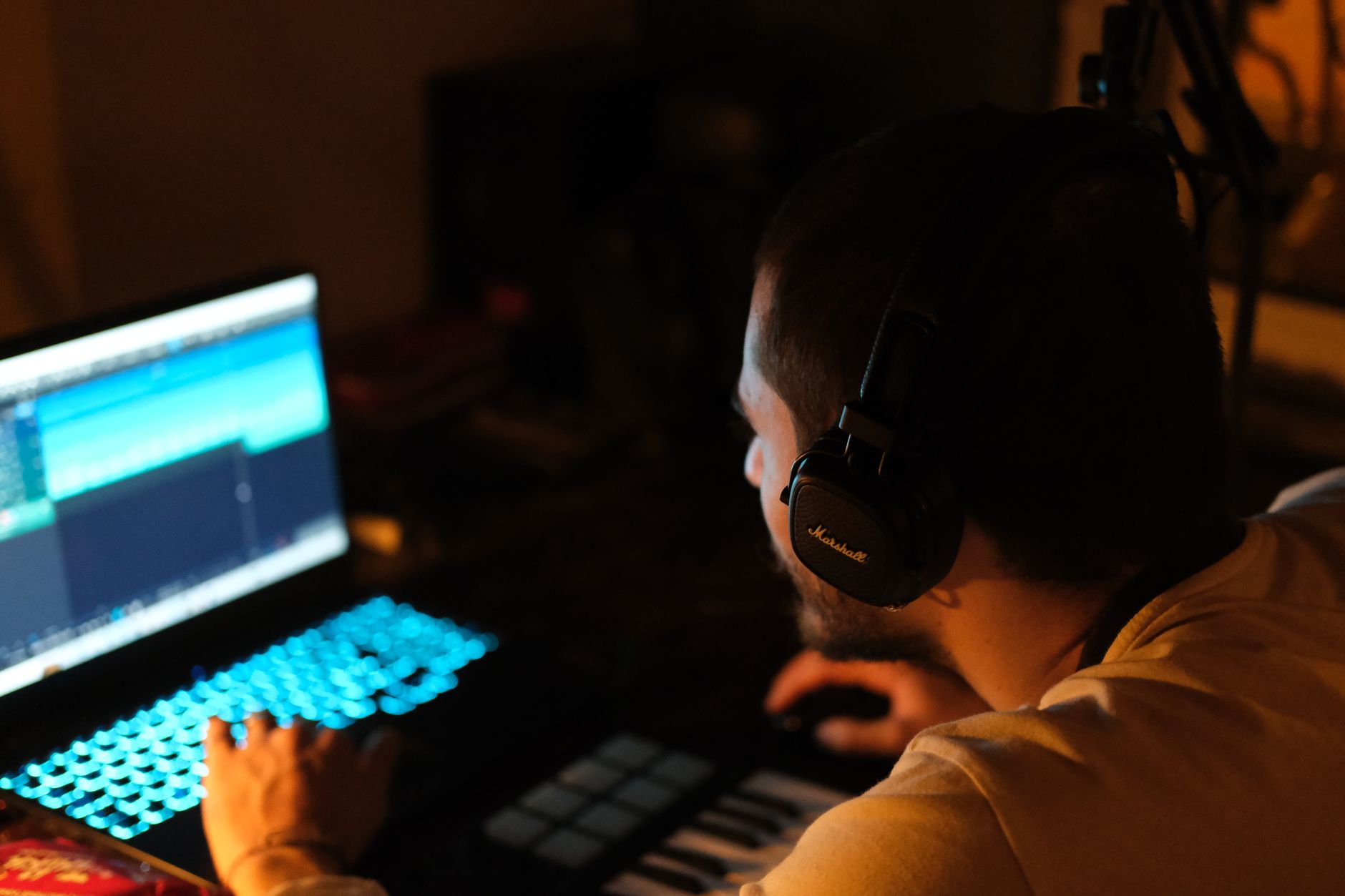
Most loops look like rectangular clips on a timeline. Audio loops show a waveform: peaks, transients, quiet sections, and the seam where the clip repeats. MIDI loops show note blocks on a piano roll or drum grid.
Good loops look boring at first glance. They line up cleanly with the grid, start on a sensible transient, and end before the next downbeat. Messy loops often show clipped tops, uneven silence at the front, or tails that get chopped too early.
How should an audio loop sit on the grid?
Zoom in. The first kick, chord, or transient should land where the bar starts unless the loop is deliberately pushed. If there is 20 ms of silence before the first transient, the groove will feel late. Trim it, then add a tiny fade-in if the cut clicks.
For a seamless loop, let reverb and delay tails breathe. If the tail clicks at the loop point, crossfade the end by 5 to 20 ms or print the effect return into a longer 8-bar version.
How should a MIDI loop look?
MIDI loops are easier to edit because the notes are still flexible. You can move the second snare 10 ticks late, shorten a bass note before the kick, or drop velocity from 100 to 72 on ghost notes. Those tiny moves stop a loop from feeling like a machine gun.
On drums, try keeping the kick and clap mostly locked while letting hats and percussion breathe. On synths, leave room before the next chord change. A bass note that overlaps the kick by 80 ms can smear the low end.
- Trim silence before the first transient
- Use short fades to remove clicks
- Check the seam after 8 or 16 repeats
- Lower clipped loops before adding plugins
- Humanize velocity before randomizing timing

How do DJs use loops without boring the floor?
DJs use loops to control time. That is the whole point. A loop can extend a clean intro, hold a vocal before a drop, cover a short outro, or give you eight more bars to mix when the next track is not ready.
The mistake is looping the most obvious part for too long. If the crowd can hear the exact same vocal stab five times with no filter move, you have overstayed. Use loops like tension tools, not wallpaper.
What loop sizes work in DJ transitions?
Start with 8 bars for safe phrase mixing. Move to 4 bars when you need energy to rise. Use 2 bars for quick pressure, and 1 bar only when you know where the downbeat lands. Half-bar loops can sound exciting for two seconds and terrible for eight.
On players like the Denon SC6000 or in Traktor Pro 4, beat grids matter. If the grid is wrong, your loop will flam against the other deck. Check the first kick, set the grid, then test a 4-bar loop against the metronome before the gig.
How do you make a DJ loop feel alive?
Filter movement beats extra effects most of the time. High-pass the outgoing loop around 120 Hz so it does not fight the incoming kick. If the loop has a vocal, cut a little 2.5 kHz if it clashes with the next hook.
Do not loop full low-end from two tracks unless you want the booth to lie to you. One kick owns the sub. The other track can bring hats, vocals, risers, or midrange texture.
- 8-bar loop: extend an intro or outro
- 4-bar loop: hold a groove during a blend
- 2-bar loop: build pressure before a drop
- 1-bar loop: create a short rhythmic lock
- Half-bar loop: use briefly, then release cleanly
How do producers turn one loop into a finished section?
A loop becomes a section when something changes around it. That could be arrangement, sound design, automation, or space. If the same 4 bars repeat for 32 bars with no contrast, the listener hears copy and paste.
Build in layers. Keep the core loop stable, then add changes every 4 or 8 bars. Remove parts as often as you add them. A clean mute can create more movement than another crash cymbal.
What edits make loops sound less static?
Duplicate the loop across 16 bars and edit the copies. On bar 4, mute the last kick. On bar 8, reverse a clap tail. On bar 12, automate a low-pass filter from 18 kHz down to 9 kHz for one beat. On bar 16, add a fill that clearly points back to bar 1.
For drums, parallel compression can glue a thin loop without crushing transients. Send the loop to a bus, compress hard at 8:1, use a fast attack and medium release, then blend the return under the dry signal at -18 to -12 dB.
How do you stop layered loops from fighting?
Pick roles. One loop gives the groove, one adds top-end motion, one adds musical identity. If two loops both carry heavy low-mids, cut one around 220 to 350 Hz. If hats stack too sharply, dip 7 to 10 kHz on the brighter loop.
Sidechain ducking is not only for bass. Duck a percussion loop 1 to 2 dB from the main clap if the backbeat feels crowded. Keep it subtle. If the pump becomes the feature, commit to it and make it part of the groove.
- Make one change every 4 or 8 bars
- Mute before you add another layer
- Use EQ cuts before reaching for more samples
- Print effect tails when the loop point clicks
- Resample edited loops to commit faster

What are Loop earplugs, and are they the same thing?
Loop earplugs are physical earplugs for reducing sound level. They are not audio loops, and they do not play music. Google mixes the terms because people search for what are Loop earplugs, what are loops for ears, Loop Earplugs Target, and Loop Earplugs Walmart.
For DJs, producers, and concertgoers, the useful question is simple: do they reduce volume in a way that still lets you hear enough detail? Music earplugs aim to lower loudness without making everything sound like a pillow is over the speakers.
Do Loop earplugs play music?
No. Loop earplugs are passive hearing protection, not earbuds. They do not connect to Bluetooth, load playlists, or generate sound. They sit in the ear canal and reduce incoming sound by a stated amount depending on the model and fit.
For clubs and concerts, any earplug is only useful if you actually wear it. A 100 dB booth for two hours is not a small exposure. If you produce after DJ sets, protecting your ears is part of keeping your judgement intact.
What is the Loop earplugs controversy about?
Most complaints around fashion-style earplugs come down to expectation. Some users expect near-silence. Others expect perfect hi-fi sound at a lower volume. Real earplugs involve trade-offs: fit, comfort, attenuation, speech clarity, and how much high end gets softened.
If you need reliable protection for loud work, check the noise reduction rating and fit instructions instead of judging by color or packaging. A badly seated earplug can perform far worse than the number on the box suggests.
- Audio loops repeat sound inside a track
- Loop earplugs reduce outside sound entering your ears
- Earplugs do not play music
- Concert earplugs should fit securely before the first act
- Hearing protection matters more than brand aesthetics

What are loops in C and Python, and why does Google mix them up?
In programming, a loop is an instruction that repeats code until a condition changes or a sequence runs out. That is why searches for what are loops in C and what are loops in Python appear next to music results.
The concept is related, even if the medium is different. Music loops repeat bars. Code loops repeat actions. One repeats a groove, the other repeats a command.
How is a coding loop different from an audio loop?
A Python loop might print every item in a list. A C loop might count from 1 to 16 and run the same operation each time. An audio loop repeats a waveform or MIDI pattern so the listener hears a cycle.
Producers can think of arrangement the same way. A 16-bar drop is often a loop with controlled exceptions: every fourth bar gets a fill, every eighth bar gets a riser, and the sixteenth bar gets a reset.
Why does this matter for producers?
Search intent matters. If you need coding help, audio advice will waste your time. If you need music workflow, programming definitions will not help you finish a track.
When you search, add context: audio loops, DJ loops, MIDI loops, drum loops, or sample loops. That gets you closer to the answer you actually need.
- C loops often use for, while, and do while structures
- Python loops commonly use for and while
- Audio loops repeat recorded sound or MIDI patterns
- DJ loops repeat a captured section during playback
- The shared idea is repetition with a defined boundary
Can loops hurt originality, or do they speed up better writing?
Loops hurt originality when they become the whole idea and nobody changes them. They help when they give you a strong starting point and leave enough room for taste, editing, and arrangement.
I would rather hear a simple loop with smart mutes, a tuned kick, and clean sidechain than a busy original pattern with no groove. Originality is not measured by how many empty MIDI notes you drew from scratch.
How much should you change a sample loop?
Change enough that it serves your track instead of leading it around. Pitch it to the key, cut space for the kick and bass, and remove any hit that clashes with your main rhythm. If the loop has a famous melodic phrase, be careful. That can create clearance problems if you release the track commercially.
For custom production, loops are usually safest as construction material, not the main identity. A top loop, texture, or resampled percussion bed is low-risk. A recognizable vocal hook from a pack can make several tracks sound related in the worst way.
What workflow keeps loops personal?
Resample your edits. Chop the result again. Run a drum loop through a transient shaper, print it, then slice only the ghost hits. Record a Moog Subsequent 37 bassline under a borrowed percussion loop and the track suddenly has your fingerprint.
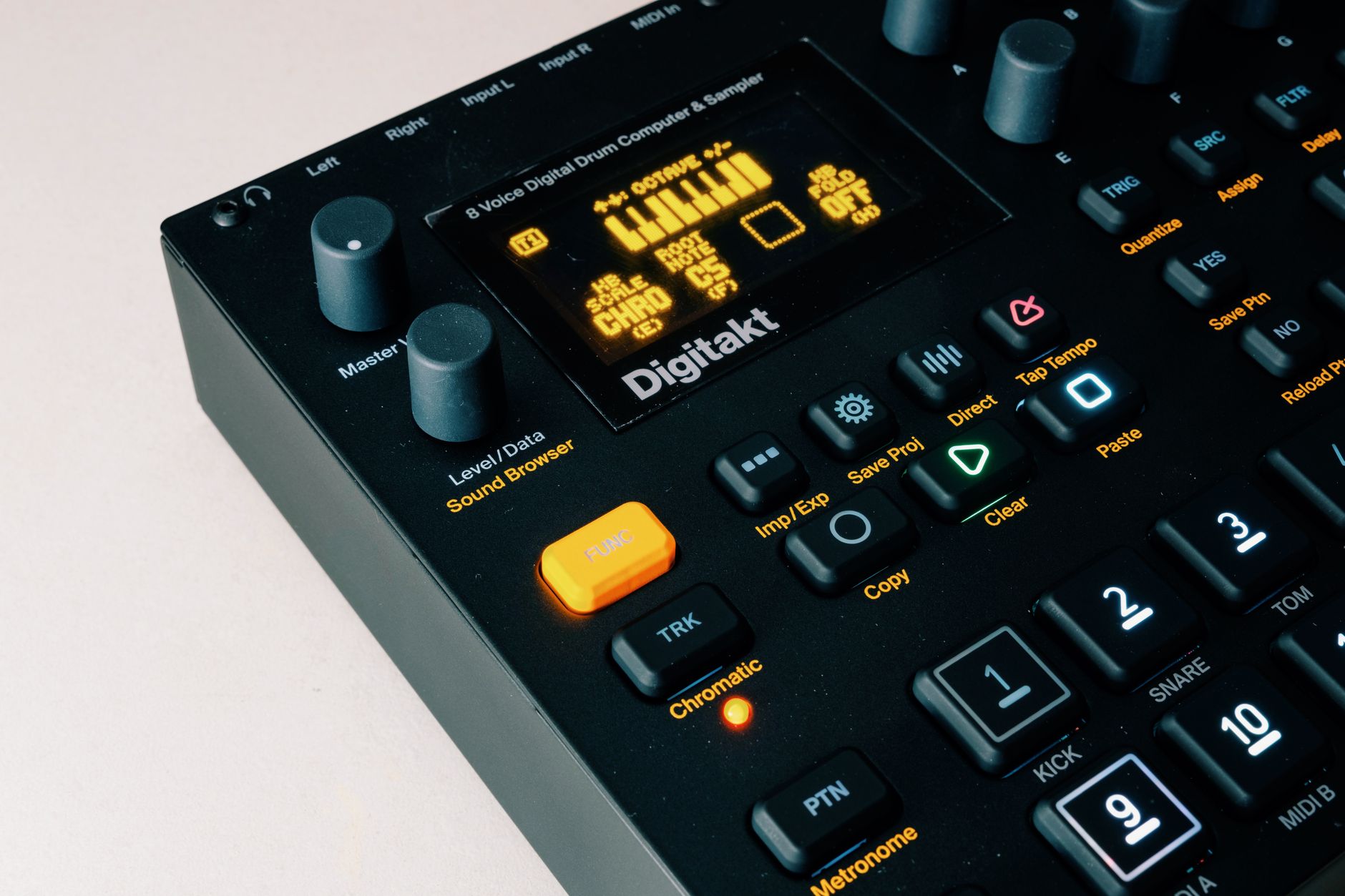
If you use Ableton Push 3, capture a 4-bar drum idea, duplicate it, then delete notes rather than adding more. On an Elektron Digitakt II, parameter-lock filter cutoff or sample start on only a few steps. Small decisions add authorship.
- Tune loops to the project key
- Remove clashing low-end before layering
- Chop obvious phrases into smaller pieces
- Automate filters and sends across phrases
- Resample edited loops to create new source material
| Search Meaning | What It Repeats | Useful Example | Watch Out For |
|---|---|---|---|
| Audio loop | Recorded sound or MIDI notes | 4-bar house drum groove at 124 BPM | Bad loop points, clipping, muddy stacking |
| DJ loop | A live section of a playing track | 8-bar intro loop for phrase mixing | Wrong beat grid or looping too long |
| Loop earplugs | Nothing, they reduce outside sound | Concert hearing protection | Poor fit and unrealistic expectations |
| Programming loop | A block of code | Python for loop over a list | Confusing code answers with music workflow |
Worth a deeper read: Ableton clip warping.
Questions producers actually ask
What are loops in music?
Loops in music are short audio or MIDI patterns designed to repeat cleanly. A loop can be a drum groove, bassline, chord progression, vocal chop, or texture. Most club tracks use loops, but finished records need arrangement changes, fills, mutes, and automation so the repetition feels musical.
What are the loops?
The phrase can mean different things. In music, loops are repeating sound patterns. In DJing, loops are captured sections of a track. Loop earplugs are hearing protection. In coding, loops repeat instructions. The correct answer depends on whether you mean audio, concerts, ears, or programming.
What are loops for ADHD?
People often use “Loops for ADHD” to mean Loop earplugs or similar noise-reducing earplugs that lower distracting sound. They do not treat ADHD, and they do not play audio. They may help some users manage noisy spaces by reducing volume and harsh high-frequency distractions.
What are loops for concerts?
For concerts, “loops” usually refers to Loop earplugs, not music loops. They are earplugs designed to reduce sound level while keeping speech and music more intelligible than basic foam plugs. Fit matters a lot, especially at loud shows, clubs, and festivals.
What do loops look like?
In a DAW, audio loops look like waveform blocks on a timeline, while MIDI loops look like note blocks in a grid or piano roll. A clean loop starts on the intended beat, ends exactly on the phrase length, and repeats without a click, gap, or timing jump.
Do Loop earplugs play music?
No. Loop earplugs are passive earplugs, not earbuds. They reduce incoming sound but do not connect to a phone, stream tracks, or generate audio. If you want music playback, you need headphones or earbuds, not earplugs.
What to remember
- A music loop is a repeating audio or MIDI pattern with a clear start and end point.
- Most dance tracks use 1, 2, 4, 8, and 16-bar loops for different jobs.
- DJ loops control time during transitions, but they need accurate beat grids.
- Loop earplugs are hearing protection and do not play music.
- Programming loops in C and Python repeat code, not audio.
- Loops sound original when you edit, arrange, resample, and mix them with intent.
What is loop on my phone?
On a phone, loop usually means repeat playback. It is the same basic idea as a drum loop in a DAW: the phone keeps replaying the same piece of audio or video until you stop it or change the setting.
In a music app, the loop icon is normally two arrows chasing each other in a rectangle or circle. Tap it once and the playlist, album, or queue repeats. Tap it again in some apps and a small “1” appears, which means the current song repeats by itself. If your track keeps starting over, that button is the first place to check.
On iPhone, “Loop” can also show up in Photos. A Live Photo can be turned into a short looping video effect, so the little movement repeats like a GIF. That is not a production loop unless you export it and use it creatively, but the repeat concept is the same.
- Music app loop: repeats a song, album, playlist, or queue.
- Video loop: replays a clip automatically.
- Live Photo Loop: turns a short iPhone capture into a repeating visual.
If you are sampling from your phone into a track, trim the start tightly, avoid screen-recording notification sounds, and check the loop point after several repeats. Phone loops still need clean timing once they hit the session.
Are Loops better than regular earplugs?
Loop earplugs can be better than cheap foam plugs if you want a reusable fit and a less muffled sound at gigs. Foam earplugs often reduce more level, though. For producers and DJs, the best choice is the one with enough reduction, a secure seal, and a tone you can actually work with.
What does the loop icon mean in a music app?
The loop icon means repeat. In most music apps, one tap repeats the queue, playlist, or album. A second tap may repeat the current song only, usually shown with a small “1” on the icon. Turn it off if the same track keeps coming back.
Can you make a loop from a phone recording?
Yes. Record the sound, import it into your DAW, trim the start to the first clean transient, and cut the end exactly on the bar line. Add tiny fades if it clicks. Phone recordings can work well for texture, vocals, found percussion, and background noise beds.
Wrapping up
what are loops has more than one answer, but for producers and DJs the useful version is simple: loops are controlled repetition. They can be lazy, or they can be the backbone of a tight track. The difference is editing.
Trim the start point. Check the seam. Keep your 4-bar groove moving with mutes, fills, EQ, sidechain ducking, and automation. If you DJ, use loops to buy time and build pressure, not to stall the room. If you are dealing with earplugs or programming results, now you know why those meanings show up too. Try building one 16-bar section from a single loop in your next session, then make a change every 4 bars.
My Career makes videos from your own track and posts them for you, pitches your release to 34,000+ labels, playlists, radio stations, YouTube channels and blogs, puts it in every store and briefs you every morning. Free plan, no card, two minutes to set up.


