 By TGP Production Desk · September 20, 2026
Stem recording hardware is the boring box that decides whether your modular live set becomes usable mix stems or one stereo file with a ruined kick. stem recording hardware also decides how nervous you are on stage, because every extra adapter, menu and clock source is another point of failure.
For modular performers, the problem is not only track count. Eurorack levels are hot, usually around ±5 V audio and sometimes higher on transient-heavy percussion modules. Most line inputs expect something calmer. If you record too low, you hear the noise floor later. If you record too hot, the take is gone. No plug-in repairs square-wave clipping from a live pass.
The useful setup is the one that captures separate drums, bass, lead, FX return and maybe a stereo bus at 24-bit without making the performance feel like an IT job.
What Stem Recording Hardware Must Capture
Textbook advice says to record every module on its own channel. That is tidy on paper. In practice, it turns a live case into cable soup and leaves no hands for the performance. Record stems, not every oscillator sneeze.
A good modular stem layout usually means five to eight record paths. That is enough to remix, master, edit and hand off to a mixer or ghost producer without rebuilding the patch from scratch.
Use stems that match mix decisions
Group by function. A kick stem, percussion stem, bass stem, melodic stem, noise or texture stem, and send FX stem will solve more problems than twelve random mono files named after module outputs.
Keep anything with a different low-end job separate. Kick and bass should not share a recorded track unless the set is already mixed and finished. If the kick needs 2 dB at 60 Hz later, you do not want to lift the bass with it.
Record safety, not theory
At 24-bit, leave headroom. Peaks around -12 dBFS with rare hits touching -6 dBFS are fine. Modular transients can be rude. A trigger-driven drum voice can jump 8 dB when decay, accent or filter resonance moves during a set.
32-bit float helps with accidental overload inside some recorders, but it does not fix an analog input stage that clipped before conversion. Watch the hardware meters, not only the file format badge.
- Record kick and bass separately if the track is for club playback.
- Print stereo FX returns if reverb and delay are part of the performance.
- Leave at least 6 dB of real headroom on the loudest section.
- Name stems by musical role, not by module brand.
- Do a full-length test pass before the live date.
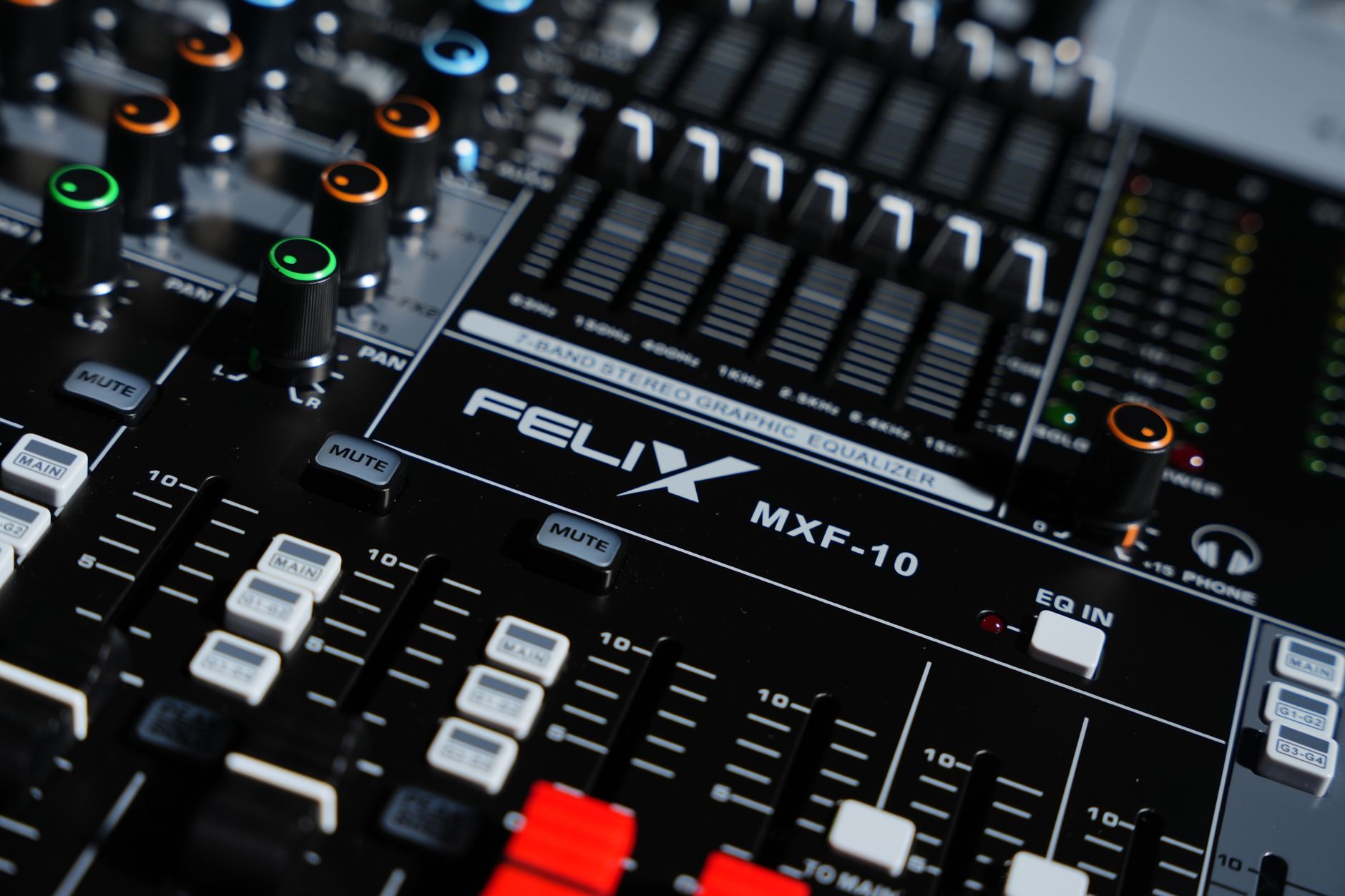
Best Stem Recording Hardware for Modular Live Performers by Rig Type
The best stem recording hardware for modular live performers depends on where you want the recorder to sit. Inside the Eurorack case gives clean level matching and fewer DI problems. A desktop recorder gives independence from the laptop. An audio interface gives the best editing path, if you trust the computer under pressure.
There is no universal winner. There are only failure modes you can tolerate.
Stem recording hardware inside the rack
Expert Sleepers ES-9 is the obvious rack-mounted answer because it accepts modular-level signals directly, gives 16 inputs over USB, and can also send CV or audio back to the case. It is not a standalone recorder. You still need a computer, iPad or host that can capture the channels.
This route is clean for hybrid Ableton Live or Bitwig Studio sets. It is less pleasant if your goal is to close the laptop and just perform.
Desktop recorders and mixers
1010music Bluebox is small, accepts 3.5 mm connections, and records multitrack to microSD at 24-bit. It suits compact live rigs where six stereo pairs are enough. The screen is small. Menu work on a dark stage is still menu work.
Zoom LiveTrak L-12 and Tascam Model 12 are larger but easier to operate under stress. Physical faders matter. So do mute buttons you can hit without reading a display.
Interfaces for laptop capture
MOTU UltraLite mk5 and similar interfaces make sense when the laptop is already central to the set. You get stable drivers, low round-trip latency and DAW routing. You also inherit operating system updates, USB hub behavior and whatever your machine decides to do at bar 97.
If you use a laptop, record to the internal SSD or a known fast external SSD. Cheap USB sticks are not storage. They are future apology emails.
- Rack interface: best level match, needs host recording.
- Standalone recorder: best stage reliability, less editing comfort.
- Mixer-recorder: easiest hands-on control, larger footprint.
- USB interface: best DAW capture, computer is the weak link.
- Small recorder: portable, but screen and connector strain matter.
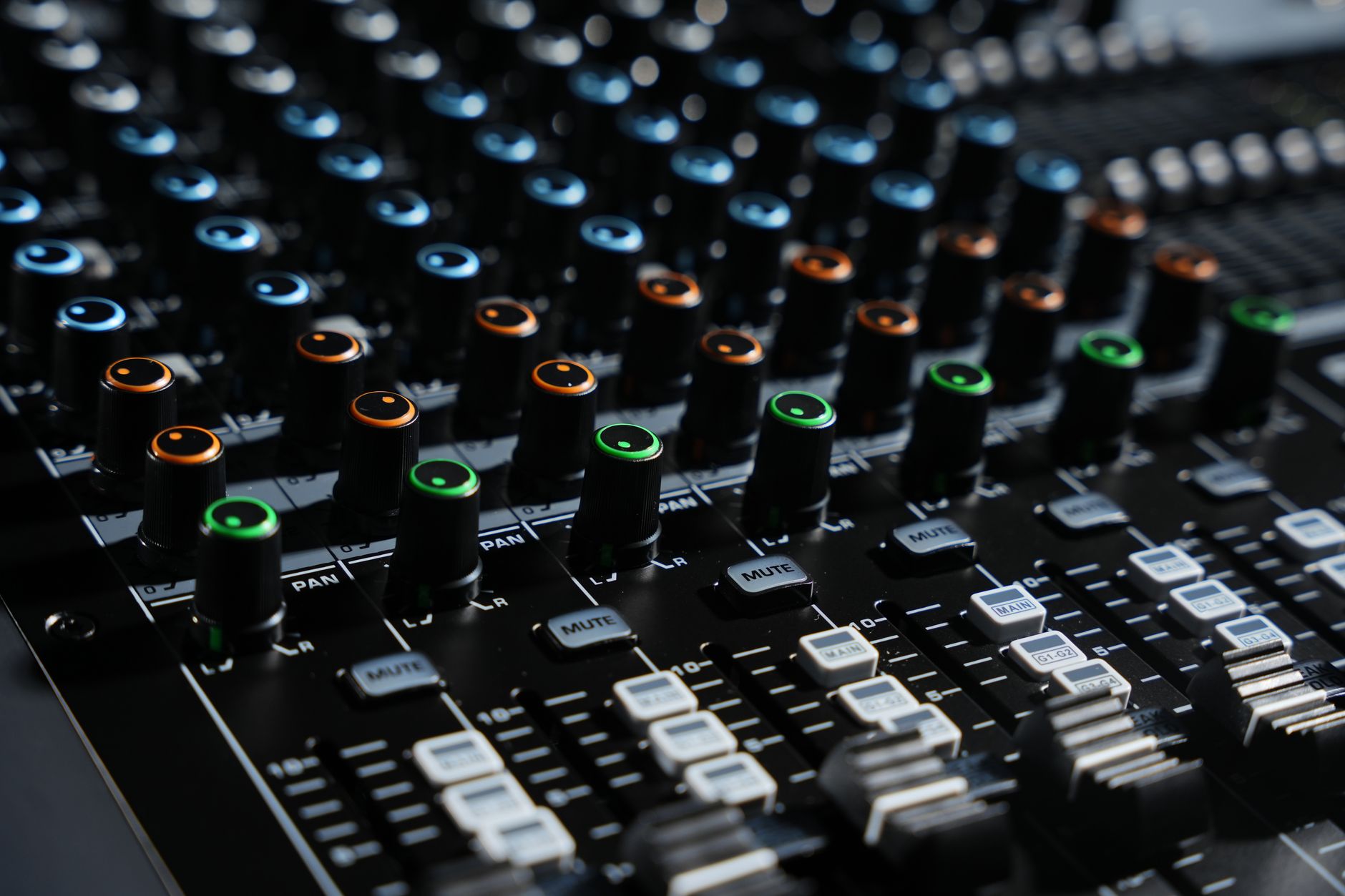
Gain Staging Between Eurorack, Line Inputs and Recorders
Most bad modular recordings are not ruined by converters. They are ruined before the converter sees anything useful. Eurorack can hit line inputs too hard, especially with resonant filters, wavefolders and drum modules with accent inputs.
The boring cure is attenuation. Put it where you can reach it.
Set levels from the loudest pattern
Do not set gain while the patch is polite. Run the loudest 32 bars: open filter, longest decay, maximum accent, FX feedback at the highest setting you expect to use. Set recorder peaks there.
For 24-bit recording, aim for average musical sections around -18 to -14 dBFS and peaks below -6 dBFS. If a kick occasionally hits -3 dBFS during rehearsal, it will clip during the set.
Use attenuation before conversion
A passive attenuator, output module, small line mixer or proper interface input trim beats fixing gain later. If the recorder input stage overloads, lowering the file in a DAW only gives you quieter distortion.
For stereo stems, match left and right by ear and meter. A 1 dB imbalance on a pad stem is survivable. A 3 dB imbalance on a club lead makes the master feel bent.
Noise floor is usually a routing problem
If a stem hisses, check gain structure before blaming the recorder. Too much attenuation at the module followed by too much gain at the recorder is a common mistake. Keep the source healthy, then trim at the input.
Watch unbalanced cable runs. Modular cases, power supplies and lighting rigs can make long runs ugly. Keep 3.5 mm cables short where possible, then move to balanced line if the distance is more than a few meters.
- Calibrate with the loudest section, not the intro.
- Use output modules or attenuators before recorder inputs.
- Avoid red meters even if the recorder claims 32-bit float.
- Keep unbalanced modular cable runs short.
- Check stereo balance on every paired stem.
Clock, Latency and DAW Choice for Live Capture
Clocking is where tidy studio logic meets live performance reality. If the modular case runs free and the DAW records free, the stems will still line up with each other. They may not line up to bar numbers. That only matters if you need grid editing later.
If loops, backing tracks or synced visuals are involved, clock matters more than the recorder brand.
When DAW clock is worth the trouble
Use DAW clock when arrangement, tempo changes or backing stems are central to the show. Ableton Live is common because Session View is built for clip launching, and its external instrument routing is predictable once set. Bitwig Studio is strong if modulation and hardware CV are part of the performance.
Do not chase 2 ms latency if you are only recording. A stable 128 or 256 sample buffer at 48 kHz is better than a heroic 32 sample buffer that cracks once per set.
When free-running is better
If the modular system is the instrument and the recorder is just documenting stems, let it run. Press record, perform, stop. Later, line up the first transient in the DAW and edit by ear.
The textbook answer says everything should sync. The practical answer says a bad MIDI clock setup can smear groove harder than no sync at all. Jitter on clocked delays and sequencers is audible when percussion is tight.
Print a reference mix
Always record a stereo reference mix alongside the stems. It gives you the performance balance, mutes, send rides and energy of the actual set. Without it, you may rebuild the mix later and miss the reason the room reacted.
Put a sharp count transient at the start if you can. One rimshot or click before the first bar makes alignment faster than hunting for a soft pad fade.
- Use 48 kHz and 24-bit unless the project has a specific reason not to.
- Prefer stable buffers over low buffer bragging rights.
- Record a stereo reference mix every time.
- Use DAW clock only when the DAW is part of the performance.
- Check drift on a 20-minute rehearsal, not a 30-second loop.
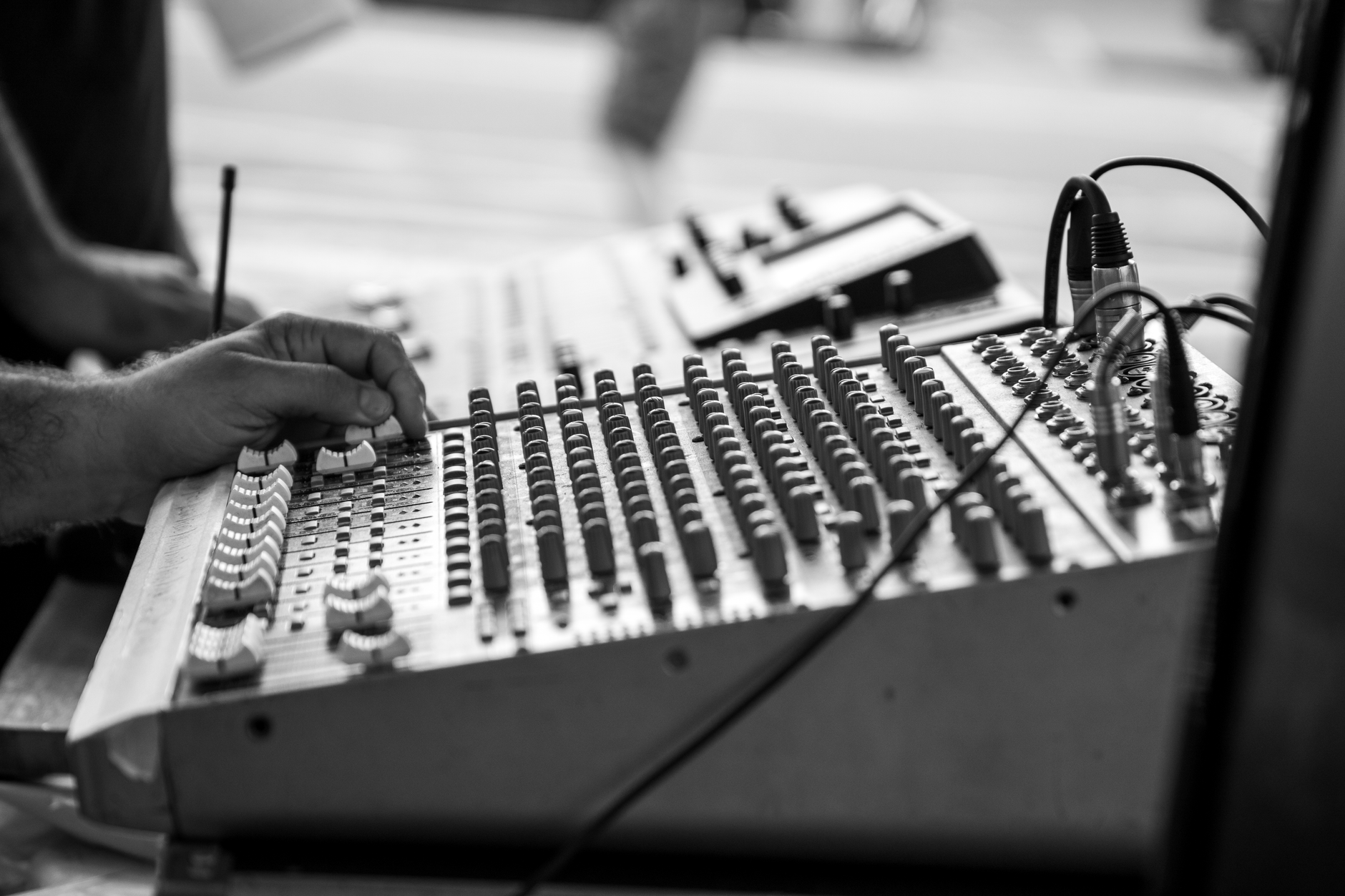
Standalone Recording Without a Computer
Computer-free recording is attractive because it removes notifications, driver issues and screen management. It also removes visual editing, easy naming and some routing flexibility. That is the trade. Pretending otherwise wastes rehearsal time.
For many modular live performers, a standalone multitrack recorder is still the least fragile answer.
Mixer-recorders are slower but safer
Zoom LiveTrak L-12, Tascam Model 12 and Allen & Heath CQ series units give physical gain, mute and monitoring controls. They are not as compact as a rack interface, but they are easier to troubleshoot when one stem disappears five minutes before doors.
Check whether the unit records pre-fader or post-fader. Pre-fader stems are better for remixing. Post-fader stems better reflect the live balance. If the recorder allows both a multitrack capture and a stereo master, take both.
Storage and power are part of the recorder
Use approved SD cards. Format them in the recorder. Carry two spares already tested with a full-length pass. A 60-minute set at 48 kHz, 24-bit, eight mono tracks is roughly 4 GB before the stereo mix. Storage is cheap. Failed cards are not.
Power matters. If the recorder uses USB-C, secure the cable. If it uses an external supply, strain-relieve it. One loose barrel connector can make every spec sheet irrelevant.
Monitor the stems, not only the stereo bus
Solo each stem during line check. Do not assume that because the stereo mix sounds right, the isolated files are clean. A bad cable on a percussion stem can be masked by reverb and crowd noise.
Closed-back headphones are enough for verification. You are checking clipping, hum, missing sides and obvious distortion. Leave tonal judgement for the studio.
- Format SD cards in the recorder before the show.
- Run a full-length test file, then play it back.
- Secure power and USB cables with strain relief.
- Check whether stems are recorded pre-fader or post-fader.
- Keep the stereo reference mix even when stems are clean.

File Handling After the Set
Recording the set is half the job. The other half is making files that someone can mix without guessing what happened. If the stems are going to mastering, remixing or custom production work, clean file handling saves hours.
Do it before sleep. Memory gets unreliable faster than SD cards.
Make one folder per performance
Use a folder name with date, city or session name, BPM if fixed, and sample rate. Example: 2026-04-18_modular-live_128bpm_48k24. Avoid cute names. They do not help six months later.
Inside, keep raw stems, reference mix, notes and any DAW session in separate folders. Do not process the only copy. Duplicate first, then edit.
Leave repair decisions until backup exists
Clicks, hum and cable bumps can often be reduced later. iZotope RX 11 is useful for de-clicking, de-hum and spectral repair on isolated stems, but it is not a substitute for a clean recording. Use it after two backups exist.
Back up to two locations before formatting media. One local drive and one cloud or second physical drive is the minimum. If the performance mattered, one copy is no copy.
Export stems from bar one if you edit
If you trim or repair stems in a DAW, export every file from the same start point. Even silent lead-ins matter. A mixer should be able to drop all files at 00:00 and press play.
Keep the original sample rate unless there is a delivery reason to change it. Unnecessary conversion adds work and can create avoidable mistakes.
- Create one dated folder per set.
- Keep raw files untouched.
- Back up before repair or editing.
- Export edited stems from the same start point.
- Include a reference mix and short session notes.
What Reddit Gets Right About Modular Stem Recording
Searches for stem recording hardware for modular live performers reddit usually surface the same argument: rack interface versus standalone recorder. The useful part is not the brand loyalty. It is the failure reports.
Pay attention when several users complain about menu depth, weak headphone outputs, card errors or connector strain. Those faults matter more live than a cleaner spec at 1 kHz.
Forum advice is good for edge cases
Reddit and modular forums are useful when you need practical details: whether a recorder accepts hot modular levels, whether a USB host works with a class-compliant interface, or whether a particular SD card throws errors after 40 minutes.
Do not use anonymous posts as your only buying filter. Use them to make a test list. Then test your exact rig at full set length.
The best stem recording hardware is the one you can rehearse
The phrase best stem recording hardware gets thrown around as if every performer has the same patch, transport, budget and tolerance for screens. They do not. A stable six-stem setup you rehearse twice is better than a sixteen-channel setup you barely understand.
Keep the recorder visible. Label inputs with tape or color coding. If you cannot diagnose a missing bass stem in 20 seconds, the rig is too clever.
- Read failure reports more closely than praise posts.
- Test your own SD cards, hub, host and power supply.
- Ignore channel counts you cannot actually manage live.
- Favor visible meters over hidden menu pages.
- Rehearse the recorder like an instrument.
| Hardware | Best Use | Inputs and Recording | Trade-Off |
|---|---|---|---|
| Expert Sleepers ES-9 | Rack-based modular to computer capture | 16 modular-level inputs over USB | Needs a host for recording |
| 1010music Bluebox | Compact standalone modular mixer-recorder | 12 mono inputs on 3.5 mm, microSD multitrack | Small screen and compact controls |
| Zoom LiveTrak L-12 | Hands-on live mixer with SD recording | 12 channels plus stereo mix at up to 24-bit/96 kHz | Larger unit, line-level input planning needed |
| Tascam Model 12 | Hybrid mixer, recorder and USB interface | Multitrack SD recording and USB audio | Bulkier than compact modular recorders |
| MOTU UltraLite mk5 | Laptop-based DAW capture | 18 x 22 USB interface with flexible routing | Computer stability becomes part of the rig |
| Allen & Heath CQ-18T | Small-format digital mixer for bigger rigs | Multitrack recording with physical and touchscreen control | More setup time than a simple recorder |
Questions producers actually ask
What is the best recording device for live music?
For modular live music, the best device is usually a multitrack recorder or mixer-recorder with enough inputs, clear meters and reliable storage. A Zoom LiveTrak L-12 or Tascam Model 12 suits hands-on capture. An Expert Sleepers ES-9 suits rack-to-DAW recording if a computer is already part of the set.
What DAW should I use for live performance?
Ableton Live is the safest common answer for clip-based live performance because Session View, routing and controller support are mature. Bitwig Studio is strong for modular users who want modulation-heavy setups and hardware integration. Use the DAW you can run for an hour without dropouts at a conservative buffer.
What is the best synth for live performance?
The best live synth is stable, readable and fast to correct under pressure. For modular performers, that may be the case itself. For a standalone hardware synth, Elektron Digitone, Korg minilogue xd and Novation Peak are practical because patch recall, hands-on control and tuning stability are better than chasing complexity.
What is the best standalone hardware for music production?
For full standalone production, Akai MPC Live II and Ableton Push standalone are stronger than simple recorders because they handle sequencing, sampling and arrangement. For capturing modular stems, a dedicated recorder such as 1010music Bluebox may be better. Production hardware and recording hardware solve different problems.
Is stem recording hardware necessary for modular live performers?
stem recording hardware is necessary if you want separate files for mixing, mastering, remixing or release work. If the performance is only for documentation, a stereo recorder is enough. For club-ready releases, separate kick, bass, percussion, melodic and FX stems give much better control after the set.
How many stems should I record from a modular live set?
Most modular live sets work well with five to eight stems. Start with kick, percussion, bass, melodic voice, texture, FX return and stereo reference mix. More channels can help, but only if you can monitor them, label them and keep the cabling reliable during performance.
What to remember
- Record musical stems, not every individual module output.
- Leave real headroom: peaks below -6 dBFS are safer for modular transients.
- Rack interfaces suit DAW capture; standalone recorders suit lower-risk stage setups.
- A stereo reference mix is mandatory if you want to preserve the live balance.
- Test the full set length with the same cables, card, power and clocking you will use live.
- File naming and backups matter as much as converter specifications after the show.
Wrapping up
stem recording hardware for modular live performers is not about buying the largest channel count. It is about capturing the parts you will need later without making the live rig fragile. Six clean stems and a stereo reference mix beat sixteen half-checked files with clipped drums and missing labels.
Start from the performance, then choose the recorder. If the laptop is already central, a rack interface or USB interface makes sense. If the modular case is the instrument and you want fewer failure points, use a standalone recorder or mixer-recorder. Keep peaks conservative, print the reference mix, label the inputs, and rehearse the recording path. Run a full-length test in your next session before changing anything else.
My Career makes videos from your own track and posts them for you, pitches your release to 34,000+ labels, playlists, radio stations, YouTube channels and blogs, puts it in every store and briefs you every morning. Free plan, no card, two minutes to set up.