 By TGP DJ Desk · September 19, 2026
Pitch shift saved a flat vocal hook for me last week, but only after I stopped treating it like a magic transpose button. The first pass sounded expensive in solo and cheap on a phone speaker. Same take, same singer, wrong settings. I was pushing a full octave through a real-time plugin, leaving the formants alone, then wondering why the consonants smeared across the snare.
My notebook from that run is messy: plus 7 semitones on a backing stack, minus 12 on a whispered ad-lib, 18 ms crossfades on chopped samples, no more than 40 cents of correction before the character starts to wobble. That is the useful part. This is not theory for a clean screenshot. It is how I use pitch shift when a vocal, loop, riser or DJ edit has to survive earbuds, car speakers and a loud PA.
I Stopped Asking What pitch shift Means in Solo
The plain pitch shift meaning is simple: you move audio up or down in pitch without replaying or re-recording it. The session version is less tidy. You are asking an algorithm to stretch harmonic content, preserve timing and guess what to do with transients, breaths, vibrato and room noise.
That is why the same setting can feel perfect on a synth stab and broken on a lead vocal. A piano loop can often take plus 2 semitones without drama. A sung phrase moved plus 2 can expose every throat click if the formants are parked in the wrong place.
The pitch shift meaning I actually use
I think in three lanes. Semitones are musical movement: plus 12 is one octave, plus 7 is a fifth, minus 5 is a fourth down. Cents are fine movement: 100 cents equals one semitone, so plus 6 cents is a slight lift, not a new note. Formants are the apparent size and shape of the voice or instrument.
When I pitch a vocal up 7 semitones and leave formants untouched, the singer usually becomes smaller and more cartoonish. Sometimes that is the effect. Most of the time I pull the formant back down 2 to 4 steps, or use a tool with formant preservation and blend the shifted layer quietly.
- Use semitones for musical intervals, not tiny tuning moves.
- Use cents when a sample feels sharp or flat against the track.
- Check formants any time a voice moves more than 2 semitones.
- Expect drums and vocals to break before pads and sustained synths.
- Judge the move in the full mix before trusting the solo button.
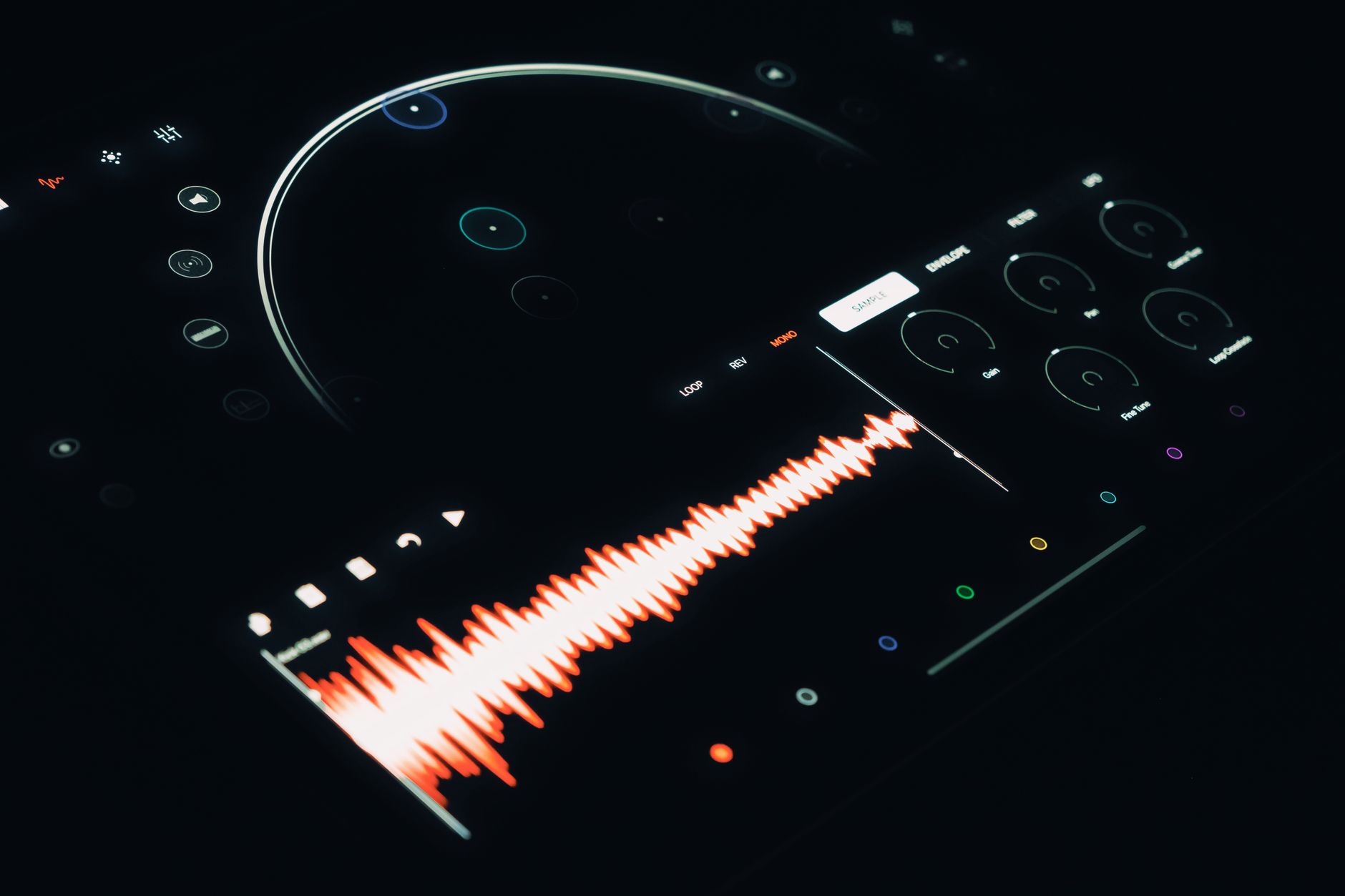
The 20-Cent Test Caught More Problems Than My Analyzer
I started doing a small test before committing pitch shift audio. I duplicate the clip, move it plus 20 cents, then minus 20 cents, and listen against the drums. If the hook suddenly feels better slightly sharp or flat, the issue is often the sample key, not the plugin.
This has saved me from over-processing. A loop that feels dull might not need saturation. It might just be sitting 14 cents under the bass. That is enough to make the low mids feel cloudy even when the notes are technically right.
How I tune samples without wrecking groove
For one-bar and two-bar loops, I keep warping separate from pitch work. In Ableton Live 12, I will often set Warp to Complex Pro for melodic material, then adjust Transpose and Detune inside the clip. If the loop is percussive, Beats or Complex may win. Complex Pro can soften drums if you ask too much from it.
My usual sample numbers are boring because boring works: plus or minus 1 to 3 semitones for key fit, plus or minus 5 to 25 cents for tuning, clip gain trimmed so the shifted version lands at the same loudness as the original. Louder always lies.
- Duplicate the audio before shifting so A/B checks stay honest.
- Match loudness after the shift, even if the plugin output changed.
- Use 5-cent moves when tuning against a bassline.
- Crossfade chopped audio at 5 to 25 ms to hide clicks.
- Freeze or render heavy real-time shifting before arranging the drop.

I Used Octaves Only After the Hook Had a Job
Octave pitch shifting effects are tempting because they sound finished fast. I still use them, but I try to give each layer a job first. A high octave can add bite above a lead. A low octave can add weight under a pre-drop vocal. Both can ruin the centre if they are too loud.
On a recent house topline, the main vocal stayed dry-ish and centered. The high pitch shift layer sat 15 dB lower, high-passed at 280 Hz and tucked into a short plate. The low layer was not a lead at all. It came in for two words before the drop, low-passed at 2.8 kHz, then muted.
Octave layers that do not eat the lead
I rarely let octave layers keep the same EQ footprint as the original. A plus 12 layer gets a high-pass somewhere between 200 and 400 Hz, then a small cut around 3.5 kHz if it spits. A minus 12 layer gets filtered hard because low shifted voice can pile up around 120 to 250 Hz.
For compression, I prefer the octave layer controlled before it hits the vocal bus. Ratio around 3:1, attack 10 to 30 ms, release 60 to 120 ms, with only 2 to 4 dB of gain reduction. If it needs 10 dB, I probably chose the wrong octave or wrong word.
- High octave backing: plus 12 semitones, formant down slightly, blend low.
- Low octave impact: minus 12 semitones, low-pass and automate in short phrases.
- Doubler feel: plus 7 semitones on one side, minus 5 on the other, both quiet.
- Robot hook: formant shift harder than pitch, then gate the breaths.
- Pre-drop throw: print one shifted word and drown only that word in delay.
Real-Time Pitch Was Fast, Rendered Pitch Was Safer
Real-time pitch shift is great while writing. I use it when the artist is still changing lyrics, when the topline might move key, or when I need a rough gender-bent harmony to see if a chorus opens up. I do not love leaving twelve real-time shifters active until the final bounce.
Rendered audio makes me commit. It also lets me clean the damage. Once the part is printed, I can cut clicks, fade consonants, de-ess the new layer and move breaths by hand. That is less glamorous than another plugin, but it gets records finished.
Pitch shifter VST choices from my last few sessions
Soundtoys Little AlterBoy still gets used here for fast vocal character because the formant control is immediate. Eventide H910 or H949 style shifting is rougher and more vibey, good for ad-libs and synths rather than invisible repair. zplane ElastiquePitch feels cleaner on full musical phrases. Kilohearts Pitch Shifter is light on CPU and useful when I only need a quick interval.
For repair, I lean away from obvious effects and toward offline editing. Melodyne is stronger when the performance needs note-level help. iZotope RX 11 can rescue weird artefacts around breaths and mouth noise after heavy shifting, especially when a client sends a single flattened vocal stem.
- Write with real-time pitch so the arrangement stays flexible.
- Print the part once the melody, key and timing are approved.
- Edit breaths after printing because shifted breaths often sound fake.
- Use offline tools for exposed lead vocals and real-time tools for effects.
- Keep an unprocessed playlist or track lane until the master is delivered.
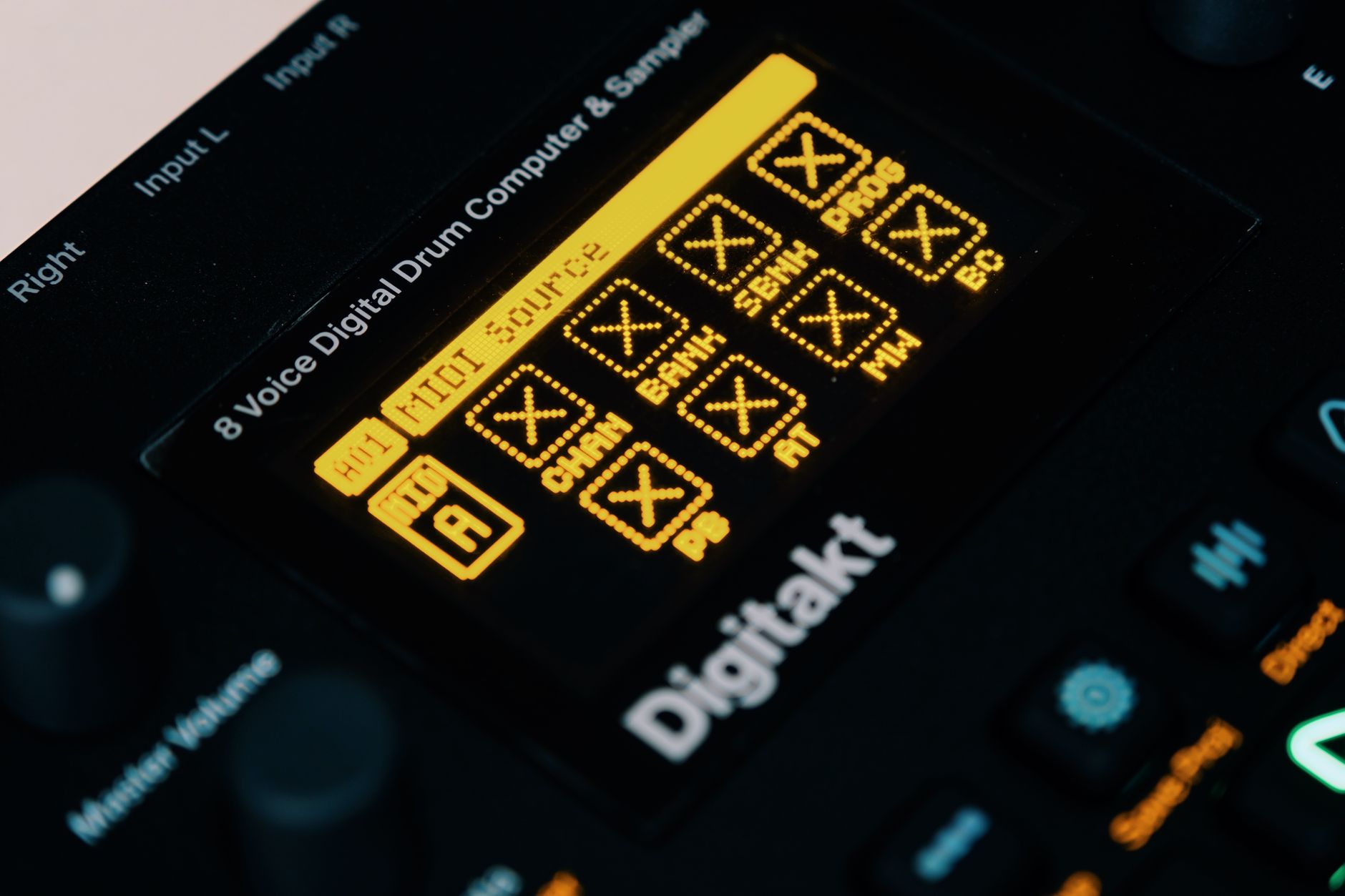
The Pitch Shifter FL Studio Notes in My Margin
Pitch Shifter FL Studio searches usually come from producers who already have enough tools installed. FL Studio can do a lot before you download another pitch shifter VST. The trick is choosing the right part of FL for the job instead of forcing every problem through one knob.
For simple audio clips, the sampler channel pitch knob gets you moving fast. For vocal correction, NewTone is the safer place. For live-ish effect work, Pitcher can be fun, though I do not reach for it when I need natural lead vocals.
Pitch shift inside FL Studio without making mush
If I am shifting a vocal chop in FL Studio, I first set the clip time-stretch mode deliberately. Stretch and resample do different jobs. Resample changes length when pitch changes, which can be cool for old sampler behavior. Stretch keeps timing steadier, but artefacts can show up when you push far.
For vocal chops, I like short regions, clean fades and decisive intervals: plus 3, plus 5, plus 7, minus 12. Random 37-cent moves can sound nervous unless the track is already loose. If the chop lands before a snare, I zoom in and trim the start rather than quantizing the life out of it.
- Use NewTone when the singer needs musical correction.
- Use the sampler pitch control for fast chops and one-shots.
- Use resample mode when old-school speed change is part of the sound.
- Use stretch mode when timing matters more than sampler character.
- Render demanding vocal layers so CPU spikes do not hit the session.
Pitch Shift Online Helped Demos, Not Final Vocals
I tried a few pitch shift online tools during writing days because they are fast and nobody wants to break a creative run over software admin. For rough references, they are fine. Upload a hook, move it down 2 semitones, send the idea, keep working.
I would not use most browser tools for final lead vocals. You often get limited control over formants, export quality, privacy and phase. If the vocal is central to the record, I want the session file, the dry take and a proper undo path.
When an app is enough
A good pitch shifter app is enough for checking keys, making social edits, rehearsing harmonies or pitching a demo for a vocalist. Koala Sampler is handy for mobile chops. BandLab can sketch vocal ideas quickly. Moises can help musicians practice parts at different keys, although I still treat exported files as drafts unless I have checked them properly.
My line is simple: if the shifted audio becomes a hook people will stream, I move it into the DAW. If it is only there to answer whether the chorus works in A minor instead of B minor, the phone can do the job.
- Use online tools for key tests and demo references.
- Avoid uploading unreleased client vocals to random sites.
- Check export format before sending pitched files to collaborators.
- Rebuild keeper parts in the DAW when the idea becomes serious.
- Keep the original dry recording in the project folder.

My Final Check Was a Bad Speaker and a Quiet Room
The shifted part might pass on monitors and still fail in the kitchen. Phone speakers expose brittle formants. Small Bluetooth speakers exaggerate upper mids. Club PAs punish low octave layers that were left too wide or too loud.
I print a short reference once the pitch shift decisions feel close. Then I play it quietly. Not impressive-quiet, actually quiet. If the hook disappears, the shifted layer was probably carrying excitement but not melody. If the vocal sounds like plastic at low level, I back off the formant move or de-ess after the shifter.
The bounce checklist I trust
Before delivery, I check mono below roughly 120 Hz, especially if a low octave vocal or bass sample got shifted. I also check the lead vocal bus with the effects muted for one pass. Sometimes the pitch layer is covering a weak edit, and muting reverbs reveals a click right before the chorus.
We see this constantly with release schedules too: steady output beats sporadic uploads only when the files are not rushed at the last five percent. A bad shifted hook is exactly the kind of detail that makes a track feel unfinished even if the arrangement is strong.
- Play the hook on a phone speaker before approving the bounce.
- Check mono compatibility after low octave processing.
- De-ess shifted vocals after the pitch tool, not only before it.
- Listen at low volume to catch fake brightness.
- Export a clean instrumental and acapella if collaborators need revisions.
| Job | Better choice | Starting setting | Watch out for |
|---|---|---|---|
| Natural lead vocal repair | Melodyne or NewTone | Move notes under 40 cents when possible | Over-corrected vibrato and flattened emotion |
| Vocal character effect | Little AlterBoy or Eventide-style shifter | Plus 7 or minus 12 semitones, blend low | Chipmunk formants and harsh esses |
| Sample key change | Ableton clip transpose or FL sampler | Plus or minus 1 to 3 semitones | Soft transients and phasey stereo |
| Mobile demo check | Koala Sampler or BandLab | Rough key move only | Export quality and file privacy |
| Post-shift cleanup | iZotope RX 11 | Repair clicks, breaths and mouth noise after printing | Fixing artefacts that should have been avoided earlier |
Worth a deeper read on this: Pitch Shifter and Pitch shifting.
Common questions
What is a pitch shift?
A pitch shift changes the pitch of recorded audio up or down. It can move a vocal, sample or instrument by semitones for a new key, or by cents for fine tuning. Modern tools can keep the timing similar, but big moves can still create artefacts, especially on vocals and drums.
How do I pitch shift my voice cleanly?
Record a dry vocal first, then shift a copy. Start with small moves, usually under 2 semitones for natural sound. If you go further, adjust formants, de-ess after the shifter and blend the layer under the original. Print the effect when approved so you can edit breaths and clicks by hand.
Which famous songs use pitch shifters?
Pitch shifting shows up all over pop, hip-hop and electronic records. Prince used pitched vocal character heavily, Kanye West records often use pitched soul samples, and Daft Punk-style vocal processing leans on pitch and formant manipulation. The exact tool varies, but the sound is usually a deliberate production choice, not a hidden repair.
What is a good pitch shifter app?
For quick sketches, Koala Sampler is great for pitching chops on a phone, and BandLab works for rough vocal ideas. For finished music, I would still move the part into a DAW such as FL Studio, Ableton Live or Logic Pro so you can control formants, fades, export quality and gain staging.
Is pitch shift the same as Auto-Tune?
No. Auto-Tune-style correction pulls sung notes toward a target scale or note. Pitch shifting moves the whole piece of audio up or down, often by a fixed amount. They overlap when used creatively, but correction is usually note-based while shifting is usually clip-based or effect-based.
Can I pitch shift audio online safely?
You can use online tools for demos, key checks and practice files. I would avoid uploading unreleased artist vocals or client stems to unknown services. For final releases, local DAW processing is safer because you control the source files, export format, plugin settings and revision history.
Final thoughts
The cleanest pitch shift work I did this month was not the most dramatic. It was the stuff I checked slowly: 20 cents against the bass, plus 7 tucked behind the lead, minus 12 filtered before it hit the vocal bus, printed audio edited with fades instead of hope. Big moves still have a place. They just need a job in the arrangement.
For your next session, pick one vocal chop or sample loop and run the same test: original, plus 20 cents, minus 20 cents, then one musical interval. Level-match every version and check it on a phone before you keep it. The best setting will usually announce itself when the track, not the solo button, feels better.
My Career makes videos from your own track and posts them for you, pitches your release to 34,000+ labels, playlists, radio stations, YouTube channels and blogs, puts it in every store and briefs you every morning. Free plan, no card, two minutes to set up.