
 By Alex Mercer · July 26, 2026
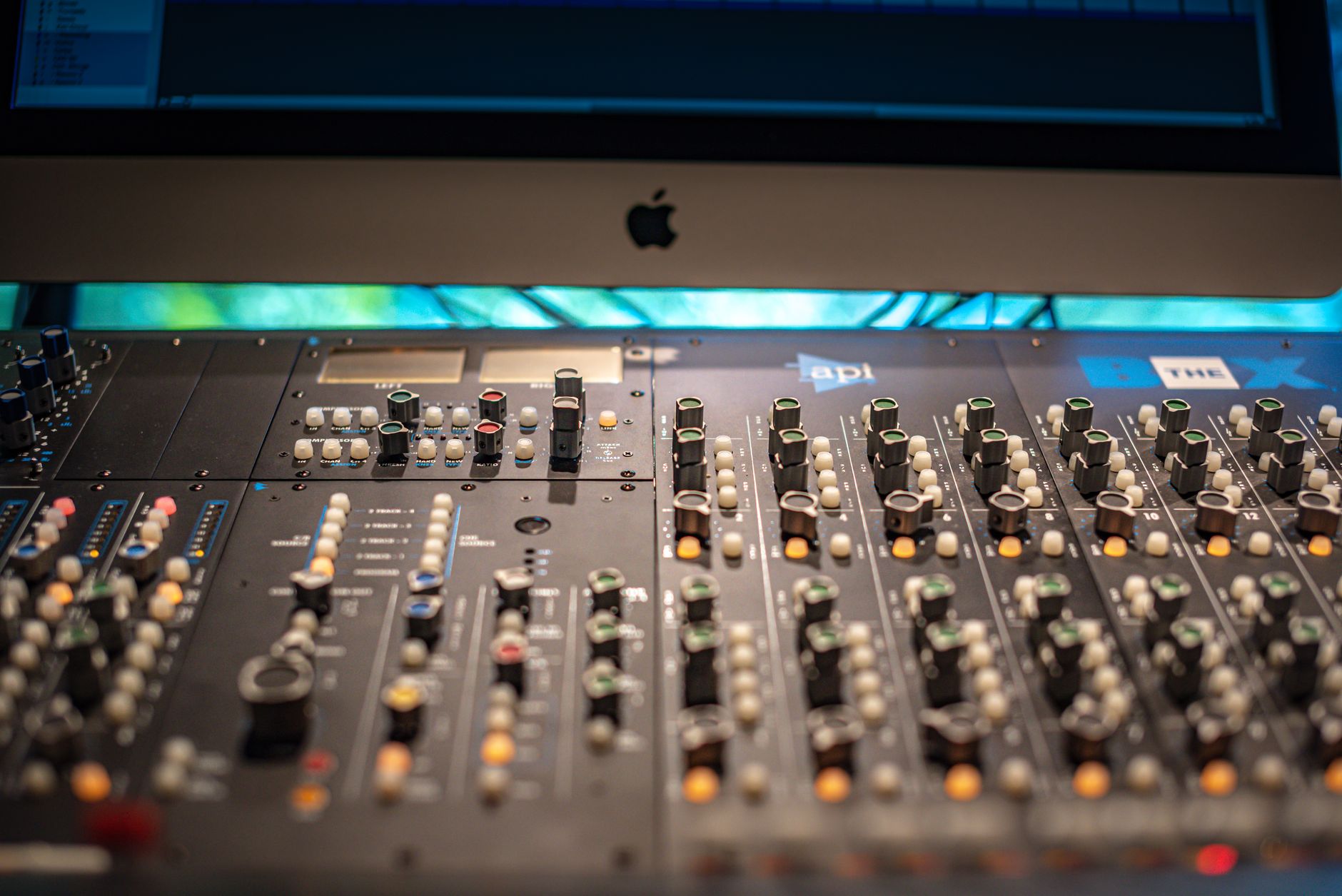
Online mastering tools can shave a full day off client delivery when the mix is already clean, but they will not rescue a kick fighting the bass at 55 Hz. I tested online mastering tools the way I would use them on a real ghost production handoff: a 128 BPM tech house mix, a melodic trap beat, and a vocal-led pop demo, all exported at 24-bit WAV with about -6 dB peak headroom.
The shootout is LANDR, eMastered, BandLab Mastering, and CloudBounce. Four names, four very different attitudes. LANDR plays safest. eMastered goes loud and glossy. BandLab is free and surprisingly useful. CloudBounce gives more tweak control than the others, which can help or hurt depending on your ears. If you send previews to artists, labels, or custom production clients, speed matters. So does not embarrassing yourself with a brittle top end.
Best online mastering tools for faster client delivery: The test
I did not judge these services on a perfect mix. That is too easy. The test files had normal working-producer problems: a slightly thick 220 Hz low-mid area, hats poking around 9 kHz, and a sub that needed to stay centered without flattening the groove.
Every file went through the same export path from Ableton Live 12. No limiter on the master, no clipper hidden on the group bus, no fake loudness baked in. I checked the returns against a FabFilter Pro-L 2 reference pass and a quick Ozone 11 Advanced master, because paid desktop tools still set the bar for control.
Online mastering tools test chain
The source mix peaked around -6 dBFS and averaged roughly -18 LUFS integrated before mastering. That is a normal handoff level for a custom production client who wants a fast preview but may still request arrangement edits.
I uploaded 24-bit WAV files where possible, then pulled down WAV and MP3 masters when each platform allowed it. I checked loudness in Youlean Loudness Meter 2 and tonal balance against two released references: a clean Chris Lake-style house record and a tighter Fred again..-leaning vocal electronic cut.
What I docked points for
I cared less about marketing labels and more about repeatable results. If a tool made the vocal exciting but smeared the kick transient, it lost points. If the limiter grabbed every snare hit and breathed after the drop, it lost more.
- Low-end control: sub below 80 Hz had to stay firm, not bloated.
- Top-end taste: 8 to 12 kHz could open up, but not turn into glass.
- Revision speed: a client preview should be ready in minutes, not after a settings maze.
- Export practicality: WAV download matters more than a flashy browser player.
- Test files: tech house, trap beat, vocal pop demo
- Exports: 24-bit WAV, no master limiter, about -6 dBFS peak
- Checks: LUFS, true peak, mono low end, reference A/B
- Main concern: client-ready preview speed without obvious damage
Loudness and tone: LANDR vs eMastered vs BandLab vs CloudBounce
This is where the character split showed up fast. All four services can make a track louder. That is the easy part. The harder question is whether the master still feels like your mix after the loudness push.
For ghost production and artist demos, I would rather send a slightly conservative master than a shiny one that collapses when the client plays it after a reference track. Loud is useful. Stable is better.
LANDR: Controlled, sometimes too polite
LANDR gave the safest tonal balance in the test. On the tech house mix, it tightened the 100 to 180 Hz area without thinning the kick. The vocal pop demo kept its center image, and the limiter did not chew up the consonants.
The downside is attitude. LANDR rarely gave me that last 5 percent of excitement. If your mix is already a little dull, it will not magically add expensive air like a careful mid/side EQ lift at 12 kHz with a Pultec-style shelf might.
EMastered: Loud, bright, and easy to overcook
EMastered sounded impressive in the first 20 seconds. The trap beat came back punchy, wide, and forward. Then the hi-hats started to feel too eager around 10 kHz. On small speakers, that can read as expensive. On Beyerdynamic DT 770s, it gets tiring.
I would use eMastered when a client wants a hyped demo for approval today. I would not trust it as the final master for a release unless the mix is already dark and controlled.
BandLab Mastering: Free, fast, and blunt
BandLab Mastering is the best free surprise here. It is not subtle, and the presets can feel broad, but it gave me a usable reference master in under two minutes. For a bedroom producer checking whether the drop energy works, that is enough.
Where it falls short is finesse. The low-mid cleanup on the vocal demo felt more like a broad push-pull than a mastering engineer making a 0.7 dB move. Still, for online mixing and mastering free workflows, it is hard to complain.
CloudBounce: More control, more responsibility
CloudBounce let me steer intensity, EQ color, and loudness more directly than BandLab. That helped on the house mix, where a slightly less aggressive setting kept the kick transient intact. It also gave the most useful revision feel of the group.
The catch is simple: more controls mean more ways to fool yourself. If your room lies below 120 Hz, CloudBounce can tempt you into a brighter, louder master that only sounds good at low volume.
- LANDR is the safest pick for balanced client previews
- eMastered wins on instant excitement but can get sharp
- BandLab Mastering is the strongest free option
- CloudBounce is best when you want adjustable settings
- None replaced a proper manual master on a release-ready mix

Speed, revisions, and client notes
Fast client delivery is not only the render time. It is the whole loop: bounce, upload, master, send, receive notes, fix the mix, resend. A tool that saves three minutes but creates vague feedback is not really saving time.
This matters for aspiring DJs and artists buying custom music production too. A loud preview helps them judge the record emotionally. A bad loud preview makes them ask for wrong fixes, like more bass when the real issue is a crushed limiter.
LANDR handles revisions like a reliable assistant
LANDR felt the least dramatic during revisions. When I adjusted the house mix by cutting 1.5 dB at 220 Hz on the music bus and re-uploaded, the new master reacted predictably. That is exactly what I want during client delivery.
The platform also makes it easy to generate versions without turning the session into a science project. If you need a clean A/B for an artist who says the drop needs more weight, LANDR keeps the conversation focused.
EMastered can make clients approve faster, for the wrong reason
eMastered is strong when you need impact. A first-time artist may hear the loudness, width, and high-end lift and approve the direction quickly. That can be useful at demo stage.
But I have a problem with using it as the only decision-maker. On the pop demo, the vocal felt exciting but slightly pushed forward in a way that made the instrumental feel smaller. A client might ask for more track energy, when the master is the thing changing the balance.
BandLab and CloudBounce are better for different revision jobs
BandLab is perfect for rough checkpoints. Upload a bounce from FL Studio or Ableton, pick a preset, send a private preview, move on. It is not where I would obsess over half-dB tonal calls.
CloudBounce is better when the mix is close and the client wants options. I liked making a cleaner version and a louder version, then sending both with one sentence: clean for release direction, loud for car-test energy.
- Use online masters for approval previews, not mix rescue
- Keep filenames clear: artist_track_v03_loud and artist_track_v03_clean
- Ask clients about balance, not only loudness
- Revise the mix before blaming the mastering service
Free online mastering tools for faster client delivery
Free online mastering tools for faster client delivery make sense when the goal is approval, reference checking, or a low-risk demo. They make less sense when the track is going to Spotify, Beatport, or a label package with real money behind it.
BandLab Mastering is the obvious free pick. It loads quickly, works in the browser, and does not punish new producers with too many decisions. That simplicity is the reason it wins the free lane.
BandLab Mastering is the free tool I would actually use
BandLab gave me the fastest free result that did not sound broken. The Universal-style setting worked best on the vocal demo, while the brighter option got harsh on the trap hats. For AI mastering free use, I would start with the most neutral option and stop there.
The best use case is a client preview after arrangement changes. If the artist asked for a shorter intro and a bigger second drop, BandLab can get the new bounce loud enough to judge without opening a full mastering chain.
Free tiers usually cost you in export control
Free mastering online often hides the real compromise in the download stage. You may get MP3 instead of WAV, fewer versions, lower priority processing, or limited storage. That is fine for notes. It is not fine for final delivery.
If a client has paid for a custom track, send them the right files: WAV master, WAV instrumental if needed, clean and explicit versions for vocals, and a pre-master with headroom. Do not let a free browser tool become your archive system.
Online mixing and mastering free download searches need caution
Searches for online mixing and mastering free download can lead to sketchy tools that ask for uploads, emails, or installs without giving you much control. I would rather use BandLab in the open than gamble with a random service that nobody in production circles mentions.
Keep the sensitive work local. If the client has unreleased vocals, label interest, or a topline under NDA, think twice before uploading stems to unknown platforms.
- Best free pick: BandLab Mastering
- Best free use: rough client approvals and arrangement checks
- Avoid unknown upload sites for unreleased vocals
- Do not deliver MP3-only masters as final files
- Keep a clean pre-master exported before any online processing

Mobile delivery: Online mastering tools for iOS
Online mastering tools for iOS matter more than producers admit. Clients send notes from cars, airports, gyms, and phones. If you can approve a master direction from an iPhone without dragging a laptop out, the whole project moves faster.
That said, I do not trust phone speakers for mastering choices. Use mobile for logistics, not final tone judgment. Check low end on proper monitors or at least decent headphones before calling anything finished.
LANDR is the cleanest mobile workflow
LANDR feels the most organized when you are bouncing between desktop and phone. Upload on the laptop, listen later on iOS, share a preview link, then make actual mix decisions back in the studio. That rhythm suits producers handling several custom tracks at once.
The player experience is also cleaner for non-technical clients. Less friction means fewer confused messages about where the file is or which version they should hear.
BandLab wins if the whole idea starts on a phone
BandLab makes sense for artists who sketch ideas mobile-first. If a vocalist records a hook in BandLab, the built-in mastering can make a demo presentable before anyone opens Ableton, Logic, or FL Studio.
For producers, that is useful when receiving rough client ideas. You can hear the intended energy quickly, then rebuild the record properly with Serum, Kontakt, Splice vocals, or an Ableton Push 3 writing session.
EMastered and CloudBounce are better from desktop
eMastered and CloudBounce can work in a mobile browser, but I preferred them on a computer. Their value depends on comparing versions, checking options, and not making loudness decisions through tiny speakers.
If the client needs a phone-friendly preview, fine. If you are setting the final balance between the kick fundamental at 50 Hz and the bass harmonic at 100 Hz, put the phone down.
- Use iOS for sharing links and collecting approval notes
- Do not judge sub-bass on phone speakers
- LANDR is strongest for mobile client logistics
- BandLab is useful when demos start on a phone
- Desktop still wins for final version comparison
Final pick: Who should use each mastering service
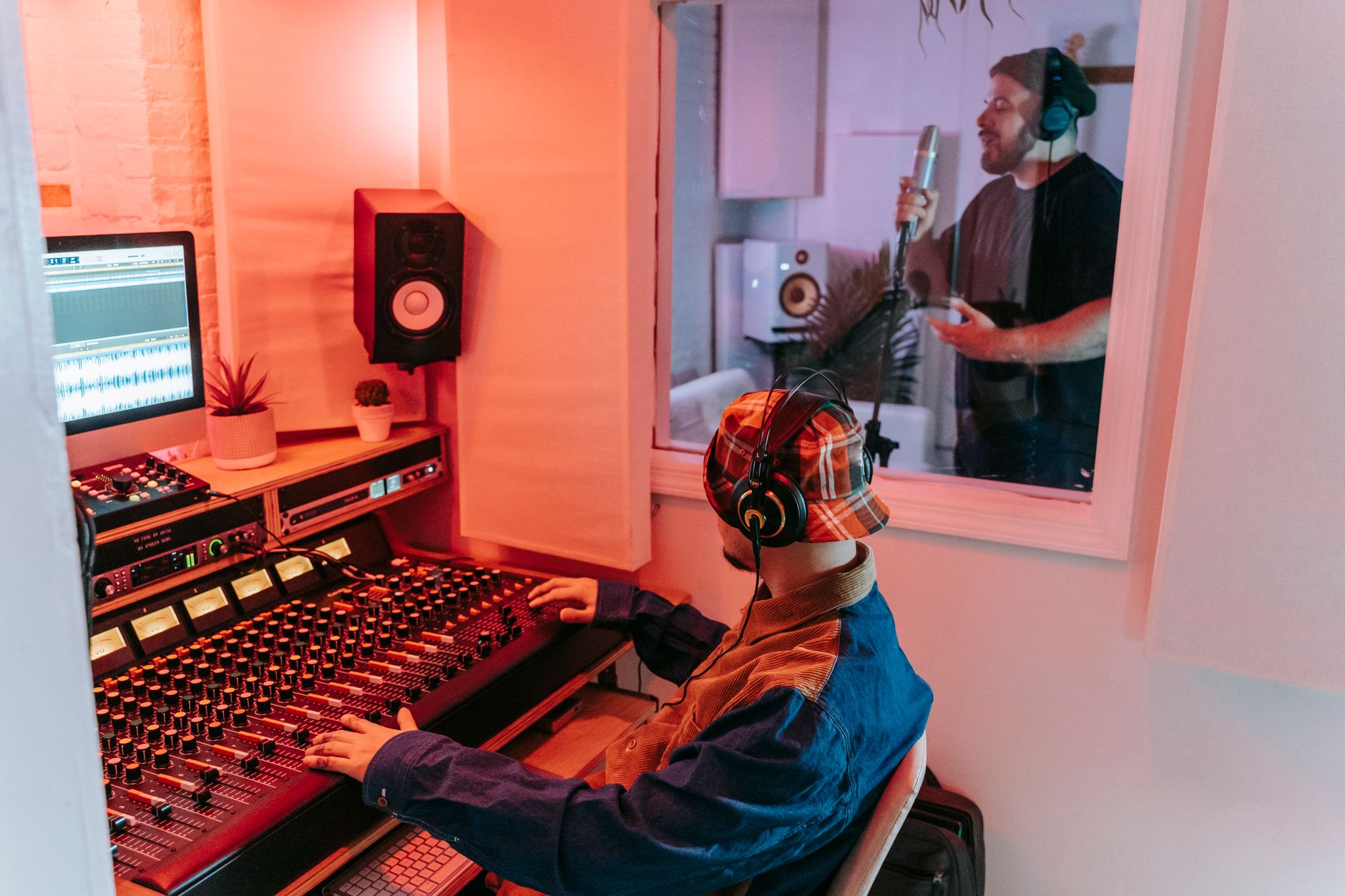
No fence-sitting here. For paid client previews, I would pick LANDR first. For free approvals, BandLab. For hyped demos, eMastered. For producers who know what they are listening for, CloudBounce.
The bigger point is discipline. These services work best after a good mix, not before one. Fix the kick and bass relationship, clean the vocal harshness with Soothe2 or FabFilter Pro-Q 4, leave headroom, then upload. That order saves pain.
Pick LANDR for professional client preview masters
LANDR is my choice for the producer who needs a clean, repeatable master during a ghost production job. It does not win every loudness contest, but it gives clients a believable version of the record without twisting the mix into a different song.
If I had to send one preview before dinner and keep revision drama low, LANDR gets the upload.
Pick BandLab if budget is zero
BandLab Mastering is the right answer for new artists, bedroom producers, and DJ edits that need a fast loud reference. It is free, quick, and good enough for checking arrangement energy.
I would not call it the final master for a serious release. That is not an insult. A free hammer is still useful, but I do not build the whole studio with it.
Pick eMastered or CloudBounce only when the job fits
eMastered is the loud demo machine. Use it when excitement matters more than subtlety, especially on darker mixes that can handle brightness. Watch the hats and vocal sibilance.
CloudBounce is the tinkerer pick. If you already understand gain staging, limiter movement, and how mid/side width can mess with mono club playback, it gives you more room to steer. If you do not, LANDR is safer.
- Paid client preview: LANDR
- Free approval master: BandLab Mastering
- Hyped demo: eMastered
- Adjustable browser master: CloudBounce
- Release master with budget: hire a mastering engineer or use a proper manual chain
| Tool | Best use | Where it wins | Where I dock points |
|---|---|---|---|
| LANDR | Paid client preview masters and repeatable revisions | Balanced tone, clean workflow, safe loudness decisions | Can sound too polite if the mix needs excitement |
| eMastered | Loud demo masters for fast emotional approval | Forward vocal, bright top end, strong first impression | Can overcook hats, sibilance, and stereo width |
| BandLab Mastering | Free rough masters and mobile-first demos | Fast, free, simple, useful for arrangement checks | Blunt processing and limited final-delivery confidence |
| CloudBounce | Adjustable masters when the mix is already close | More control over intensity and tonal direction | Easy to make bad choices in an untreated room |
| Manual Ozone or Pro-L 2 chain | Release masters when control matters | Precise EQ, clipping, limiting, metering, and recalls | Slower and dependent on your monitoring skills |
Worth a deeper read on this: AI Mastering Online and AES automatic mastering research.
Common questions
What is the best online mastering tool?
For paid client previews, LANDR is the best all-round pick because it stays balanced and predictable. BandLab Mastering is the best free option. eMastered is best for loud, hyped demos, while CloudBounce suits producers who want more control and already trust their monitoring.
Are online mastering services any good?
Yes, online mastering services are good for demos, approval masters, reference checks, and fast client delivery. They are not magic. If the mix has harsh vocals, weak gain staging, or kick and bass masking, the master will expose those problems louder.
Is eMastered better than LANDR?
eMastered is better if you want instant loudness and shine. LANDR is better if you want a safer, more balanced client preview. I would choose LANDR for professional revision work and eMastered for a dark demo that needs excitement quickly.
Can AI do audio mastering?
AI can do usable audio mastering when the input mix is clean and the target is a preview, demo, or rough release check. It cannot replace judgment about arrangement, distortion, low-end translation, or whether a vocal needs mix repair before mastering.
Are online mastering tools good enough for Spotify releases?
They can be good enough for some independent releases, especially clean electronic tracks with solid mix balance. For important singles, label pitches, or paid ghost production deliveries, I still prefer a manual master or a mastering engineer for final quality control.
What should I upload to an online mastering service?
Upload a 24-bit WAV pre-master with no limiter on the master bus, around -6 dBFS peak headroom, and no clipping. Leave fades, arrangement edits, and vocal balance finished before upload. Mastering should polish the track, not decide the mix.
Final thoughts
Online mastering tools are not a replacement for taste, but they are excellent for speeding up client delivery when the mix is already doing its job. My pick is LANDR for paid preview masters, BandLab for free rough approvals, eMastered for loud demo impact, and CloudBounce for producers who want adjustable settings without opening a full mastering session.
The practical move is simple: export a clean 24-bit pre-master with headroom, run two versions, check them against a released reference, then send the clearer one to the client. Try that in your next session before spending another hour tweaking a limiter that was never the real problem.
My Career makes videos from your own track and posts them for you, pitches your release to 34,000+ labels, playlists, radio stations, YouTube channels and blogs, puts it in every store and briefs you every morning. Free plan, no card, two minutes to set up.



