
Key takeaways
- Start with EQ, compression, saturation, metering and limiting before buying specialist tools.
- Keep about -6 dB headroom on the mix export before mastering.
- Use reference tracks at matched loudness so your ears do not get fooled.
- Check masters on headphones, speakers, earbuds, car audio and DJ software.
- Small mastering moves work better when the mix balance is already solid.
- The kick and bass relationship matters more than chasing a loudness number.
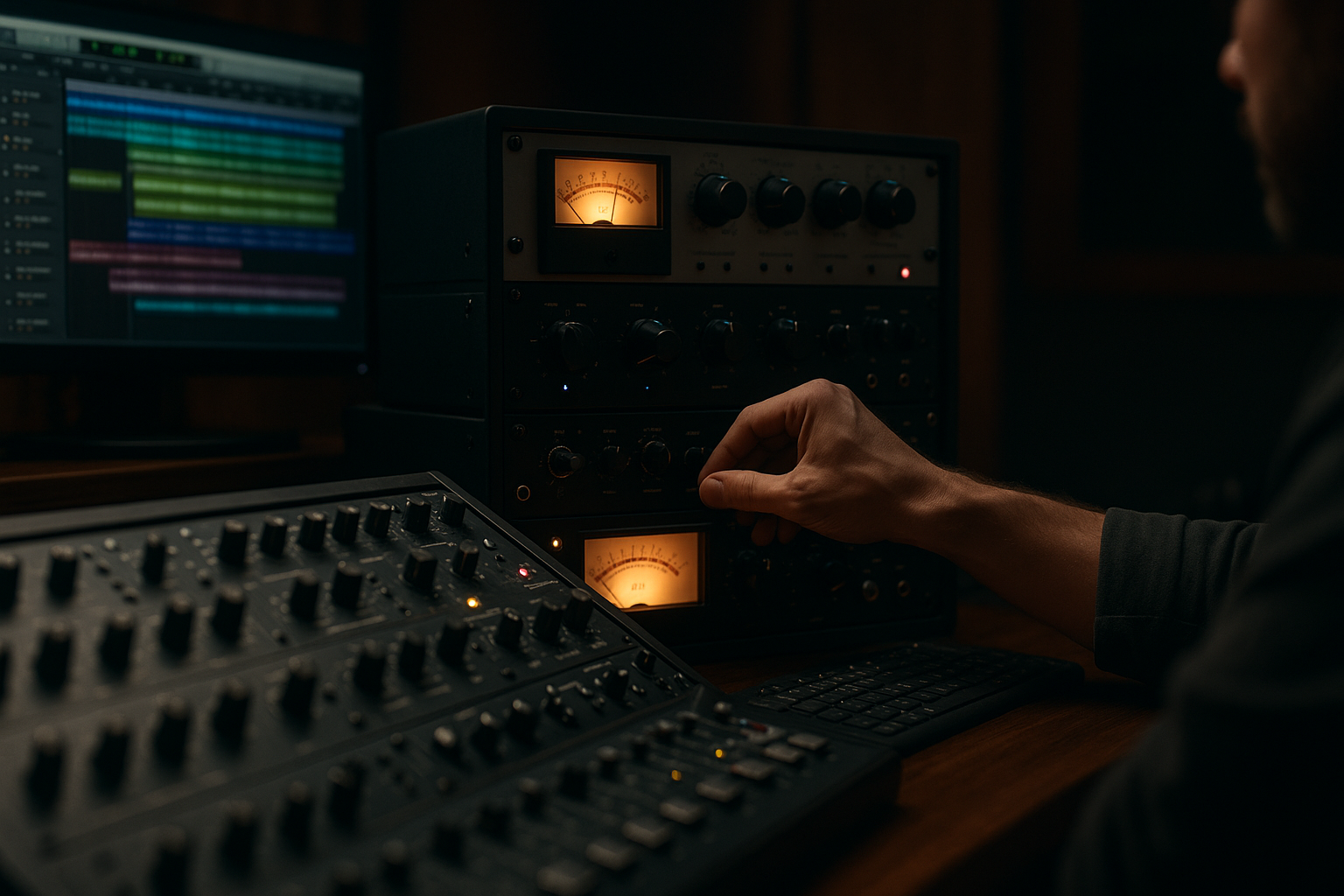
Mixing and mastering tools are the difference between a rough idea that only works in your room and a track that survives earbuds, a car stereo, a DJ booth and a streaming platform. Think of mixing and mastering as cleaning and framing a photo: mixing balances the colours inside the picture, mastering sets the final frame so it looks right next to other releases.
If you are new, the names can feel heavy: EQ, compression, limiting, LUFS, stereo width. None of that needs to be mystical. EQ means tone shaping. Compression means level control. Limiting means stopping the loudest peaks from jumping over a ceiling. The tools below are the ones I reach for when fixing bedroom demos, checking DJ edits and preparing custom tracks that need to sound finished without pretending a plugin can replace good taste.
Best mixing and mastering Tools: The Starter Rack
A good starter rack is like a small kitchen station. You do not need every gadget in the shop, but you do need a sharp knife, a clean board and a pan that does not burn everything. For audio, that means a few reliable mixing and mastering tools that handle tone, dynamics, loudness and checking.
Start with your DAW stock plugins, then add paid tools only where they save time or show you something clearly. Ableton Live, FL Studio and Logic Pro all include usable EQs, compressors, limiters and meters. Fancy plugins help, but they do not rescue a bad balance.
How mixing and mastering Tools Fit Together
The basic order is simple. Mixing balances all individual sounds: kick, bass, vocal, synths, FX and drums. Mastering works on the finished stereo file, usually a single WAV, to make it translate and play at the right level.
My lean starter rack for mixing and mastering is FabFilter Pro-Q 4 for EQ, FabFilter Pro-C 2 or Ableton Glue Compressor for compression, Soundtoys Decapitator or FabFilter Saturn 2 for saturation, Voxengo SPAN for spectrum checking, Youlean Loudness Meter 2 for loudness and FabFilter Pro-L 2 for limiting.
What to Buy First
Buy a great EQ before another synth. Seriously. Pro-Q 4 speeds up cuts, mid/side EQ and problem hunting. Mid/side EQ means treating the centre of the stereo image separately from the wide edges, which is useful when a vocal must stay solid while pads stay wide.
- First paid plugin: FabFilter Pro-Q 4.
- First free meter: Youlean Loudness Meter 2.
- First room upgrade: basic acoustic panels at first reflection points.
- Use stock plugins until you know what problem you are solving.
- Keep -6 dB headroom on the master while mixing.
- Export a 24-bit WAV before mastering.
- Compare against one reference track, not ten random songs.
- Check the final file quietly as well as loud.
EQ Tools: FabFilter Pro-Q 4, Stock EQs and Tone Control
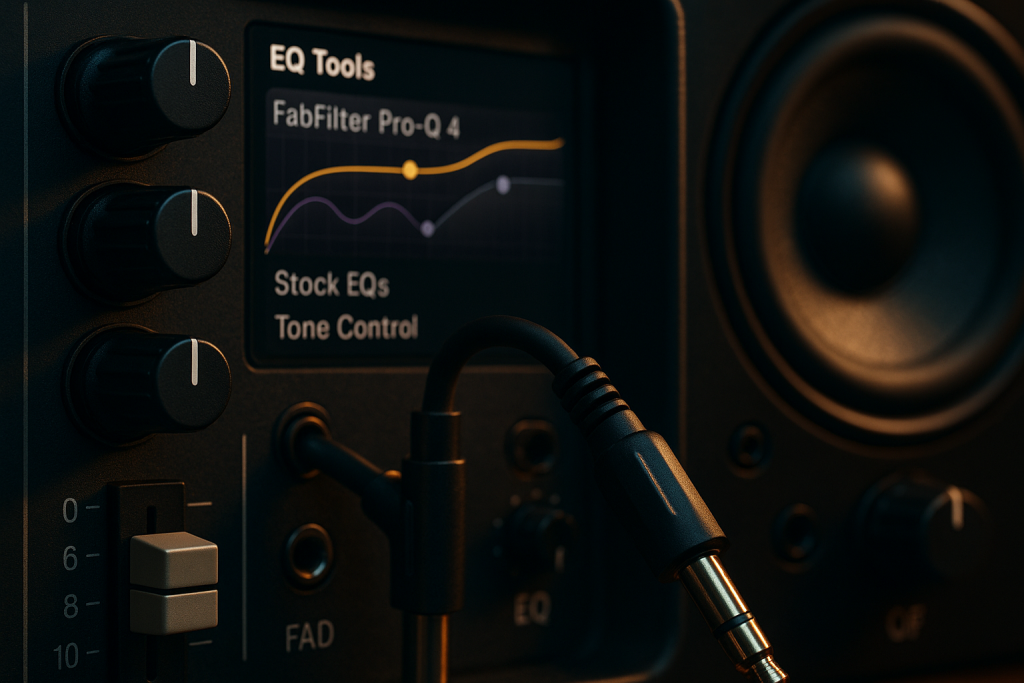
EQ, short for equalisation, is traffic control for frequencies. Low end is the heavy truck lane, vocals and synth leads live around the busy middle lanes, and air sits up top. If every sound drives through the same lane, the mix jams.
For mixing and mastering, EQ should usually fix space before it adds excitement. The beginner mistake is boosting highs on everything because dull sounds feel boring alone. In a full track, that turns into brittle hats, sharp vocals and a master that hurts at volume.
Basic EQ Moves That Actually Help
Use a high-pass filter, which removes low frequencies below a chosen point, on sounds that do not need sub weight. Try 80 Hz on vocals, 120 Hz on pads and 30 Hz on the full mix if there is useless rumble. Do not high-pass the kick or bass by habit.
If the low mids feel cloudy, sweep around 180 to 350 Hz and cut 1 to 3 dB with a medium Q. Q means bandwidth. A narrow Q affects a small slice, a wide Q affects a broader area.
When Pro-Q 4 Beats a Stock EQ
A stock EQ is fine for basic shaping. Pro-Q 4 wins when you need speed: dynamic EQ, mid/side moves, clean analyser views and matching problem resonances fast. Dynamic EQ means the EQ cut only reacts when a frequency gets too loud, like a snare ring at 720 Hz that appears on certain hits.
On a master, I prefer tiny moves. A 0.5 dB lift at 12 kHz can be enough. A 2 dB boost on the whole master is often too much.
- Cut before boosting when the mix feels crowded.
- Use narrow cuts for ringing notes, wide moves for tone.
- Check EQ decisions in mono to catch phase problems.
- Avoid soloing for too long because balance lives in context.
- Master EQ moves should usually stay under 1 dB.
Compression Tools: Pro-C 2, Glue Compressor and SSL Style Control
Compression is a volume rider. Imagine someone sitting at the fader, turning loud moments down and letting quieter moments stay closer. A compressor does that automatically, based on settings you choose.
Compression matters in mixing and mastering because dance music needs control without losing punch. Too little compression can feel jumpy. Too much makes the kick small, the vocal flat and the drop tired before it lands.
The Four Controls to Learn First
Threshold is the level where compression starts. Ratio is how strongly it turns down sound above that point. Attack is how fast the compressor reacts. Release is how fast it lets go.
For a punchy drum bus, try Ableton Glue Compressor at 2:1 ratio, 10 ms attack, auto release and aim for 1 to 2 dB of gain reduction. Gain reduction means how much the compressor is turning the signal down. More is not automatically better.
Parallel Compression Without Smearing the Groove
Parallel compression means blending a heavily compressed copy with the dry signal. On drums, it can add body while keeping transients, which are the sharp first hits of sounds. Use a return track in Ableton or FL Studio, crush the copy, then blend it quietly.
For mixing and mastering beginners, this is safer than smashing the main drum bus. If the groove starts breathing weirdly, lower the compressed return before touching the main drums.
- Use slow attack for punch, fast attack for control.
- Watch gain reduction instead of guessing from loudness.
- Level-match before and after compression.
- Use parallel compression for density without killing transients.
- Avoid heavy master compression until the mix balance is solid.
Saturation, Clipping and Limiting: Loudness Without Wreckage
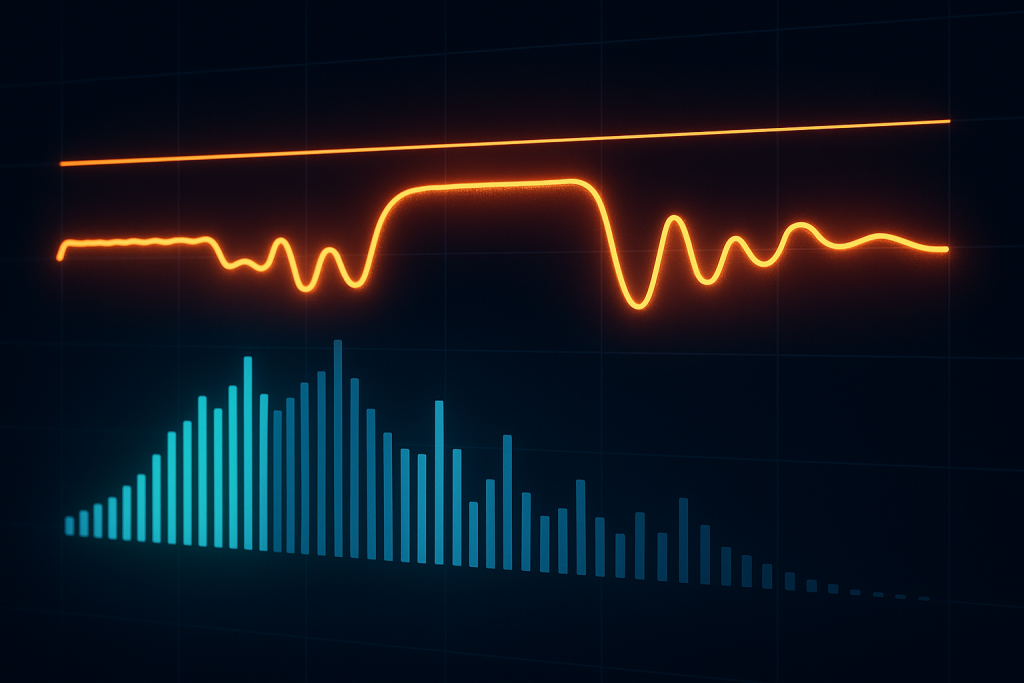
Saturation is like browning food in a pan. The ingredient is the same, but a little heat adds colour, edge and smell. Push too far and it burns. In audio, saturation adds harmonic content, which means extra tones related to the original sound.
For mixing and mastering, saturation is useful because perfectly clean digital tracks can feel thin. The trick is adding density before the limiter has to work too hard.
Where Saturation Works Best
Soundtoys Decapitator is great on bass, drums and vocals when you use it carefully. FabFilter Saturn 2 gives more control because you can split the frequency bands. Band splitting means treating lows, mids and highs separately.
Try Saturn 2 on a bass group with light tube saturation above 120 Hz while leaving the sub cleaner. This helps laptop speakers hear the bass line without turning the true sub into fuzz.
Clippers and Limiters Are Not the Same
A clipper cuts peaks flat when they cross a ceiling. A limiter turns peaks down more smoothly to stop them crossing the ceiling. StandardCLIP can shave sharp drum peaks before FabFilter Pro-L 2 or iZotope Ozone Maximizer handles the final loudness.
On a club-focused master, I often clip 1 dB from drum peaks before limiting. That keeps the limiter from pumping. Pumping means the whole track dips and swells because the limiter is reacting too hard.
- Use saturation for colour, not volume.
- Keep sub bass cleaner than upper bass harmonics.
- Clip tiny peaks before the final limiter.
- Leave the limiter ceiling around -1.0 dB true peak for streaming.
- If the snare gets papery, back off clipping first.
Reference and Metering Tools: Metric AB, SPAN and Youlean
References are a measuring tape. If you build a shelf by eye, it may look fine until you place it next to a straight wall. A reference track is a professionally released song in a similar style that tells you whether your low end, vocal level and brightness are in the right area.
Metering matters for mixing and mastering because ears get tired. After two hours, your brain accepts almost anything. Meters do not replace listening, but they keep you honest.
How to Use a Reference Track Without Copying It
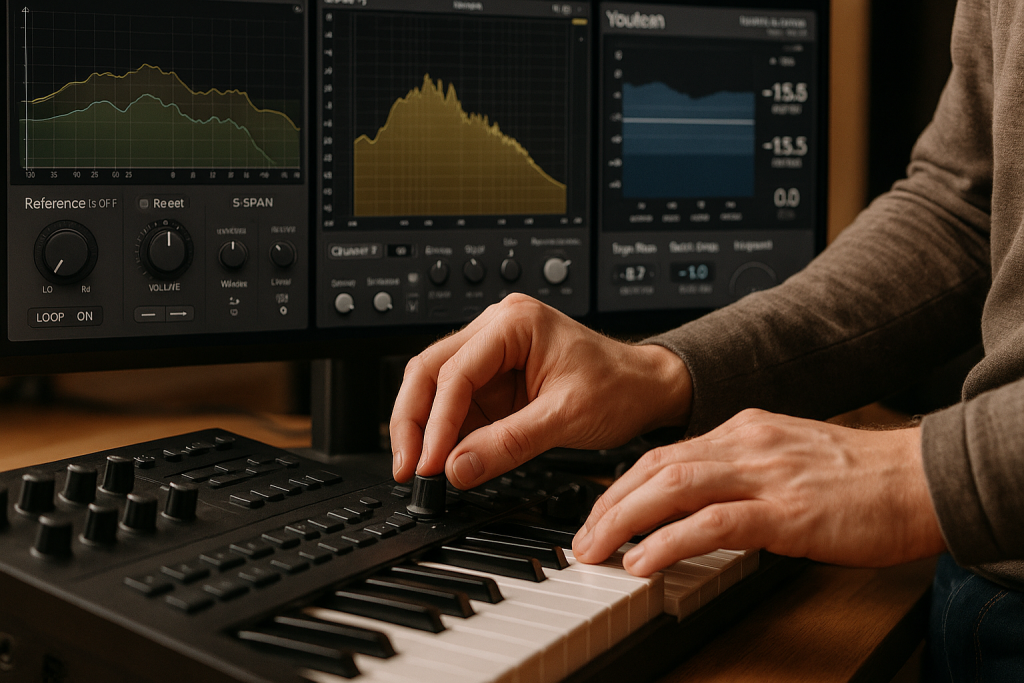
Load one reference into ADPTR Metric AB or a spare audio track. Turn it down so it matches your mix level. Loud always feels better, so level matching matters. Compare kick weight, bass length, vocal placement and high-end brightness in short checks.
Do not chase the exact EQ curve. A sparse tech house track and a dense melodic house track will not measure the same. Use the reference for direction, not obedience.
LUFS, True Peak and the Numbers That Matter
LUFS means Loudness Units relative to Full Scale. It is a loudness measurement that roughly follows human hearing. True peak estimates inter-sample peaks, which can appear between digital samples during playback conversion.
Youlean Loudness Meter 2 is clear and free. For streaming, -14 LUFS integrated is often cited, but club tracks are commonly louder. For mixing and mastering work on electronic releases, I care more about clean transients and no ugly distortion than hitting a fixed number.
- Use one main reference per session.
- Level-match references before judging tone.
- Check LUFS after the mix feels balanced.
- Watch true peak if the track will hit streaming platforms.
- Trust your ears first, then use meters to confirm.
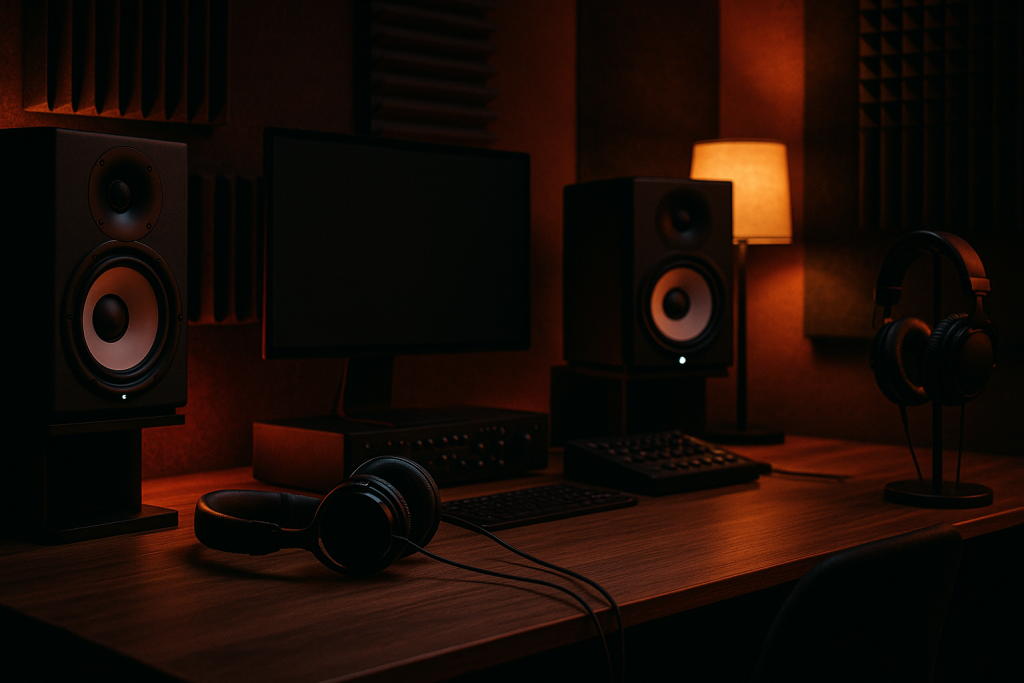
Monitoring Gear: Headphones, Speakers and Room Reality
Monitoring is your prescription glasses. If the glasses are wrong, every decision is bent. You might cut too much bass because your room exaggerates it, or boost highs because your headphones sound dark.
Good monitoring is part of mixing and mastering, not an optional luxury. That does not mean you need a giant studio. It means you need to learn the flaws of the setup you already own.
Useful Headphones and Speakers for Beginners
Beyerdynamic DT 990 Pro headphones are bright and detailed, useful for clicks, edits and reverb tails. Audio-Technica ATH-M50x headphones have stronger low-mid weight and are common for production. Yamaha HS8 monitors reveal rough midrange decisions, but they need space behind them.
If your room is untreated, Slate VSX can help by giving you controlled headphone room models. I would still check on cheap earbuds and a car stereo. Those tests expose problems no plugin graph will show.
Set Levels Before You Judge
Mix quietly most of the time. Around 70 to 78 dB SPL at the listening position is a sensible home range if you can measure it. SPL means sound pressure level, basically physical loudness in the room.
Low-volume checks reveal vocal balance, kick click and whether the hook still makes sense. Loud checks reveal harshness and limiter stress. Do both, but do not master at party volume for an hour.
- Keep monitors at ear height and form a triangle with your head.
- Move speakers away from corners if the bass booms.
- Use headphones for detail, speakers for physical balance.
- Check quiet playback before calling a mix finished.
- Write down what your room usually lies about.
DJ Booth Checks: Rekordbox, CDJ-3000 and DDJ-FLX10
A DJ booth check is like trying shoes on the floor you will actually walk on. A track can sound polished in the studio and still feel weak when mixed between two released records.
For artists and aspiring DJs, mixing and mastering should include a playback test in Rekordbox, Serato or on hardware like a Pioneer CDJ-3000 or DDJ-FLX10. This catches intros that are too short, drops that feel smaller than the breakdown and low end that fights the previous track.
Check the Arrangement Like a DJ
Load the bounce into Rekordbox and set hot cues at the intro, first break, drop and outro. Count the phrases. A phrase is a musical block, usually 4, 8, 16 or 32 bars in dance music. If your intro is 13 bars, a DJ will feel the problem even if they cannot name it.
For club tools, clean 16 or 32-bar intros still matter. Radio edits can be shorter, but a DJ version needs room to mix.
Low End Tests for Club Translation
Use the DDJ-FLX10 or any controller with proper cueing to compare your track against a released song at matched loudness. Listen to the kick and bass relationship. If your bass hides the kick, try sidechain ducking. Sidechain ducking means one sound, usually the kick, turns another sound, usually the bass, down for a moment.
For mixing and mastering dance records, the kick and bass relationship decides whether the track moves bodies or just looks loud on a meter.
- Check 4-bar, 8-bar and 16-bar phrase points.
- Test the intro and outro against real DJ transitions.
- Match loudness before comparing with released tracks.
- Listen for kick and bass masking during blends.
- Export one clean DJ version and one shorter edit if needed.

A Simple Session Chain for Custom Music and Ghost Production
A session chain is an assembly line. Each station does one job, and the track gets cleaner as it moves forward. This is how I like to think about mixing and mastering when a demo needs to become a finished custom production.
The chain below is not magic. It is a reliable order that stops beginners from mastering too early, stacking random plugins and losing the reason the track worked in the first place.
The Practical Order I Use
First, balance faders with no processing. Then clean low-end conflicts with EQ. Add compression where levels jump around. Use saturation for tone. Check the mix in mono. Export with around -6 dB headroom on the master channel.
After that, start the master chain: gentle EQ, light bus compression if needed, clip small peaks, limit to the target level and check loudness with Youlean or Insight 2. For mixing and mastering, boring order beats exciting chaos.
When to Stop Tweaking
Stop when changes get smaller than the problem. If you are moving 0.2 dB for 30 minutes and the vocal still feels wrong, the issue may be the arrangement, recording or sound choice. A plugin cannot turn a crowded chorus into a spacious one by itself.
Print versions. Keep Mix 01, Mix 02 and Master 01 instead of overwriting files. When your ears reset the next morning, you can hear whether the last move helped.
- Balance faders before adding plugins.
- Fix arrangement problems before mastering.
- Print dated versions so you can go back.
- Use small master moves after the mix already works.
- Take breaks before approving the final export.
| Tool | Main Job | Good First Use | Budget Option |
|---|---|---|---|
| FabFilter Pro-Q 4 | EQ and dynamic EQ | Cut 220 Hz mud on a synth bus | DAW stock EQ |
| Ableton Glue Compressor | Bus compression | 1 to 2 dB gain reduction on drums | FL Studio Fruity Compressor |
| FabFilter Saturn 2 | Controlled saturation | Add upper harmonics to bass above 120 Hz | Softube Saturation Knob |
| StandardCLIP | Peak clipping | Shave 1 dB from drum transients | FreeClip |
| FabFilter Pro-L 2 | Final limiting | Set -1.0 dB true peak ceiling | Limiter No6 |
| Youlean Loudness Meter 2 | Loudness metering | Check LUFS and true peak | Free version |
Further reading
- Ableton Live manual — Ableton's official manual is a primary source for DAW routing, devices, warping and mixing workflow.
- Sound On Sound compression — Sound On Sound is a long-running professional recording publication with practical engineering tutorials.
Frequently asked questions
What is the best software for mixing and mastering beginners?
Use the DAW you already understand, then add a clear EQ and loudness meter. Ableton Live, FL Studio and Logic Pro can all handle serious work. For a first paid plugin, FabFilter Pro-Q 4 is easier to justify than another synth because it improves almost every session.
Can I do mixing and mastering on headphones?
Yes, but you need checks. Headphones reveal clicks, reverb tails and harshness, but they can mislead you on low-end weight and stereo width. Use familiar headphones, compare with references and test the export on earbuds, a car system and any speakers you can access.
What comes first, mixing or mastering?
Mixing comes first. You balance individual tracks, shape tone, control dynamics and create space. Mastering comes after the mix is exported as a stereo file. If the vocal is too quiet or the kick fights the bass, fix that in the mix before touching a master limiter.
How loud should my master be for Spotify?
Do not chase one number blindly. A clean master around -14 LUFS may suit softer music, while club tracks often land louder. Keep true peak around -1.0 dB for safer streaming conversion, then judge whether the track still has punch, clear lows and no crunchy distortion.
Do expensive plugins make a track sound professional?
Expensive plugins make some jobs faster and clearer, but they do not replace balance, arrangement and sound choice. A stock EQ used well beats a premium plugin used randomly. Spend money when you know the exact bottleneck, such as poor metering, slow EQ workflow or unreliable monitoring.
Should DJs master their own edits?
For private DJ edits, basic mastering is fine if you compare against released tracks and avoid clipping the output. Keep intros clean, match loudness sensibly and test transitions in Rekordbox or Serato. For official releases, get a second set of ears before distribution.
Conclusion
mixing and mastering gets easier when you stop treating it as a mystery chain and start treating it as a set of small checks. Balance first. Clear space with EQ. Control movement with compression. Add colour carefully. Measure loudness after the track already feels right. Then test it where listeners and DJs will actually hear it.
The tools named here are not the only good options, but they are dependable enough to learn on and serious enough to keep using later. Pick one unfinished track, build the simple chain, export a version with safe headroom and compare it against one reference. That single focused session will teach more than another week of plugin browsing.
Mixing and mastering — Quick Recap
The fastest way to lock in mixing and mastering is to internalise the workflow above and repeat it on every project. Start small: pick one technique from this mixing and mastering guide, apply it to your next session, and audit the result against a reference track.
- Start with EQ, compression, saturation, metering and limiting before buying specialist tools.
- Keep about -6 dB headroom on the mix export before mastering.
- Use reference tracks at matched loudness so your ears do not get fooled.
- Check masters on headphones, speakers, earbuds, car audio and DJ software.
Treat mixing and mastering as a habit, not a one-off — the producers who consistently nail mixing and mastering are the ones who run the same checks on every track. That’s the difference between a clean, club-ready master and a track that sounds great at home but falls apart on a real system.
In a real studio session, mixing and mastering comes down to the order in which you make decisions: reference first, gain stage second, then the creative work. Producers who treat mixing and mastering as a checklist instead of a vibe end up shipping more tracks.
Most producers and DJs undervalue mixing and mastering because the wins are invisible until the track plays back on a real system. Bake mixing and mastering into your template and the next ten projects benefit automatically.
When you struggle with mixing and mastering, the fix is rarely a new plugin. Loop a problem section, A/B against a reference, and isolate which element is breaking your mixing and mastering.
Treat mixing and mastering as a craft, not a chore. The producers releasing on the biggest labels lock mixing and mastering in early so they can spend their energy on melody and arrangement instead of fighting the mix.
Document your mixing and mastering process — even a short note in the project file. Future-you will rebuild the same mixing and mastering win in half the time.
If mixing and mastering sounds great in headphones but bad in the car, you have a translation problem, not a creative one. The mixing and mastering tweaks above are designed to survive every system.
My Career makes videos from your own track and posts them for you, pitches your release to 34,000+ labels, playlists, radio stations, YouTube channels and blogs, puts it in every store and briefs you every morning. Free plan, no card, two minutes to set up.


