
Key takeaways
- Growth starts when sessions stop falling apart at arrangement, versioning, and feedback.
- Reference tools like Metric AB prevent loudness and low-end guesswork.
- DJ gear is most valuable when it tests real mix points and crowd-facing energy.
- Custom production works best with clear briefs, stems, anti-references, and deadlines.
- Release admin turns scattered effort into patterns you can actually improve.
Independent artist tools saved a 126 BPM tech house record for me at 2:13 a.m. in a rented writing room above a closed cocktail bar. The kick was right. The bass was lying. Ableton Live kept throwing a CPU spike every time Soothe2 hit the vocal bus, and the artist, who had a warm-up slot in a basement club that weekend, was staring at the waveform like it owed him rent. Those independent artist tools were not fancy for the sake of it. They gave us decisions.
We froze the Diva pad, cut 220 Hz from the bass with FabFilter Pro-Q 4, checked the low end against a Dom Dolla reference, and printed a rough master through Ozone with -6 dB headroom still intact. The track did not become famous overnight. Better story, it shipped. That is where growth starts.
The independent artist tools That Kept the Session Moving
The first time I saw an artist actually grow, it was not because he bought a louder limiter or posted more reels. It was because his sessions stopped collapsing at the boring points. Naming files. Saving references. Checking the chorus. Booking feedback before the deadline passed.
My core independent artist tools are not glamorous. Ableton Live 12, Ableton Push 3, FabFilter Pro-Q 4, Metric AB, Notion, Dropbox, and a boring calendar have done more for finished releases than half the synths I have owned. Growth usually looks like less panic at 1 a.m.
The independent artist tools I Open First
I start most artist sessions with Ableton Live because Arrangement View tells the truth fast. If the second drop arrives at bar 97 and nothing earned it, I can see the problem before I touch a plugin. Push 3 is not mandatory, but it helps when a producer is stuck clicking eight-bar loops into place and needs to feel rhythm again.
For decisions, Metric AB sits on the master. I load three references: one close in genre, one close in low-end weight, one close in vocal attitude. That stops the artist from chasing ten songs at once.
Why I Prefer Boring Systems
The best independent artist tools create repeatable behaviour. A release folder with stems, artwork drafts, radio edit, club mix, and captions beats a chaotic desktop every time. I have watched good records miss dates because the final instrumental was called FINAL_final2_real.wav.
My rule is simple: if a tool does not reduce friction, it is decoration. Keep the tools that make the next action obvious.
- Ableton Live 12 for arrangement and fast printing.
- FabFilter Pro-Q 4 for surgical EQ and mid/side checks.
- Metric AB for reference discipline.
- Notion or Trello for release tasks nobody wants to remember.
- Keep one DAW template for writing and one for finishing.
- Save references inside the project folder, not in a random downloads pile.
- Print a rough master before asking for feedback.
- Name versions by date and purpose, such as 2026-02-rough-club-test.
- Archive dead ideas instead of dragging them through every session.
Ableton Live, Push 3, and the Four-Bar Trap
A bedroom producer once sent me a loop that slapped harder than half the promos in my inbox. Four bars. Great swing, nasty stab, clean kick. The problem was everything after bar five. He had spent two weeks polishing a loop and zero minutes proving it could become a record.
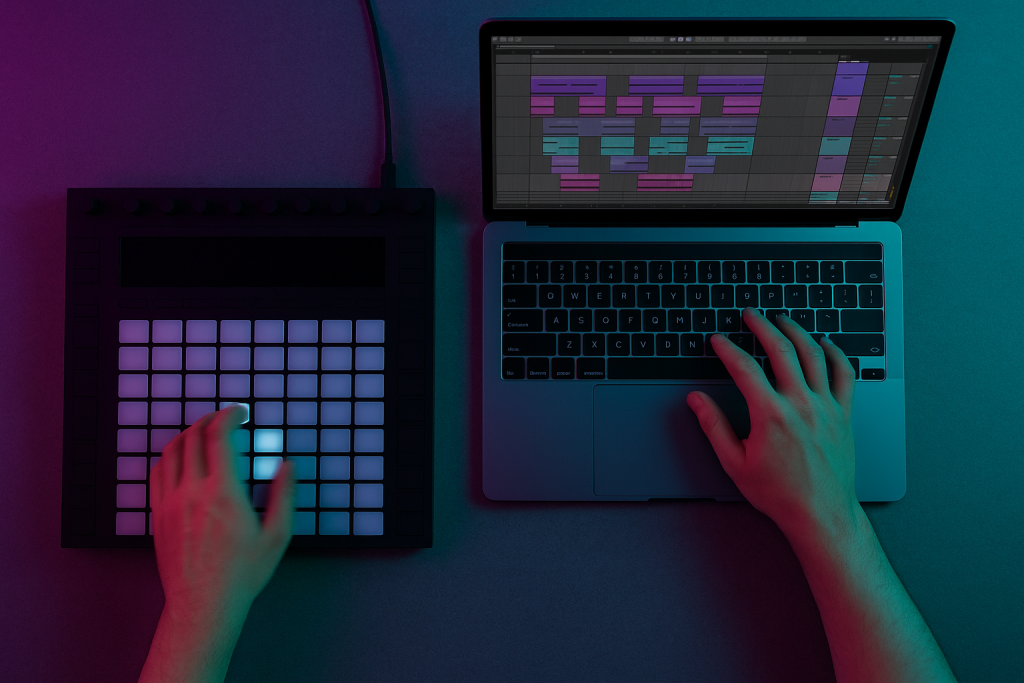
That is where independent artist tools need to push against your habits. Ableton is dangerous because it makes loops feel finished. Push 3 is dangerous for the same reason. I love both, but only when they are forced into arrangement early.
Build the Skeleton Before the Jewellery
I like a rough map by minute twenty. Intro 16 bars, groove 32, first break 16, drop 48, second break 16, final drop 32, outro 16. It is not sacred. It is a fence. Without it, the artist starts swapping snares while the song still has no road.
When using ghost production or custom music production services, ask for the arrangement logic as well as the audio. A good finished track teaches structure. A pretty loop teaches very little.
The Session Timer I Actually Use
I set three timers: 25 minutes for the main groove, 35 minutes for arrangement, 30 minutes for a rough mix. That sounds stiff until you see how many independent artist tools waste time by offering infinite choice. The timer removes drama.
If the hook is weak after 90 minutes, I bounce the best eight bars and walk away. Tomorrow’s ears are cheaper than another plugin.
- Drop arrangement markers before detailed sound design.
- Duplicate a reference song’s energy map, not its melody.
- Commit MIDI bass to audio once the notes work.
- Freeze CPU-heavy instruments like Diva, Serum, and Kontakt early.
- Use colour coding for drums, bass, music, vocals, FX, and returns.
Reference Tools That Stop You Lying to Yourself
I learned this in a small warehouse party with a rented Funktion-One stack and a mixer that had one sticky channel fader. My track sounded huge in the studio. On that rig, the sub vanished every time the vocal delay hit. The room did not care about my feelings.
Since then, reference checking has been one of my non-negotiable independent artist tools. It is not about copying another record. It is about finding out whether your kick, bass, vocal, and top end live in a believable place.
Metric AB Beats Memory
Memory is a terrible mastering engineer. I use Metric AB because it lets me level-match references and compare low end, stereo width, and tonal balance without fooling myself. If your track is 3 dB louder than the reference, your brain will call it better. That is not taste. That is physics.
I usually match perceived loudness, then check mono below 120 Hz. For club music, I want kick and bass focused. Wide sub is a tax you pay on big systems.
Small Speakers Tell Ugly Truths
Yamaha HS8s are fine. Slate VSX can help. A phone speaker still catches weak hooks faster than both. I bounce roughs to Dropbox and play them in the kitchen, the car, and on cheap earbuds. If the topline disappears outside the studio, the public will not work harder than I did.
This is where independent artist tools meet humility. The bad playback is not an enemy. It is market research with worse bass.
- Check references at matched loudness, not matched peak level.
- Test mono below 120 Hz on club-focused tracks.
- Use one bright reference and one dark reference to frame decisions.
- Bounce MP3 drafts for real-life checks, then return to WAV for final work.
- Write down problems before opening plugins.
DJ Gear as a Growth Tool, Not a Trophy
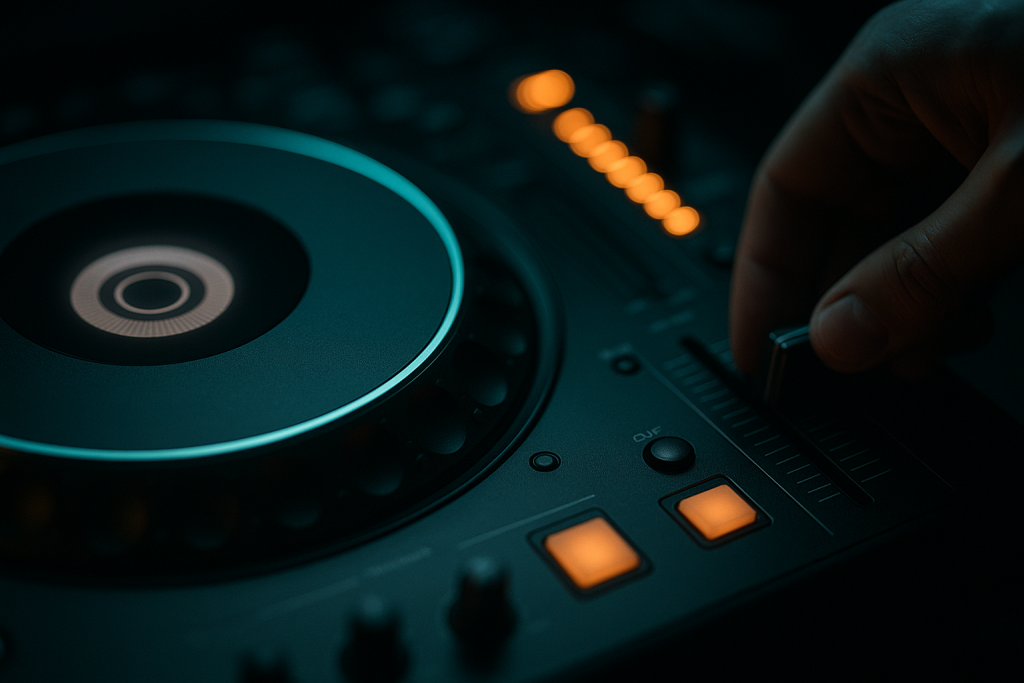
A lot of artists want a CDJ-3000 photo before they can beatmatch properly. I get it. Gear has status. Still, the most useful DJ hardware is the stuff that teaches records how to behave in public. The Pioneer DDJ-FLX10, XDJ-RX3, CDJ-3000, and a clean mixer can all do that if you use them with intent.
For me, DJ testing belongs beside production. independent artist tools should reveal whether a record mixes cleanly, whether the intro is too long, and whether the drop survives against released tracks.
The Club Test Before the Club
I run new records through Rekordbox, set hot cues, and mix them after three released tracks in the same key range. If the intro needs eight bars shaved, I hear it. If the clap sits too sharp at 2.8 kHz, I feel it after two blends.
On CDJ-3000s, the waveform view can make weak energy look acceptable, so I force myself to mix by ears for the first pass. Screens help. They also flatter lazy transitions.
Why I Pick the DDJ-FLX10 for Home Testing
The DDJ-FLX10 is enough for serious prep. It gives you full-size-ish jogs, proper stems control, and a layout close enough to club gear that bad habits show up. I would rather see an artist own that and test weekly than buy premium decks and use them twice a month.
Among independent artist tools, DJ gear earns its keep when it turns private guesses into public-ready decisions.
- Test every club track in a three-song blend.
- Mark the first clean mix-in point and first safe exit point.
- Check kick compatibility against two released tracks.
- Record practice blends and listen back without touching the controller.
- Shorten intros that only make sense on a laptop timeline.
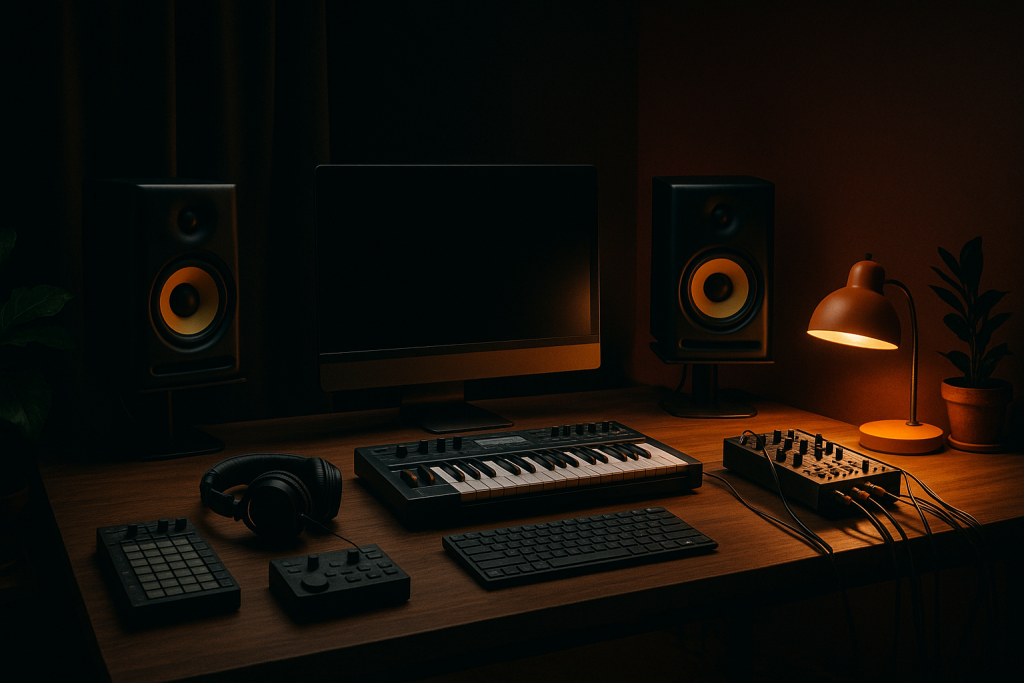
The Custom Production Stack That Protects Your Taste
I have no romance about doing everything alone. Some artists need a ghost producer. Some need a mix engineer. Some need a topliner who can write one honest phrase instead of twelve clever ones. The danger is handing over taste along with the job.
The right independent artist tools help you brief collaborators without becoming vague. A reference pack, voice memo, key range, BPM target, lyric angle, and mix notes can save days. The wrong brief says make it sound professional. Nobody knows what that means at 11 p.m.
Briefs Beat Mood Boards
A good custom production brief has friction in it. Say the bass should hit like a 124 BPM tech house record, but the vocal should stay dry and close, more club booth than festival shout. Name two things you do not want. That matters.
I ask artists for three references and one anti-reference. The anti-reference is often the most useful file in the folder because it protects identity.
How to Keep Ownership of the Sound
If another producer builds the track, request stems, MIDI where possible, dry vocals, wet vocals, and a short mix note. You are not being difficult. You are building a system for the next record.
Independent artist tools should make collaboration cleaner, not hide the process. If a finished track arrives like a sealed box and nobody can explain the kick chain, you have bought a result but learned nothing.
- Stem folders keep future edits possible.
- Session notes reveal arrangement and mix choices.
- Reference playlists keep taste consistent across releases.
- Feedback deadlines stop revisions becoming therapy.
- Send BPM, key, vocal range, and release goal in the first brief.
- Include one anti-reference to block the wrong direction.
- Ask for stems labelled by group and effect status.
- Keep final feedback to musical decisions, not nervous tinkering.
- Store collaborator notes beside the final master.
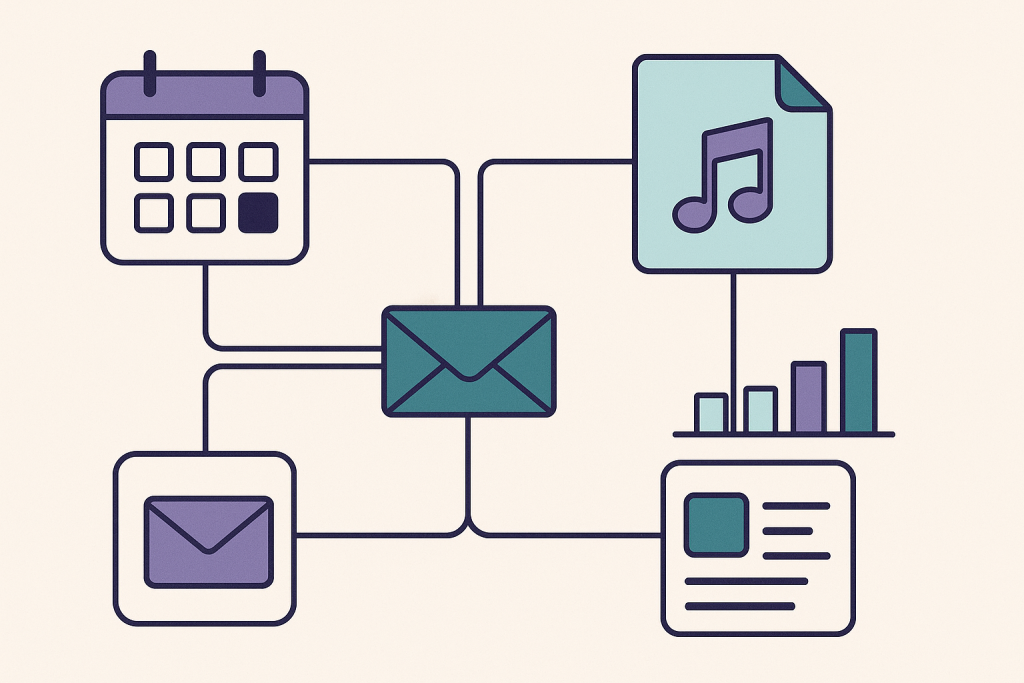
Release Admin Tools That Make Growth Visible
The least sexy part of artist growth is the part that proves it happened. I once worked with a singer who had stronger songs than her numbers suggested. Her problem was not talent. It was scattered release admin. No pre-save plan, no clean mailing list, no DJ promo tracking, no spreadsheet showing which posts moved listeners.
After three releases, her independent artist tools were simple: Notion for planning, Feature.fm for links, Mailchimp for email, Chartmetric for watching movement, and Google Sheets for DJ reactions. Not glamorous. Useful.
Track Actions, Not Hopes
I do not care how inspired the campaign feels if nobody knows what was done. Track dates, assets, captions, playlists pitched, DJs contacted, replies, radio edits sent, and follow-up reminders. That list makes patterns visible.
If thirty DJs ignored the promo but four saved it, study the four. Genre, region, set time, and previous support tell you more than another vague motivational post.
The Numbers I Trust
Streams matter, but early growth often shows up elsewhere first. Saves, repeat listeners, email replies, DJ support, Shazam spikes, and completion rate on short clips tell a sharper story. I would rather see 300 people return to a track than 10,000 empty plays from a dead campaign.
This is the quiet power of independent artist tools. They turn noise into evidence.
- Build the release calendar six weeks before the date.
- Keep one folder for artwork, masters, snippets, captions, and press text.
- Log every DJ, playlist, blog, and radio contact.
- Review saves and repeat listeners one week after release.
- Write a post-release note before starting the next track.
| Tool | Best Use | My Take |
|---|---|---|
| Ableton Live 12 | Writing, arrangement, rough mix | Fastest path from loop to finished structure if you use Arrangement View early. |
| Ableton Push 3 | Playing ideas and escaping mouse habits | Great when it creates movement, wasteful when it becomes a loop toy. |
| Metric AB | Reference checking | Brutally useful for level-matched comparisons and low-end reality checks. |
| FabFilter Pro-Q 4 | EQ, mid/side cleanup, problem solving | Still my first call for cutting 220 Hz mud or taming 3 kHz bite. |
| Pioneer DDJ-FLX10 | Home DJ testing | Enough controller to expose weak intros, bad blends, and lazy gain staging. |
| Notion | Release planning and briefs | Boring in the best way. It keeps collaborators and deadlines visible. |
Further reading
- Ableton Live — Official source for Ableton Live features and workflow details used in production sessions.
- Sound On Sound gain staging — Respected engineering publication with practical technical guidance on DAW gain staging.
Frequently asked questions
What are the best independent artist tools for growth?
The best independent artist tools are the ones that help you finish, test, release, and review music. I would start with Ableton Live or your main DAW, Metric AB for references, FabFilter Pro-Q 4 for mix decisions, a DJ testing setup, and Notion or Trello for release planning.
How can an independent artist grow without a label?
Finish music on a schedule, test it in real DJ or listener contexts, collect direct audience data, and keep release admin tight. Labels can amplify momentum, but they rarely create the basic discipline. A small catalogue with clear identity beats random singles chasing every trend.
Should I use ghost production as a new artist?
Ghost production can help if you treat it as collaboration with standards, not a shortcut around taste. Bring references, explain what you want to avoid, ask for stems, and study the arrangement. The goal is a stronger release and a better ear for the next one.
What gear should bedroom producers buy first?
Buy monitoring before status gear. Good headphones, reliable studio monitors, and a simple MIDI controller will improve decisions faster than expensive decks. If you DJ too, a Pioneer DDJ-FLX10 or XDJ-RX3 gives you enough control to test tracks properly at home.
How do I know if my track is ready to release?
A track is close when it translates on several systems, holds up against references at matched loudness, mixes cleanly in a DJ set, and still feels exciting after a day away. If only one playback setup flatters it, keep working.
Are music marketing tools worth paying for?
Some are worth it once you have music and a release rhythm. Link tools, mailing list software, and basic analytics can show what is working. Paying for complex dashboards before you finish records is backwards. Build the habit first, then upgrade the tool.
Conclusion
The tools are not the career. They are the rails that keep the career from skidding off every time a record gets difficult. I trust independent artist tools that force decisions: arrange earlier, reference honestly, test on DJ gear, brief collaborators clearly, and review the release after the noise dies down.
The artists I have seen grow were not always the most gifted in the room. They were the ones who kept evidence. They knew which basslines worked, which DJs replied, which hooks survived phone speakers, and which habits wasted whole weeks. Try this in your next session: build the arrangement before sound-design polishing, bounce a rough, test it like a DJ, and write down what breaks.
Independent artist tools — Quick Recap
The fastest way to lock in independent artist tools is to internalise the workflow above and repeat it on every project. Start small: pick one technique from this independent artist tools guide, apply it to your next session, and audit the result against a reference track.
- Growth starts when sessions stop falling apart at arrangement, versioning, and feedback.
- Reference tools like Metric AB prevent loudness and low-end guesswork.
- DJ gear is most valuable when it tests real mix points and crowd-facing energy.
- Custom production works best with clear briefs, stems, anti-references, and deadlines.
Treat independent artist tools as a habit, not a one-off — the producers who consistently nail independent artist tools are the ones who run the same checks on every track. That’s the difference between a clean, club-ready master and a track that sounds great at home but falls apart on a real system.
In a real studio session, independent artist tools comes down to the order in which you make decisions: reference first, gain stage second, then the creative work. Producers who treat independent artist tools as a checklist instead of a vibe end up shipping more tracks.
Most producers and DJs undervalue independent artist tools because the wins are invisible until the track plays back on a real system. Bake independent artist tools into your template and the next ten projects benefit automatically.
When you struggle with independent artist tools, the fix is rarely a new plugin. Loop a problem section, A/B against a reference, and isolate which element is breaking your independent artist tools.
Treat independent artist tools as a craft, not a chore. The producers releasing on the biggest labels lock independent artist tools in early so they can spend their energy on melody and arrangement instead of fighting the mix.
My Career makes videos from your own track and posts them for you, pitches your release to 34,000+ labels, playlists, radio stations, YouTube channels and blogs, puts it in every store and briefs you every morning. Free plan, no card, two minutes to set up.


