 By Emma Carter · October 8, 2026
How to use fl studio feels hardest when every window is open, the kick is too loud, the Piano Roll is empty, and YouTube has you changing settings you do not understand. The fix is not learning every menu. It is learning the order: make a 4-bar idea, arrange it, record what you need, mix with headroom, then export cleanly.
If you searched how to use fl studio because you want to make EDM, edits for DJ sets, beats, or release-ready demos, start smaller than a full song. We see this constantly in our own ghost production marketplace: unfinished ideas usually fail from messy workflow, not lack of talent. FL Studio 21, current 2026-era builds, and even the trial all make sense once you stop treating the DAW like one giant screen.
How to use FL Studio for beginners: Where do you start?
Start with four windows: Browser, Channel Rack, Piano Roll, and Playlist. The Mixer comes once sound is happening. If you open every tool at once, FL Studio feels like a cockpit. If you move one sound at a time, it behaves.
For a first dance track, set the tempo before touching notes. House and tech house usually sit around 124 to 128 BPM. Drum and bass sits around 170 to 174 BPM. Trap often lands between 130 and 150 BPM, with half-time drums.
How to use FL Studio in a 20-minute loop
Load an empty project. Add a kick, clap, closed hat, bass, and one chord sound. Use the Channel Rack for drum hits, then right-click an instrument and open the Piano Roll for bass or chords. Keep everything inside 4 bars until the loop has a pulse.
- Kick on every beat for house.
- Clap on beats 2 and 4.
- Closed hat on offbeats.
- Bass notes between the kicks, not randomly under them.
- One chord stab or pad to give the loop a key.
That is the basic answer to how to use fl studio: build a small loop, then promote it to an arrangement. Do not start by mastering, collecting plugins, or building a 64-track template.
- Browser: find samples, presets, and project files.
- Channel Rack: trigger drums and instruments.
- Piano Roll: write melodies, basslines, chords, and edits.
- Playlist: arrange patterns and audio into a song.
- Mixer: route, balance, EQ, compress, and automate.
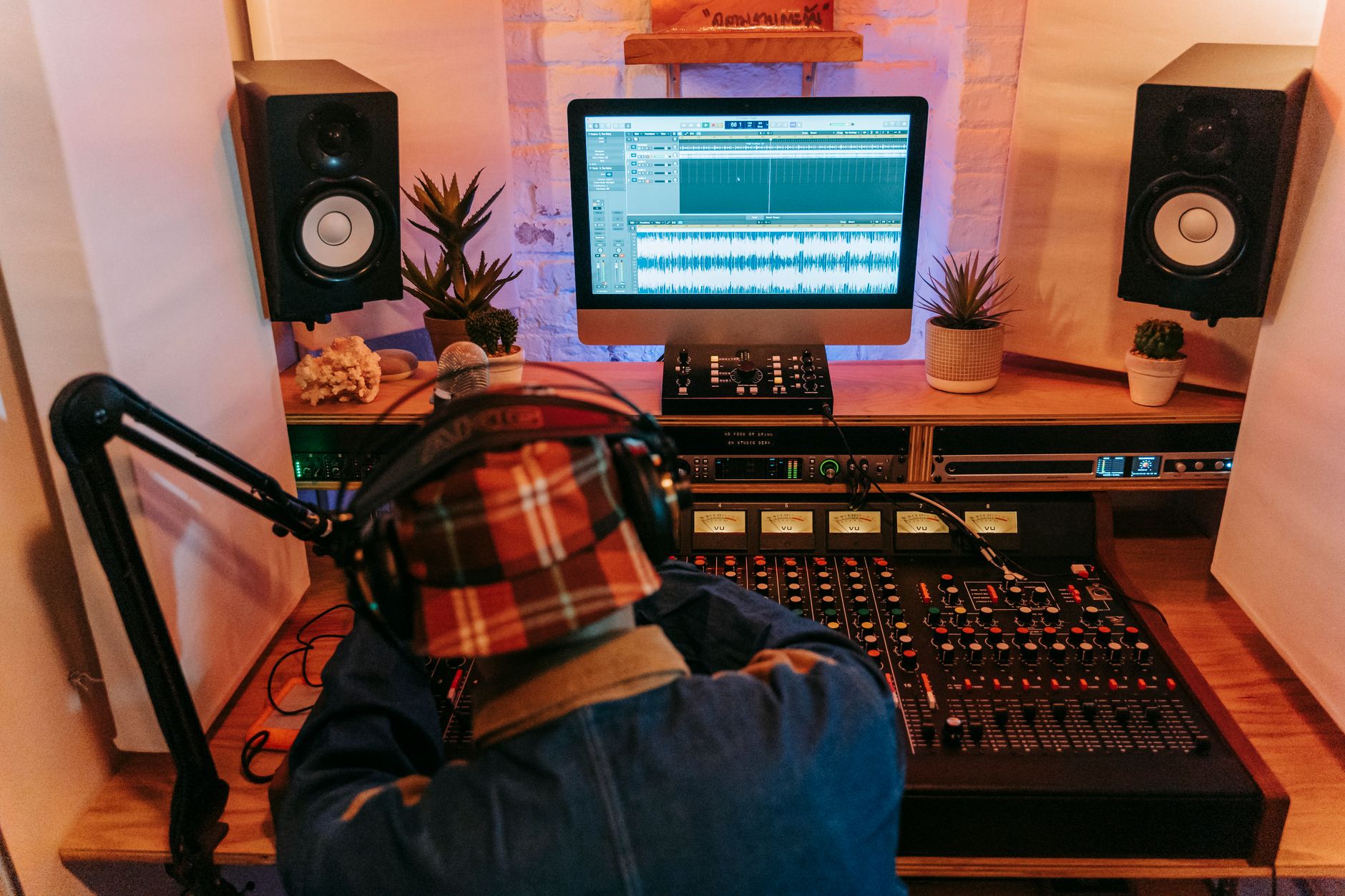
What is the fastest way to build drums, bass, and chords?
Do drums first if you are making club music. A weak groove makes every synth preset sound worse. Use stock FL tools before buying anything: FPC for pads, FLEX for fast sounds, 3xOsc for simple bass, Sytrus when you want deeper FM tones.
Build from contrast. The kick needs weight, the clap needs snap, the hat needs movement, and the bass needs a job. If every part plays constantly, the loop has no bounce.
What settings make the first loop less stiff?
Move hats and percussion slightly before or after the grid only after the core pattern works. In the Channel Rack, try swing around 10% to 18% for shuffled house drums. For trap hats, use 1/16 notes, then add short 1/32 rolls at the end of every 2 or 4 bars.
For bass, keep the first patch simple. A sine or triangle sub with a little saturation will teach you more than a giant preset. Cut notes short if the kick disappears. If the bass sustains over every kick, route the kick to the bass sidechain and use Fruity Limiter in compressor mode: fast attack, 80 to 140 ms release, and enough threshold for 3 to 6 dB of gain reduction.
- Write drums in 4 bars before touching the full arrangement.
- Use velocity changes on hats, usually 60 to 100 instead of all 100.
- Keep sub bass mostly mono below 120 Hz.
- Use one main chord sound, not five stacked pads.
- Duplicate the loop only after it works at low volume.
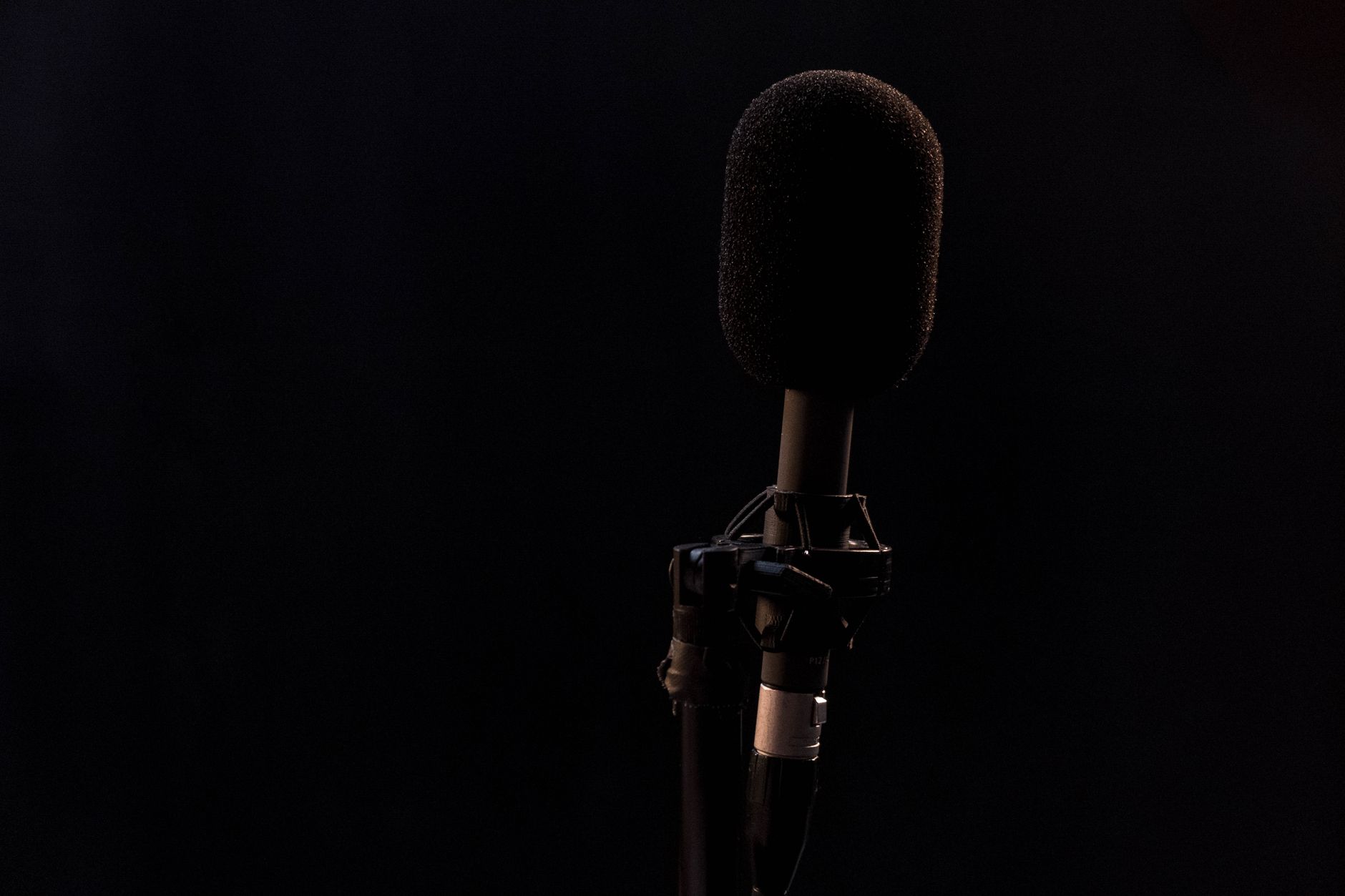
How do you use FL Studio to record vocals or instruments?
Recording in FL Studio is straightforward once the input path is correct. Plug the mic or instrument into your audio interface, choose an ASIO driver, then select the interface input on a Mixer track. Arm that track, hit record, and choose audio into the Playlist.
Use a 128-sample buffer while tracking if your computer handles it. If you hear clicks, move to 256. For mixing, 512 or 1024 samples is fine because latency no longer matters.
What levels should you record at?
Aim for peaks around -12 to -6 dBFS on the recorded signal. Red meters are not character. They are ruined takes. Record 24-bit WAV where possible, leave the singer or instrument some room, and fix tone after the performance is captured.
If you need a fast vocal chain, start light: noise cleanup only if needed, high-pass around 80 to 120 Hz, gentle compression, then a send to Valhalla VintageVerb or Fruity Reeverb 2. If the room is ugly, less reverb usually sounds more expensive.
- Set the correct audio device before recording.
- Name the Mixer track before tracking multiple takes.
- Record dry unless you truly need printed effects.
- Use Edison for quick captures, edits, and cleanup tasks.
- Keep a muted backup take before heavy pitch or timing edits.
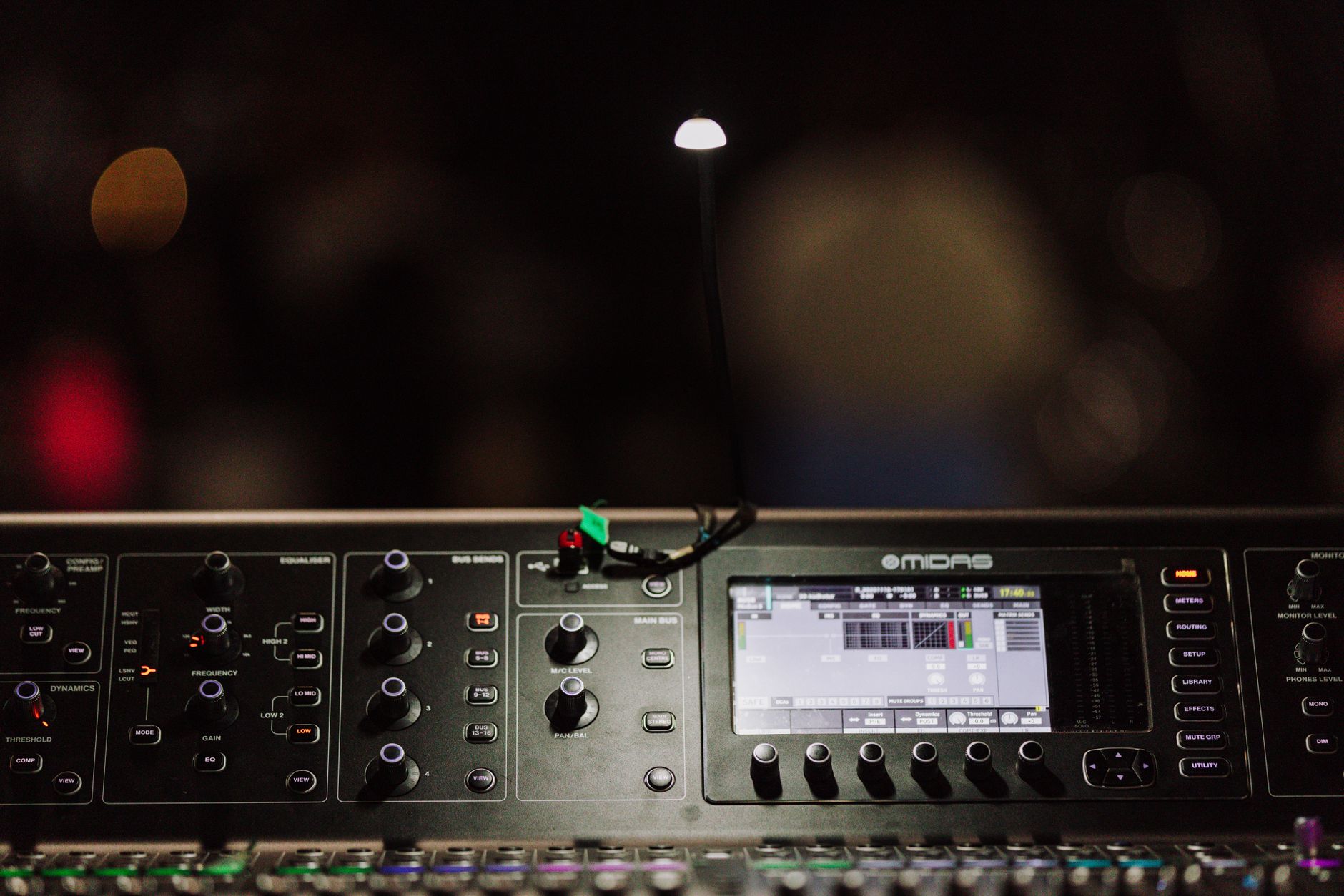
How do you mix and export without wrecking the track?
The beginner mistake is mixing too loud too early. Pull the master down? No. Pull the channels down. Leave the master at 0 dB, balance the kick around -10 to -8 dB peak, then build the track around it. Try to keep the premaster peaking around -6 dB before limiting.
Route every important sound to the Mixer with Ctrl+L. Name tracks. Color them. Boring, yes. Faster later.
Which mix moves matter first?
Use EQ before fancy processing. In FabFilter Pro-Q 4 or Fruity Parametric EQ 2, high-pass non-bass parts around 80 to 150 Hz when they are stealing low-end space. Check the 220 to 350 Hz area if the mix feels boxy. Do not cut everything there by habit. Sweep, find the problem, then move.
For loud exports, use a limiter last. Youlean Loudness Meter can show whether you are crushing the master. For streaming-safe demos, -14 LUFS integrated is conservative. For club-focused EDM references, you may see -8 to -6 LUFS, but that needs a clean mix before the limiter. Export WAV at 24-bit for delivery and MP3 at 320 kbps for quick sharing.
- Keep the master from clipping before adding a limiter.
- Sidechain bass to kick when they overlap.
- Check the mix quietly before making it louder.
- Use reference tracks, but level-match them first.
- Export with tail enabled so reverb and delay do not get chopped.

How do you use FL Studio free version, Mobile, or PC in 2026?
The core workflow is the same on PC across FL Studio 21 and current 2026-era versions: Channel Rack, Piano Roll, Playlist, Mixer. Searches like “FL Studio 26” usually mean “what changed now?” The honest answer: the basics still matter more than the version number.
The trial lets you test the DAW seriously, but it is not a smart long-term setup because saved projects cannot be reopened in the trial the way a paid license can. Cracked copies are worse: illegal, unstable, and a great way to poison a working machine with malware.
When does FL Studio Mobile make sense?
FL Studio Mobile is useful for sketching chords, melodies, and drum ideas away from the desk. I would not choose it for final mixing over the desktop version. Use it to catch ideas, then rebuild or refine them on PC when you need proper routing, plugin control, recording, and export options.
If you are learning how to use fl studio on pc, do not copy every mobile habit. The desktop Playlist and Mixer are the real power. Treat Mobile as a notebook, not the whole studio.
- Use the free trial to test workflow, not to run serious projects forever.
- Stay legal if you plan to release music or collaborate.
- Learn the desktop version first if your goal is finished tracks.
- Use Mobile for sketches, hooks, and travel ideas.
- Ignore version panic until your basic loop-to-export process is solid.
| Area | Use It For | Beginner Setting Or Habit | Common Mistake |
|---|---|---|---|
| Channel Rack | Drums, one-shots, quick patterns | Start with 4-bar patterns | Adding too many sounds before the groove works |
| Piano Roll | Basslines, chords, melodies | Use 1/8 and 1/16 grids first | Writing notes that clash with the kick |
| Playlist | Song structure and audio clips | Arrange in 8 or 16-bar blocks | Leaving one loop running for three minutes |
| Mixer | Levels, EQ, sends, sidechain | Leave about -6 dB headroom | Mixing into clipping from the first hour |
Worth a deeper read: Learning.
Questions producers actually ask
Can a beginner learn how to use FL Studio?
Yes. A beginner can learn FL Studio if they focus on the main workflow instead of every feature. Start with Channel Rack, Piano Roll, Playlist, and Mixer. Build 4-bar loops, turn them into 8 or 16-bar sections, then export simple drafts. That beats watching random advanced tutorials for weeks.
Is FL Studio difficult to learn?
FL Studio is not difficult once you understand its separate windows. It feels confusing because drums, instruments, audio, patterns, and mixing do not all live in one lane. Give yourself a week to repeat the same small workflow daily, and the DAW starts to feel logical.
How do you use FL Studio?
Choose a tempo, load sounds in the Channel Rack, write notes in the Piano Roll, arrange patterns in the Playlist, route tracks to the Mixer, then export your song. For EDM, start with kick, clap, hats, bass, and one chord sound before adding vocals, effects, or complex automation.
Is cracking FL Studio legal?
No. Cracking FL Studio is illegal, and it is a bad move for anyone planning to release music. Cracked installers often carry malware, break updates, and can corrupt projects. Use the trial to test it, then buy the license tier that matches your actual recording and plugin needs.
What to remember
- Learn the Browser, Channel Rack, Piano Roll, Playlist, and Mixer before chasing advanced tricks.
- Start every beginner session with a 4-bar loop, then arrange in 8 or 16-bar sections.
- Record vocals or instruments at -12 to -6 dBFS peaks with an ASIO driver selected.
- Keep about -6 dB of premaster headroom before limiting or loudness work.
- FL Studio Mobile is best for sketches, while the desktop version is stronger for finished tracks.
- Avoid cracked software if you care about stability, legality, and future releases.
Wrapping up
The cleanest way to learn how to use fl studio is to repeat one full path until it feels boring: set tempo, build a 4-bar groove, write bass and chords, arrange the Playlist, record what the track needs, mix with headroom, then export properly. That loop teaches more than collecting presets or opening ten tutorials at once.
For your next session, do not start with a full song. Open an empty project, set a timer for 45 minutes, and finish one 8-bar section with drums, bass, chords, and a rough mix. Save it, export it, listen tomorrow, then make the next one cleaner.
My Career makes videos from your own track and posts them for you, pitches your release to 34,000+ labels, playlists, radio stations, YouTube channels and blogs, puts it in every store and briefs you every morning. Free plan, no card, two minutes to set up.