
 By TGP DJ Desk · August 28, 2026
How speakers work is easier to hear than to memorize: voltage moves a coil, the coil pushes a cone, and the cone shoves air at your ears. That is the whole trick. Once you hear how speakers work in a real room, your mix decisions get less random.
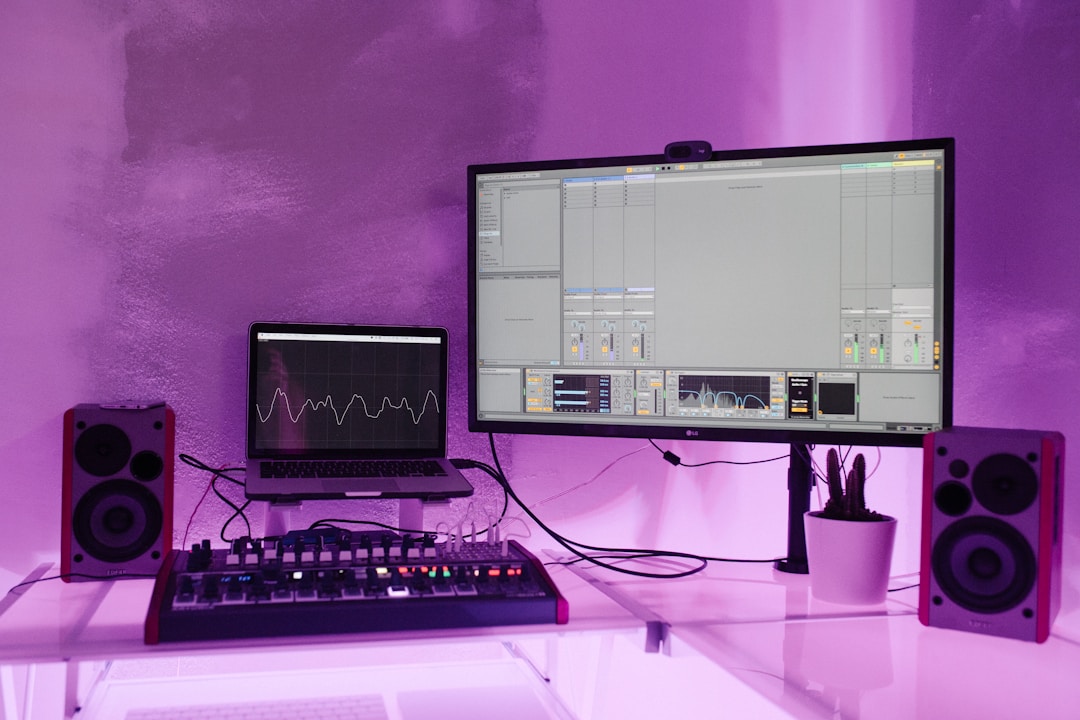
Put one hand near your monitor, play a 60 Hz sine wave quietly, then switch to 1 kHz. The low tone moves air like a slow piston. The 1 kHz tone barely looks like movement, but it is still happening hundreds of times per second. We will use studio tools, not textbook fog: a DAW tone generator, Room EQ Wizard, a measurement mic, and the monitors you already own. Yamaha HS5, KRK Rokit 5 G4, Genelec 8030C, same core principle.
How speakers work physics: Voltage, Magnet, Cone
A speaker is an electric motor that moves back and forth instead of spinning. Your audio interface sends changing voltage down the cable. That voltage hits the voice coil, a coil of wire sitting inside a magnetic gap. Current through the coil creates a magnetic field. The fixed magnet pushes or pulls against it. The cone follows.
That moving cone compresses and rarefies air. Your ear reads those pressure changes as sound. Slow movement gives bass. Fast movement gives mids and highs. Bigger movement gives more level, until the driver runs out of clean travel.
How speakers work in one signal chain
Picture the chain like this: DAW track, audio interface, amplifier, voice coil, cone, air, ear. The speaker does not understand basslines or vocals. It only follows voltage changes.
Open a synth or test oscillator. Set a sine wave to 100 Hz. Pull the master down to about -20 dBFS before you play it. Now sweep slowly up to 1 kHz. Listen to the cone stop looking dramatic while the pitch rises. Same machine. Different speed.
What the main parts actually do
- Voice coil: turns current into motion.
- Magnet: gives the coil a fixed magnetic field to push against.
- Cone: moves air. Paper, polypropylene and metal all have different breakup behavior.
- Surround and spider: keep the cone centered while it moves.
- Cabinet: controls rear-wave energy so the speaker does not cancel itself.
- Bass needs larger cone travel than treble.
- Small 5-inch monitors usually fade below 50 to 60 Hz.
- Distortion rises fast when the coil leaves its clean magnetic gap.
- A port boosts bass near its tuning frequency, then support drops sharply.
The Studio Tools That Make the Speaker Working Principle Obvious
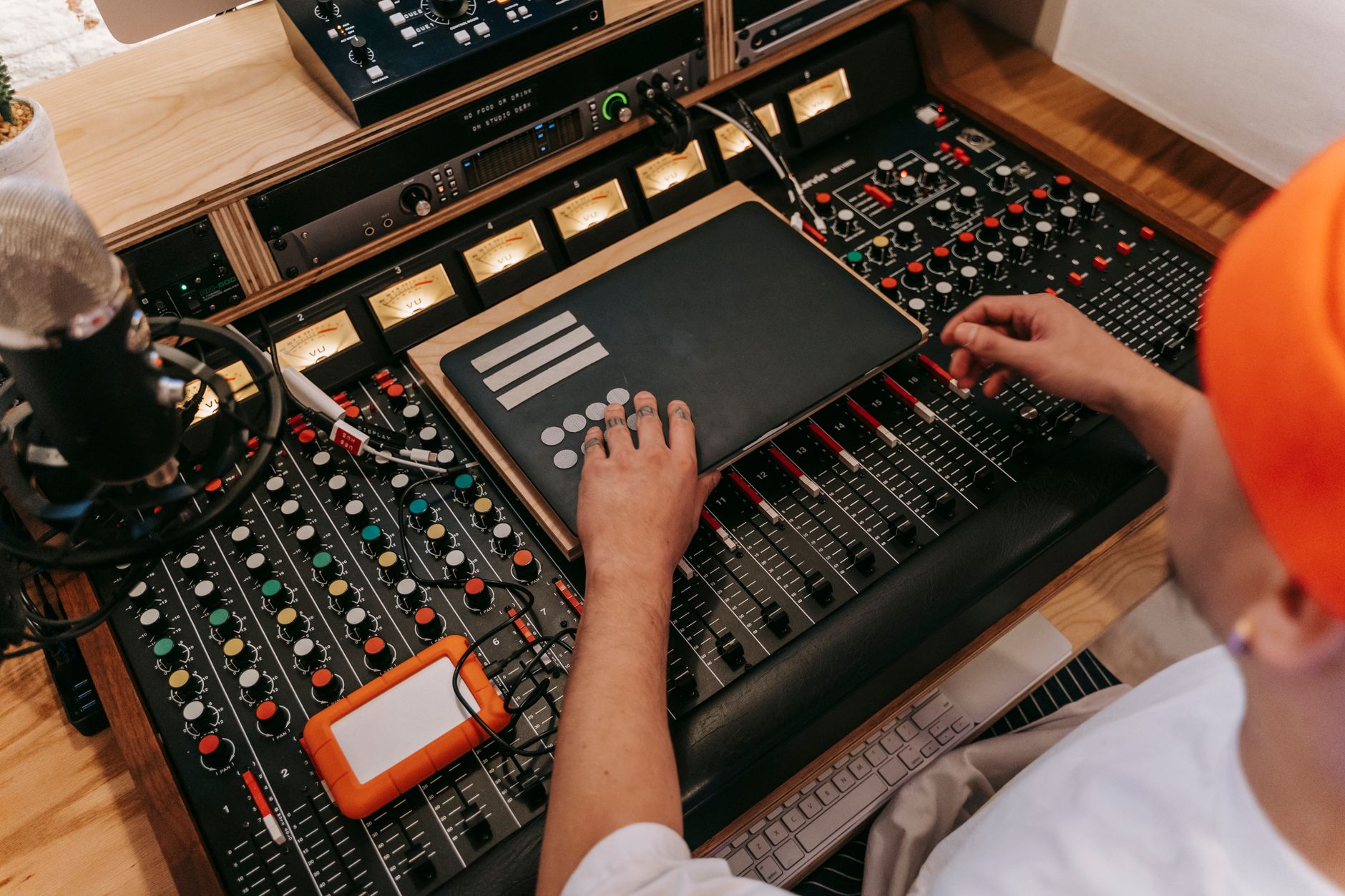
You do not need a lab. Use simple production tools and keep the level sensible. For a bedroom setup, aim around 75 to 80 dB SPL at the listening position. Loud tests lie because your room starts shouting back.
Here is the practical kit I would put on the desk for this lesson.
Tool 1: A sine generator in your DAW
Ableton Live has Operator. Logic Pro has Test Oscillator. FL Studio has 3x Osc. Set a sine wave, not a saw. Start at 60 Hz, then try 100 Hz, 250 Hz and 1 kHz. Keep the channel low. A steady sine exposes cone movement better than a finished track.
Tool 2: Room EQ Wizard and a measurement mic
Room EQ Wizard with a MiniDSP UMIK-1 shows what your room does after the cone moves. Run a sweep at moderate level. If you see a giant 55 Hz peak, your speaker did not magically get bigger. Your room added pressure at that spot.
Tool 3: Your normal reference track
Use a track you know cold. For house or techno, pick something with a clean kick fundamental around 50 to 60 Hz and a bassline that leaves space. Switch between the sine test and the reference. Your ear connects the physics to music faster that way.
- Use -20 dBFS pink noise for setup, not a mastered track pinned near zero.
- High-pass test tones below 30 Hz on small monitors if the woofer starts flapping.
- Keep your interface output fixed while comparing speaker positions.
- Write down distance from wall changes in centimeters, not vague guesses.

Step-by-Step: Hear the Driver Move With a Sine Sweep
This is the workshop bit. Do it once and the usual diagrams stop feeling abstract. You are going to hear how speakers work without opening the cabinet.
Set up the test safely
Turn your monitors down. Put your DAW master at -18 dBFS. Insert a sine generator on a blank audio track. Start at 80 Hz. Play for three seconds, then stop. Walk to the speaker and look at the woofer from the side. Do not touch the cone.
Now move to 40 Hz. If the cone travel jumps but the tone does not get much louder, you are near the low-end limit of the box. Back off. That is not usable bass; that is the driver working too hard.
Sweep the range like a producer
Try this exact pass:
- 40 Hz for sub movement.
- 60 Hz for kick weight.
- 120 Hz for bass body.
- 240 Hz for low-mid buildup.
- 1 kHz for vocal presence.
- 5 kHz for bite and hiss.
At 240 Hz, open an EQ on a drum loop and cut 6 to 8 dB with a medium Q. Listen. That ugly box tone is not mystery mud. It is air pressure and room interaction stacking up.
Turn the lesson into mix decisions
If a small monitor cannot reproduce 35 Hz cleanly, stop boosting 35 Hz. Use a spectrum analyzer and references, then make the bass speak at 55 to 90 Hz. On club tracks, that often translates better than chasing sub you cannot monitor.
We see this constantly when checking releases for audio quality, originality, files, artwork and metadata: mixes with controlled low mids usually travel better than mixes built around invisible sub.
- Set oscillator level before turning monitors up.
- Stop if you hear buzzing, scraping or sudden level jumps.
- Use one speaker at a time when hunting rattles.
- Return your DAW routing to normal after the test.

How Speakers Work Diagram: From Waveform to Air Pressure
A useful how speakers work diagram should not look like a car engine manual. Keep it simple: waveform goes in, cone movement comes out, room changes what arrives.
If you imagine an animation, the cone should move forward on positive voltage and backward on negative voltage. Reverse the polarity on one speaker and the cone movement flips. That is why left and right wiring matters.
Why stereo can collapse when polarity is wrong
Play a mono kick through both monitors. Sit centered. If one speaker is wired opposite, low frequencies partly cancel at your head. The kick gets hollow. The bass feels weak. Hit the mono button in your DAW or monitor controller and check before blaming the sample.
Why tweeters and woofers share the job
A woofer is heavy compared with a tweeter. It handles bass and low mids because it can move more air. A tweeter is light and fast, so it handles high frequencies. The crossover splits the signal, often somewhere around 2 kHz to 3 kHz on small two-way monitors.
This is why you should not judge hi-hat harshness from the woofer or sub weight from the tweeter. Different drivers, different jobs.
- Positive voltage usually pushes the cone forward.
- Negative voltage usually pulls it backward.
- A crossover sends lows and highs to different drivers.
- Room reflections arrive after the direct sound and smear detail.

Fix My Speaker Checks Before You Blame the Mix
Sometimes the mix is fine and the playback chain is lying. Before you redo a bassline, run these checks. They take five minutes.
Rattle, buzz or no bass
Play pink noise at a low level, then mute one speaker. Swap left and right cables at the interface. If the problem moves, it is upstream. If it stays on the same box, the speaker or cable near that speaker is suspect.
Use a 60 Hz sine at low level for rattles. Put light pressure on the desk, stand, wall plate and loose objects nearby. Many “broken speaker” sounds are a vibrating lamp, a cable clip or a monitor stand screw.
Placement beats random EQ
Start with an equilateral triangle: left speaker to right speaker equals each speaker to your head. For many desks, 90 to 120 cm works. Keep tweeters at ear height. Pull rear-ported speakers at least 20 to 30 cm from the wall if the low end is booming.
Then measure. Room EQ Wizard will show dips and peaks that no plugin can fully fix. A 15 dB null at 90 Hz is usually placement, not a mastering problem.
- Check both speakers separately.
- Swap cables before buying anything.
- Test at quiet and moderate levels.
- Move the speaker 10 cm and measure again.
- Save EQ correction for small cuts, not giant rescue boosts.
| Tool | What It Shows | Useful Setting | Best Use |
|---|---|---|---|
| DAW sine generator | Cone motion and frequency limits | 40 Hz to 1 kHz, master at -18 dBFS | Hearing the basic speaker working principle |
| Room EQ Wizard | Room peaks, nulls and decay | Moderate sweep around 75 to 80 dB SPL | Separating speaker problems from room problems |
| MiniDSP UMIK-1 | Measured response at your seat | Mic at ear height, pointed as calibrated | Checking bass translation and stereo balance |
| Reference track | Real musical translation | Level-matched within 1 dB | Connecting measurements to production choices |
Sources worth your time
- Loudspeaker — en.wikipedia.org
FAQ
How speakers work step by step?
An audio signal sends changing voltage to the speaker. That voltage creates current in the voice coil. The coil reacts against a magnet and moves forward or backward. The cone attached to the coil moves air. Your ears receive those air-pressure changes as pitch, tone and volume.
What is the 83% rule for speakers?
The 83% rule is a placement shortcut some engineers use: set the distance between the left and right speakers to about 83% of the distance from either speaker to your head. It narrows the stereo triangle compared with equal spacing. I prefer starting equilateral, then measuring and moving in 10 cm steps.
How do speakers know what sound to make?
They do not know. A speaker simply follows the electrical waveform coming from the amp. If the voltage changes slowly, the cone moves slowly and you hear low pitch. If it changes quickly, the cone moves quickly and you hear higher pitch. The music information is already encoded in that waveform.
Do speakers work both ways?
Yes, a dynamic speaker can work as a crude microphone. Move the cone and the coil cuts through the magnetic field, generating a small voltage. It will sound dull and noisy compared with a proper mic, but the physics is the same in reverse.
how speakers work comes down to one repeatable chain: voltage, magnet, coil, cone, air, ear. The producer skill is knowing where that chain bends the truth. A small monitor cannot print clean 30 Hz just because your analyzer shows it. A room null will not disappear because you boosted an EQ band. A rattling desk can masquerade as a damaged woofer.
Try the sine sweep in your next session. Keep it quiet, write down what you hear, then move one speaker 10 cm and test again. That tiny workshop will teach you more about translation than another hour of guessing on the master bus.
My Career makes videos from your own track and posts them for you, pitches your release to 34,000+ labels, playlists, radio stations, YouTube channels and blogs, puts it in every store and briefs you every morning. Free plan, no card, two minutes to set up.



