
A free digital audio workstation should let you record audio, program drums, arrange a full track, load third-party plugins, and export a clean WAV without pretending a two-track editor is a studio. The right free digital audio workstation is not the one with the longest feature list. It is the one that stays out of the way when you are trying to finish a 128 BPM house idea at midnight on a laptop fan that already sounds tired.
For most beginners on Windows 11, start with Waveform Free. For Mac users, GarageBand is still the sane first stop. For Linux users, Ardour makes sense if you accept the build-or-pay model. Reaper DAW belongs in the conversation, but not as a free DAW. Its evaluation is generous, not free. That distinction matters when you are choosing software for releases under your own artist name, which we see constantly with first-time artists.
Free Digital Audio Workstation Choices That Are Actually Usable
A free digital audio workstation has to pass four boring tests: it records audio without drift, hosts plugins, handles MIDI, and exports standard files. If it fails one of those, it is not the center of your studio. It is a sketchpad.
The textbook answer is to choose the DAW with the most features. In practice, that is wrong. Stability, plugin support, and export limits matter more than a modulation system you will not touch for six months.
What Counts As A Real DAW
A proper DAW gives you audio tracks, MIDI tracks, routing, editing, automation, plugin hosting, and offline export. Minimum export target: 24-bit WAV at 44.1 kHz or 48 kHz. If the free tier only exports MP3, treat it as a demo tool.
Audacity is useful for trimming a vocal, normalizing a sample, or checking a file. It is not where I would arrange a club track with sidechain compression, automation lanes, bus processing, and 80 tracks of audio.
Free Digital Audio Workstation Minimum Spec Checklist
Before installing anything, check the dull items. You want ASIO support on Windows, AU or VST3 on Mac, and stable VST3 hosting if you plan to use current plugins. Your session should run at 24-bit, 48 kHz with a 128-sample buffer while recording and a 512 or 1024-sample buffer while mixing.
- Record one mono audio track for 3 minutes without clicks.
- Load a VST3 synth and a VST3 EQ on separate tracks.
- Automate one filter cutoff over 8 bars.
- Export a 24-bit WAV and re-import it to check timing.
- Do not judge a DAW from screenshots.
- Plugin hosting beats bundled loop packs.
- Offline WAV export is mandatory.
- ASIO support matters on Windows machines.
- A boring stable DAW finishes more tracks.

Best Free Digital Audio Workstation Download For Windows 11
For a Windows 11 laptop, the best first install is Waveform Free. It gives you unlimited tracks, plugin hosting, MIDI editing, audio recording, automation, and normal export. That is enough to finish a demo, not just start one.
DAW software free download for Windows 11 is a messy search because half the results are trial versions, installers wrapped in adware, or abandoned builds. Download only from the developer. If the installer asks to add browser extensions, close it.
Waveform Free DAW On Windows
Waveform Free is not pretty in the traditional console sense. Fine. It works. Set the audio device to your interface ASIO driver, not Windows Audio. If you have no interface, use WASAPI until you buy one. ASIO4ALL can help, but it is a bandage, not a driver.
Start at 48 kHz, 24-bit. Use 128 samples for recording vocals or MIDI keys. Use 512 samples when mixing. If your CPU spikes, freeze tracks before raising the buffer to 2048. Latency above 40 ms feels like playing through wet cement.
What To Install After The DAW
Keep the first plugin folder lean. A free synth, one EQ, one compressor, one limiter, and a loudness meter are enough. Vital is a sensible synth for basses and plucks. Youlean Loudness Meter is useful for checking integrated LUFS before sharing a rough master.
Do not install 300 free plugins on day one. Windows plugin scanning will slow down, and you will spend the session auditioning broken tape saturators instead of writing the second 16-bar section.
- Install the DAW from the official developer site.
- Use the interface ASIO driver where possible.
- Create one VST3 folder and stick to it.
- Set projects to 48 kHz and 24-bit.
- Save sessions to an internal SSD, not a cloud-synced desktop folder.
Waveform Free DAW: The Most Complete No-Cost Install
Waveform Free is the best free digital audio workstation for most new producers because it does not punish you with tiny track counts or watermarked exports. The layout takes an hour to stop feeling odd. That is cheaper than fighting a crippled trial for six months.
It suits bedroom producers making EDM, rap, pop demos, DJ edits, and basic vocal sessions. It is less ideal if you expect a traditional mixer-first workflow with every control exactly where an old SSL operator would put it.
A Basic House Session Template
Build one template before writing. Set tempo to 124 or 128 BPM. Make tracks for kick, clap, hats, percussion, bass, music, FX, lead vocal, vocal doubles, and reference. Route drums to a drum bus, music to a music bus, and all vocals to a vocal bus.
Leave the master fader at 0 dB. Pull channel levels down instead. Aim for peaks around -6 dBFS on the master before limiting. If the kick alone peaks at -2 dBFS, the session is already too hot.
Stock Mixing Moves That Work
On a house kick and bass, high-pass non-bass instruments around 80 to 150 Hz depending on the part. Cut boxy synth pads around 250 to 400 Hz if they fight the vocal. Use sidechain ducking on the bass with 3 to 6 dB of gain reduction, 5 ms attack, and 80 to 140 ms release as a starting point.
Those numbers are not law. They are better than guessing. If the groove pumps late, shorten the release. If the bass disappears after every kick, back off the ratio or reduce the trigger level.
- Use buses from the first session, not after the mix collapses.
- Keep rough masters around -10 to -8 LUFS for sharing, not for final delivery.
- Export 24-bit WAVs for mastering or feedback.
- Bounce MP3 only for messaging apps and quick checks.
- Name tracks before arranging past 16 bars.
Free Online DAWs: Useful, But Not For Heavy Mixes
A free online digital audio workstation is useful when you have a school laptop, a borrowed machine, or a collaboration that needs quick access. BandLab Studio and Soundtrap can record vocals, stack loops, and sketch arrangements without installing software.
I would not mix a release there unless the project is very simple. Browser audio is better than it used to be, but local drivers, plugin folders, and file management still win when the session gets dense.
Where Browser DAWs Make Sense
Use an online DAW for writing toplines, cutting demo vocals, building social snippets, and sharing stems with collaborators who do not own the same software. Keep sessions small: 8 to 24 tracks, short effects chains, and 44.1 kHz audio if the platform defaults there.
If you are on Wi-Fi and the take glitches, do not diagnose your vocal chain first. Check the browser, buffer setting, and network load. A frozen tab can ruin a take as effectively as a bad cable.
Where Browser DAWs Fall Short
Heavy mix sessions need reliable plugin delay compensation, predictable automation, local backups, and fast editing. A 70-track dance record with parallel drum compression, vocal stacks, and reference tracks should live on a local DAW.
Online tools also tend to hide file structure. That is convenient until you need clean stems: kick, drums, bass, music, vocals, FX, all starting at bar 1. For custom production handoff, messy exports waste time.
- Use online DAWs for sketches and collaboration.
- Use local DAWs for final editing and mix prep.
- Export stems from bar 1 every time.
- Check whether the platform exports WAV before committing.
- Keep a local backup of every important vocal take.
Reaper DAW, Ardour, And The Almost-Free Problem
Reaper DAW and Ardour come up in every free digital audio workstation Reddit thread for a reason. They are serious tools. They are also the two choices most often described badly.
Here is the clean version. Reaper is not free. Ardour can be free if you build it yourself from source code. The official ready-made Ardour binaries are paid or subscription-based. That does not make either one bad. It means the word free needs reading glasses.
Reaper Is Cheap, Not Free
Reaper has a 60-day evaluation period and an unusually low license price for personal and small commercial use. Many people keep using it after the evaluation. That is a licensing choice, not a free license.
Technically, Reaper is excellent: tiny installer, strong routing, deep customization, good CPU behavior, and serious editing. For engineers, it is hard to beat. For a first-time producer, the blank default setup can feel like opening a warehouse with no labels.
Is Ardour Actually Free?
Ardour is open-source software. You can download the source code and build it without paying. Most beginners will not do that. If you want official compiled installers, expect to pay a small amount or subscribe.
On Linux, Ardour is a valid studio backbone. On Windows and Mac, I would only send a beginner there if they already understand audio drivers, plugin formats, and file paths. Otherwise, the first week becomes system administration.
- Choose Reaper if you can pay for it and want long-term depth.
- Choose Ardour if you are comfortable with open-source workflows.
- Do not call Reaper free in a release budget.
- Do not expect Ardour binaries to be cost-free by default.
- Read licenses before using software for paid work.
Beginner Setup: Audio, Buffer, And Export Settings
The DAW choice matters less if the session is set up wrong. A free digital audio workstation cannot fix a clipping input, a 4096-sample recording buffer, or a vocal recorded into the laptop microphone across the room.
Set the boring defaults once. Then save them as a template. A beginner template is not a creative prison. It is a way to stop making the same technical mistakes every session.
Recording Settings That Do Not Break
Record at 24-bit. That gives you enough headroom to leave peaks around -12 to -6 dBFS without fear. Do not record vocals peaking at -0.3 dBFS. Digital clipping is not a vibe. It is damage.
For vocals, start with the mic 6 to 8 inches from the mouth, pop filter in place, input peaks around -10 dBFS, and headphones loud enough to pitch but not loud enough to bleed into the mic. Use a 128-sample buffer if the singer hears latency.
Export Settings For Feedback And Release Prep
For feedback, export a 24-bit WAV and a 320 kbps MP3. For mix or mastering handoff, export stems as 24-bit WAV, same sample rate as the session, all starting at bar 1. Do not normalize stems unless requested.
A rough master can peak at -1.0 dBTP with integrated loudness around -12 to -9 LUFS. For streaming delivery, do not chase loudness inside a weak mix. Fix the kick, bass, vocal balance, and stereo low-end first.
- Record 24-bit audio with conservative peaks.
- Use 128 samples for tracking and 512 or 1024 for mixing.
- Keep master headroom near -6 dBFS before limiting.
- Export stems from bar 1 with no master processing.
- Back up the session folder before major edits.
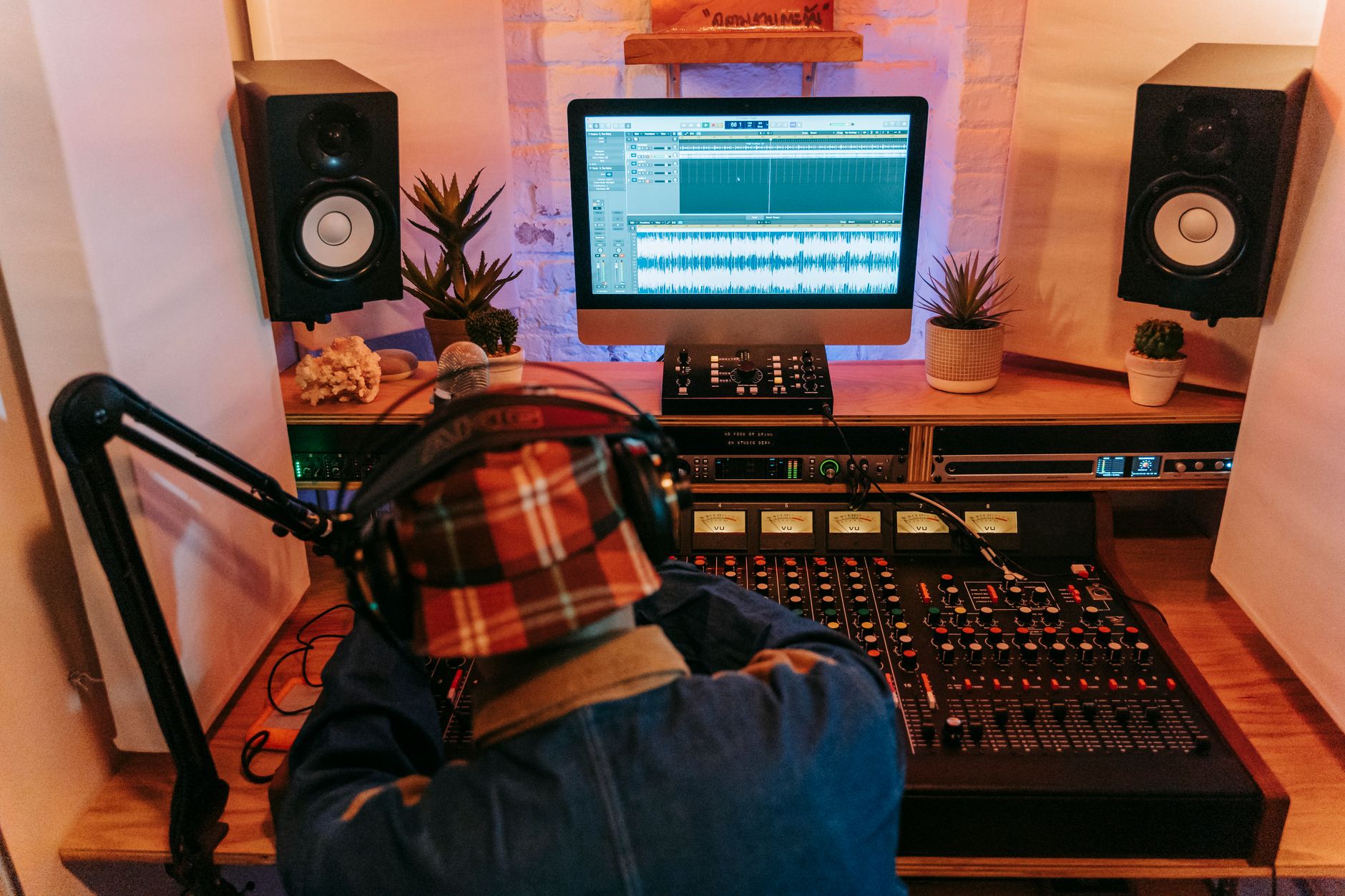
A 30-Minute Test Before You Commit
Do not choose a DAW by watching a 42-minute feature tour. Install it and run a timed test. Thirty minutes is enough to expose driver trouble, confusing editing, bad plugin scanning, and export limits.
This test is blunt. If the free digital audio workstation cannot get through it, uninstall it. There are enough options now that suffering through a broken setup is not discipline. It is wasted studio time.
The Test Session
Create a 16-bar loop at 128 BPM. Add a kick on every beat, a bass line, one chord sound, hats, one audio recording, one automation lane, one send reverb, and one limiter on the master. Export a WAV. Reopen the project. If anything disappears, that is your answer.
Time the steps. A good beginner DAW should let you do this in under 30 minutes after one short setup pass. If you spend 20 minutes finding the piano roll, the software is not teaching you. It is slowing you down.
How To Read Free Digital Audio Workstation Reddit Threads
Reddit can be useful, but filter hard. Ignore comments from people who only name the DAW they already use. Look for posts that mention operating system, audio interface, plugin format, and project type. A Windows 11 trap producer and a Linux film editor are not solving the same problem.
Give more weight to complaints about crashes, export limits, and driver issues than complaints about color themes. You can survive ugly. You cannot survive a DAW that corrupts sessions.
- Test recording, MIDI, automation, sends, and export.
- Run the test before installing extra plugins.
- Restart the DAW and reopen the session.
- Check CPU load with 10 to 20 tracks.
- Pick the tool that lets you finish, not the one with the loudest fan base.
| DAW | Best Use | Main Limit | Platforms |
|---|---|---|---|
| Waveform Free | Best all-round free install for new Windows producers | Interface feels unusual for mixer-first users | Windows, macOS, Linux |
| GarageBand | Fast Mac songwriting, vocals, loops and MIDI | Mac and iOS only, less detailed than Logic Pro | macOS, iOS |
| BandLab Studio | Free online sketches, toplines and collaboration | Browser workflow, limited final-mix control | Web, iOS, Android |
| Soundtrap | Online writing sessions and simple vocal demos | Subscription pressure for deeper features | Web, iOS, Android |
| Ardour | Linux recording, open-source studio setups | Official binaries are not simply free for most users | Windows, macOS, Linux |
| Reaper DAW | Serious routing, editing and long-term engineering work | Evaluation is not a free license | Windows, macOS, Linux |
| Audacity | Fast audio trimming, cleanup and file conversion | Not a full production DAW for arranging and mixing | Windows, macOS, Linux |
Worth a deeper read: Best free DAWs: The best free music production software.
Questions producers actually ask
Is there a free online digital audio workstation available?
Yes. BandLab Studio and Soundtrap both offer browser-based music production with free tiers. They are useful for sketches, demo vocals, loop-based writing, and collaboration. For dense mixes with plugin chains, routing, and stem delivery, use a local DAW instead.
What is a good free DAW for beginners?
Waveform Free is the strongest beginner choice on Windows because it supports unlimited tracks, MIDI, audio recording, plugins, automation, and WAV export. On Mac, GarageBand is the easiest start. Pick the one that gets audio in, MIDI programmed, and a WAV exported without extra drama.
What is the best free DAW in 2026?
For most new producers in 2026, Waveform Free is the best free DAW because it is a real production environment rather than a cut-down trial. GarageBand wins for Mac-only beginners. Ardour is strong for Linux users who understand open-source installation and audio setup.
Is Ardour actually free?
Ardour is open-source, so the source code can be downloaded and built for free. Most users want official ready-made installers, and those are paid or subscription-based. So Ardour can be free, but not in the simple download-and-install sense most beginners mean.
Is Reaper DAW free?
No. Reaper has a generous evaluation period, but it is not free software. It is inexpensive, stable, and very capable, especially for editing and routing. If you use it seriously after the evaluation, buy the license and include it in your production budget.
Can a free digital audio workstation make release-ready music?
Yes, if it records cleanly, hosts plugins, exports 24-bit WAV files, and stays stable. The weak point is usually not the DAW. It is monitoring, arrangement, gain staging, and bad export habits. A clean session in Waveform Free can beat a messy session in paid software.
What to remember
- Waveform Free is the safest first free DAW install for most Windows 11 producers.
- A real DAW must handle audio, MIDI, plugins, automation, routing, and WAV export.
- Reaper is excellent but not free; Ardour is open-source but official binaries usually cost money.
- Browser DAWs are good for sketches and collaboration, not heavy final mixes.
- Use 24-bit recording, conservative input levels, and 48 kHz sessions for reliable work.
- Test any DAW with recording, MIDI, sends, automation, reopening, and WAV export before committing.
Wrapping up
A free digital audio workstation is good enough to finish real music if it passes the practical tests: stable drivers, plugin hosting, MIDI, automation, routing, and clean 24-bit export. For Windows 11, install Waveform Free first and build a simple template. For Mac, use GarageBand until it blocks you. For Linux, consider Ardour if you are comfortable with the setup work. Treat Reaper as paid software with a fair evaluation period, not as a free workaround.
Do the 30-minute test in your next session. Record one part, program one part, automate one control, add one send, export a WAV, close the DAW, and reopen the project. The result will tell you more than another comment thread.
My Career makes videos from your own track and posts them for you, pitches your release to 34,000+ labels, playlists, radio stations, YouTube channels and blogs, puts it in every store and briefs you every morning. Free plan, no card, two minutes to set up.


