
 By TGP DJ Desk · August 30, 2026
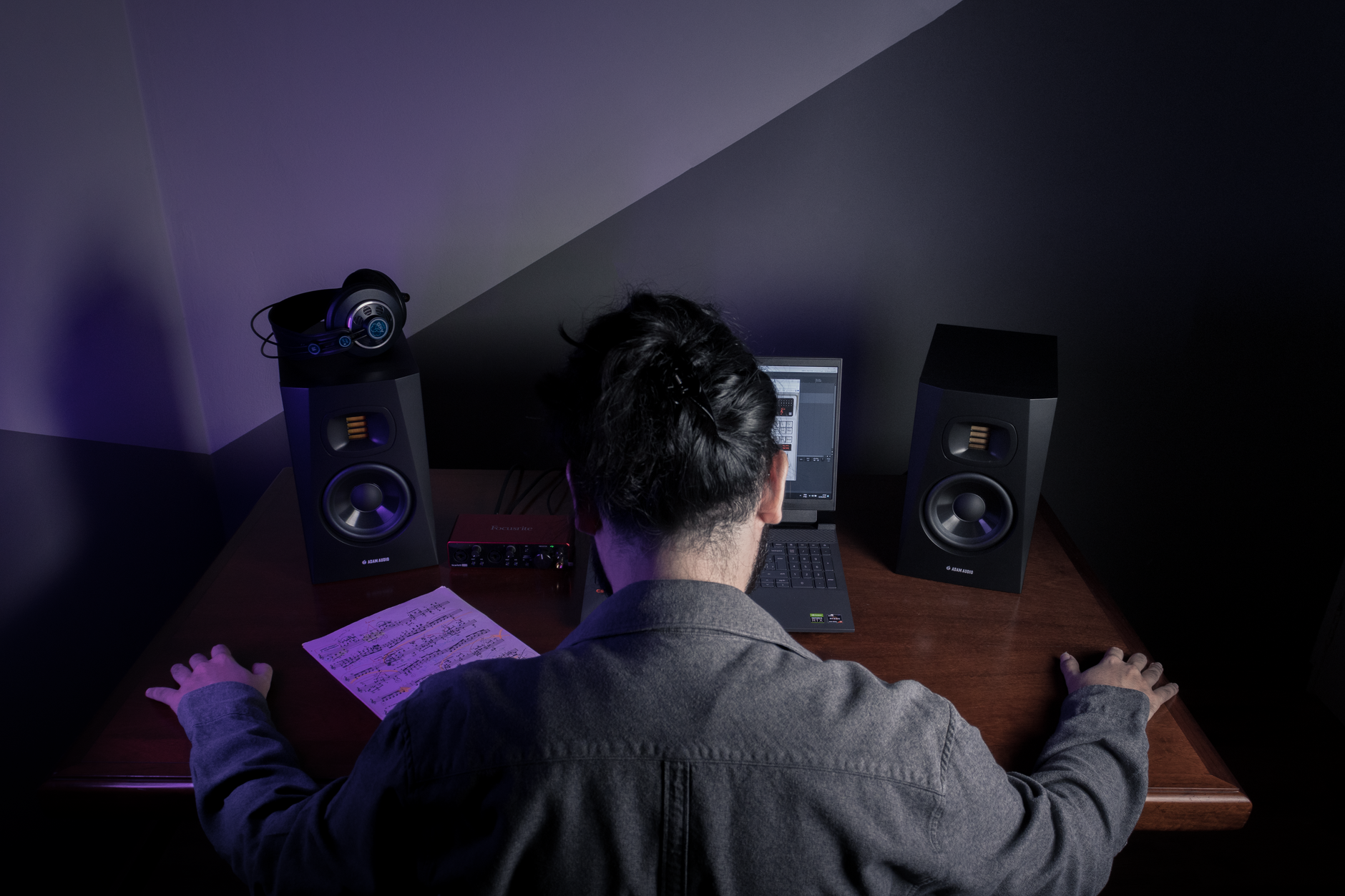
Beat making software is not a magic drum machine; it is the place where your MIDI, samples, audio, timing, and export settings stop fighting each other. The right beat making software lets you write drums fast, tune bass without guessing, record audio at 24-bit, and bounce stems that do not fall apart when another engineer opens them.
Ignore the feature count at first. Most unfinished beats die from three boring faults: bad latency, weak arrangement habits, and messy gain staging. A free beat maker can be enough for a rough idea. A full DAW is better when you need clean stems, vocal drops, sidechain control, and club-ready structure. Pick for the work you actually do at 2 a.m., not for screenshots.
What beat making software Must Do Before You Buy
Good beat making software must handle four jobs without making you think about them: sequencing, recording, editing, and exporting. If one of those feels slow, the beat slows down with it.
The textbook answer says to buy the most complete DAW. That is often wrong in practice. A smaller tool that gets you from kick pattern to rough bounce in 20 minutes beats a monster application you open twice a month.
Non-Negotiable Specs
Use 44.1 kHz or 48 kHz, 24-bit audio, and a buffer of 64 to 128 samples while playing MIDI. If the CPU crackles, move to 256 samples during editing. Above 512 samples, live pad playing feels detached.
- MIDI editing: piano roll, velocity lanes, quantise strength, swing, and note length control.
- Audio editing: fades, clip gain, warp or stretch tools, and fast chopping.
- Routing: sidechain input, return tracks, group buses, and pre-fader sends.
- Export: WAV at 24-bit, stems from bar 1, and MP3 only for checking on phones.
Where Cheap Tools Break First
Free tools usually fail at routing, plugin limits, or export control. That matters once the track has vocals, risers, a parallel drum bus, and a bass sidechain. If you only make loops, fine. If you want a finished beat, routing is not a luxury.
Watch for missing VST3 support, no audio recording, limited track counts, no time-stretching, and exports locked to compressed formats. Those limits look harmless until a vocalist asks for stems at 24-bit WAV.
- For live MIDI playing, aim for 10 ms round-trip latency or lower.
- For trap and drill, check hi-hat roll editing before buying anything.
- For house and techno, test sidechain routing with a ghost kick.
- For sample beats, test time-stretching on a 90 BPM loop moved to 124 BPM.
Best Beat Making Software for Beginners and PC Users
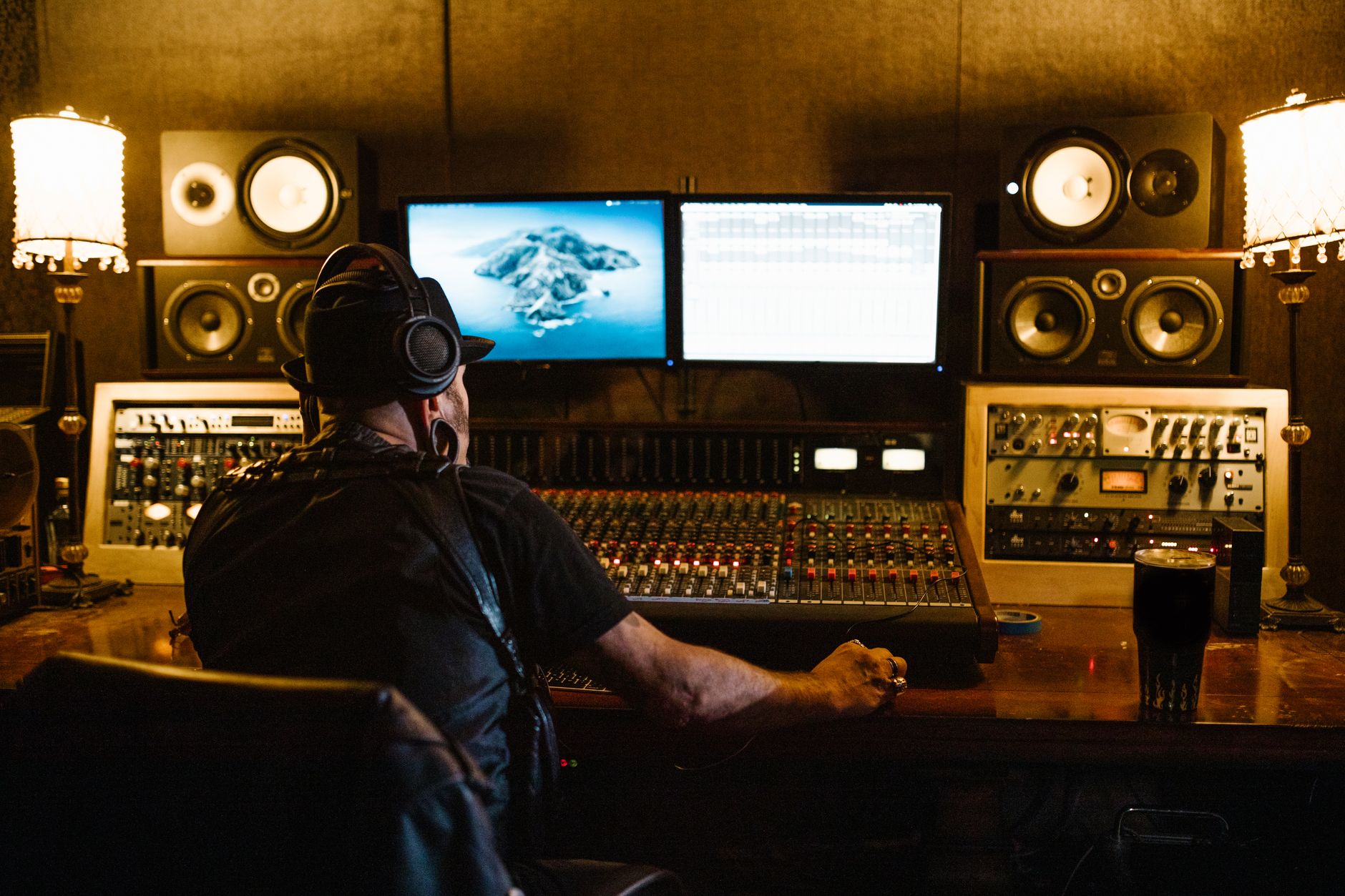
The best beat making software is the one that lets you finish a 2-minute arrangement without opening six helper apps. For beginners, that usually means strong stock drums, simple MIDI editing, and a browser that does not punish you for having 400 one-shot samples.
On PC, driver handling matters. Use an audio interface with a proper ASIO driver if possible. If you are stuck on laptop audio, expect higher latency. That is not a personality flaw. It is driver math.
Best beat making software for beginners Is Usually Boring
FL Studio is fast for drum patterns, slides, 808s, and piano roll edits. Ableton Live is stronger for audio warping, clip launching, and electronic arrangements. Logic Pro is good value on Mac, especially for stock instruments and comping. MPC Beats is limited, but its pad workflow suits people who think in chops.
GarageBand is fine for first drafts on Mac and iPad. Do not pretend it is the same as a full production system. The ceiling arrives when routing and stem delivery matter.
Beat Making Software for PC Needs Driver Discipline
Set Windows power mode to performance, disable Bluetooth headphones, and use wired monitoring. Bluetooth latency can sit above 100 ms. You cannot finger-drum accurately through that.
Install the interface driver, not just the class-compliant fallback. Start at 48 kHz, 128 samples. If the session runs clean, keep it. If the CPU spikes, freeze synths or bounce audio before raising the buffer.
- FL Studio: fastest pattern workflow for many hip-hop and EDM producers.
- Ableton Live: better for audio warping, clip ideas, and arrangement testing.
- Logic Pro: strong stock library if you are already on macOS.
- MPC Beats: useful for chop-based workflows, less ideal for complex mixing.
- BandLab: good for sketches, not my first pick for final stem delivery.
Beat Making Software Free, Online, and Downloaded: The Trade-Off
beat making software free download searches bring up a lot of junk. Use official sites only. Random installer mirrors are not worth a corrupted system drive or a plugin folder full of adware.
Installed software wins for serious work. Online beat making software is useful for sketches, shared ideas, and school laptop sessions. It loses when you need low latency, large sample libraries, third-party plugins, or reliable exports during a deadline.
Free Does Not Mean Useless
Free tools can produce a releasable beat if the idea is strong and the arrangement is controlled. MPC Beats, GarageBand, Cakewalk by BandLab, and Waveform Free can all write real tracks. The weak point is not sound quality. It is workflow friction.
If a free DAW limits tracks, print audio early. Commit the 808. Bounce the percussion loop. Save CPU for vocals, bass, and drums that still need decisions.
When a Browser Beat Maker Is Enough
A browser beat maker is enough for an 8-bar drum idea, a topline reference, or a rough brief for custom production. It is not enough when you need exact sidechain timing, stem exports from bar 1, or 30 tracks of edited audio.
Use online tools for speed. Move the session into a DAW once the hook, tempo, and drum feel are settled.
- Use official vendor downloads only.
- Avoid cracked DAWs; unstable plugins waste more time than they save.
- Check whether VST3 and AU plugins are supported before building a library.
- Export a test WAV before writing five tracks in a new system.
- Cloud projects are convenient, but keep local backups of stems and MIDI.

Set Up the Session: Tempo, Latency, Gain, and Export
Most beginner beats are not ruined by bad ideas. They are ruined by poor session setup. Start boring. Stay boring. The bounce will thank you.
Use a template with drums, bass, music, vocals, effects, and reference tracks already routed. Put a limiter such as Pro-L 2 on the master only for level checking. Bypass it before sending stems unless the limiter is part of the sound.
Numbers That Keep the Beat Usable
Set the master peak around -6 dBFS before any final limiting. Keep kick peaks between -10 and -8 dBFS. Put the bass under it, not beside it. If the kick fundamental is 55 Hz, do not let the 808 live there at the same level for the whole bar.
- Hip-hop: 70 to 95 BPM, or double-time grid at 140 to 190 BPM.
- House: 120 to 128 BPM, 4-bar drum phrases, 8-bar energy changes.
- Drill: 138 to 152 BPM, sliding 808s, hats edited at 1/16 and 1/32.
- Techno: 130 to 145 BPM, kick tail control below 80 Hz.
Sidechain and Low-End Checks
For club music, sidechain ducking should usually release between 80 and 180 ms. Shorter can click. Longer can make the bass gasp. Do not copy settings blindly. Match the release to the groove.
High-pass non-bass parts around 80 to 150 Hz if they add rumble but no musical weight. Cut mud near 220 to 350 Hz only when it is actually masking the snare, vocal, or chord body.
- Name tracks before export, not after.
- Keep all stems starting at bar 1, even if they are silent for 32 bars.
- Export 24-bit WAV for production handoff.
- Use MP3 only for references, messages, and car checks.
- Print MIDI for bass and chords if another producer may revise the track.

Turn an 8-Bar Loop Into a Finished Beat
The loop is the easy part. Arrangement is where beat making software either helps or exposes bad habits. Copying the same 8 bars for three minutes is not arrangement. It is evidence.
Use subtraction before adding more sounds. A good drop usually works because the intro withheld something obvious: full kick, open hat, sub, main chord, or vocal chop.
A Practical Arrangement Grid
For a simple rap or pop beat, try this before inventing anything clever: 4-bar intro, 8-bar hook, 16-bar verse, 8-bar hook, 16-bar second verse, 8-bar hook, 4-bar outro. Club tracks need longer phrasing, usually 16 or 32 bars per section.
Mark the timeline first. Then mute parts. Bring the kick in late. Drop the bass for 2 bars. Remove hats before the hook. These edits cost nothing and do more than another synth layer.
Reference Without Copying
Load one reference track and turn it down until it roughly matches your mix level. Check section length, low-end density, and vocal space. Do not chase the exact master loudness while writing.
If your beat collapses when the reference plays, fix the arrangement before the mix. A weak chorus with five plugins on the master is still a weak chorus.
- Make a full timeline before tweaking hi-hat velocities for an hour.
- Use 4-bar fills sparingly; 1-bar fills usually work better.
- Mute one core element before each new section.
- Check the beat at low volume on small speakers.
- Bounce a rough version every major revision.
| Software | Best Use | Cost Level | Main Weak Point |
|---|---|---|---|
| FL Studio | Fast drums, 808s, piano roll edits, EDM and trap patterns | Paid, trial available | Audio recording workflow is less direct than some DAWs |
| Ableton Live | Warping samples, electronic arrangements, clip-based ideas | Paid, Lite versions common | Full versions get expensive quickly |
| Logic Pro | Mac-based songwriting, stock instruments, vocal comping | Paid, strong value | Mac only |
| GarageBand | First demos on Mac or iPad | Free | Limited routing and professional export control |
| MPC Beats | Pad-style chopping and drum programming | Free | Track and workflow limits appear fast |
| Cakewalk by BandLab | Full DAW work on Windows without upfront cost | Free | Interface can feel dense for new producers |
| BandLab | Online sketches and collaboration drafts | Free tier | Browser latency and export limits for serious production |
Worth a deeper read on this: BandLab and Beatmaker: Make a Beat for Free.
Common questions
What DAW does Taylor Swift use?
There is no single official DAW for every Taylor Swift record. Her collaborators have used professional studio systems including Logic Pro and Pro Tools, depending on the producer, room, and stage of production. For a beginner, copying that setup matters less than writing clean parts, exporting stems properly, and keeping the vocal space clear.
What is the most used beat maker?
FL Studio is one of the most common beat-making choices, especially for hip-hop, trap, drill, and EDM producers, because its piano roll and pattern workflow are fast. Ableton Live is also heavily used for electronic music and sample work. Popular does not mean automatic. Pick the tool that gets you to a finished arrangement fastest.
Is there a free beat making software app?
Yes. GarageBand, MPC Beats, Cakewalk by BandLab, Waveform Free, and BandLab can all make beats without upfront payment. The catch is usually routing, plugin support, track limits, or export control. Free is fine for learning and demos. Check stem export and audio recording before relying on it for paid work.
How can I make my own beats?
Start with tempo, then program a kick and snare pattern over 4 or 8 bars. Add hats, bass, chords or a sample, then arrange sections before mixing. Keep the master peaking around -6 dBFS, export 24-bit WAV, and compare against one reference track at matched volume. Finish one beat before starting ten more.
Final thoughts
The best beat making software is the one that lets you write, arrange, and export without hiding basic engineering problems. Start with latency under control, a clean template, sensible headroom, and a DAW that fits your actual style. FL Studio may be the right call for fast 808 programming. Ableton Live may be better if samples and warped audio drive the track. A free app may be enough for sketches.
Do one practical test before committing: make a 90-second beat, export stems from bar 1, reopen them in a blank session, and check whether the groove, gain, and timing survived. Try that in your next session before buying anything else.
My Career makes videos from your own track and posts them for you, pitches your release to 34,000+ labels, playlists, radio stations, YouTube channels and blogs, puts it in every store and briefs you every morning. Free plan, no card, two minutes to set up.


