 By Emma Carter · July 31, 2026
Key takeaways
- Choose a DAW by workflow first: loops, beats, vocals, scoring or client delivery.
- Ableton Live 12 is the safest pick for most electronic producers and DJs.
- FL Studio is fastest for beatmaking, but arrangement discipline is non-negotiable.
- Logic Pro is the best-value Mac choice for artists, writers and vocal sessions.
- Ghost-production work needs clean stems, templates, versioning and printed plugin chains.
- Stock tools are enough to learn EQ, compression, gain staging and arrangement properly.
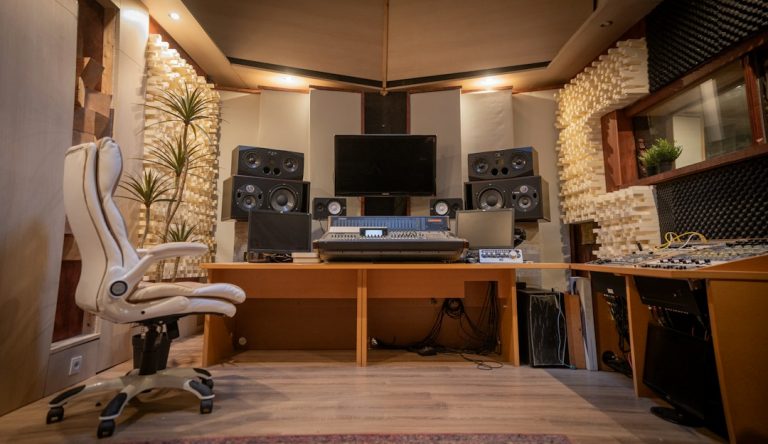
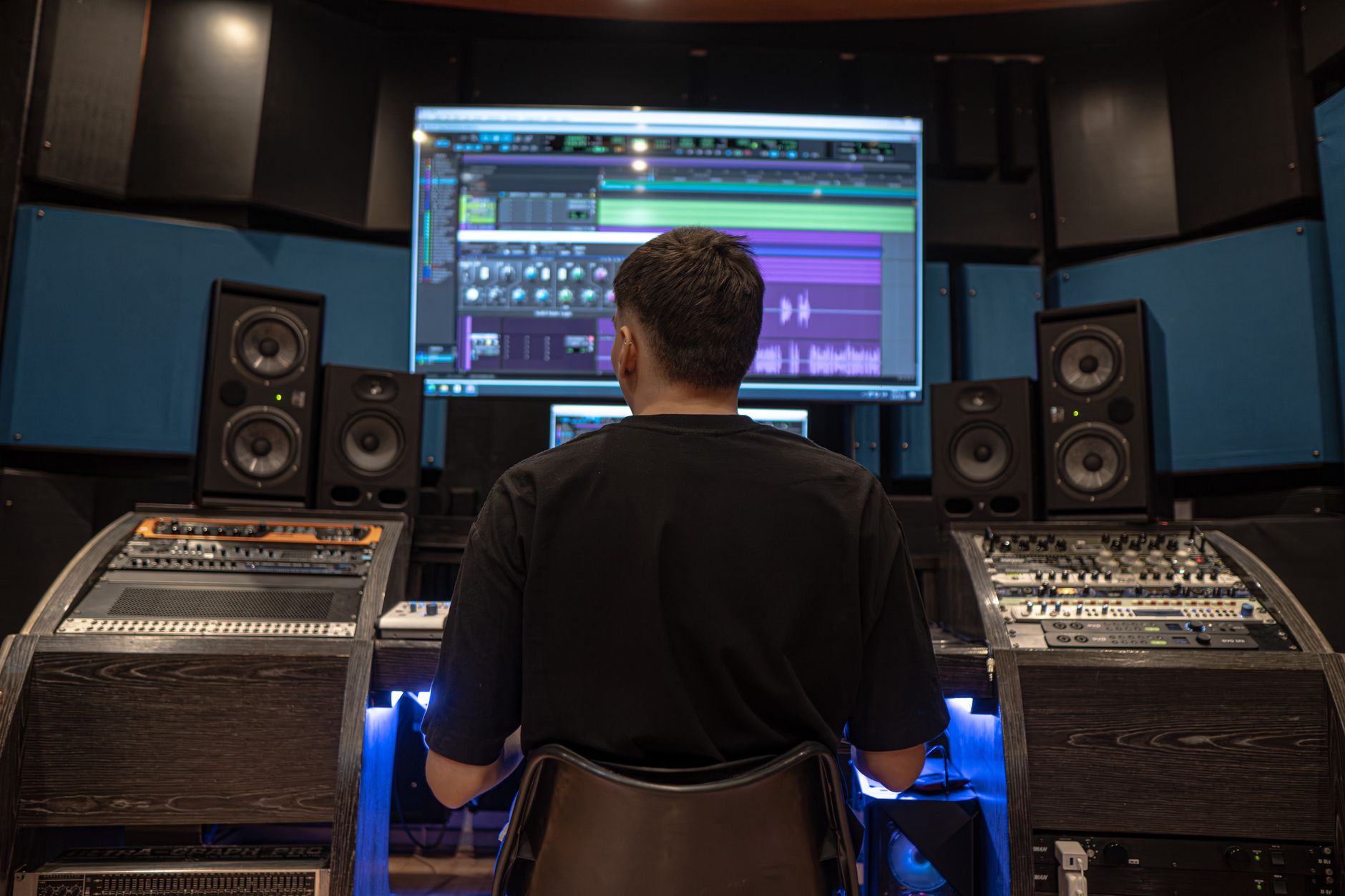
Music production software is the room where your track gets built, not just the tape recorder at the end of the chain. Music production software, usually called a DAW (digital audio workstation), lets you record, arrange, edit, mix and export a song from one place.
Think of a DAW like a studio apartment. Ableton Live puts the drum machine, sampler and performance area within arm’s reach. Logic Pro feels more like a larger writing room with a serious mixing desk in the corner. FL Studio is fast when you build beats from patterns. None of them makes better music by itself. The right choice depends on how your brain finishes ideas, who you work with, what style you make, and whether your sessions need to survive client revisions or ghost-production handoffs.
Best Music Production Software by Workflow
Choosing a DAW by feature count is like choosing a kitchen because it has the most drawers. A chef cares about reach: pan here, knife there, salt where the hand expects it. A producer needs the same thing. The best music production software is the one that keeps your idea moving before you start second-guessing the snare.
Start with your actual workflow. Do you sketch loops first? Record vocals first? DJ records first and want to turn that instinct into arrangements? Those answers matter more than whether the DAW has 84 stock effects instead of 67.
Music Production Software for First Tracks
If you have never finished a full song, pick the DAW that makes arrangement obvious. Arrangement means placing sections across time: intro, breakdown, drop, second breakdown, final chorus, outro. Ableton Live 12 Intro, FL Studio Producer Edition and Logic Pro are the cleanest beginner routes, for different reasons.
Ableton is best if you think in loops and scenes. FL Studio is best if you think in patterns, drum grids and piano-roll notes. Logic is best if you want a more traditional recording layout with strong instruments, guitar tools and vocal comping (combining the best lines from multiple takes).
For DJs Moving From Decks to Arrangements
DJs usually understand energy before they understand production jargon. That is useful. If you know why a 16-bar intro works on CDJ-3000s, Ableton Live will feel natural because clips, warping and automation are built for time-based movement.
Set a club sketch to 128 BPM, build in 8-bar blocks, and drop markers at intro, first drop, break and second drop. That single habit beats browsing synth presets for three hours.
For Songwriters and Vocal Producers
If your track starts with a vocal memo, piano chords or guitar, Logic Pro and Studio One make more sense than FL Studio. Comping, pitch correction, takes and audio editing feel less bolted on. Logic’s Flex Pitch is enough for many pop demos, while Melodyne inside Studio One is a serious advantage for tuning layered vocals.
For electronic artists who also need vocals, Ableton still works, but you will likely add Melodyne, Auto-Tune Pro or Waves Tune Real-Time at some point.
- Loop-first producers: Ableton Live 12 or Bitwig Studio
- Beat-first producers: FL Studio Producer Edition
- Vocal-first artists: Logic Pro or Studio One
- Score and orchestral writers: Cubase Pro
- DJs building club edits: Ableton Live with Warp mode practice
The Shortlist: Ableton, FL Studio, Logic, Cubase, Studio One, Bitwig
Picture a toolbox. A hammer, socket wrench and soldering iron are all tools, but grabbing the wrong one slows the job down. DAWs are the same. They overlap, yet each one pushes you toward a certain way of working.
Here are the practical picks I would put in front of a new producer, a DJ, an artist and a ghost producer before talking about obscure features.
Ableton Live 12: Best for Electronic Arrangements
Ableton Live 12 is the safest recommendation for EDM, house, techno, bass music and live-loop writing. Session View lets you trigger clips like musical Lego bricks. Arrangement View turns those clips into a finished timeline. Warp modes make tempo changes painless when you pull vocals, loops or reference drums into a project.
Use Simpler for one-shots, Drum Rack for kits, Operator for clean FM basses and Auto Filter for movement. A basic sidechain ducking setup, compressor on bass keyed from kick, 3 to 6 dB gain reduction, is enough to teach you club mix space.
FL Studio 24: Best for Beat Speed
FL Studio is fast because the Channel Rack, Piano Roll and Pattern system reward short ideas. If you like building an 808 line, hi-hat roll and chord stab before thinking about a full song, FL fits. The Piano Roll is still one of the best for editing velocity, slides and note length quickly.
The trap is arrangement. Name patterns clearly: drums A, bass A, chords break, lead drop. Then commit to the Playlist by bar 30 of the session. Otherwise you collect loops instead of finishing records.
Logic, Cubase, Studio One and Bitwig
Logic Pro is the value monster on Mac. You get Alchemy, Drummer, strong stock EQ and compressors, and enough content to write for years. Cubase is deeper for MIDI expression, scoring, large templates and detailed audio editing. Studio One is tidy, quick to arrange, and excellent for mastering demos in the same ecosystem.
Bitwig Studio is the modular pick. If you enjoy modulation, devices talking to devices, randomization and sound-design systems, Bitwig feels alive. For pure beginner clarity, I would still start most people on Ableton or Logic first.
- Ableton Live 12: best all-rounder for electronic producers
- FL Studio 24: fastest beat-writing environment
- Logic Pro: strongest Mac value for artists and writers
- Cubase Pro: best for detailed MIDI and large scoring setups
- Studio One: cleanest route for recording, arranging and demo mastering
- Bitwig Studio: most fun for modulation-heavy sound design
Budget and Learning Curve Without the False Economy
A cheap DAW is like cheap shoes. Fine for one walk, painful if you wear them every day. Budget matters, but the wrong bargain costs time, and time is the one thing bedroom producers burn fastest.
Do not start by buying the most expensive bundle. Start with the version that can finish a real song at 44.1 or 48 kHz, export WAV files, load third-party plugins and handle enough tracks for your genre.
Free Versions Are Training Wheels, Not Homes
GarageBand is useful if you own a Mac and need to learn tracks, loops and basic recording. Cakewalk Next and Waveform Free can teach structure. Ableton Live Lite often comes with gear like the Novation Launchkey or Focusrite Scarlett 2i2.
The limit shows up when you need more audio tracks, proper export options, better routing or client-safe project management. Use free tools to learn the map, then move before the ceiling shapes your habits.
Where to Spend First
Spend on the DAW before buying five synths. Stock tools are better than beginners think. Ableton EQ Eight, Logic Channel EQ, FL Parametric EQ 2, Studio One Compressor and Cubase Frequency can make clean records if the source sounds are right.
A sensible first paid plugin set is boring: FabFilter Pro-Q 4 for precise EQ (equalization, the process of boosting or cutting frequencies), Valhalla VintageVerb for space, and Xfer Serum or Vital for synth learning. Add Soothe2 later if harsh vocals or resonant synths are a repeated problem.
The Real Cost Is Switching
Switching DAWs after six months is not fatal, but it breaks muscle memory. Keyboard shortcuts, routing habits and export settings all reset. If you are choosing music production software for paid work, pick something collaborators can open or something that exports stems cleanly.
Stems are separate audio files, usually one per group: drums, bass, music, effects and vocals. A clean stem export saves you when another producer, mixer or client uses a different DAW.
- Best low-cost Mac start: Logic Pro
- Best low-cost Windows start: FL Studio Producer Edition
- Best hardware bundle start: Ableton Live Lite plus a controller
- Best no-subscription path: Logic, FL Studio or Studio One perpetual license
- Best upgrade reason: track limits, routing limits or collaboration needs
Genre Fit: EDM, Hip-Hop, Pop and Club Music
A DAW is a vehicle. A van, coupe and pickup all move, but you would not load a drum kit into a two-seat roadster. Genre fit works the same way. The same music production software can make any genre, but some routes are cleaner.
If your target is club music, speed around drums, bass and automation matters. If your target is pop, vocal editing and arrangement clarity matter more. If you write cinematic material, MIDI control and template handling matter most.
House, Techno and EDM
Ableton is the pick for most house, techno and EDM producers because clip launching matches how dance records are built. Build a 4-bar drum loop, duplicate to 8 bars, automate a filter over 16 bars, then remove the kick for the last 2 bars before the drop.
Use Utility to mono the sub below 120 Hz, EQ Eight to cut unnecessary low end from hats around 220 Hz and Glue Compressor for 1 to 2 dB of drum bus movement. Keep master headroom around -6 dB before mastering.
Hip-Hop and Trap
FL Studio earns its reputation here. The Piano Roll makes 808 slides and hi-hat rolls quick. The step sequencer encourages fast drum programming, which is useful when the groove is the track’s spine.
For cleaner low end, tune the 808 to the key, shorten notes where kicks hit, and use soft clipping on the drum bus instead of crushing the master. Fruity Soft Clipper still works when used with restraint.
Pop, Vocal Dance and Singer-Producer Work
Logic Pro, Studio One and Cubase feel better when vocals lead the session. Comp takes first, tune second, edit breaths third. Then build the instrumental around the vocal rhythm instead of forcing the singer onto a grid.
For dance-pop, Ableton can still be perfect, especially if you work with chopped vocals. Use Warp carefully. Complex Pro can smear transients if pushed too far, so always compare the warped vocal to the original.
- House and techno: Ableton Live
- Trap and beat packs: FL Studio
- Pop vocals: Logic Pro or Studio One
- Cinematic and scoring work: Cubase
- Experimental bass and modular textures: Bitwig Studio

Collaboration and File Handoffs for Real Sessions
Collaboration is like using different power plugs in different countries. The idea may be strong, but it still needs the right adapter. A client, singer, mixer or co-producer may not use your DAW, so your project has to travel well.
This is where beginners get bitten. They send a project folder missing samples, frozen tracks, tempo information or plugin versions. The other person opens silence, error messages and one lonely kick drum.
Use Stems Like Insurance
Export stems from bar 1, even if the vocal starts at bar 33. That keeps every file aligned when someone imports them into Pro Tools, Logic or Ableton. Use 24-bit WAV at 44.1 or 48 kHz unless the client asks for something else.
Name files like 128bpm_Amin_drums.wav, 128bpm_Amin_bass.wav and 128bpm_Amin_leadvocal_dry.wav. Dry means no effects printed. Wet means effects included. Send both for vocals if the sound design matters.
Plugins Can Break a Handoff
If you used Serum, FabFilter Pro-Q 4, Valhalla VintageVerb and Soothe2, assume the next person may not own all of them. Freeze or render critical tracks. Keep MIDI versions too when possible, especially for basses and lead synths.
For paid custom work, I prefer printing important sound-design choices. A resampled bass growl with automation is safer than a plugin chain that falls apart on another system.
Ghost Production Needs Cleaner Delivery
We see this constantly with electronic producers and DJs: the track may sound strong, but the session delivery decides whether it feels professional. In ghost-production work, the buyer often needs instrumental, extended mix, radio edit, stems and sometimes MIDI.
Your music production software should let you export those without drama. Ableton, Logic, Cubase, Studio One and FL Studio can all do it, but your template has to be organized before the deadline arrives.
- Export all stems from bar 1 for alignment
- Send dry and wet vocal files when vocals are central
- Print heavy plugin chains as audio
- Include BPM, key and sample rate in the folder name
- Keep a safety mix at -6 dB peak before mastering
Ghost-Production Workflows: Templates, Stems and Revisions
A ghost-production template is like restaurant prep. Chopped onions, clean pans and labeled containers do not make the meal by themselves, but they stop the kitchen from falling apart during service.
If you produce custom tracks for artists or DJs, your DAW has to support speed and repeatability. You need clear routing, fast exports, recallable mix settings and enough discipline to make revisions painless.
Build a Template Before the Track
Create groups before writing: drums, bass, music, vocals, effects and reference. Put a spectrum analyzer and loudness meter on the master, but do not mix into heavy limiting. Leave roughly -6 dB headroom on the premaster.
On the drum bus, start with light compression: 2:1 ratio, slow attack around 10 to 30 ms, release around 100 ms, and only 1 to 2 dB gain reduction. Compression is a volume rider. It turns down peaks automatically so the groove feels steadier.
Revision-Friendly Arrangement
Use markers for every section. Intro 16 bars, drop 32 bars, break 16 bars, second drop 32 bars, outro 16 bars is a usable club layout for house and techno. For pop-leaning dance tracks, keep the first vocal earlier.
When a client asks for a longer breakdown, you should not be hunting through unnamed clips. Color code drums red, bass blue, vocals yellow and effects purple. Simple visual order saves real time.
Print Versions Like a Professional
Make exports part of the session routine: full mix, instrumental, extended mix, radio edit, acapella if relevant, drum stem, bass stem, music stem, FX stem and vocal stem. Bounce at 24-bit WAV for delivery and 320 kbps MP3 for quick review.
If the track will be mastered elsewhere, deliver a premaster with no limiter, no clipper on the master and peaks below -3 dB. I prefer -6 dB because it leaves room for EQ moves.
- Create routing groups before sound selection
- Use markers for every song section
- Keep review MP3s separate from final WAVs
- Archive the exact plugin versions used
- Save a new project file before major revisions
Hardware, Plugins and Controller Fit
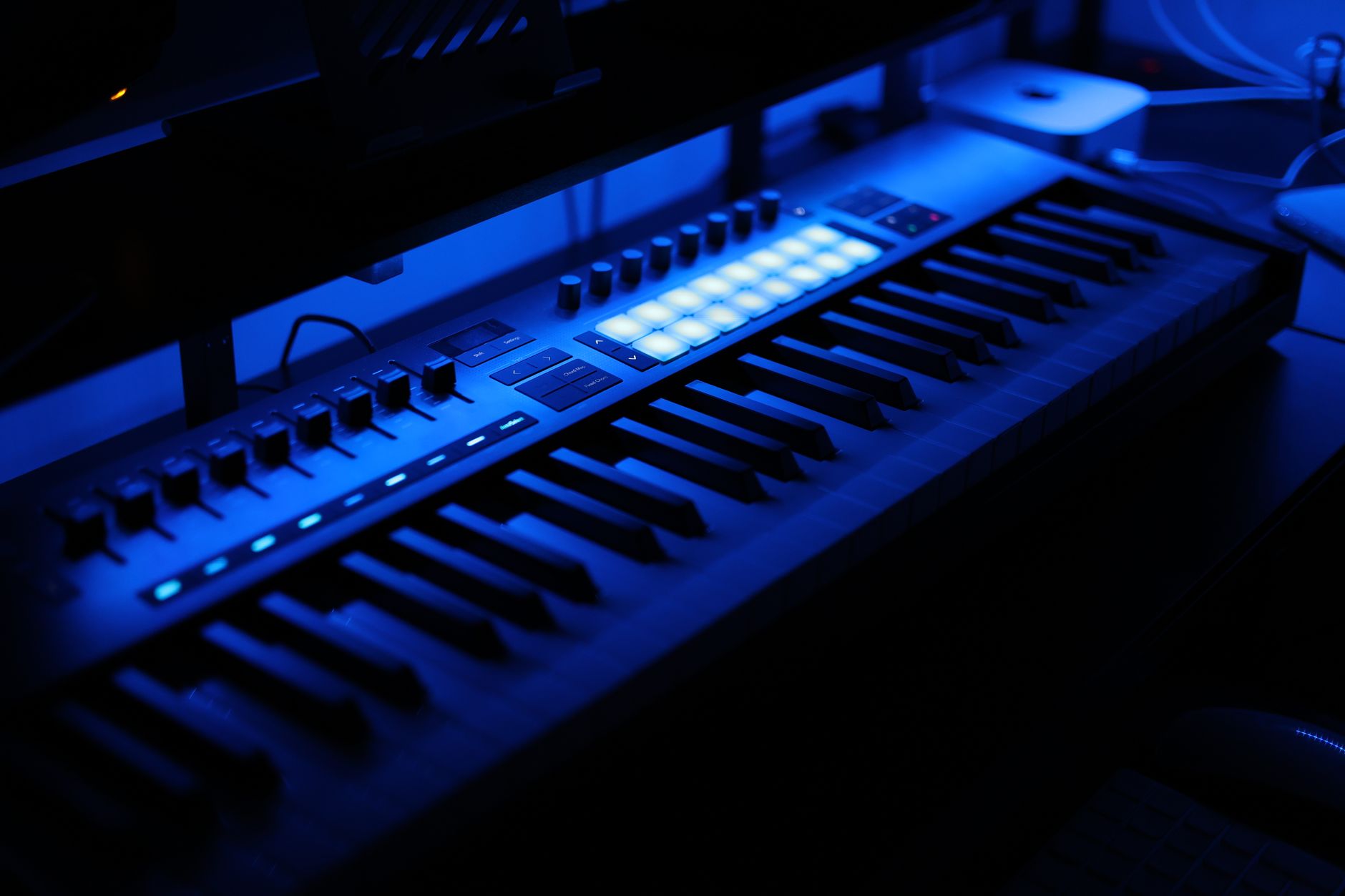
Hardware is the steering wheel. The engine is still the DAW, but the wheel changes how connected you feel to it. A mouse can make records. A good controller can make decisions faster.
This matters more for DJs and hands-on producers than pure laptop writers. If you already perform on CDJs or a Pioneer DDJ-FLX10, choose software that makes arrangement, cue points and tempo thinking feel familiar.
Ableton Push 3 and Clip-Based Writing
Ableton Push 3 pairs tightly with Live. You can tap drums, play scales, browse sounds and launch clips without staring at the screen. For beginners, that reduces the blank-page feeling.
Use it to sketch drums at low velocity first, then add accents manually. Human feel often comes from velocity differences of 10 to 25 points, not from random swing slapped across everything.
DJ Controllers and Production Thinking
A Pioneer DDJ-FLX10 will not control every DAW like a dedicated production surface, but DJ hardware teaches useful timing. Phrasing, breakdown length and energy mixing translate directly into arrangements.
When building an extended mix, make the intro and outro DJ-friendly. Give at least 16 bars of drums or groove before the main hook, and avoid huge melodic surprises in the first 8 bars unless the genre expects it.
Plugins That Matter More Than Plugin Count
Do not judge music production software by how many plugins ship in the installer. Judge whether the stock tools teach correct habits. EQ, compression, saturation, reverb, delay, sampler and limiter are the core set.
If you buy third-party tools, buy slowly. FabFilter Pro-Q 4 for surgical EQ, Soundtoys Decapitator for saturation, Valhalla Delay for space and Xfer Serum for synthesis will cover more ground than a folder of random freebies.
- Ableton Push 3: strongest hardware match for Live
- Novation Launchkey: affordable keyboard control for several DAWs
- Pioneer DDJ-FLX10: useful for DJ phrasing, not full DAW control
- MIDI keyboard: better first purchase than most plugin bundles
- Audio interface: get stable drivers before expensive monitors

My Practical Picks by Producer Type
Picking a DAW is like buying a first car. A race car looks exciting, but a reliable hatchback may get you to work every day. The right answer is the one you will actually drive.
If I had to recommend one setup to each common producer type, I would choose like this.
The Bedroom EDM Producer
Pick Ableton Live 12 Standard if budget allows. Intro works for learning, but Standard removes limits that appear once arrangements grow. Learn Drum Rack, Simpler, Audio Effects Rack, EQ Eight and Compressor before buying more.
Build a reference track lane at the top of every session. Turn it down to match your mix volume, then compare kick length, bass weight and breakdown length. Reference tracks are a ruler, not a creativity shortcut.
The Beatmaker Who Finishes Packs
Pick FL Studio Producer Edition. It is fast, affordable and strong for MIDI. Make a default template with routed drums, 808, melody bus and master meter. Export loops with BPM and key in the filename.
Set a rule: every loop must become a 90-second arrangement before you start a new idea. That one rule separates producers with folders from producers with releases.
The Artist Recording Vocals at Home
Pick Logic Pro on Mac or Studio One on Windows. Both make vocal recording easier than most beginner setups. Use a simple chain: high-pass EQ around 80 to 120 Hz, gentle compression at 2:1, de-esser around 5 to 8 kHz, then reverb on a send.
Record at 24-bit, keep peaks around -12 to -6 dBFS, and leave silence at the start for noise profiling if cleanup is needed.
The Ghost Producer or Custom Track Builder
Pick Ableton Live, Logic Pro or Cubase depending on genre and client base. Ableton is strongest for electronic speed. Logic is strong for songwriter clients. Cubase is best when MIDI detail and larger arrangements matter.
The best music production software for this job is the one that exports clean stems fast, keeps templates organized and lets you recall revisions without breaking the mix.
- One DAW for EDM: Ableton Live 12 Standard
- One DAW for beats: FL Studio Producer Edition
- One DAW for Mac artists: Logic Pro
- One DAW for vocal sessions on Windows: Studio One
- One DAW for detailed MIDI clients: Cubase Pro
| Workflow | Best Pick | Why It Fits | Watch Out |
|---|---|---|---|
| Beginner EDM producer | Ableton Live 12 Intro or Standard | Clip workflow, fast warping, strong stock devices | Intro track limits can feel tight quickly |
| Beatmaker | FL Studio Producer Edition | Fast Piano Roll, pattern writing, strong drum workflow | Playlist organization needs discipline |
| Mac singer-producer | Logic Pro | Great value, vocal tools, Alchemy, strong stock mixing | Mac only |
| Recording and demo mastering | Studio One | Clean arrangement, Melodyne workflow, project mastering page | Less common in EDM collaborations |
| Scoring and complex MIDI | Cubase Pro | Deep MIDI tools, expression control, large-template handling | Steeper learning curve |
| Experimental sound design | Bitwig Studio | Modulation system, device flexibility, creative routing | Smaller collaborator base |
| Ghost-production delivery | Ableton Live, Logic Pro or Cubase | Reliable stems, templates and revision recall | Plugin choices must be printed or documented |
Further reading
- Best DAWs 2026: The best digital audio workstations for P… — musicradar.com
- Ableton: Creative tools for music makers — ableton.com
Frequently asked questions
What is the best music production software for beginners?
Ableton Live 12 Intro, FL Studio Producer Edition and Logic Pro are the strongest beginner choices. Pick Ableton for electronic loops and DJ-style arrangements, FL Studio for beats, and Logic for vocals or songwriting on Mac. The best choice is the one that helps you finish full arrangements, not just start loops.
Is Ableton better than FL Studio for EDM?
For most EDM arrangements, yes, I would pick Ableton first. Session View, Warp modes and automation make it very natural for house, techno and bass music. FL Studio can absolutely make professional EDM, but beginners often get stuck in pattern loops unless they force themselves into the Playlist early.
Do I need expensive plugins to make professional tracks?
No. Stock EQ, compression, reverb, delay and saturation can take you far if the writing and sound selection are solid. Buy third-party plugins only when you know the problem. FabFilter Pro-Q 4, Valhalla VintageVerb and Serum are useful, but they will not fix weak arrangement or poor gain staging.
Which DAW is best for ghost production?
Ableton Live is usually best for electronic ghost production because it is fast for arranging, resampling and exporting stems. Logic Pro works well for vocal-led clients, while Cubase is excellent for detailed MIDI work. The deciding factor is clean delivery: stems, instrumentals, radio edits, extended mixes and revision-safe templates.
Can I switch DAWs later?
Yes, but switching costs time. You will relearn shortcuts, routing, export settings and project organization. If you are still exploring, that is fine. If you are already taking paid work or collaborating often, choose a DAW that exports stems cleanly and is common in your genre.
What computer specs do I need for a DAW?
A modern 8-core CPU, 16 GB RAM and an SSD are a sensible floor for serious production. You can start with less, but large synths, vocal stacks and low-latency recording will push the system. Prioritize stable audio drivers and storage before buying a huge plugin bundle.
Conclusion
The best music production software is not the one with the longest feature page. It is the one that matches how you build: Ableton for loop-based electronic records, FL Studio for fast beats, Logic for Mac-based writing and vocals, Cubase for deep MIDI, Studio One for tidy recording workflows, and Bitwig for modulation-heavy sound design.
If you are unsure, install one trial, rebuild a 60-second section of a track you admire, then export drums, bass, music and FX stems from bar 1. That test will teach you more than watching another comparison video. Try it in your next session before you spend money.
My Career makes videos from your own track and posts them for you, pitches your release to 34,000+ labels, playlists, radio stations, YouTube channels and blogs, puts it in every store and briefs you every morning. Free plan, no card, two minutes to set up.