
 By TGP DJ Desk · August 10, 2026
Key takeaways
- Ableton Live is the stronger pick for DJ-minded producers and electronic music workflows.
- Logic Pro is the better value for Mac users who record vocals, instruments, and full songs.
- Ableton costs more at the Suite level, but the included electronic production tools are deep.
- Logic’s vocal comping and editing are smoother for artists recording many takes.
- For ghost production and collaboration, clean stems matter more than the original DAW.
- Beginners should pick the DAW that helps them finish one short track fastest.
Ableton vs logic pro is really a choice between two different ways of building a track inside a DAW (digital audio workstation, the software where you record, edit, arrange, mix, and export music). The ableton vs logic pro question gets messy because both can make released records, clean vocal edits, heavy club drops, and polished masters.
The better question is simpler: do you want a fast loop-based sketchpad that feels close to DJing, or a full studio desk that rewards linear songwriting and detailed editing? Think of Ableton Live like a box of Lego on the table. You snap ideas together fast. Logic Pro feels more like a well-labeled recording studio, with every cable, mic stand, and tape roll already in place. Neither is a toy. One will just match your hands sooner.
Ableton vs logic pro at a Glance
The easiest analogy: Ableton Live is a performance workbench, Logic Pro is a recording console. A workbench keeps parts within reach while you test combinations. A console gives you a clean path from recording to editing to mixdown.
That difference matters before you spend money. If you make four-bar drum loops, flip vocal chops, and think in drops, Ableton feels immediate. If you record vocals, guitars, piano, or full songs with verses and choruses, Logic feels calmer.
The Core Difference
Ableton Live has two main spaces: Session View (a grid where clips loop independently) and Arrangement View (a timeline from left to right). A clip is a small audio or MIDI idea, maybe a kick pattern or bassline. This makes testing a 128 BPM house groove fast because you can trigger parts without stopping playback.
Logic Pro is built around the timeline first. You press record, capture a take (one recorded pass), edit regions, then arrange the song. Its loop grid exists now, but the heart of Logic is still the linear song page.
Who Should Lean Which Way
For DJs and electronic producers, I would start with Ableton Live. It handles loops, warping, resampling, and live arrangement like that was the original brief. Warping means stretching audio so it stays in time without manually slicing every beat.
For singer-songwriters, rappers recording lots of takes, and producers who want a polished Mac-only studio, Logic Pro is the smarter first buy. Its comping is excellent. Comping means building one clean vocal from several recorded takes.
- Choose Ableton Live if you think in loops, drops, clips, and DJ-friendly arrangement.
- Choose Logic Pro if you record vocals or instruments often and want strong editing tools.
- Both can export stems, mix full songs, and handle professional releases.
- The wrong DAW is the one that slows your next eight-bar idea.

Workflow: Loops, Timeline, and the First Eight Bars
Workflow is like cooking in two kitchens. Ableton puts chopped ingredients in little bowls right in front of you. Logic gives you a full recipe book and a bigger counter, which is better once you know the full meal.
This is where ableton vs logic pro becomes personal. Your first 20 minutes in a session often decide whether you finish or scroll presets until midnight.
Ableton Live Feels Built for Starting
Open Ableton, load a Drum Rack (a pad-based drum instrument), drag in a kick, clap, hat, and percussion loop, then hit play. You can duplicate a four-bar clip, nudge the clap late by 8 milliseconds, and resample the groove into audio without losing momentum.
Resampling means recording your own project output back into a new audio track. For electronic music, that is gold. Print a synth stab, reverse the tail, pitch it down 12 semitones, and you have a transition before the idea goes cold.
Logic Pro Feels Better Once the Song Has Shape
Logic’s timeline is less jumpy and more deliberate. Record a verse, label sections, add automation, then clean the arrangement. Automation means recording changes over time, like a filter opening over eight bars or a vocal delay getting louder at the end of a line.
Logic’s comping lane is especially friendly for vocals. Record six chorus takes, swipe the best words from each pass, add Flex Pitch (pitch correction and note editing), then bounce a clean lead. Ableton can do vocal editing, but Logic feels less fussy here.
- Ableton is faster for testing 8-bar club ideas without stopping playback.
- Logic is cleaner for recording multiple vocal takes and building a finished song form.
- Ableton’s Session View helps when you do not know the arrangement yet.
- Logic’s timeline helps when you already hear the verse, hook, bridge, and outro.
Ableton vs Logic Pro 2026: Price, Upgrades, and Value
Price is like buying transport. Logic Pro is closer to buying a solid used bike once. Ableton Live is more like choosing between a basic bike, a faster bike, or a full touring setup with bags, lights, and tools.
The Ableton price discussion changes with discounts and upgrades, but the shape stays steady: Logic is cheaper for most Mac users, while Ableton Live Suite costs more because it bundles a deeper electronic production toolkit.
Logic Pro vs Ableton Price in Plain Terms
Logic Pro is sold through Apple as a Mac-only app, historically around $199.99 as a one-time purchase. That is hard to beat if you already own a Mac. You get Alchemy, Sampler, Quick Sampler, Step Sequencer, Drummer, Flex Time, Flex Pitch, and a large sound library.
Ableton Live comes in editions. Intro is limited, Standard is more usable, and Suite is the version most serious electronic producers eventually want because it includes Max for Live (a system for custom devices), more instruments, and a bigger pack library.
Where the Extra Money Actually Goes
With Live Suite, you are paying for speed and sound-design range. Wavetable, Drift, Operator, Sampler, Drum Rack, Audio Effect Rack, and Max for Live devices cover a lot before you buy third-party plug-ins. A beginner can make a full techno, house, trap, or drum and bass demo using stock tools only.
Logic gives ridiculous value, but some electronic producers still add tools like Xfer Serum 2, u-he Diva, or Splice samples to get the same fast modern sound palette. Those costs can erase Logic’s price advantage if you buy plug-ins too early.
- Best value on Mac: Logic Pro.
- Best electronic production toolkit out of the box: Ableton Live Suite.
- Best low-risk test: Ableton Live trial or Logic trial before buying.
- Do not spend your full budget on the DAW if you still need headphones or an audio interface.
Sound Library, Instruments, and Stock Effects
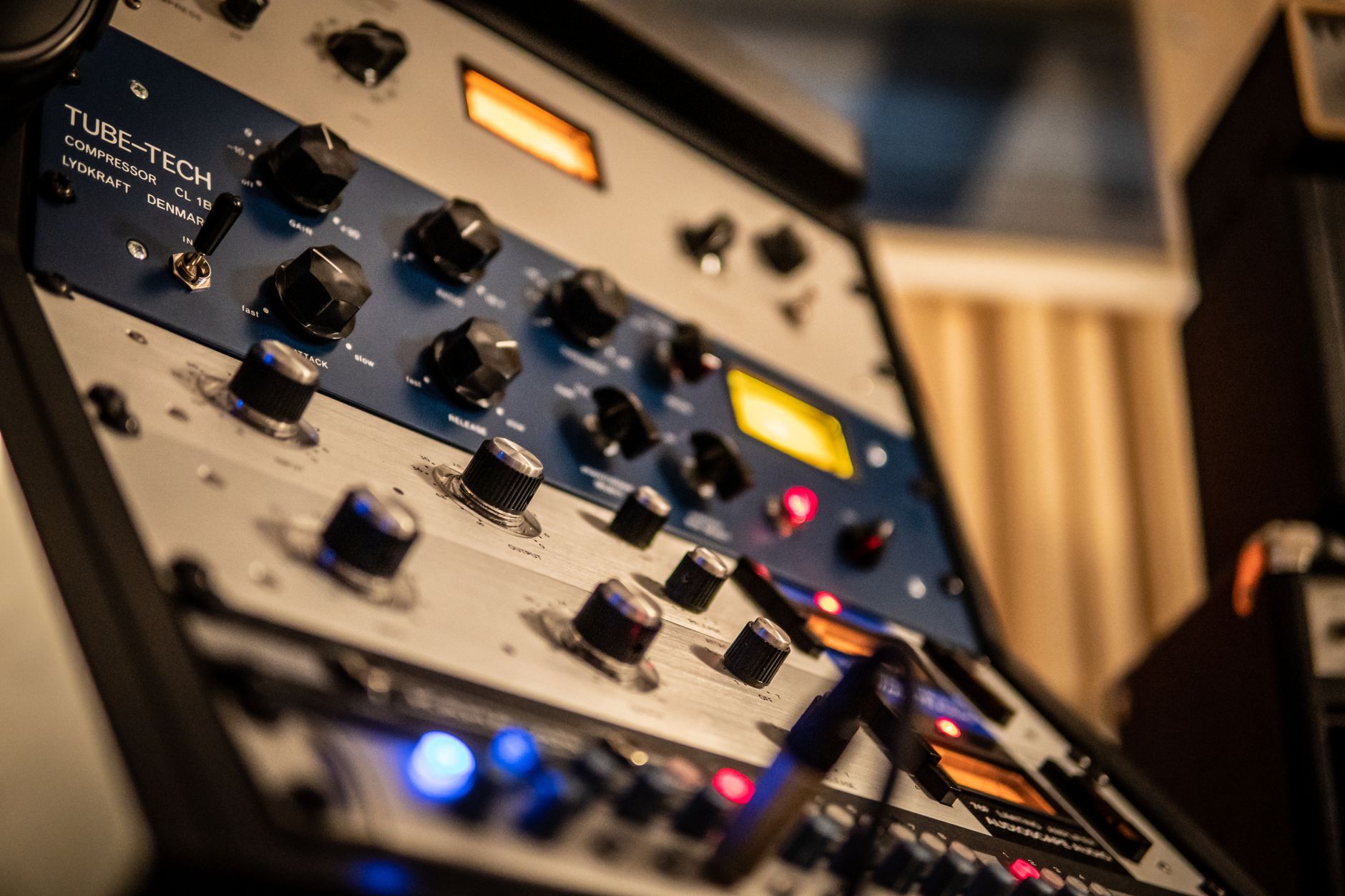
Think of stock sounds like the pantry in a rented studio. If the pantry has good drums, clean synths, usable reverbs, and reliable compressors, you can cook without ordering takeout. A compressor is an automatic volume rider that turns down peaks when a sound gets too loud.
For ableton vs logic pro, stock tools are not a side issue. Beginners often blame themselves when the real problem is that they are fighting awkward sounds or confusing effects.
Ableton’s Stock Tools Are Modular and Fast
Ableton’s devices look plain, but they are quick. EQ Eight (an equalizer, which boosts or cuts frequencies), Glue Compressor, Saturator, Auto Filter, Hybrid Reverb, and Drum Buss all sit well in electronic sessions. EQ is traffic control for sound: kick and bass cannot both park at 60 Hz forever.
Audio Effect Rack is the sleeper. You can build one knob that raises reverb, cuts low end below 180 Hz, and widens a synth during a breakdown. That kind of macro control is perfect for club arrangements.
Logic’s Stock Package Sounds More Finished
Logic’s instruments feel generous. Alchemy covers pads, basses, keys, and cinematic textures. Drummer can sketch acoustic or electronic grooves. ChromaVerb, Space Designer, Vintage EQs, and Compressor are strong enough for real mixes.
If your track has vocals, Logic’s channel strip gets you moving fast: noise gate, EQ, compressor, de-esser, and reverb send. A send is a shared effect path, so multiple tracks can feed one reverb instead of loading five separate reverbs.
- Ableton stock devices feel like building blocks for custom racks.
- Logic stock instruments often sound polished before much tweaking.
- Ableton wins for fast resampling and effect macros.
- Logic wins for bundled acoustic, orchestral, and vocal-friendly tools.
- Neither DAW needs third-party plug-ins on day one.

Recording, Vocals, and Mixing Without Getting Lost
Recording is like taking photos. Ableton is brilliant at cutting, collaging, and remixing the picture. Logic is better when you need to shoot twenty frames and pick the cleanest eyes, mouth, and lighting from each one.
This part matters for artists looking at custom production, ghost production files, or home vocal sessions. A beat is only half the record if the vocal chain is messy.
Logic Pro Is Stronger for Vocal Takes
Logic’s take folders make vocal recording simple. Loop the chorus, record five passes, then click and drag across the best phrases. Add Flex Pitch for gentle note fixes, not robot surgery. Keep correction subtle, usually under 30 to 50 cents unless the style wants hard tuning.
For a basic vocal mix, start with a high-pass filter around 80 to 120 Hz, cut boxiness near 250 Hz if needed, compress 3 to 6 dB on loud words, then add a short plate reverb and tempo delay.
Ableton Is Better for Creative Audio Handling
Ableton’s audio warping is fast and musical. Drop in an acapella, set the first downbeat, choose Complex Pro for full vocals, and it can sit over a new instrumental in minutes. Complex Pro is a time-stretch mode designed for richer audio, not single drum hits.
For electronic vocals, Ableton makes chopping easier. Slice a phrase to a Drum Rack, play it on pads, pitch one chop down 7 semitones, then sidechain the reverb return to the dry vocal. Sidechain compression means one sound turns another down, like two people taking turns in a conversation.
- Logic is the safer pick for recording singers and rappers at home.
- Ableton is faster for vocal chops, warping, resampling, and remix edits.
- Keep vocal peaks around -6 dB before mixing to avoid clipping.
- Use sends for reverb and delay so the vocal stays controlled.
Ableton or Logic for Beginners Who Want Finished Tracks
A beginner DAW should feel like learning to drive in an empty car park, not merging onto a motorway in rain. You need clear feedback, not fifty blinking panels.
For ableton vs logic pro, the beginner answer depends less on talent and more on the first style you want to finish. A finished two-minute idea teaches more than twenty perfect kick drums that never become a track.
Pick Ableton If You Come From DJing
If you understand cue points, loops, breakdowns, and drops from DJ software, Ableton will make sense quickly. Session View feels like launching decks. You can run a kick loop, bring in a bass clip, mute hats, then record your jam into Arrangement View.
Start with one rule: eight tracks only. Kick, drums, bass, lead, chords, vocal, effects, reference. A reference track is a released song you use to compare loudness, balance, and arrangement, not to copy notes.
Pick Logic If You Want a Traditional Studio Path
If you want to record vocals, write chords, arrange verses, and mix with a big stock library, Logic is friendlier. The interface has many menus, but the basic path is clear: create track, record, edit, mix, bounce.
My beginner call is firm: Mac users making pop, rap, singer-songwriter, or vocal-led dance music should start with Logic unless they specifically want loop performance. DJs and electronic producers should start with Ableton Live because the workflow matches club music faster.
- First goal: finish a 90-second sketch, not a perfect master.
- Limit yourself to eight tracks for the first month.
- Use stock sounds until you understand arrangement and gain staging.
- Gain staging means keeping levels sensible so tracks do not overload the mix bus.
- Export rough bounces often so you can hear progress outside the DAW.
Electronic Music, FL Studio, and Reddit Opinions
Forum advice is like asking ten cooks how to make coffee. Some answers are useful, some are personal habit dressed up as law. Read patterns, not noise.
The phrase ableton vs logic pro reddit shows up because producers want real user pain, not brochure language. That instinct is good. Just remember that people post more often when something annoys them than when a tool quietly works.
What ableton vs logic pro reddit Threads Get Right
Reddit users usually get one thing right: Ableton is excellent for electronic music. The speed of warping, MIDI editing, clip launching, sidechain routing, and resampling suits house, techno, bass music, trap, and drum and bass.
They also get Logic right when they praise value. For the price, Logic’s included instruments and mixing tools are almost unfair. If you are on Mac and money is tight, Logic can carry you much further than a cheap DAW plus random plug-in purchases.
Where Ableton vs FL Studio Fits
Ableton vs FL Studio is a different fight. FL Studio’s Piano Roll is brilliant for fast melody programming, and plenty of beatmakers love its pattern workflow. Ableton feels stronger for audio manipulation, live performance-style arranging, and clean session-to-arrangement movement.
If you are choosing only between Ableton and Logic, do not let FL Studio distract you unless your main work is beat programming and melody clicking. For DJ-minded electronic production, I still put Ableton ahead.
- Reddit is useful for complaints, not final decisions.
- Ableton is the stronger electronic music pick for most beginners.
- Logic is the stronger value pick for Mac-based recording and songwriting.
- FL Studio deserves a look if piano roll beatmaking is your main focus.
- Try one demo project in each DAW before trusting any forum verdict.

Project Files, Collaboration, and Ghost Production Workflows
Collaboration is like sending someone a packed suitcase. If every cable, charger, and clean shirt is inside, the trip is easy. If half the outfit depends on your bedroom wardrobe, the next producer has a problem.
For artists using ghost production or custom music production services, the DAW choice affects revisions, stem delivery, and how easily another producer can open or rebuild a session.
Stems Matter More Than the DAW
Stems are exported audio groups, such as drums, bass, music, vocals, and effects. If a producer sends clean stems from bar 1, another engineer can mix or edit the track even without the original DAW. Ask for 24-bit WAV files, all starting at the same timestamp.
A good delivery folder should include the full mix, instrumental, acapella if relevant, grouped stems, MIDI files where useful, tempo, key, and any special notes. MIDI means note data, not audio, so another instrument can play the same part.
When the Original Session Helps
If everyone uses Ableton Live, sharing an Ableton project can preserve racks, automation, warping, and clip ideas. Use Collect All and Save so samples travel with the session. Missing samples are the classic collaboration headache.
If everyone uses Logic Pro, sharing a Logic package can preserve vocal comps, track stacks, tempo maps, and mix settings. Track stacks are grouped tracks inside Logic, useful for layered vocals or drum groups. For cross-DAW work, stems win every time.
- Ask for stems from bar 1 in 24-bit WAV format.
- Request tempo, key, rough mix, and instrumental versions.
- Ableton projects are useful when clip arrangement and warping matter.
- Logic projects are useful when vocal comps and recording edits matter.
- Cross-DAW collaboration should rely on audio stems, not plug-in chains.
| Category | Ableton Live | Logic Pro | My Pick |
|---|---|---|---|
| Best first workflow | Loop grid, clips, fast resampling, DJ-like arrangement | Linear timeline, recording, editing, polished song structure | Ableton for electronic sketches, Logic for songs |
| Price and value | Multiple editions, Suite costs more but includes deep electronic tools | Lower one-time Mac purchase with a huge stock library | Logic for budget, Ableton Suite for dance production |
| Vocals | Good warping, chopping, creative processing | Excellent take folders, comping, Flex Pitch | Logic |
| Electronic music | Session View, Drum Rack, racks, automation, sidechain speed | Strong tools, less immediate for loop performance | Ableton |
| Beginner on Mac | Great if the goal is club tracks or live performance ideas | Great if the goal is recording, songwriting, and mixing | Style decides it |
| Collaboration | Best when other producers use Ableton or need clip-based sessions | Best when vocal edits and Logic sessions are being shared | Stems for cross-DAW work |
Further reading
- Ableton edition comparison — Ableton’s official edition comparison is the most direct source for Live Intro, Standard, and Suite feature differences.
- Logic Pro specifications — Apple’s Logic Pro specifications page gives the official Mac requirements and supported technical details for Logic Pro.
Frequently asked questions
Is Ableton as good as Logic Pro?
Yes, Ableton is as good as Logic Pro, but it is better at different jobs. Ableton Live is stronger for loop-based electronic music, warping, resampling, and performance-style arranging. Logic Pro is stronger for recording, vocal comping, bundled instruments, and value on Mac.
Do any professionals use Logic Pro?
Yes. Plenty of professional writers, producers, composers, and vocal engineers use Logic Pro every day. Its stock instruments, editing tools, comping, and mix features are strong enough for commercial records. The bigger limit is the producer’s decision-making, not Logic’s feature set.
Should I switch to Ableton from Logic?
Switch to Ableton from Logic if your sessions feel too linear and you mainly make house, techno, bass music, remixes, or DJ-friendly arrangements. Stay in Logic if you mostly record vocals, edit takes, and finish traditional songs. Do not switch just because forums make Ableton look cooler.
Is Ableton or Logic more expensive?
Ableton is usually more expensive, especially if you want Live Suite. Logic Pro is a lower-cost Mac-only purchase with a large stock library included. Ableton Intro is cheaper than Suite, but many electronic producers outgrow it because of track and device limits.
Which is better in ableton vs logic pro for beginners?
For beginners making electronic music or coming from DJing, Ableton Live is the better first fit. For beginners recording vocals, writing songs, or working only on Mac with a tighter budget, Logic Pro is the better first fit. Pick by the track you want to finish first.
Can I make professional electronic music in Logic Pro?
Yes. Logic Pro can make professional electronic music, especially with Alchemy, Step Sequencer, Sampler, Drum Machine Designer, and solid stock effects. Ableton is faster for many club workflows, but Logic is not a beginner-only option. If you know arrangement and mixing, it can release-ready tracks.
Conclusion
The ableton vs logic pro decision gets easier when you stop asking which DAW is objectively best. Ableton Live is my pick for aspiring DJs, loop-first bedroom producers, and artists chasing electronic records with fast drops, chops, and resampling. Logic Pro is my pick for Mac users who need vocals, songwriting, strong stock sounds, and a lower price.
If you are still split, run the same test in both: build an eight-bar drum and bass or house loop, add one bassline, one chord part, one vocal idea, then arrange 90 seconds. Time yourself. The DAW that keeps you moving without hunting through menus is the one to open for your next session.
My Career makes videos from your own track and posts them for you, pitches your release to 34,000+ labels, playlists, radio stations, YouTube channels and blogs, puts it in every store and briefs you every morning. Free plan, no card, two minutes to set up.


