
Gain Staging Guide – Why Your Mix Sounds Bad
Gain Staging Music Production: The Key to a Professional Mix
In the intricate world of music production, gain staging is often the unsung hero that separates a muddy mix from a polished one. Whether you’re a seasoned producer or an aspiring DJ, understanding gain staging can significantly elevate the quality of your tracks. Simply put, gain staging is the process of setting the optimal levels for each audio signal within your mix, ensuring clarity and preventing distortion. This foundational aspect of production is crucial for delivering sound that resonates well in clubs, on streaming platforms, and through various playback systems.
Historically, gain staging traces its roots to the analog era when engineers had to maximize signal levels to maintain audio fidelity. In today’s digital age, the principle remains vital, albeit with different challenges and tools. The digital audio workstation (DAW) has become the modern-day console, and understanding the gain structure within these systems is essential. Let’s explore why your mix might sound bad and how gain staging can be the remedy.
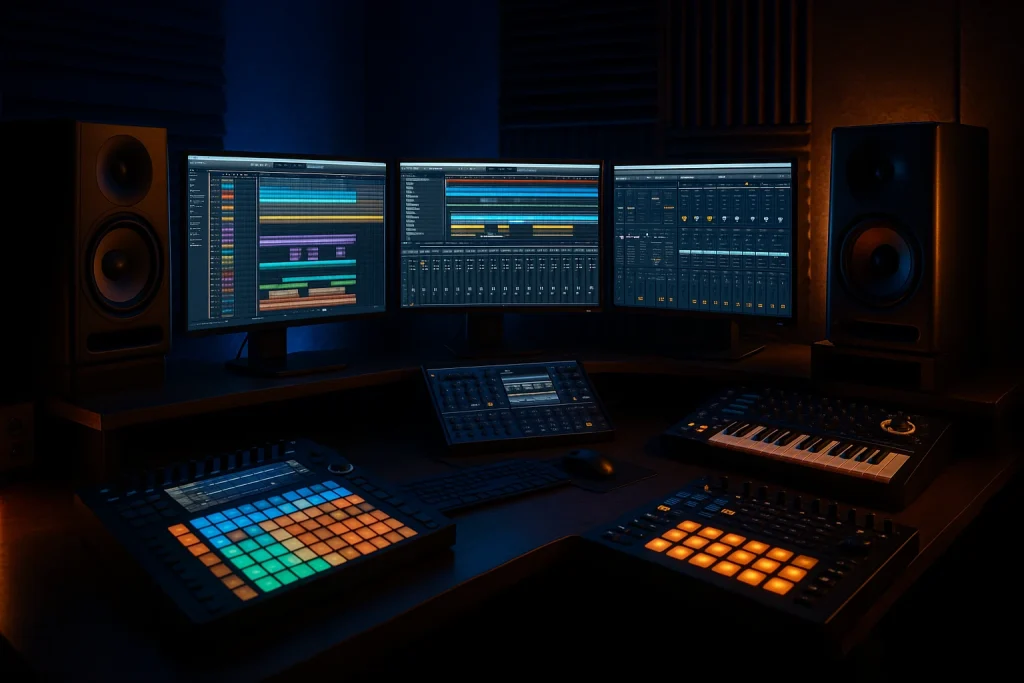
Understanding Gain Staging in Digital Music Production
At its core, gain staging involves managing the input and output levels of audio signals throughout your signal chain. In digital music production, this means setting levels from your initial recording stage, through your DAW’s track and bus levels, to the final output stage. The goal is to maintain a healthy signal-to-noise ratio while avoiding clipping and distortion.
In a typical DAW environment, each track has several gain stages: the input, the track fader, any plugins or effects applied, and the master output. Each stage allows for adjustments that can either enhance or degrade the quality of your audio. For example, pushing levels too high at any stage can lead to digital clipping, especially if your system is set to 24-bit or 16-bit resolution.
Why Gain Staging Matters: Clarity and Headroom
Proper gain staging provides clarity and headroom in your mix, two critical elements for a professional sound. Headroom refers to the space between your highest peak and the point of distortion. Maintaining ample headroom allows for dynamic range and prevents unwanted distortion, which is crucial when mastering your track.
Notable artists like Deadmau5 and Chris Lake emphasize gain staging in their production workflows to achieve that crisp, clear soundscapes their music is known for. In fact, a poorly staged gain structure is one of the most common reasons amateur mixes lack impact and definition.
Steps for Effective Gain Staging
To properly implement gain staging in your music production, follow these steps:
- Start with Clean Recordings: Ensure your initial recordings are as clean and distortion-free as possible. Use high-quality preamps and mics, and set your input levels conservatively.
- Set Initial Track Levels: In your DAW, set your track faders to around -18dBFS, which is typically the sweet spot for maintaining a balanced mix with sufficient headroom.
- Use Metering Tools: Utilize peak and RMS metering tools to monitor your levels throughout the signal chain. Plugins like the ones offered by MusicRadar can be invaluable for this purpose.
- Adjust Plugin Gains: When applying effects and plugins, adjust the input and output gains to maintain consistency. Avoid boosting too much gain at any single stage.
- Check the Master Output: Ensure that your master bus remains well below 0dBFS to prevent clipping in the final mix.
Common Myths and Realities of Gain Staging
One of the prevalent myths about gain staging is that it only matters in the analog realm. However, even in digital production, improper gain staging can lead to a mix that sounds harsh and lacks depth. Another misconception is that more gain equals better sound. In reality, excessive gain leads to distortion and reduces the dynamic range, ultimately compromising the quality of the mix.
Real-World Statistics on Gain Staging
Recent studies and surveys among professional producers highlight the impact of gain staging on mix quality:
| Aspect | With Proper Gain Staging | Without Proper Gain Staging |
|---|---|---|
| Mix Clarity | 85% rated excellent | 45% rated excellent |
| Mastering Headroom | 80% sufficient | 30% sufficient |
| Dynamic Range | 75% optimal | 40% optimal |
Expert Tips for Mastering Gain Staging
Seasoned producers often share their tips for mastering gain staging, such as using reference tracks to compare dynamic levels and balance. For more on this, check out our guide on how to use reference tracks.
Additionally, consider outsourcing some production tasks to ensure professional quality. Services like music production services and buying ghost-produced tracks can provide high-quality solutions that incorporate expert-level gain staging. This approach is particularly beneficial for producers looking to expand their output without compromising quality.
Frequently Asked Questions
What is gain staging in music production?
Gain staging in music production involves setting the appropriate levels for audio signals throughout your production chain to prevent distortion and maintain clarity.
Why does my mix sound distorted?
Distortion in your mix often results from improper gain staging. Ensure that no stage in your signal chain is overloaded and that sufficient headroom is maintained.
How can I prevent clipping in my mix?
To prevent clipping, keep your levels well below 0dBFS on your master output, use metering tools, and adjust gains on individual tracks and plugins appropriately.
What tools can help with gain staging?
Tools like peak and RMS meters, spectrum analyzers, and plugins from sources like Splice and Resident Advisor can assist in monitoring and adjusting your levels accurately.
Can gain staging improve my mastering process?
Yes, proper gain staging ensures that your mix has the clarity and headroom needed for effective mastering, leading to a polished final product.
Last updated:
Ready to Scale Your Music Output?
Release more music, hit more deadlines, and build a stronger catalog — with professional ghost production that sounds exactly like you.