Key takeaways
- Start with a reliable DAW, headphones and simple controller before buying extra gear.
- Build grooves with strong drums and bass before chasing advanced sound design.
- Use reference tracks to learn arrangement, energy and section length.
- Mix with balance, headroom and EQ before relying on limiters.
- Export organized files so collaboration, feedback and release prep are easier.
- Clear briefs and rights agreements make custom production work smoother.
Music production for beginners is not about owning every synth, plugin or sample pack; it is about finishing small ideas with a reliable workflow. If you are an aspiring DJ, bedroom producer or artist planning to commission custom tracks later, learning the basics helps you speak the language of producers and make better creative decisions.
This guide keeps music production for beginners practical. You will set up a lean studio, choose a DAW, build drums, write a hook, arrange a track, clean up a mix and export files properly. We will use concrete tools such as Ableton Live, FL Studio, Logic Pro, Serum, Vital, FabFilter Pro-Q 3, Ozone and Rekordbox-style DJ references, but the principles work in any modern setup.
Music Production for Beginners: Set Up a Simple Studio
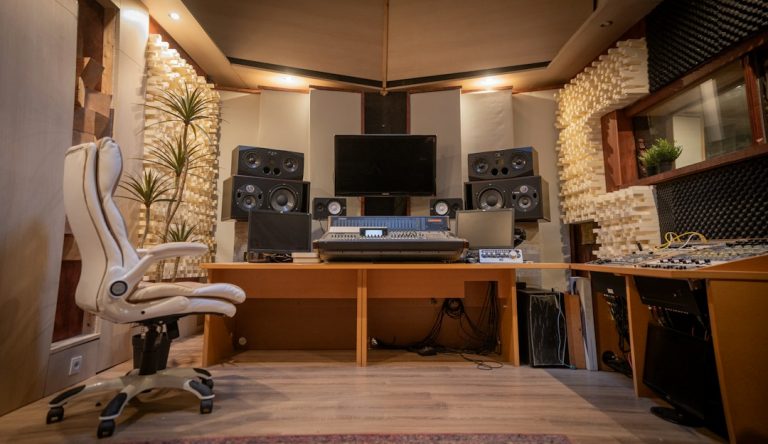
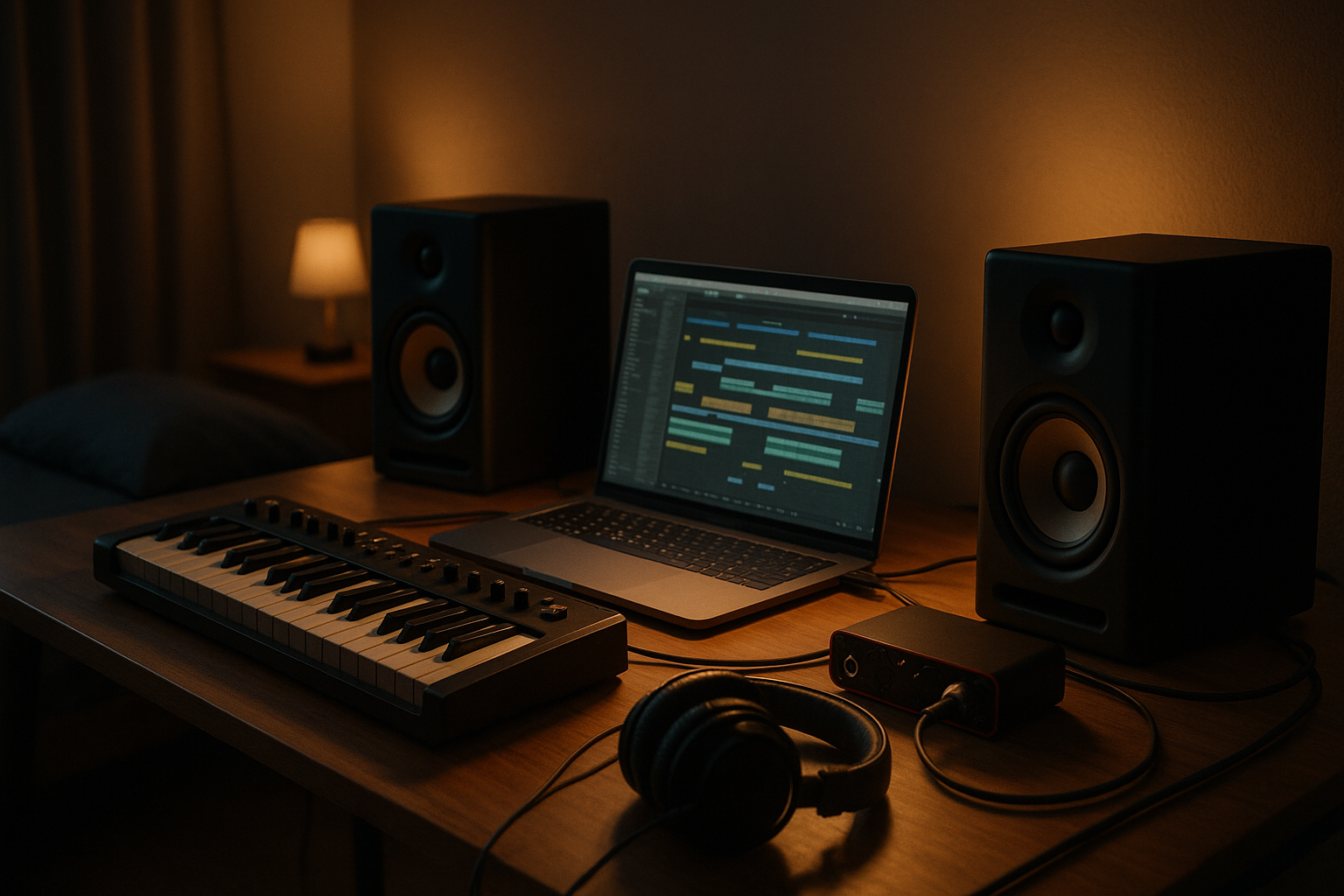
The biggest mistake new producers make is buying gear before they know their workflow. music production for beginners works best with a compact setup that lets you record ideas quickly, monitor accurately and avoid technical friction.
You do not need a treated commercial room on day one. You need a stable computer, a DAW, headphones you know well and a way to hear low-end decisions without guessing.
What music production for beginners really requires
Start with a laptop or desktop that can run 30 to 60 tracks without freezing. Add a two-input audio interface such as the Focusrite Scarlett 2i2, Audient iD4 or SSL 2, then choose closed-back headphones for tracking and open-back headphones or small monitors for mixing.
For music production for beginners, a 25-key MIDI keyboard is enough to play basslines, chords and toplines. If you make house, techno or hip-hop, a pad controller like Akai MPD218 or Ableton Push helps program drums more naturally.
Treat the listening position first
Place monitors at ear height in an equilateral triangle, keep them away from corners and use reference tracks to learn your room. If bass feels unreliable, use headphones as a second opinion. Sonarworks SoundID Reference can help, but it cannot replace careful level matching and repeated listening.
- Computer with enough RAM for your DAW and plugins
- Audio interface with clean headphone output
- Studio headphones you can trust
- MIDI keyboard or pad controller for faster writing
- External drive or cloud backup for sessions
Choose a DAW and Learn One Workflow Deeply
Your DAW is your studio, tape machine, mixer and editing room in one. music production for beginners becomes much easier when you stop jumping between platforms and learn one system properly for at least three months.
Ableton Live, FL Studio, Logic Pro or Studio One?
Ableton Live is excellent for loop-based electronic music, live performance ideas and fast audio warping. FL Studio is strong for beat programming, piano roll writing and pattern-based arranging. Logic Pro gives Mac users a complete package with great stock instruments. Studio One has a clean recording and mixing workflow.
There is no magic DAW. A professional can make a release-ready track in any of them. For music production for beginners, the best DAW is the one that lets you make an eight-bar loop, duplicate it, arrange it and export it without fighting the interface.
Build a reusable session template
Create a template with drum groups, bass, synths, vocals, effects returns and a reference track channel. Add a limiter on the master only for rough loudness, not final mastering. Colour-code groups so you can find ideas fast when the session grows.
- Drums group with kick, clap, hats and percussion
- Music group with bass, chords, leads and pads
- Vocal or hook channel ready for recording
- Reverb and delay return tracks
- Muted reference track routed away from master processing
Build Your First Groove Before Chasing Plugins
A strong loop beats a folder full of expensive plugins. music production for beginners should start with rhythm, groove and musical contrast because those elements survive even when sounds change later.
Program drums with intent
In four-on-the-floor styles, begin with a clean kick on every beat, a clap or snare on beats two and four, closed hats on offbeats and one or two percussion sounds for movement. Use velocity changes instead of randomising everything.
For music production for beginners, the goal is not to make the busiest drum pattern. The goal is to make something a DJ can mix, a vocalist can sit over and a listener can remember after one play.
Write a bassline that answers the kick
Keep the first bassline simple. Use the root note of your chord progression, then add passing notes only where the groove needs lift. In EDM and club genres, sidechain compression from the kick to the bass using Ableton Compressor, Xfer LFO Tool or Kickstart 2 can instantly create space.
- Start at 120-130 BPM for house or 124-138 BPM for techno and trance
- Use one kick sample that already fits the genre
- Keep percussion quieter than the clap and kick
- Quantise hard first, then add swing in small amounts
- Mute parts often to check whether each sound earns its place
Turn Loops Into Full Arrangements
Eight-bar loops are easy to love and hard to finish. music production for beginners has to include arrangement early, otherwise you end up with dozens of promising sketches and no complete tracks.
Use a reference track map
Drag a professionally released track into your DAW and place markers for intro, first groove, breakdown, build, drop and outro. Do not copy melodies or samples. Copy the energy curve, section length and way elements enter or leave.
This is one of the fastest ways to make music production for beginners feel concrete. If your reference track brings the bass in at bar 17 and removes drums at bar 65, you can use that structure as a learning scaffold.
Create movement with automation
Automation is the difference between a loop and a record. Filter a pad down before the drop, increase reverb on a vocal throw, open a hi-hat during the build or automate delay feedback for one bar. Small changes every eight or sixteen bars keep a club track alive.
- Intro gives DJs clean drums or a simple musical cue
- Breakdown removes weight and introduces emotion
- Build increases tension with risers, snare rolls or filters
- Drop delivers the main groove with stronger low end
- Outro strips elements so the next DJ mix is easy
Learn Sound Design Without Getting Lost
Sound design can inspire a track, but it can also swallow a whole session. music production for beginners should focus on editing presets, layering samples and understanding the few controls that change a sound the most.
Start with subtractive synth basics
In synths like Serum, Vital, Diva or Sylenth1, learn oscillator shape, filter cutoff, envelope attack and release, LFO modulation and unison detune. Those controls explain most basses, plucks, pads and leads used in electronic music.
For music production for beginners, pick one synth and make ten variations of one preset. Shorten the envelope for a pluck, open the filter for a lead, add noise for air, or reduce unison when the mix feels crowded.
Choose samples like a producer, not a collector
Use fewer sample packs and label your favourites. A tight collection from Splice, Loopcloud, Samples From Mars or a trusted genre pack is better than 50,000 unsorted sounds. When auditioning kicks, match them at the same volume so louder does not trick you into thinking better.
- Edit presets before buying more sound banks
- Layer only when each layer has a clear job
- High-pass unnecessary low end on effects and atmospheres
- Tune kicks, toms and percussion when they clash with the track
- Save your own racks and channel strips
Mix With Balance, EQ and Headroom
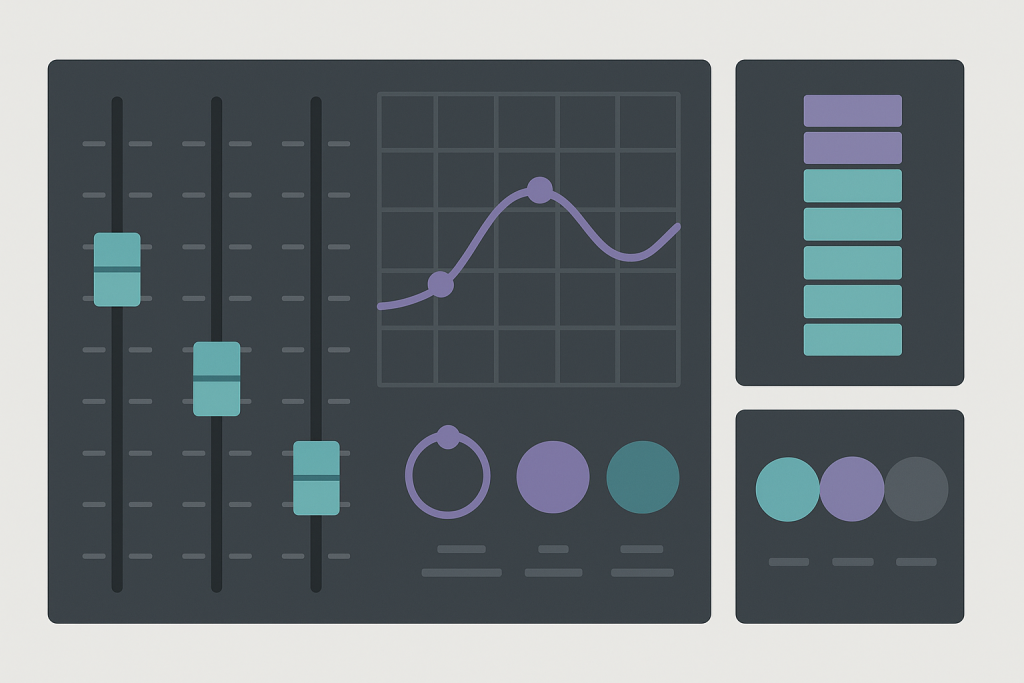
Mixing is not a rescue mission after bad writing. music production for beginners needs a simple mix system: balance first, EQ second, compression only when needed and loudness last.
A simple mix balance for music production for beginners
Pull every fader down, set the kick around -10 to -8 dBFS peak, then bring in bass until the groove feels solid without masking the kick. Add clap, hats, lead and vocals in order of importance. Keep the master peaking below about -6 dBFS before mastering.
This gain staging habit helps music production for beginners translate better. If the master is red before you add a limiter, the problem is not mastering; it is levels, low-end buildup or too many sounds fighting.
Use EQ to make space
FabFilter Pro-Q 3, Logic Channel EQ, Ableton EQ Eight and TDR Nova can all do the job. Cut rumble below 25-35 Hz on non-bass elements, reduce muddy buildup around 200-500 Hz and be careful with harsh boosts around 2-5 kHz. EQ in context, not solo, because listeners hear the full track.
- Level-match plugins before judging them
- Use high-pass filters gently, not automatically on everything
- Compress vocals and bass for consistency, not just loudness
- Check the mix quietly to reveal balance problems
- Compare with references at the same perceived volume
Finish, Export and Organize Your Projects
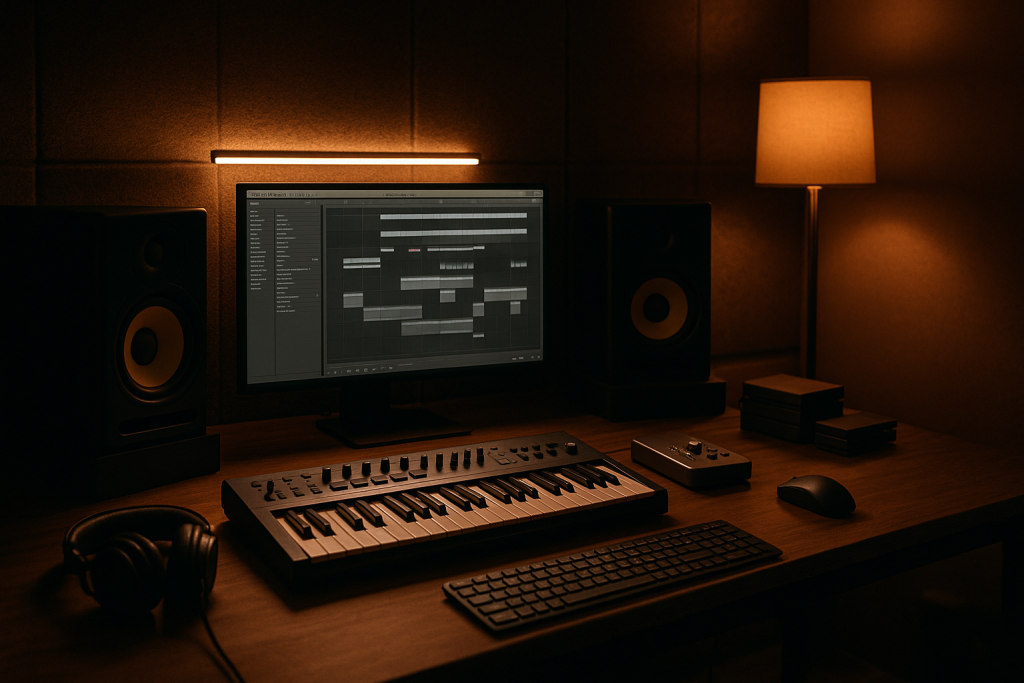
Finishing is a skill, not a personality trait. music production for beginners should include deadlines, version control and clean exports so every idea can become feedback-ready instead of disappearing in a hard drive folder.
Use a three-pass finishing routine
First, finish the arrangement without changing sounds. Second, fix the mix with notes written on paper or in your phone. Third, export a rough master and listen in the car, headphones, phone speaker and DJ software.
For music production for beginners, this routine prevents endless tweaking. If a lead sound still bothers you after the arrangement works, replace it. If it only bothers you in solo, leave it alone and move on.
Export useful files
Bounce a 24-bit WAV pre-master with headroom, a loud reference MP3 for sharing and stems if you plan to collaborate. Label files with artist name, track title, BPM, key and version number. A name like Artist_Track_126BPM_Am_v03_premaster.wav saves confusion later.
- Keep a dated folder for every project
- Save major versions before arrangement changes
- Export WAV and MP3 listening copies
- Back up sessions to a second drive or cloud folder
- Write down feedback instead of reacting instantly
Collaborate Smarter With Producers and Vocalists
Collaboration is normal in modern music. music production for beginners can include working with vocalists, mix engineers, mastering engineers or custom production partners while still developing your own taste and direction.
Prepare a clear creative brief
If you ask someone to help build or finish a track, send references, BPM, key, mood, target label or playlist, vocal notes and deadline. Include what you already have: topline, chord loop, demo vocal, DJ edit or just a written concept.
This matters for artists exploring ghost production or custom music production services. music production for beginners is easier when you can explain whether you need a full instrumental, a finished arrangement, mix polishing or a release-ready master.
Keep ownership and credits clear
Before files change hands, agree on rights, exclusivity, publishing splits, vocal usage and whether the producer is credited publicly. Save contracts, invoices and final WAVs in the same project archive. Clear paperwork protects relationships as much as it protects releases.
- Send two or three reference tracks, not twenty
- Explain the emotional target in plain language
- Share stems, MIDI and demo vocals when available
- Confirm deadlines before booking release plans
- Agree on revisions and file delivery before work starts
| Tool | Best for | Typical cost | Beginner tip |
|---|---|---|---|
| Ableton Live Intro or Standard | Loop-based electronic music and fast arranging | Paid tiers | Use Session View for ideas, then move to Arrangement View quickly |
| FL Studio Producer Edition | Beat programming, piano roll writing and pattern workflows | Paid | Name and colour patterns before the project gets crowded |
| Logic Pro | Mac-based songwriting, recording and full production | Paid | Explore stock instruments before buying third-party plugins |
| Vital | Free wavetable synthesis and sound design practice | Free and paid tiers | Learn one oscillator, filter and envelope patch from scratch |
| FabFilter Pro-Q 3 or TDR Nova | Precise EQ and problem solving | Paid or free option | EQ while the full mix plays, not only in solo |
Further reading
- Ableton Learning Music — Ableton provides a respected, interactive foundation for rhythm, melody, harmony and song structure.
- Sound On Sound mixing — Sound On Sound is a long-established professional audio publication with detailed engineering education.
Frequently asked questions
What is music production for beginners?
music production for beginners means learning the core steps of making a track: choosing a DAW, programming drums, writing musical parts, arranging sections, mixing levels and exporting audio. It is less about expensive gear and more about repeatable workflow, listening skills and finishing small projects consistently.
What equipment do I need to start producing music at home?
You need a computer, a DAW, headphones and ideally an audio interface. A MIDI keyboard, studio monitors and a microphone are useful but not mandatory on day one. Start lean, learn your tools well and upgrade only when a specific limitation slows your work.
Which DAW is best for beginner EDM producers?
Ableton Live, FL Studio and Logic Pro are all strong choices. Ableton is great for loops and electronic arrangement, FL Studio is fast for beats and piano roll writing, and Logic is excellent for Mac users who want a complete stock toolkit. The best DAW is the one you finish tracks in.
How long does it take to make a first complete track?
A simple first track can be finished in a weekend, but learning to make it sound polished usually takes months of repetition. Aim to finish one short arrangement every week. The speed comes from templates, reference tracks, fewer plugin choices and accepting that early versions are practice.
Should beginners learn mixing or songwriting first?
Learn both, but prioritize songwriting and arrangement first. A balanced mix cannot fix a weak hook, boring groove or overcrowded loop. Once the idea works with basic sounds, use mixing to improve clarity, punch and translation across headphones, monitors and small speakers.
Can I use loops and samples in my first releases?
Yes, if the samples are properly licensed and your track adds original arrangement, processing or musical context. Avoid ripping from commercial songs without clearance. Keep receipts, license files and sample pack names in your project folder so you can answer rights questions later.
Conclusion
music production for beginners becomes manageable when you treat it as a repeatable process: set up a simple studio, learn one DAW, write a strong groove, arrange with references, mix for balance and export clean versions. You do not need to master every plugin before making music that feels real.
The fastest progress comes from finishing. Open your DAW, choose one reference track, build a 16-bar loop, then arrange it into a full intro, breakdown, drop and outro. Try this in your next session, save each version clearly and listen back tomorrow with fresh ears.
Music production for beginners — Quick Recap
The fastest way to lock in music production for beginners is to internalise the workflow above and repeat it on every project. Start small: pick one technique from this music production for beginners guide, apply it to your next session, and audit the result against a reference track.
- Start with a reliable DAW, headphones and simple controller before buying extra gear.
- Build grooves with strong drums and bass before chasing advanced sound design.
- Use reference tracks to learn arrangement, energy and section length.
- Mix with balance, headroom and EQ before relying on limiters.
Treat music production for beginners as a habit, not a one-off — the producers who consistently nail music production for beginners are the ones who run the same checks on every track. That’s the difference between a clean, club-ready master and a track that sounds great at home but falls apart on a real system.
My Career makes videos from your own track and posts them for you, pitches your release to 34,000+ labels, playlists, radio stations, YouTube channels and blogs, puts it in every store and briefs you every morning. Free plan, no card, two minutes to set up.