Key takeaways
- Plan the energy arc first, then choose tracks that support it.
- Tag your library by track function, not only by genre.
- Use cue points, grids and rehearsal notes to reduce booth stress.
- Originals, edits and custom tracks work best when placed strategically.
- Record practice sets and review them like a producer.
- Always prepare backups for USBs, laptops, cables and emergency track choices.
Dj set planning is the difference between playing good tracks and delivering a show that feels intentional from the first kick to the final breakdown. Smart dj set planning helps you choose the right records, control energy, prepare clean transitions, and leave space for the room to react.
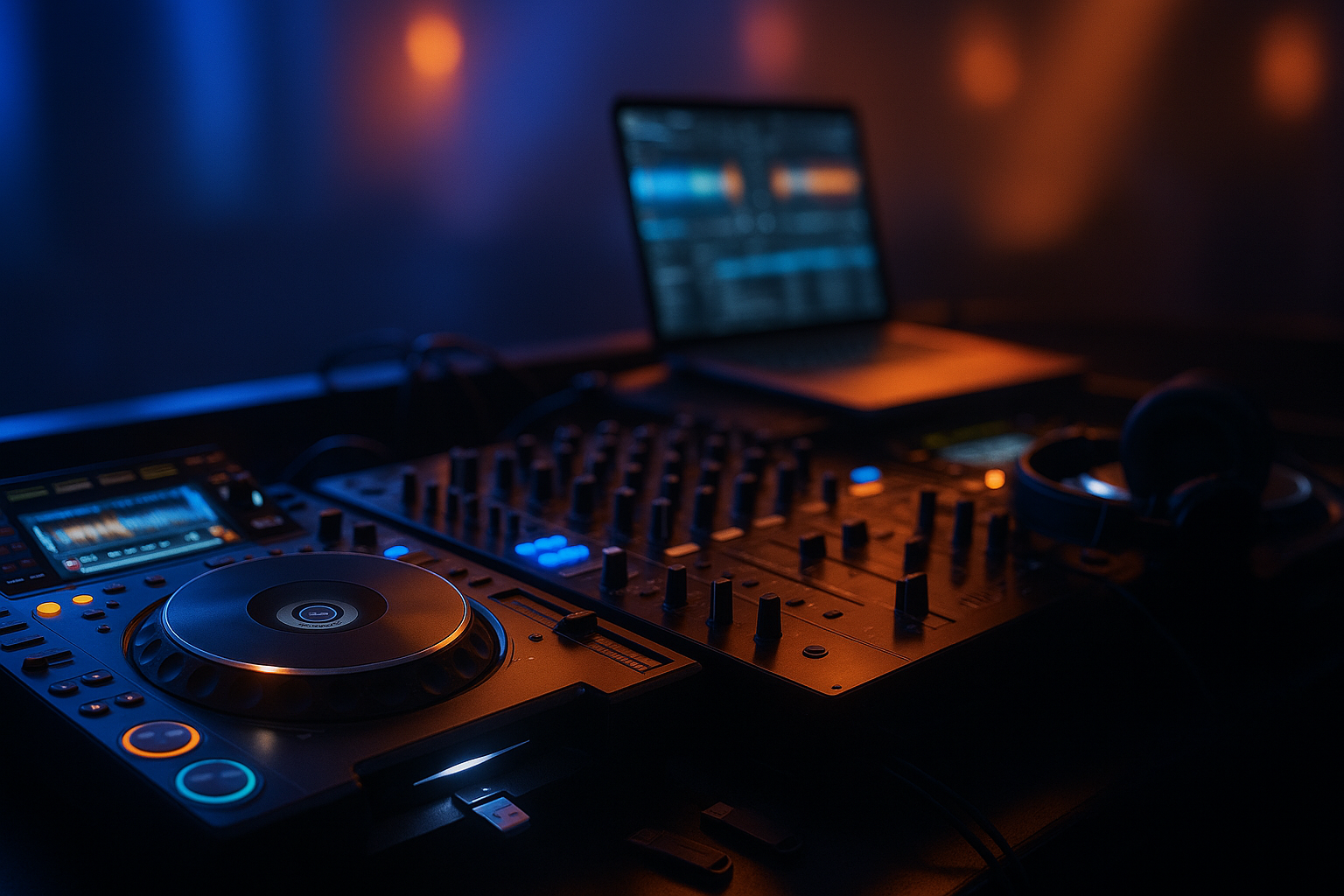
If you are an aspiring DJ, bedroom producer, or artist using custom music production, the goal is not to script every second. The goal is to build a flexible system. You want crates that make sense, cue points that save time, original edits that stand out, and a rehearsal process that exposes weak moments before you play them in public. Here is a hands-on workflow you can use in Rekordbox, Serato DJ Pro, Traktor, Engine DJ, Ableton Live, or a hybrid setup.
Why dj set planning Creates Better Performances
A strong set has movement. It breathes, rises, relaxes, and lands at the right moments. Good dj set planning gives you that structure without killing spontaneity. You still read the crowd, but you are not desperately searching for the next track while the current one is already running out.
What dj set planning actually controls
At a practical level, dj set planning controls track order, tempo range, key relationships, energy jumps, transition types, and the role of your own music. It also reduces decision fatigue. When the booth is loud and the monitors are imperfect, a prepared library keeps you focused on timing, phrasing, EQ, and crowd reaction.
Plan the arc, not every second
Think in zones: warm-up, lift, first peak, reset, signature moment, final push. A 60-minute house set might move from 122 BPM deep grooves into 126 BPM vocal tech house, then finish with two recognizable weapons. The plan is a map, not a cage.
- Know the first three tracks before you start.
- Keep two backup directions ready for every energy level.
- Mark tracks that work as resets, peaks, or closers.
- Avoid placing every biggest record in the first 20 minutes.
Build a Music Library That Mixes Fast
Your library is the engine of dj set planning. If your playlists are a messy dump of downloads, promos, edits, and half-finished bounces, the set will feel stressful. Start by cleaning metadata and building performance crates that reflect how you actually mix.
Tag tracks by job, not only genre
Genres are useful, but jobs are faster in the booth. Add tags like warm-up, groove tool, vocal hook, dark roller, hands-up, bridge, emergency classic, and closer. In Rekordbox, My Tags and intelligent playlists are excellent for this. In Serato, crates and smart crates can do similar work.
Use ratings with discipline
A five-star system only works if you define it. For example, three stars means playable, four stars means reliable, and five stars means proven under pressure. Do not give every new download five stars after one listen. Save that rating for records that consistently move people.
- Correct artist, title, remix name, BPM, and key fields.
- Delete duplicates and low-quality rips.
- Separate finished masters from rough demos.
- Create a small crate for tracks you know perfectly.
- Refresh your set crates before every important show.

Map Energy, Key, and Tempo Before You Rehearse
Energy mapping turns dj set planning into a musical conversation. BPM and key matter, but they are not the whole story. A 124 BPM minimal track can feel calmer than a 122 BPM vocal record with a huge snare build, wide supersaws, and a crowd-friendly chorus.
Build an energy ladder
Give each track an energy score from 1 to 5. A score of 1 might be a deep intro tool. A score of 5 is a peak-time weapon. Then arrange short clusters: 2-2-3, 3-4-4, 4-3-5. This prevents accidental jumps that make the room feel confused.
Use harmonic mixing without becoming robotic
Mixed In Key, Rekordbox, Traktor, and Engine DJ can analyze musical key. Use Camelot notation as a guide, especially for long melodic blends. Still trust your ears. Percussive techno, bass-heavy UK garage, and hardstyle drops can work through contrast if the phrasing is clean.
- Keep compatible keys close for extended blends.
- Use tempo changes during breakdowns or drum-only sections.
- Plan one or two intentional energy drops.
- Avoid three vocal hooks fighting each other in a row.
Design Transitions That Fit Your Sound
Transitions are where dj set planning becomes performance. The right transition style depends on arrangement, genre, sound system, and your identity as an artist. A hard techno cut, a melodic house blend, and a trap drop switch all need different preparation.
Set memory cues and hot cues with purpose
Use memory cues for structure and hot cues for action. Mark intro start, first phrase, breakdown, drop, outro, and emergency exit. On CDJ-style players, consistent color coding helps: green for mix-in, blue for breakdown, red for drop, orange for mix-out.
Match transition length to arrangement
Long blends work when drums, basslines, and musical keys cooperate. Quick cuts work when hooks are strong or the outgoing track has no clean outro. For EDM and bass music, try mixing during drum fills, silence gaps, or pre-drop vocals instead of forcing a 64-bar blend.
- Practice filter swaps on tracks with clashing low-end.
- Use echo out sparingly so it stays effective.
- Loop eight or sixteen bars when an intro is too short.
- Keep gain staging stable before adding FX.
- Write notes for difficult transitions after rehearsal.
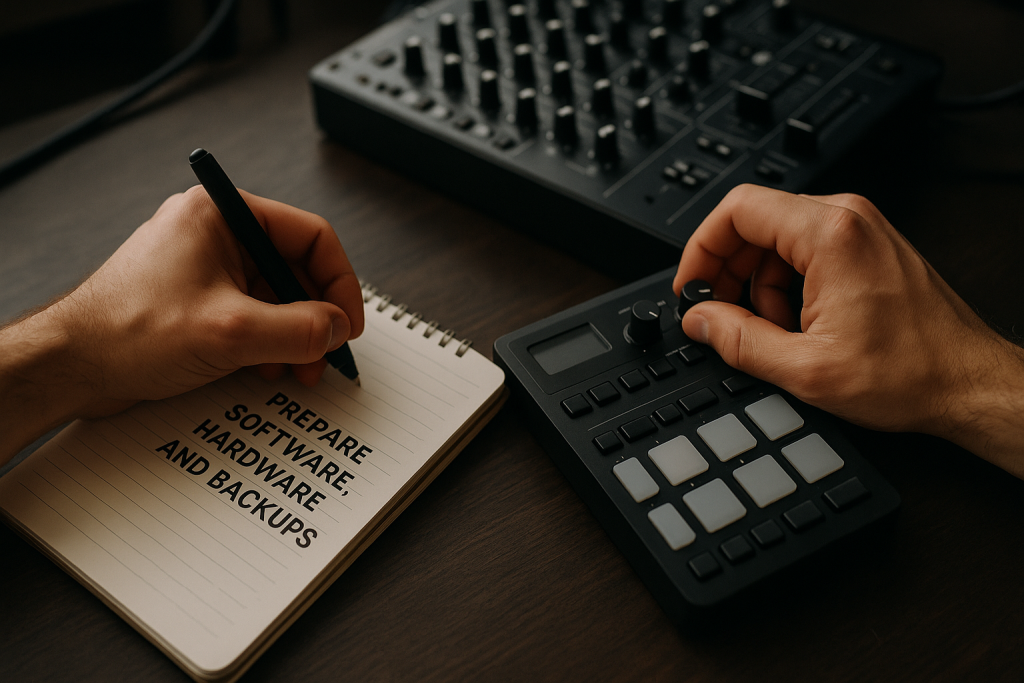
Prepare Software, Hardware, and Backups
Reliable dj set planning includes boring technical checks. They are not glamorous, but they save shows. A perfect crate is useless if the USB is corrupt, the beatgrids are wrong, or your controller mapping behaves differently on the night.
Check grids, cues, and export settings
Analyze tracks in the software you will actually use. Rekordbox exports should be tested on the type of player you expect in the booth. Serato users should check crates on the performance laptop, not only on a studio desktop. Engine DJ users should verify databases after syncing media.
Carry practical backups
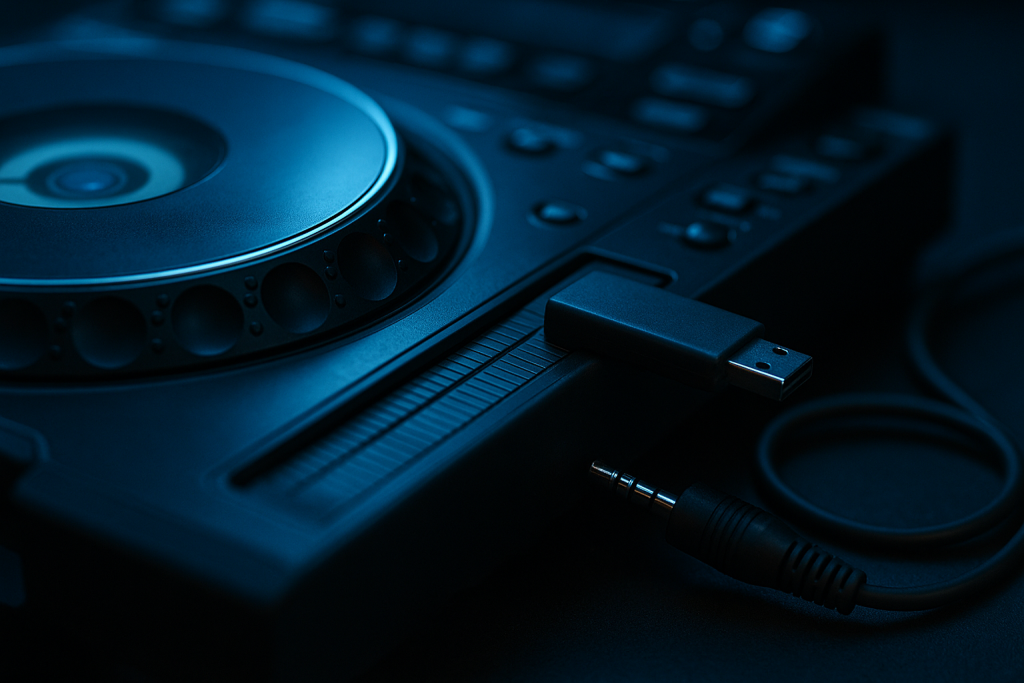
Bring two USB drives, a short USB-C adapter if needed, headphones you trust, and a small cable kit. If you perform hybrid sets, freeze or flatten CPU-heavy Ableton Live channels and export emergency stereo versions of essential originals.
- Format USB drives in a player-friendly format.
- Test exported playlists before leaving home.
- Back up your library database weekly.
- Keep a simple emergency crate on every drive.
- Update firmware only when you have time to test.
Use Originals, Edits, and Ghost Produced Tracks Wisely
For artists building a brand, dj set planning should include music no one else has. Originals, bootleg-style personal edits, acapella tools, intro versions, and custom productions can turn a solid set into a recognizable statement.
Place signature records where they matter
Do not hide your best original in a random early slot. Put it where the room is ready: after a known hook, before a major peak, or as the first track after a reset. If you work with a producer, request DJ-friendly intros, clean outros, extended mixes, and a mastered WAV that holds up beside commercial releases.
Make edits for performance problems
Edits should solve real issues. Add a 16-bar drum intro for a short streaming version. Remove an overlong breakdown that kills club momentum. Create a clean outro for radio-style tracks. In Ableton Live, simple warp markers, automation, and arrangement edits can make a track far more playable.
- Keep original tracks near compatible reference records.
- Test custom masters against released tracks at matched loudness.
- Label versions clearly: extended, radio, intro edit, dub, acapella.
- Avoid playing too many unknown tracks back to back.
- Use one signature moment people can remember after the set.
Record, Review, and Tighten the Final Set
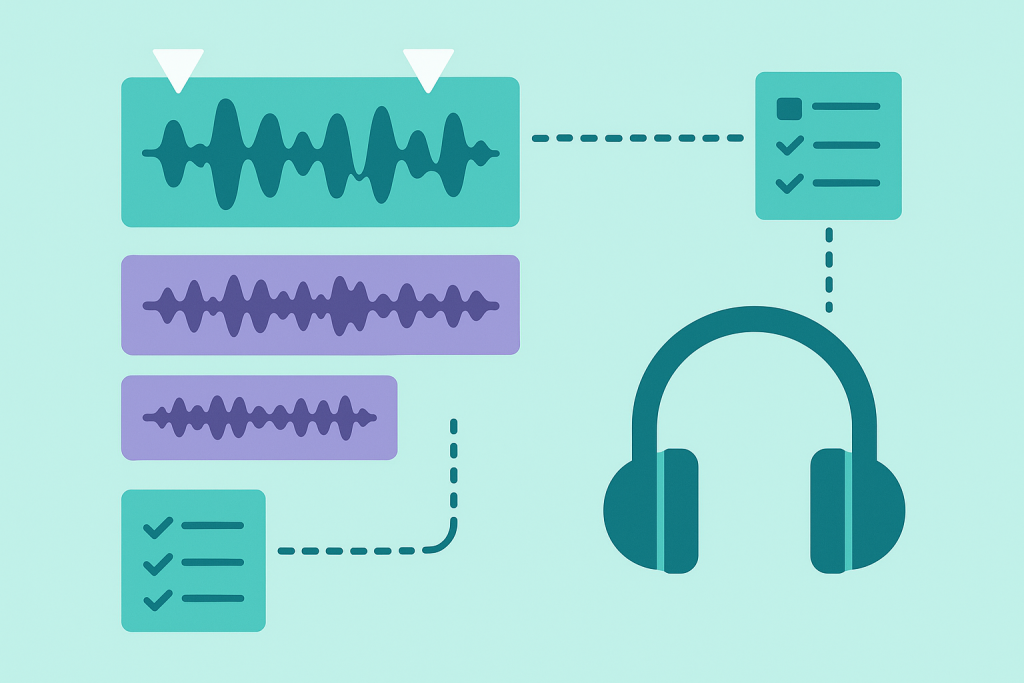
The final stage of dj set planning is listening back without ego. Recording exposes rushed blends, weak energy flow, clashing vocals, late cue points, and overused effects. It also shows which moments feel exciting enough to keep.
Review like a producer
Record a full pass in the same software or hardware workflow you will use live. Then take notes with timestamps. Listen once for energy, once for technical execution, and once like a casual fan. If you get bored during a section, the audience probably will too.
Leave room for crowd reading
A prepared set should still have branches. Build mini-crates for different reactions: deeper, harder, more vocal, more underground, or more familiar. When the room changes, you can pivot without destroying the overall story.
- Fix one major issue per rehearsal pass.
- Do not rehearse until the set sounds lifeless.
- Keep notes short enough to read quickly.
- Prepare a different opener if the room is already high-energy.
- Save your best rehearsal recording for future reference.
| Tool | Best use | Strength | Watch out for |
|---|---|---|---|
| Rekordbox | CDJ and club USB preparation | Deep cue, grid, playlist and export workflow | Always test exports on compatible players |
| Serato DJ Pro | Controller and DVS performance | Fast crates, stems, reliable laptop workflow | Requires careful laptop and library maintenance |
| Traktor Pro | Creative looping and effects-heavy sets | Flexible mapping, remix decks and FX chains | Booth compatibility depends on your setup |
| Ableton Live | Hybrid sets, edits and custom arrangements | Powerful warping, automation and clip launching | Needs CPU management and backup audio files |
| Mixed In Key | Harmonic sorting before rehearsal | Quick key analysis and energy tagging support | Analysis is a guide, not a replacement for listening |
Further reading
- Pioneer DJ rekordbox — Official source for Rekordbox, a leading preparation and performance platform for club DJs.
- Ableton Live manual — Official Ableton documentation for Live, widely used for edits, hybrid DJ sets and custom performance arrangements.
Frequently asked questions
What is dj set planning?
dj set planning is the process of organizing tracks, energy levels, keys, tempos, cue points, transitions, backups, and rehearsal notes before a DJ performance. It helps you stay flexible while avoiding panic decisions in the booth.
How many tracks do I need for a one-hour DJ set?
Most one-hour electronic sets use 18 to 30 tracks, depending on genre and transition length. Deep house and melodic techno may use fewer long blends, while open-format, bass, or festival EDM sets often move faster.
Should I plan my DJ set track by track?
You can plan a loose order, but avoid locking every second unless the show is synchronized with visuals or lighting. A better approach is to plan sections, key moments, backup options, and reliable transition pairs.
What software is best for preparing a DJ set?
Rekordbox is the standard for many CDJ-based club setups. Serato DJ Pro is excellent for controllers and DVS. Traktor suits creative mapping and effects. Ableton Live is ideal for hybrid sets, custom edits, and performance arrangements.
How do I include my own tracks in a DJ set?
Place originals where they support the energy arc, not just where you want exposure. Test them against released reference tracks, prepare extended versions, and make sure the master level and low-end translate on a club system.
Is harmonic mixing necessary for beginner DJs?
Harmonic mixing is helpful but not mandatory. It is most useful for melodic genres and long blends. Beginners should first master phrasing, beatmatching, EQ, and gain staging, then use key analysis to make smoother musical choices.
Conclusion
Great dj set planning is not about removing risk or turning your performance into a spreadsheet. It is about preparing enough detail that you can relax, listen, and make better decisions in real time. Build a clean library, map energy honestly, test your transitions, prepare your own signature music, and record full rehearsals before the show.
The best sets usually sound effortless because the hard work happened earlier. For your next session, choose a 45-minute format, create three energy zones, add cue points to every track, and record one complete pass. Then fix the weakest five minutes before you add anything new.
Dj set planning — Quick Recap
The fastest way to lock in dj set planning is to internalise the workflow above and repeat it on every project. Start small: pick one technique from this dj set planning guide, apply it to your next session, and audit the result against a reference track.
- Plan the energy arc first, then choose tracks that support it.
- Tag your library by track function, not only by genre.
- Use cue points, grids and rehearsal notes to reduce booth stress.
- Originals, edits and custom tracks work best when placed strategically.
Treat dj set planning as a habit, not a one-off — the producers who consistently nail dj set planning are the ones who run the same checks on every track. That’s the difference between a clean, club-ready master and a track that sounds great at home but falls apart on a real system.
In a real studio session, dj set planning comes down to the order in which you make decisions: reference first, gain stage second, then the creative work. Producers who treat dj set planning as a checklist instead of a vibe end up shipping more tracks.
Most producers and DJs undervalue dj set planning because the wins are invisible until the track plays back on a real system. Bake dj set planning into your template and the next ten projects benefit automatically.
My Career makes videos from your own track and posts them for you, pitches your release to 34,000+ labels, playlists, radio stations, YouTube channels and blogs, puts it in every store and briefs you every morning. Free plan, no card, two minutes to set up.