
How to DJ at Home – Setup and Practice Guide
How to DJ at Home – Setup and Practice Guide
The art of DJing is no longer confined to nightclubs and festival stages. With advancements in technology and the rise of virtual events, learning how to DJ at home has become an increasingly popular and accessible pursuit. Whether you’re an aspiring DJ or a seasoned professional looking to refine your skills in a personal space, setting up a home DJ station can be both rewarding and practical.
In this guide, we’ll explore the essential components of a home DJ setup, discuss the best practices for honing your craft in a domestic environment, and examine how some of the world’s top DJs manage their home spaces. We’ll also delve into the historical context of home DJing and provide actionable tips to elevate your practice sessions to professional standards.
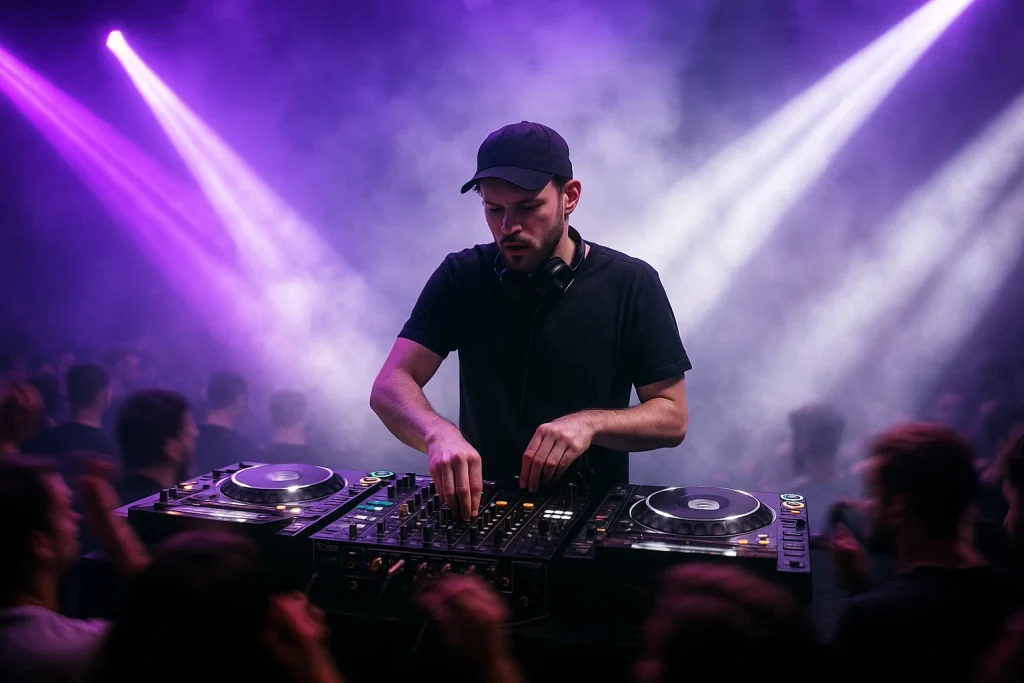
Essential Equipment for Your Home DJ Setup
Creating a functional and inspiring home DJ setup involves more than just purchasing the latest gear. It requires an understanding of your personal needs, budget, and the space available. Here are the key components you should consider:
DJ Controllers vs. CDJs
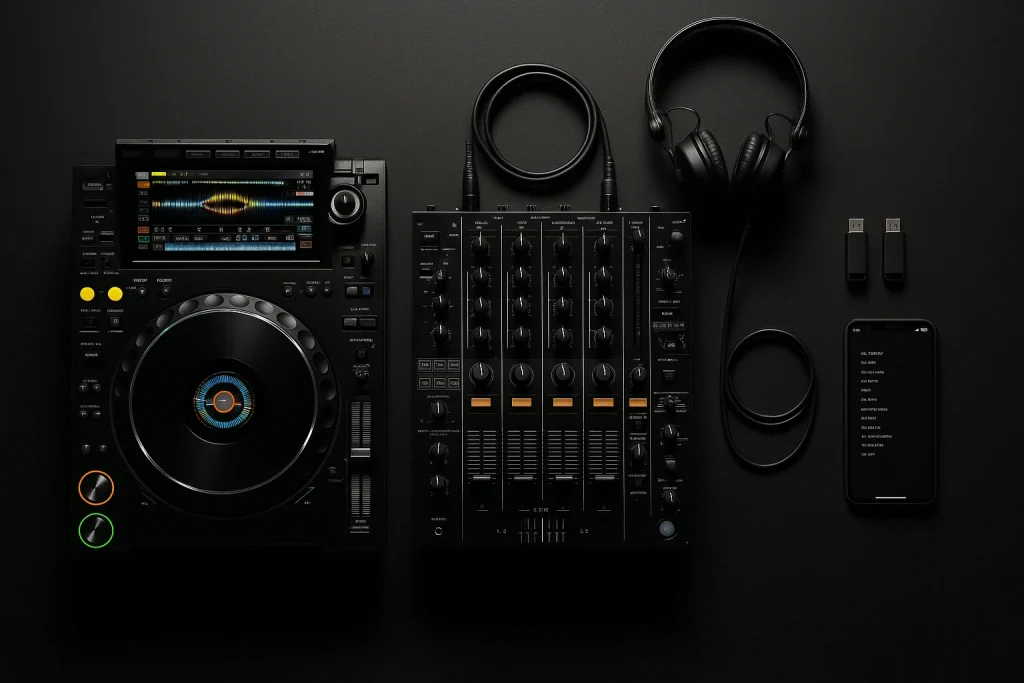
The choice between DJ controllers and CDJs often depends on your style, budget, and space. Controllers like the Pioneer DDJ-1000 or the Traktor Kontrol S4 offer comprehensive functionalities and are favored for their portability and integration with DJ software. In contrast, CDJs, such as the Pioneer CDJ-3000, are preferred by those who aim to replicate a club-like experience at home.
If you’re unsure which to choose, our CDJ vs Controller guide provides a detailed comparison to help you make an informed decision.
Audio Interfaces and Speakers
High-quality audio is crucial for effective DJing. Investing in a reliable audio interface, like the Focusrite Scarlett 2i2, ensures that your sound is crystal clear. Pair this with studio monitors such as the KRK Rokit series to accurately hear your mixes. For budget options, check our best studio monitors on a budget.
Software and Digital Audio Workstations (DAWs)
Software is the backbone of home DJ setups. Popular options include Serato DJ, Traktor Pro, and Rekordbox. Each has unique features, so it’s worth exploring which aligns best with your workflow. If you’re into music production as well, integrating a DAW like Ableton Live can enhance your capabilities. For more insights, visit Splice for plugin libraries and community input.
Setting Up Your Space
The physical space where you set up your DJ gear plays a significant role in your practice effectiveness. Here are some tips to optimize your home environment:
Room Acoustics
Sound quality can be heavily influenced by room acoustics. To improve acoustics, consider adding soundproofing foam panels or bass traps. These additions can minimize echo and create a more studio-like sound. For more detailed advice, the home studio setup for beginners guide offers practical tips.
Ergonomics and Layout
Comfort is key during long practice sessions. Ensure your DJ table is at a comfortable height to prevent strain. Arrange your equipment logically, keeping essentials like controllers and laptops within easy reach.
Cable Management
Messy cables can be both a visual distraction and a safety hazard. Use cable ties and clips to organize and secure your cables. This not only improves the aesthetic but also reduces the risk of accidents.
Effective Practice Techniques
Practicing at home offers the freedom to experiment and develop your unique style. Here are some methods to make your practice sessions more effective:
Recording Your Sets
Recording your sessions is an excellent way to critique your own performance. Use software like Audacity or GarageBand for this purpose. Listening back allows you to identify areas for improvement, such as transitions and track mixing.
Exploring Different Genres
Expanding your musical repertoire by experimenting with different genres can significantly enhance your skills. Understanding the nuances of house, techno, or drum and bass can make you a more versatile DJ. For genre-specific production tips, check out our guides on progressive house and tech house.
Live Streaming and Online Presence
Live streaming your sets on platforms like SoundCloud or Twitch can open up new opportunities for feedback and audience engagement. It’s also a great way to build your brand and reach a global audience from home. Read our how to stream DJ sets guide for more insights.
Incorporating Ghost Production
Many DJs enhance their sets with exclusive tracks, which can be particularly useful for standing out in a saturated market. Ghost production services offer custom tracks tailored to your style and brand. Learn more about ghost production for DJs and how it can benefit your home practice sessions.
Additionally, purchasing exclusive tracks can give your sets a unique flair that audiences will remember.
Professional Tips from Top DJs
Learning from the best can provide invaluable insights. Notable DJs like Carl Cox and Nina Kraviz have shared their home DJing experiences, emphasizing the importance of both technical skill and creative freedom. Here are some professional tips worth considering:
Set Realistic Goals
Establishing clear, achievable goals can help maintain your motivation. Whether it’s mastering a new transition technique or curating a set list for a virtual gig, having a target can guide your practice.
Stay Updated with Industry Trends
The music industry is ever-evolving. Staying informed about the latest trends and technologies can keep your skills relevant. Resources like Mixmag and Resident Advisor offer up-to-date news and insights.
| Equipment | Price Range | Best For | Notable Features |
|---|---|---|---|
| Pioneer DDJ-1000 | $1,200 – $1,400 | Home Practice, Gigs | High-resolution jog wheels, Full-size CDJ layout |
| Traktor Kontrol S4 | $800 – $1,000 | Portability, Software Integration | Haptic drive, Mixer FX |
| KRK Rokit 5 G4 | $350 – $400 | Studio Monitoring | DSP-driven Graphic EQ, Class D power amplifier |
Frequently Asked Questions
What is the best DJ software for beginners?
For beginners, Serato DJ Lite and Rekordbox are excellent choices due to their user-friendly interfaces and comprehensive online tutorials. Traktor Pro is also a solid option for those who prefer a more integrated approach with hardware.
How much space do I need for a home DJ setup?
A home DJ setup can fit in a small space, such as a corner of a room. Ideally, you’ll need enough room to place your equipment comfortably and allow for movement during sessions. A table or desk with a width of at least 4 feet is generally sufficient.
Can I DJ at home without expensive equipment?
Absolutely. Many successful DJs started with minimal setups. Entry-level controllers and free software can provide a good starting point. As you advance, you can invest in more sophisticated gear.
Do I need to be a producer to be a successful DJ?
While producing your own tracks can enhance your DJ career, it’s not a requirement. Many DJs collaborate with producers or use ghost production services to incorporate unique tracks into their sets.
How can I get exclusive tracks for my DJ sets?
Buying exclusive ghost-produced tracks is a viable option for DJs seeking unique music. You can also explore how to get more music for DJ sets for additional strategies.
Last updated:
Stand Out From Every Other DJ
The DJs who get booked and remembered play music nobody else has. Commission exclusive ghost-produced tracks and edits made specifically for your sound.