
How to Edit Tracks for DJ Sets – DJ Edits Guide
How to Edit Tracks for DJ Sets – DJ Edits Guide
In the intricate world of DJing, the art of track editing is a skill that can set a DJ apart from their peers. Knowing how to edit tracks for DJ sets allows you to tailor your music to fit the energy and flow of your performance, creating a unique and engaging experience for your audience. Whether you’re extending intros for seamless mixing, crafting clean edits for radio play, or creating mashups that surprise and delight, mastering this skill is essential for both aspiring and experienced DJs.
The practice of editing tracks for DJ sets isn’t new. It’s a tradition dating back to the early days of dance music when DJs like Larry Levan and Frankie Knuckles would modify tracks to suit the vibe of their sets. Fast forward to 2026, editing technology has advanced tremendously, allowing DJs to make precise adjustments using sophisticated digital audio workstations (DAWs). This evolution has transformed track editing from an underground practice to an essential part of mainstream DJ culture.
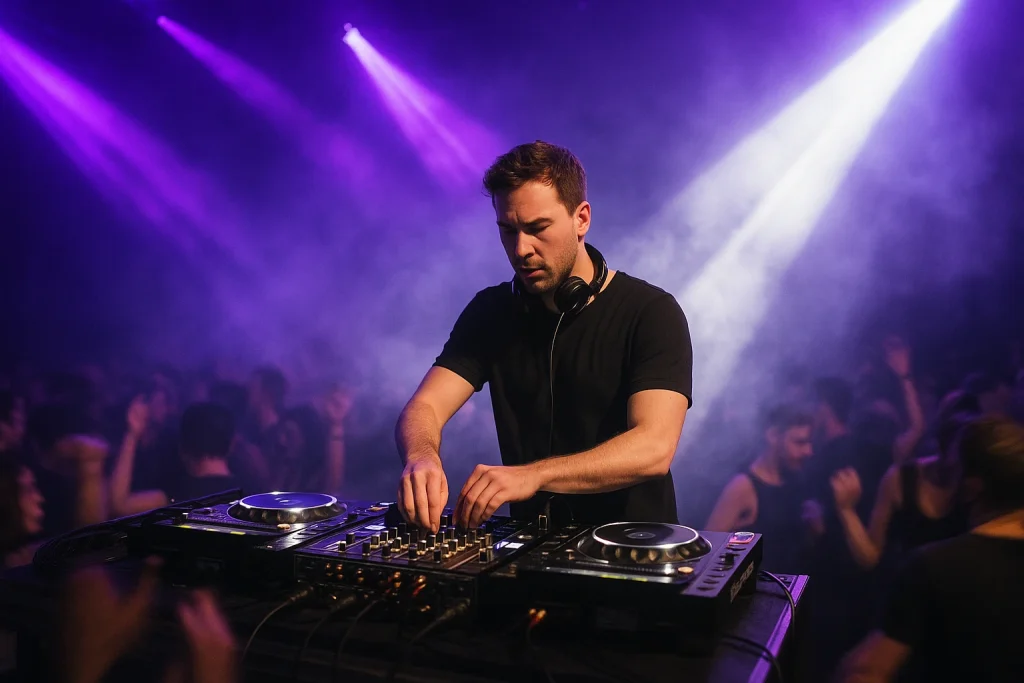
In this guide, we’ll delve into the technical aspects of track editing, explore various types of edits, and provide you with expert tips to enhance your DJ sets. We’ll also highlight some of the industry-standard tools and discuss the importance of understanding music structure and energy flow. By the end of this article, you’ll have a robust framework for implementing track edits that elevate your performances.
The Importance of Track Editing in DJ Sets
Track editing is more than just a technical skill; it’s a creative process that enables DJs to personalize their sets. It allows DJs to stand out in a crowded music scene by adding a unique touch to their performances. With over 100,000 tracks being uploaded daily to streaming platforms like SoundCloud and Beatport, having distinct edits can significantly impact a DJ’s recognition and growth.
Common types of track edits include intro/outro extensions, clean edits, and mashups. Each serves a different purpose, from improving mix transitions to ensuring radio compatibility. These edits also enable DJs to adapt tracks to different audiences and settings, be it a club, festival, or radio show.
Types of Track Edits
Intro/Outro Extensions
Intro and outro extensions are perhaps the most fundamental types of edits. They involve lengthening the beginning or end of a track to facilitate smoother transitions between songs. This is particularly useful for tracks with short intros or outros that don’t provide enough time for beatmatching. DJs like Carl Cox and Amelie Lens frequently use extended intros to maintain the energy flow in their sets. Learn more about managing energy flow in DJ sets to keep the dance floor moving.
Clean Edits
Clean edits are essential for radio play and family-friendly events. They involve removing explicit content from tracks without compromising the overall sound. DJs often use clean edits to reach a broader audience and adhere to broadcast standards. With tools like iZotope RX, producing clean edits has become more accessible, allowing DJs to maintain the integrity of the original track while making it suitable for all audiences.
Mashups
Mashups combine elements from two or more tracks to create a new, cohesive piece. This type of edit is great for showcasing creativity and keeping audiences engaged. Notable examples include DJ Earworm’s “United State of Pop” series, which seamlessly blends the year’s top hits into a single track. Mashups require a keen understanding of harmonic mixing, so consider reading our harmonic mixing guide to ensure your mashups are musically compatible.
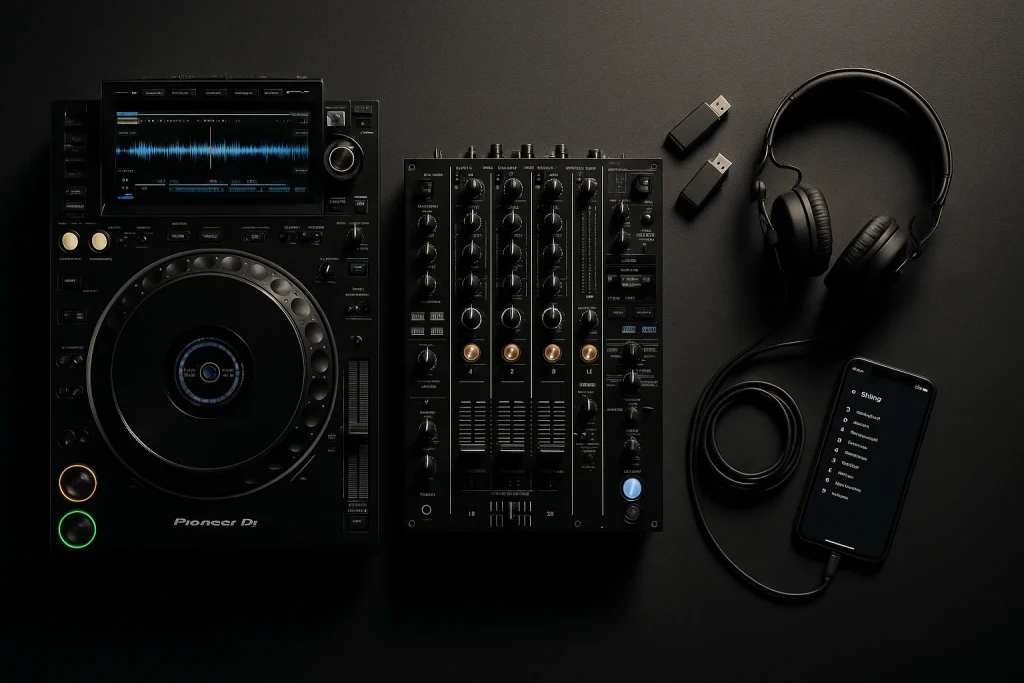
Tools for Editing Tracks
The right tools can make or break your editing workflow. Here are some essential software options for DJs looking to enhance their track editing capabilities:
| Software | Key Features | Price (Approx.) |
|---|---|---|
| Ableton Live | Versatile DAW, MIDI support, real-time audio editing | $449 |
| Logic Pro | Comprehensive editing tools, advanced MIDI capabilities | $199 |
| FL Studio | User-friendly interface, excellent for beat-making | $199 |
| Adobe Audition | Professional audio editing, ideal for clean edits | $20/month |
Understanding Music Structure and Energy Flow
Editing tracks is not just about technical skills; it involves a deep understanding of music structure and energy flow. Recognizing the elements that make a track work on the dance floor is crucial. DJs should familiarize themselves with concepts like phrase alignment, beatmatching, and energy levels. For more insights, explore our article on how to build a DJ set list.
Expert Tips for Effective Track Editing
Keep a Backup
Always keep a backup of your original tracks before making edits. This prevents loss of data and allows you to start fresh if needed. Utilizing external hard drives or cloud storage can ensure your backups are safe and accessible.
Use Reference Tracks
Reference tracks can be a valuable tool for maintaining consistency and quality. By comparing your edits to professionally mixed tracks, you can identify areas for improvement. Check out our guide on how to use reference tracks effectively during mixing.
Maintain Dynamic Range
One of the common pitfalls in track editing is over-compression, which can lead to a loss of dynamic range. Ensure your edits retain the original track’s energy by avoiding excessive compression and limiting.
Leveraging Ghost Production
For DJs who want custom edits but lack the time or expertise to create them, ghost production services can be a valuable resource. Services like The Ghost Production provide custom track editing and production to match your unique style. If you’re interested in hiring a ghost producer for bespoke edits, explore options to hire a ghost producer or buy exclusive tracks.
Frequently Asked Questions
What software is best for editing tracks for DJ sets?
Ableton Live, Logic Pro, and FL Studio are popular choices among DJs due to their versatile editing features and user-friendly interfaces.
How can I make my DJ sets stand out with track edits?
By creating unique mashups, clean edits, and extending intros/outros, you can personalize your sets and engage your audience more effectively.
Is track editing necessary for all DJ performances?
While not mandatory, track editing can significantly enhance your performance by providing smoother transitions and a personalized touch.
Can I use ghost production services for track edits?
Yes, ghost production services can create custom edits and tracks tailored to your style, allowing you to focus on your performance.
What should I consider when editing tracks for a specific audience?
Consider the energy flow, genre preferences, and any explicit content that may need clean edits for radio or family-friendly events.
Last updated:
Stand Out From Every Other DJ
The DJs who get booked and remembered play music nobody else has. Commission exclusive ghost-produced tracks and edits made specifically for your sound.