
How to Stream DJ Sets – Online Gigs
How to Stream DJ Sets – Online Gigs
In an era where digital presence is as crucial as physical performances, knowing how to stream DJ sets can significantly enhance your career as a DJ. Since the pandemic year of 2020, the popularity of streaming DJ sets has skyrocketed, with major platforms like SoundCloud and Mixmag hosting virtual festivals and live performances. According to a report by MusicRadar, live streaming has become one of the top revenue streams for DJs in 2026, following digital downloads and merchandise sales.
Today’s DJs are not just performers; they are content creators who need to master technology, creativity, and marketing. Whether you’re planning to stream a live gig or a pre-recorded set, understanding the details from software to platforms can set you apart from the crowd. This guide will walk you through the essential steps, from choosing the right software to maximizing your audience reach.
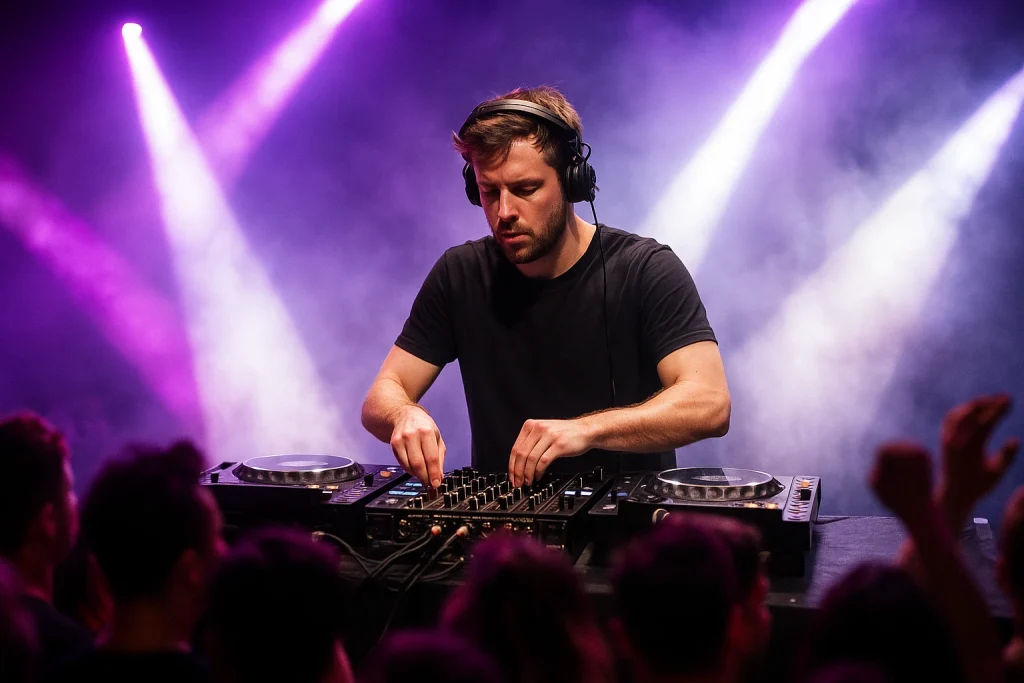
Getting Started: Essential Equipment and Software
Before you go live, ensure you have the right setup. The basic requirements include a powerful computer, a reliable internet connection, and quality audio gear. For those looking to invest in new equipment, check out our guide on the Best DJ Controllers 2026.
Audio Interfaces and Controllers
Your audio interface is critical for achieving high-quality sound during a live stream. Brands like Focusrite and PreSonus offer reliable options for various budgets. Choosing the right DJ controller is equally important, especially if you’re streaming from platforms like Rekordbox or Serato. Our detailed comparison on Rekordbox vs Serato can guide you to the best choice based on your needs.
Streaming Software
Software like OBS Studio and Streamlabs OBS are popular among DJs due to their flexibility and customization options. These tools allow you to add overlays, manage multiple audio and video inputs, and stream to various platforms simultaneously. For more production-oriented tasks, you might also explore Splice for loops and samples to enhance your set.
Choosing the Right Platform for Your Audience
The platform you choose can affect the type and size of your audience. Twitch and YouTube are preferred for their global reach and monetization options, while Facebook and Instagram offer direct engagement with followers. Each platform has its pros and cons, and understanding them is key to maximizing your exposure.
| Platform | Audience Reach | Monetization | Ease of Use |
|---|---|---|---|
| Twitch | Global | High | Moderate |
| YouTube | Global | High | High |
| Local to Global | Moderate | High | |
| Local to Global | Low | High |
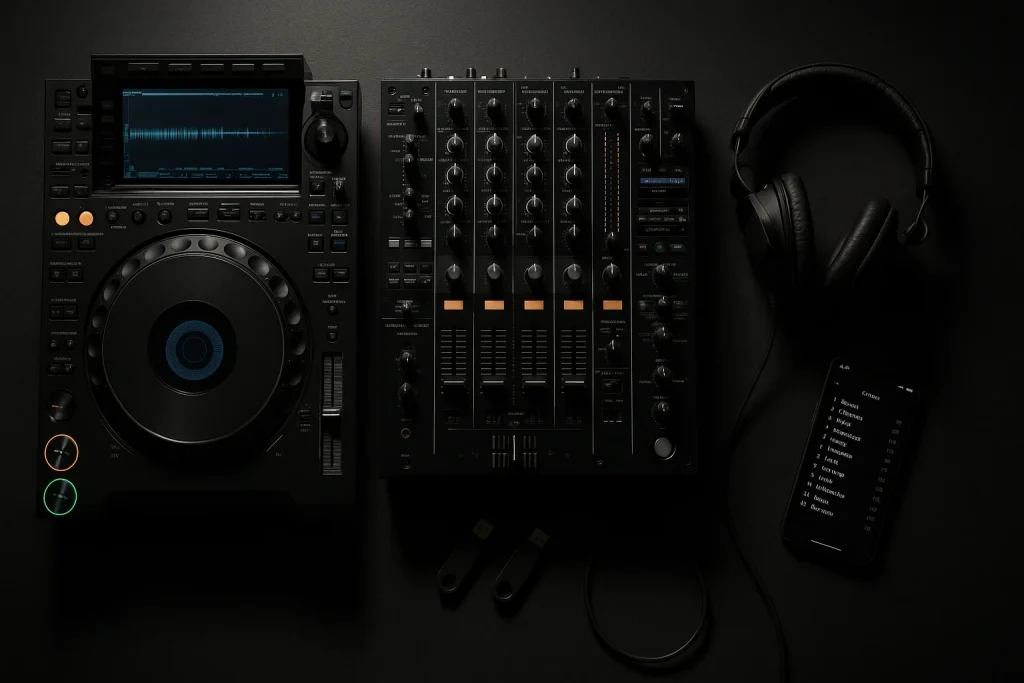
Enhancing Your Stream with Exclusive Tracks
To stand out, consider using exclusive tracks that aren’t available elsewhere. Exclusive tracks give you a unique edge, potentially drawing more viewers to your stream. Services like Exclusive Tracks for DJs offer custom-produced music that can match your brand and style.
Working with Ghost Producers
Collaborating with ghost producers can provide you with bespoke tracks tailored for your stream. This is particularly useful if you’re aiming to build a unique sound. Learn more about how to leverage ghost production in our article on Ghost Producer for DJs.
Technical Tips for a Seamless Stream
Ensuring your stream runs smoothly is as important as the content itself. Technical glitches can deter viewers, so it’s crucial to optimize your setup. Here are some technical tips:
- Internet Connection: Use a wired connection for stability and test your upload speed beforehand. Aim for at least 5 Mbps for a 720p stream.
- Audio Quality: Configure your settings to prioritize audio quality over video, especially if your audience is primarily listening to your set.
- Lighting and Video: Ensure your streaming area is well-lit. Invest in a quality webcam or DSLR for clear video output.
- Test Runs: Conduct test streams to iron out any technical issues before going live.
Promoting Your Stream Effectively
Promotion is key to attracting viewers to your stream. Utilize social media platforms like Facebook and Instagram to announce your events, and consider collaborating with other DJs or influencers to widen your reach. For more comprehensive strategies, read our tips on how to promote yourself as a DJ.
Engage with Your Audience
Interactive elements can increase viewer retention. Use live chat to engage with your audience, take requests, or answer questions. This not only boosts engagement but also builds a community around your brand.
Monetizing Your DJ Streams
Turning your streams into a revenue stream can be done through various methods like platform partnerships, merchandise sales, and donations. According to Spotify for Artists, many artists have found success by integrating merchandise into their streaming strategy.
Subscription Models and Donations
Platforms like Twitch offer subscription models where viewers can pay a monthly fee for exclusive content. Additionally, enabling donations through platforms like PayPal or Ko-fi can generate additional income.
For those considering expanding their content range, exploring services like Music Production Services can provide fresh content that keeps your streams engaging and monetizable.
Frequently Asked Questions
What is the best platform for streaming DJ sets?
The best platform depends on your goals. Twitch and YouTube are ideal for global reach and monetization, while Facebook and Instagram are better for direct audience engagement.
How can I ensure high audio quality during my stream?
Invest in a good audio interface and prioritize your audio settings. Test your setup beforehand to ensure there are no glitches during the live stream.
Can I monetize my DJ streams?
Yes, through platform partnerships, donations, and merchandise sales. Platforms like Twitch offer subscription models that can provide a steady income stream.
How do I get exclusive tracks for my stream?
Consider using services like Exclusive Tracks for DJs, where you can purchase custom-produced music that suits your style and enhances your brand.
What are some effective promotion strategies for my stream?
Use social media to announce your streams, collaborate with other artists to expand your reach, and engage with your audience through interactive elements during the stream.
Last updated:
Stand Out From Every Other DJ
The DJs who get booked and remembered play music nobody else has. Commission exclusive ghost-produced tracks and edits made specifically for your sound.